


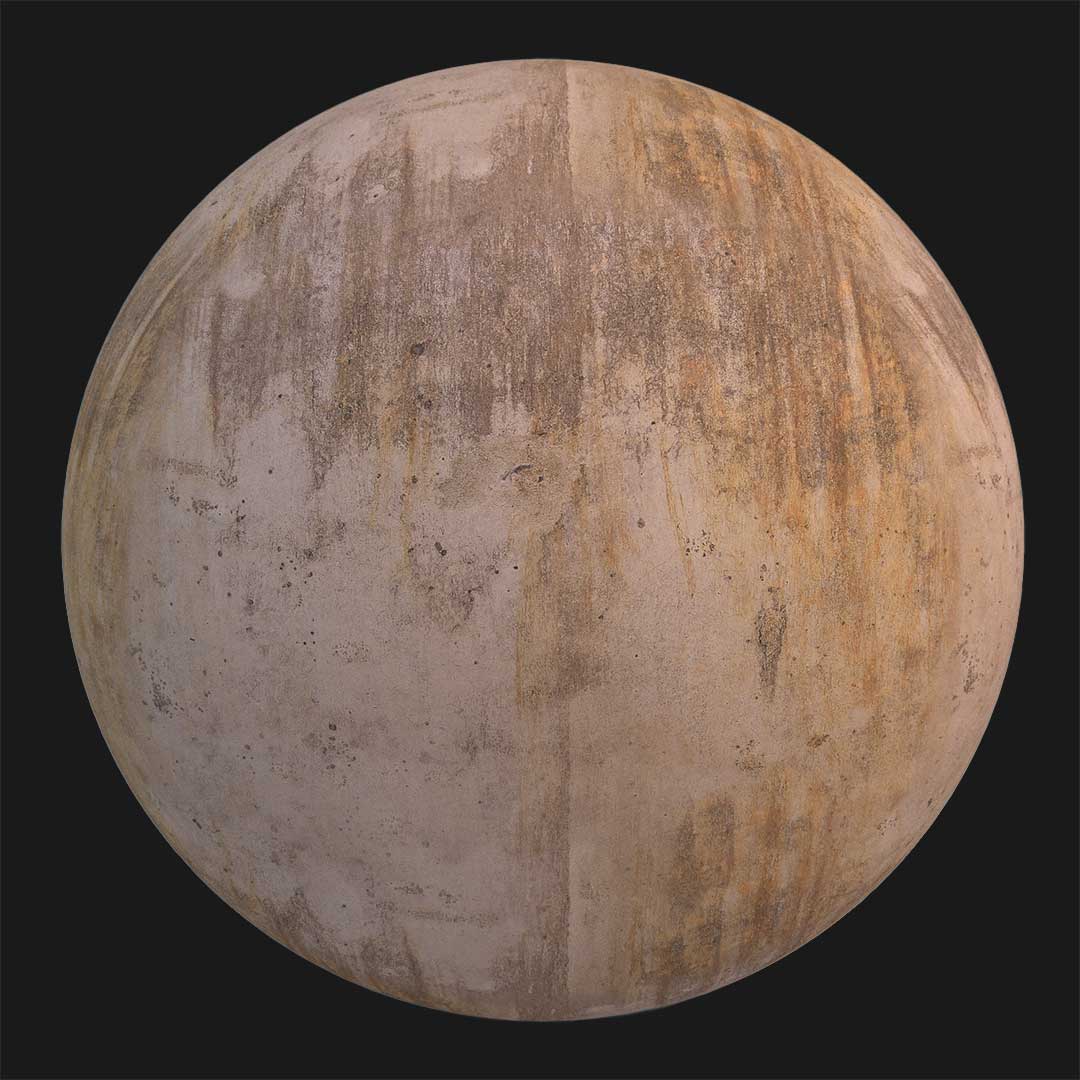
This scratched concrete wall PBR material is designed for projects that require a simple, understated cement surface rather than a visually rich or decorative finish.It represents a basic matte concrete wall with minimal detailing, subtle surface texture, and a cold grey tone.

Unlike high-end architectural concrete, this material intentionally feels low-cost and functional.
The surface is almost uniform in color, yet it avoids looking flat thanks to fine texture variation and small surface imperfections.
The overall appearance communicates practicality.
It works best in areas where the wall is not the main visual focus but still needs to feel realistic and physically grounded.
With a 4K resolution and seamless tiling, this texture can cover large exterior surfaces without visible repetition.
It maintains consistency while allowing enough detail to react naturally to light.
Surface Detail and Material Character
The surface of this concrete is relatively smooth but not polished.
Fine bumps and subtle irregularities break the flatness and help the material read as real cement.
A few minor cracks and scratches are visible across the surface.
These imperfections are not dramatic; instead, they suggest everyday wear and low-maintenance construction.
The cold grey color reinforces the utilitarian nature of the wall.
It feels neutral, restrained, and intentionally plain.
Because the material uses Base Color, Normal, and Specular maps, lighting interaction remains believable.
The matte finish reduces strong reflections, while the normal map adds gentle depth to the surface texture.
This balance makes the concrete suitable for background walls, secondary facades, service areas, or non-highlighted exterior structures.
Practical Use Cases and Workflow

This scratched matte concrete wall texture is ideal for simple architectural scenes.
It fits projects where realism matters, but visual complexity does not.
Typical use cases include exterior boundary walls, utility buildings, service corridors, industrial backdrops, or low-budget residential exteriors.
In these situations, a clean or decorative concrete finish would feel unrealistic.
Inside AfterBox, the material is ready to use without technical setup.
You can import it instantly, adjust scale, or slightly tweak color balance to better match your scene.
If needed, additional dirt or aging can be layered on top.
However, the base material already communicates a sense of basic construction and minimal care.
The seamless nature of the texture allows flexible tiling.
You can stretch it across long walls or repeat it vertically without obvious seams.
This material is especially useful when you want the wall to exist quietly in the scene.
It does its job visually without demanding attention.
For anyone looking to download a concrete PBR material that feels simple, affordable, and realistically imperfect, this scratched matte concrete wall offers a practical and efficient solution.

Save time on material setup
Instead of downloading this texture, use the optimized ready-made material for VRay , Corona Renderer (3ds Max) and Unreal Engine available in AfterBox.
No manual setup


