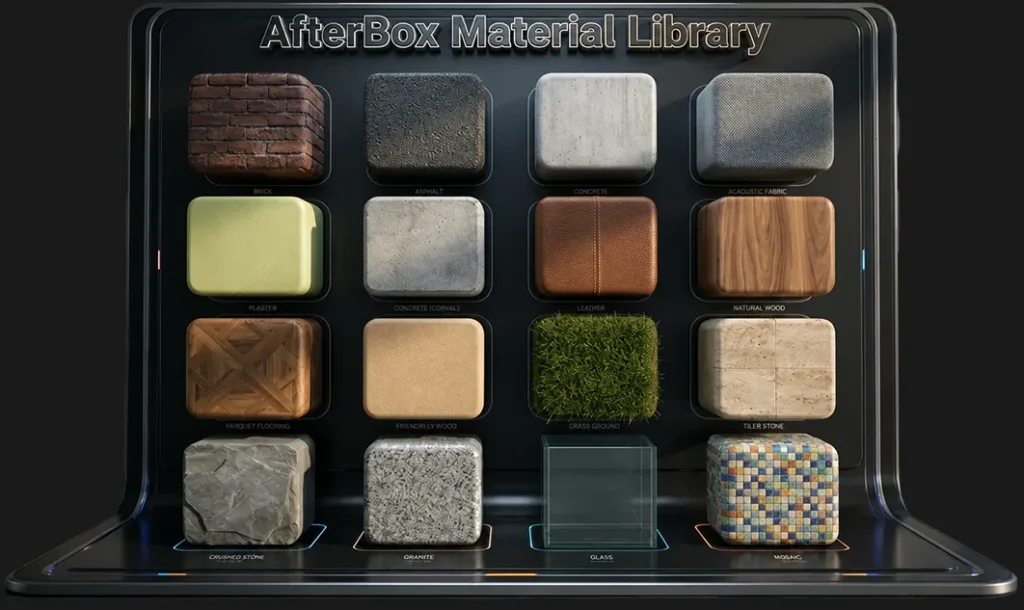
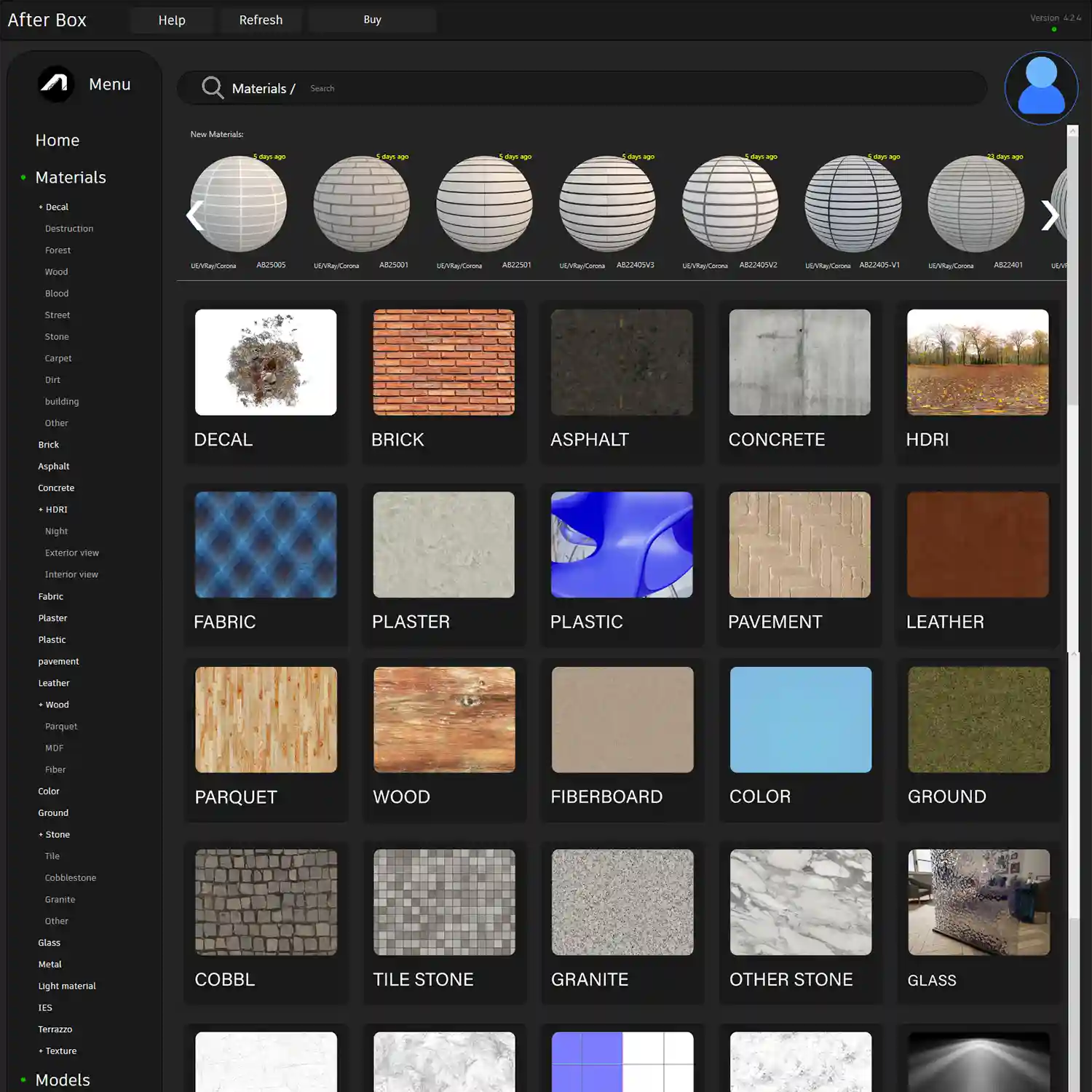
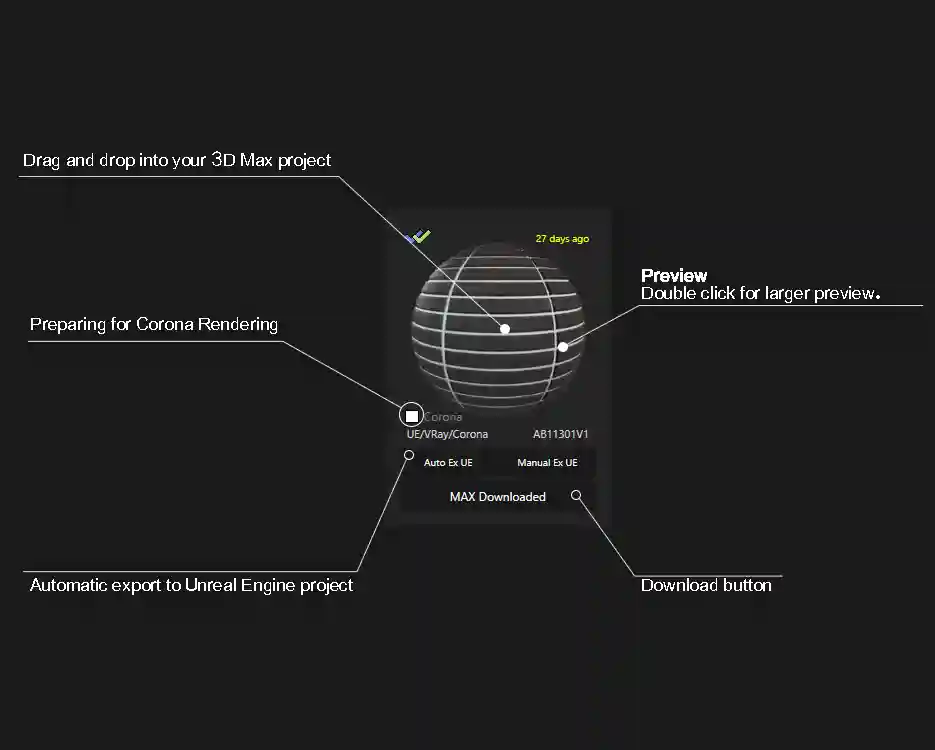
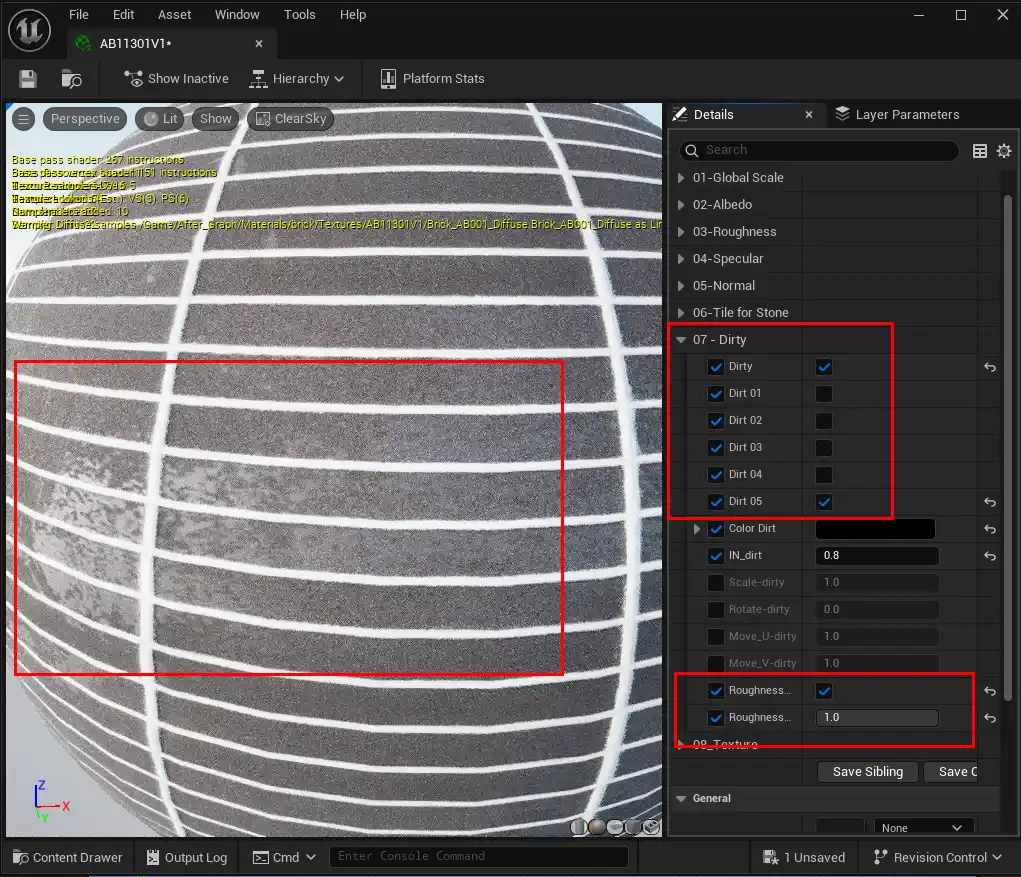
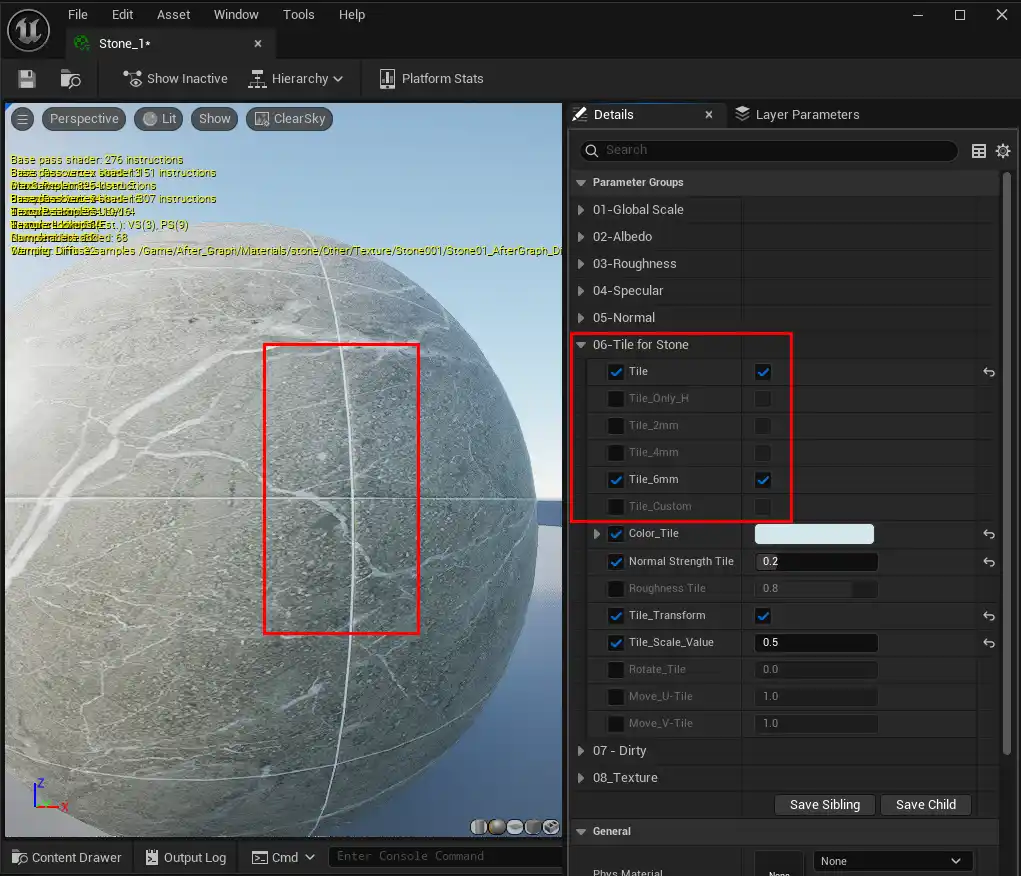
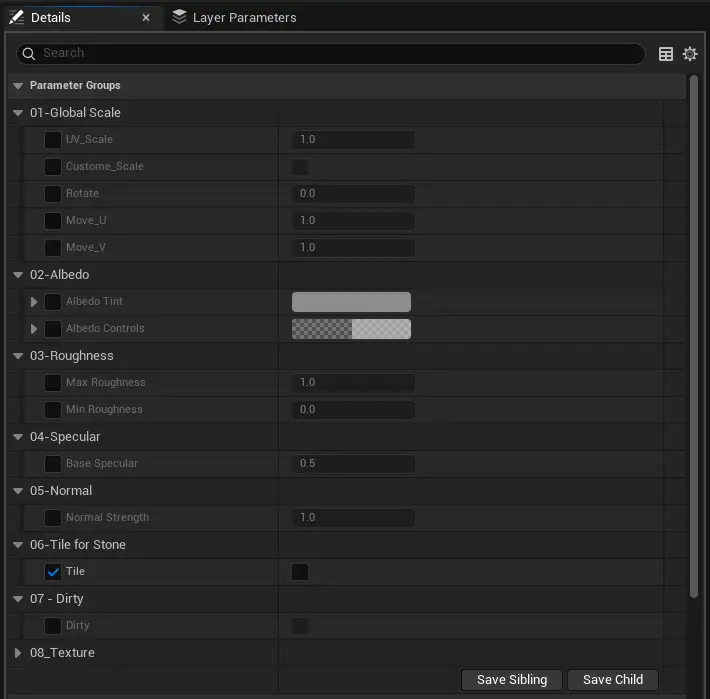
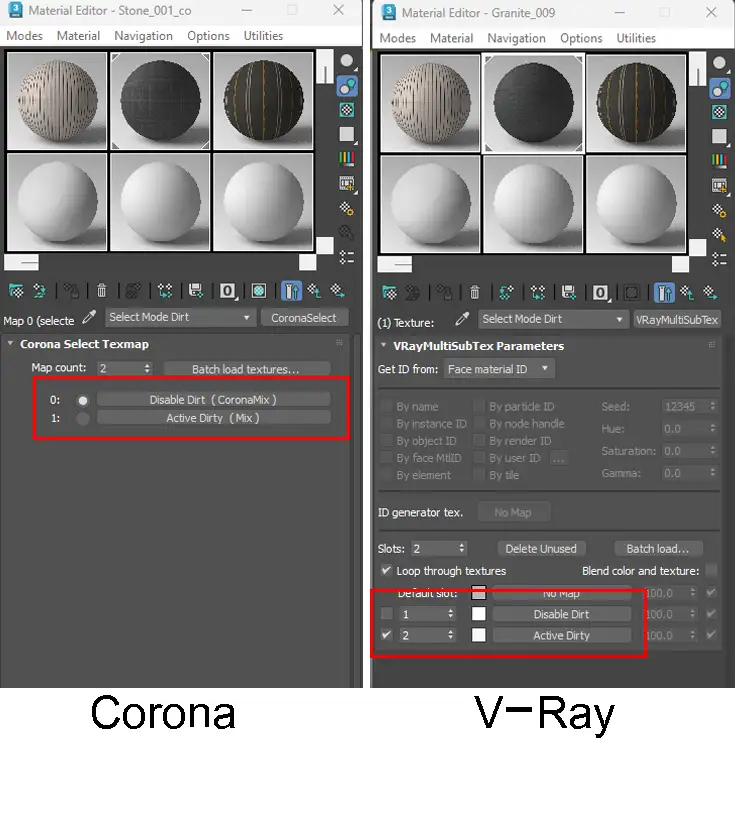
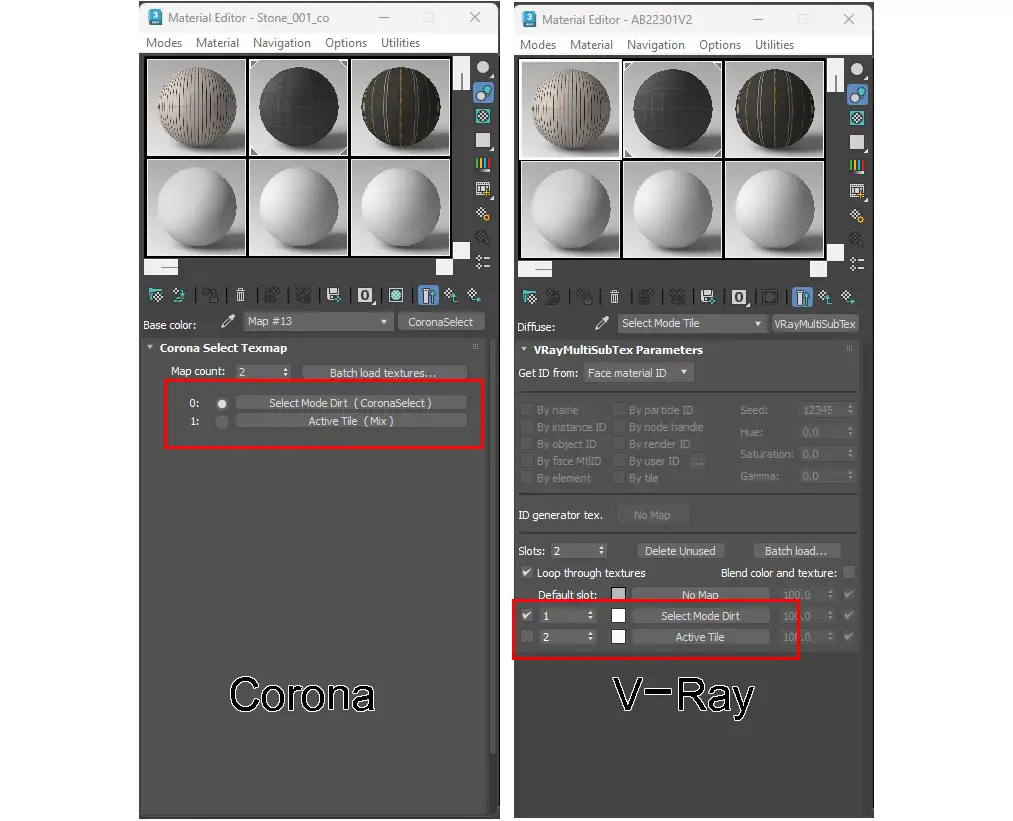
4000+ Ready-to-Use Materials for Unreal Engine, V-Ray & Corona Browse thousands of professional materials,import them into your projects in seconds,and get €12 free credit when you create an account. Get $12 Free Credit Register get $12 free credit by creating an account Name * User Email * User Password * Submit Or Login View Pricing Why Artists Use AfterBox? 4000+ MaterialsProfessional materials for architecture and game development. One-Click WorkflowImport materials into Unreal Engine, V-Ray and Corona. Unlimited DownloadsAccess to materials without daily limits. Material ControlsCustomize dirt, tiling and other parameters. Explore Material Categories Find the right material for your project.Browse hundreds of materials in each category. Brick Asphalt Concrete Fabric Plaster Leather Wood Parquet Fiber wood Ground Tile Stone Stone Granite Glass Mosaic How It Works? Step 1 Create a Free Account Get $12 free credit instantly.Get started Step 1 Step 2 Install AfterBox Download and install the lightweight AfterBox application on Windows.Download Now(12MB)https://after-box.com/wp-content/uploads/2026/06/Install-AfterBox-m3.mp4 Step 2 Step 3 Browse Materials Search and preview thousands of materials.https://after-box.com/wp-content/uploads/2026/06/ViewCate-m.mp4 Step 3 Step 4 Apply to Your Project Use materials in Unreal Engine, V-Ray or Corona.Drag & Drop Into Your Project.View more traininghttps://after-box.com/wp-content/uploads/2026/06/Click-And-Drag-m.m4v Step 4 Step 5 Customize and Render Adjust material settings such as dirt, tiling and other parameters to match your project.https://after-box.com/wp-content/uploads/2026/06/Add-Dirt-m2.m4v Step 5 See AfterBox in Action Menu The material library is divided into 35 different categories that cover all your project needs. Import into project 3D Max, V-Ray, Corona = Drag and DropUnreal Engine = Auto Export to Project button Adding dirt in Unreal Engine 5 different dirt maps are ready, just activate the checkmark. Adding Tile in Unreal Engine Enable the checkmark for all materials you need to have tiles. Material Instances Unreal Engine Material Instances at a Glance Adding dirt in V-Ray & Corona Make the V-Ray and Corona materials more realistic by selecting the Dirt button. Adding Tile in 3DsMax Enable the checkmark for all materials you want with tiles.For V-Ray and corona Learn How to Use the Materials Step by Step Watch Tutorial - Unreal Engine Watch Tutorial - Corona Watch Tutorial - V-Ray Pricing Preview Free Get $12 Free Credit Limited materials 7-Day Pass $5 Access to all materials Monthly $15 Access to all materials View Full Pricing 0 Unreal Engine materials 0 V-Ray materials 0 Corona Render materials Ready to Explore 4000+ Materials? Create your account today and receive $12 free credit. Get Started Free Register get $12 free credit by creating an account Name * User Email * User Password * Submit Or Login