


Visual Dynamics of Dark Crystalline Granite in Modern Design
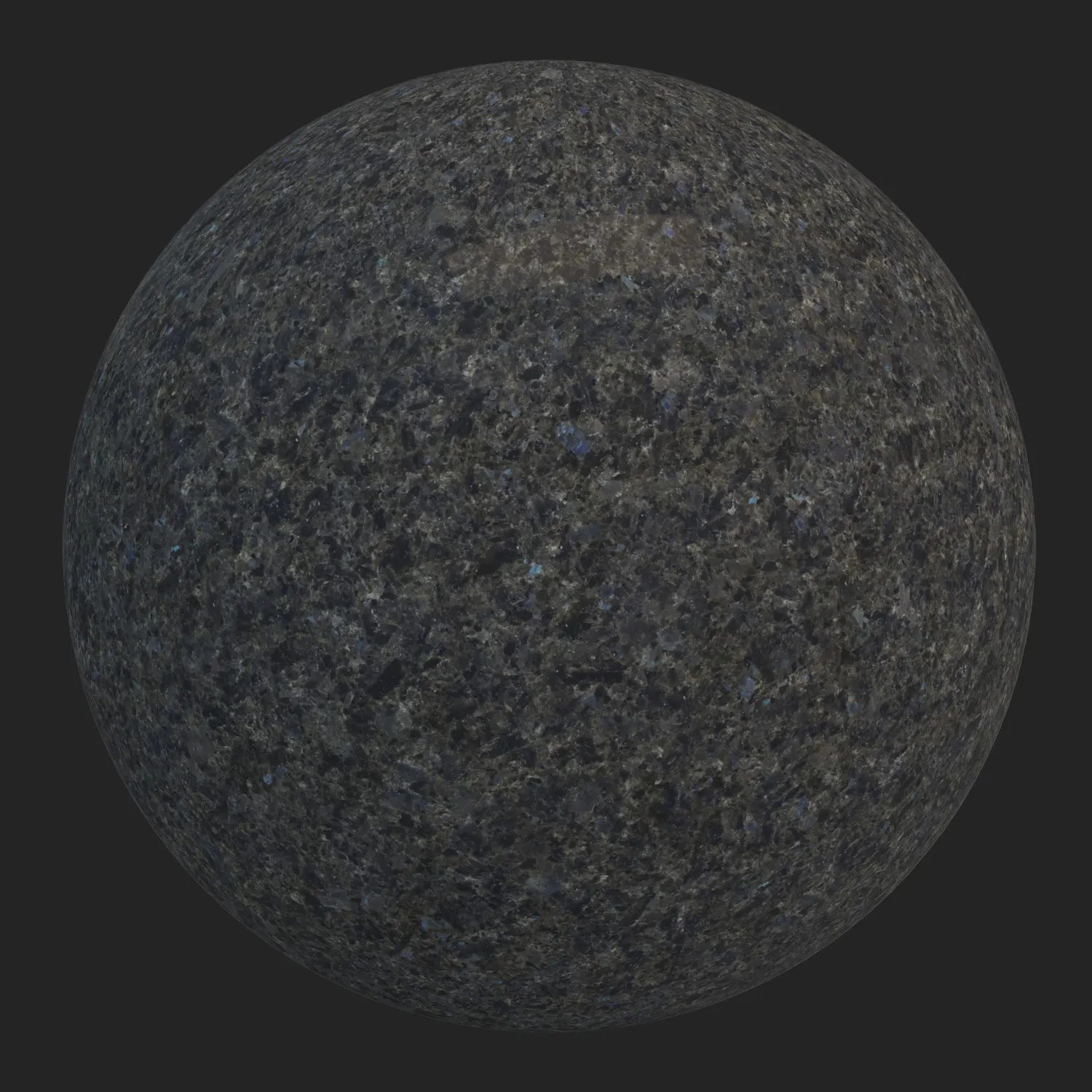
The visual profile of Dark Crystalline Granite relies on a dense, heavy, and medium-grained mineral structure. Unlike heavily veined marbles, this stone features a granular, mosaic-like matrix with subtle charcoal, deep black, and smoky gray tones. In certain lighting conditions, faint blue-gray reflections emerge from the crystalline facets, providing depth without overwhelming the base color.
This Seamless Dark Stone Material pairs exceptionally well with brutalist, industrial, and high-end modern architectural styles. It creates a striking contrast when combined with warm ambient lighting, natural wood elements, or brushed brass fixtures.
The surface is semi-matte with controlled roughness, capturing light exactly like commercially honed or lightly processed natural stone. Minor natural imperfections, such as slight variations in grain density and subtle mineral patches, prevent the surface from looking artificially perfect, making it highly reliable for photorealistic interior visualization.
Best Architectural Spaces for this Architectural Granite Surface
Because of its solid and formal appearance, this Architectural Granite Surface performs best in environments that require a sense of permanence and durability. Interior designers frequently utilize this Dark Crystalline Granite for heavy traffic areas such as luxury commercial flooring, hotel lobbies, and museum corridors.
In residential projects, it serves as an excellent choice for kitchen islands, countertops, and dark bathroom cladding. The Seamless Dark Stone Material also translates well to exterior applications, including modern building facades and outdoor steps, where its dark tones can anchor the building’s geometry against lighter surroundings.
Enhancing Realism with Dirt Overlays on PBR Granite Texture
To integrate the PBR Granite Texture seamlessly into lived-in environments, the ready-made material setup includes a customizable dirt layer toggle. Activating this feature introduces organic weathering to the Architectural Granite Surface. For exterior facades or outdoor paving, applying a subtle dust or dried mud mask helps ground the stone within its environment.
For interior applications like kitchen countertops or lobby floors, a lighter smudging or footprint mask adds the necessary human element. This controlled dirt application breaks up the surface uniformity, ensuring the PBR Granite Texture looks grounded rather than sterile. You can see a rendered example of this dirt-layered effect in the image below this text.
Technical Specifications and Rendering Workflow
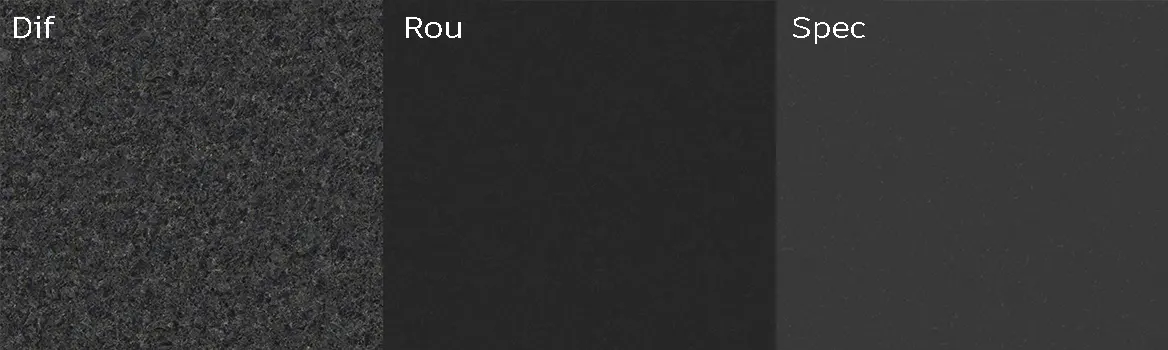
From a technical standpoint, this Seamless Dark Stone Material is built for high-end production environments. The texture maps are provided in an 8K resolution of 8192×8192 pixels, ensuring crisp details even in extreme close-up shots. The maps include Diffuse, Roughness, and Specular, allowing for accurate physical light behavior.
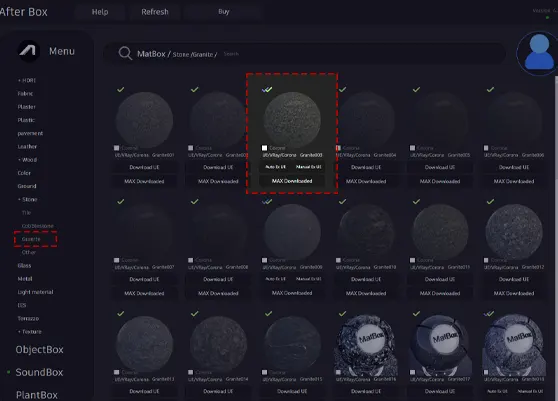
While you can download the Free Granite Textures to manually build your shaders in any software, the ready-made material is pre-configured for instant use in Unreal Engine, V-Ray for 3ds Max, and Corona Renderer for 3ds Max.
This optimized setup guarantees that the Dark Crystalline Granite reacts accurately to studio lighting and HDRI environments right out of the box.
How to Download Free Granite Textures and Access Ready Materials
The raw map files for this stone are available as Free Granite Textures, allowing visualizers to experiment with the maps at no cost. However, the fully configured, ready-to-render material node setup is a premium feature accessed via the AfterBox application. With a lightweight footprint of around 16MB, AfterBox allows users to drag and drop the prepared material directly into Unreal Engine, V-Ray, or Corona without spending time on manual shader construction.
While you can always download the Free Granite Textures separately, utilizing the AfterBox integration drastically reduces production time. For detailed information regarding the subscription plans for ready-made assets, visit: https://after-box.com/pricing/

Save time on material setup
Instead of downloading this texture, use the optimized ready-made material for V-Ray, Corona Renderer (3ds Max) and Unreal Engine available in AfterBox.No manual setup


