
 Build Faster with AfterBox
Access over 4000 ready-to-use materials for Unreal Engine, V-Ray and Corona.
Create your account and receive $12 free credit.
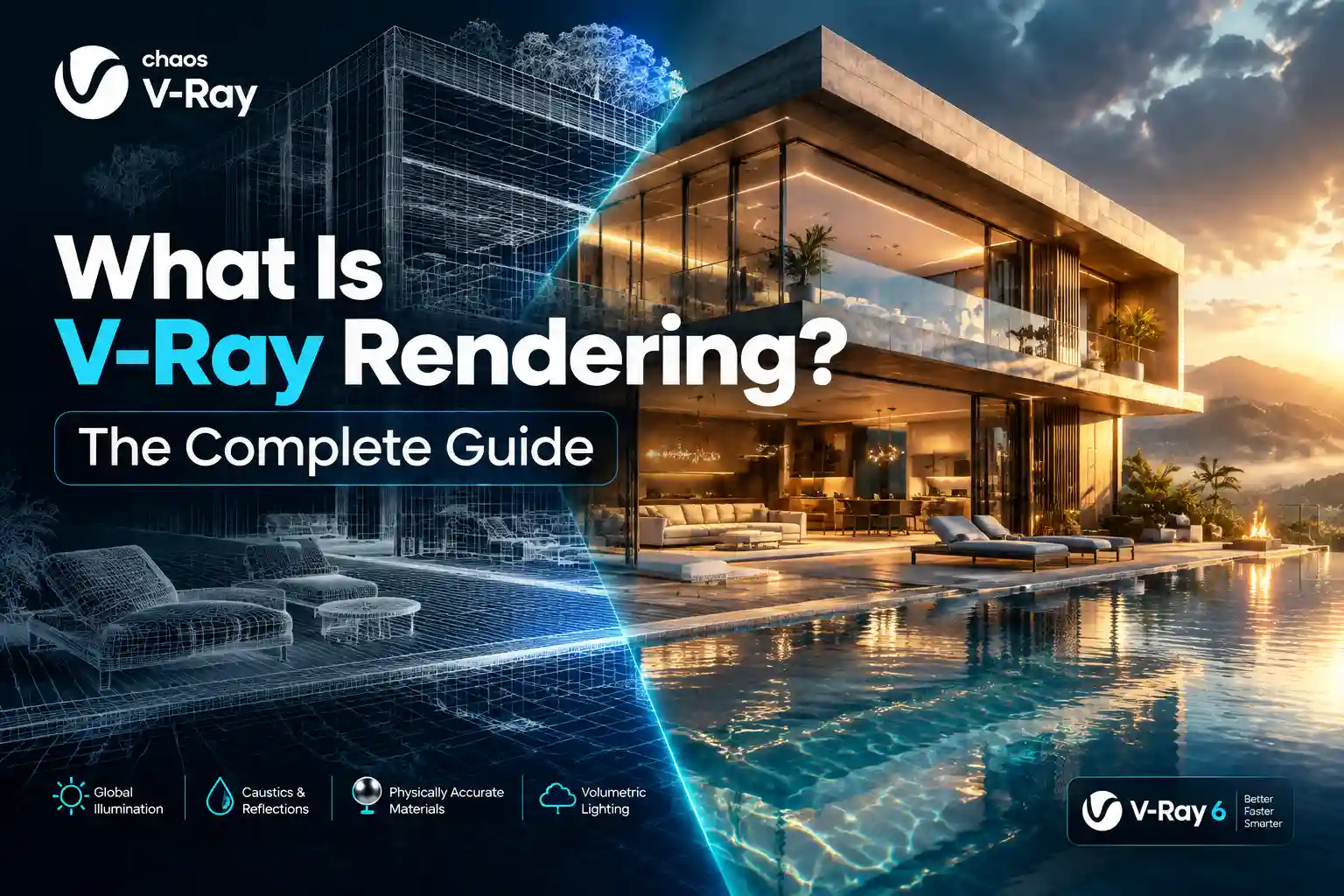
When exploring the world of 3D computer graphics, architectural visualization, and digital media production, you will inevitably encounter V-Ray rendering. Understanding what is V-Ray rendering is essential for anyone stepping into professional 3D design. At its core, V-Ray is a high-end commercial rendering software plugin that transforms 3D scene data into photorealistic images and animations. Developed by Chaos, this software has become a gold standard across multiple creative industries.
The History and Core Technology of V-Ray
The story of V-Ray began in 1997 when Vladimir Koylazov and Peter Mitev founded Chaos in Sofia, Bulgaria. Initially released as a commercial rendering engine in 2002, it quickly disrupted the 3D industry by offering fast, physically accurate global illumination calculations. Over the decades, Chaos continuously updated the engine to keep pace with evolving computer hardware and industry demands.
The underlying technology of V-Ray relies heavily on ray tracing. Ray tracing simulates the physical behavior of light by tracing the path of light rays as they travel from a camera, bounce off surfaces, and interact with materials. This computational approach allows the software to generate hyper-realistic reflections, refractions, shadows, and caustics.
Global illumination is another core pillar of V-Ray technology. Instead of relying solely on direct light sources, global illumination calculates how light bounces off walls and objects to illuminate a room naturally. V-Ray utilizes advanced algorithms like irradiance maps, light cache, and brute force to compute these complex light bounces efficiently.
Modern versions of V-Ray support CPU, GPU, and hybrid rendering. CPU rendering utilizes the full processing power of your computer’s central processing unit, offering maximum stability and memory capacity for massive scenes. GPU rendering leverages the parallel processing power of graphics cards to speed up rendering times significantly. Hybrid rendering allows artists to utilize both the CPU and GPU simultaneously for optimal hardware utilization.
Understanding Biased Versus Unbiased Rendering in Practice
To truly understand V-Ray rendering, you must understand the concept of biased rendering. In computer graphics, rendering engines are generally categorized as either biased or unbiased. An unbiased rendering engine strictly adheres to the laws of physics without taking shortcuts. It simulates light paths without altering mathematical probabilities, meaning that given enough time, noise-free images emerge naturally. However, unbiased engines often require extensive render times to clean up noise in complex indoor scenes.
By contrast, V-Ray is primarily a biased rendering engine. In practical terms, a biased renderer introduces calculated approximations and shortcuts to compute light and shadow data much faster. It allows artists to tweak parameters, optimize sampling rates, and control noise reduction algorithms directly. In daily production, this means you can balance render speed and visual quality deliberately.
When working with a biased engine like V-Ray, artists have granular control over how light behaves in a scene. You can adjust reflection glossiness thresholds, control ray depth limits, and optimize secondary bounces to save hours of render time. While unbiased engines require minimal setup, biased engines reward technical knowledge with immense speed and flexibility for tight commercial production deadlines.
Software Integration and Ecosystem
One of the greatest strengths of V-Ray is its versatile software integration. Chaos designed the engine as a universal core that plugs seamlessly into a wide variety of 3D host applications. This flexibility allows studios and freelance artists to maintain a consistent rendering workflow regardless of their primary modeling software.
3ds Max
V-Ray originated as a plugin for Autodesk 3ds Max, and this pairing remains the industry standard for high-end architectural visualization and heavy visual effects production.

SketchUp
SketchUp users rely heavily on V-Ray to turn simple architectural blockouts into stunning photorealistic interior and exterior presentations quickly and efficiently.
Maya
In the film and television industry, V-Ray for Autodesk Maya provides robust tools for complex character rendering, massive environment creation, and professional visual effects pipelines.
Rhino
Industrial designers and architects working in McNeel Rhinoceros use V-Ray to visualize complex NURBS geometry and product prototypes with incredible surface accuracy.
Revit
Architectural firms utilizing Autodesk Revit can leverage V-Ray to produce presentation-ready renderings directly from building information modeling data without exporting to external software.
Cinema 4D
Motion designers and 3D artists working in Maxon Cinema 4D use V-Ray to render glossy motion graphics, product animations, and broadcast commercials with pristine clarity.
Blender
The integration of V-Ray for Blender brings commercial-grade rendering power to the open-source community, giving independent artists access to advanced global illumination tools.
Unreal Engine
V-Ray bridges offline rendering quality with real-time interactivity, allowing users to transition static scenes into interactive real-time experiences effortlessly.

V-Ray Versus Corona: A Deep Technical Comparison
Many 3D artists frequently debate the differences between V-Ray and Corona Renderer. While both engines are developed by Chaos, they serve distinctly different workflow philosophies. The table below outlines the core technical and practical differences between these two rendering powerhouses.
| Comparison Feature | V-Ray | Corona Renderer |
|---|---|---|
| Rendering Approach | Biased engine with deep manual parameter control. | Biased/quasi-unbiased engine optimized for minimal setup. |
| Workflow and Setup | Requires tuning sampling, ray depth, and optimization settings. | Uses simplified artist-friendly defaults with minimal tweaking. |
| Memory Management | Advanced out-of-core rendering and proxy geometry handling. | Efficient memory handling, but struggles with extreme scene scales. |
| Pipeline Integration | Universal core available across nearly all major 3D packages. | Primarily focused on 3ds Max and Cinema 4D. |
| Ideal User Type | Technical artists, large studios, and multi-platform workflows. | Architectural visualization artists wanting instant setup speeds. |
Choosing between the two depends heavily on your project requirements. V-Ray suits complex visual effects, massive industrial design projects, and studios requiring multi-software pipelines. Corona suits architectural visualization artists who prioritize rapid scene setup, minimal parameter tweaking, and quick turnaround times over granular technical control.
Pros and Cons of V-Ray Rendering
Like any professional software tool, V-Ray comes with a distinct set of advantages and disadvantages that every 3D professional should evaluate before adopting it into their workflow.
Pros
- Unmatched photorealism through advanced ray tracing and global illumination.
- Incredible speed and versatility with hybrid CPU and GPU rendering options.
- Extensive asset library integration through Chaos Cosmos for instant vegetation and furniture.
- Deep parameter control allows fine-tuning of render times and image quality.
- Seamless integration across almost all major 3D modeling packages.
Cons
- Steep learning curve for beginners due to the vast array of advanced settings.
- Commercial licensing costs can be high for independent freelancers and small studios.
- Manual optimization requires experience to avoid render bottlenecks and noise artifacts.
Realistic Hardware Requirements
Running V-Ray efficiently demands robust computer hardware, especially for complex scenes containing millions of polygons and high-resolution textures. Hardware requirements vary depending on whether you focus on CPU or GPU rendering.
For CPU rendering, a high-core-count processor such as an AMD Ryzen 9 or Intel Core i9 is essential. A minimum of 64 GB of RAM is recommended for standard architectural projects, while complex visual effects scenes often require 128 GB or more to prevent memory crashes.
For GPU rendering, your graphics card specifications matter most. NVIDIA RTX graphics cards with dedicated RT cores and at least 12 GB to 24 GB of VRAM are ideal. V-Ray utilizes NVIDIA CUDA and RTX technology to accelerate ray tracing calculations dramatically, making modern graphics cards a worthwhile investment.

Who Uses V-Ray? Industry Applications
V-Ray serves as a vital tool across multiple professional industries that demand high-fidelity visual communication and design accuracy.
Architectural Visualization
Architects and visualization studios use V-Ray to create photorealistic exterior and interior renderings that help clients experience unbuilt spaces before construction begins.
Film and Visual Effects
VFX studios rely on V-Ray to render complex digital environments, photorealistic creatures, and explosive cinematic elements that blend seamlessly with live-action footage.
Product Design
Industrial designers use V-Ray to simulate realistic materials, plastics, metals, and glass surfaces for consumer electronics and packaging prototypes.
Automotive Visualization
Automotive manufacturers utilize V-Ray to showcase new car models in pristine studio lighting conditions and exotic outdoor environments for marketing campaigns.
