



A Versatile Palm for Architectural and Game Environments
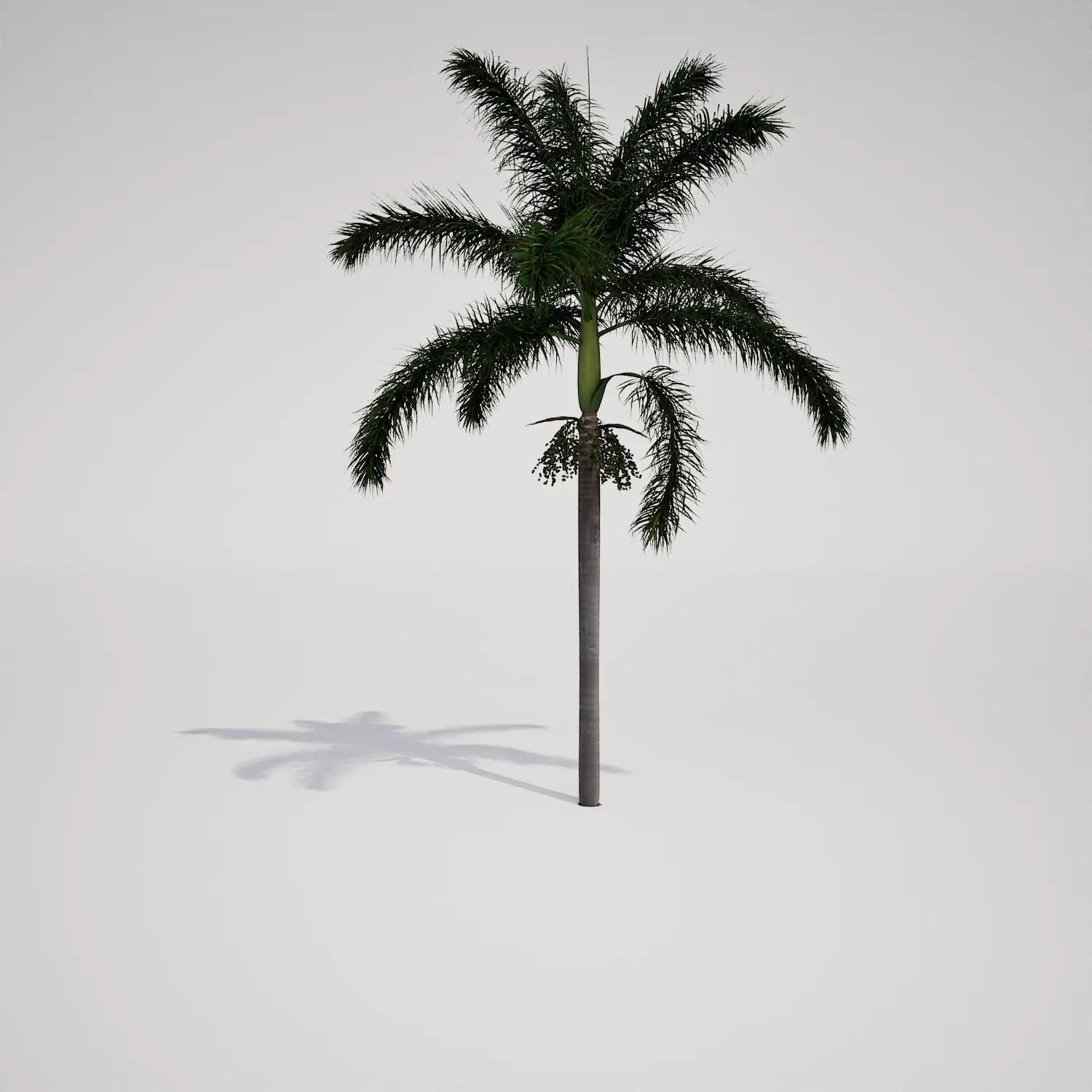
When working on exterior visualizations or tropical game environments, finding a high-quality, believable palm asset is essential for establishing scale and atmosphere. This single-stemmed palm asset features a clean, columnar trunk and a symmetrical crown of feathery fronds, making it an ideal candidate for projects that require a sophisticated, well-maintained look. While its appearance is similar to a Roystonea-type palm, its morphology is generic enough to fit a wide range of tropical and subtropical settings without feeling tied to one specific geographic location.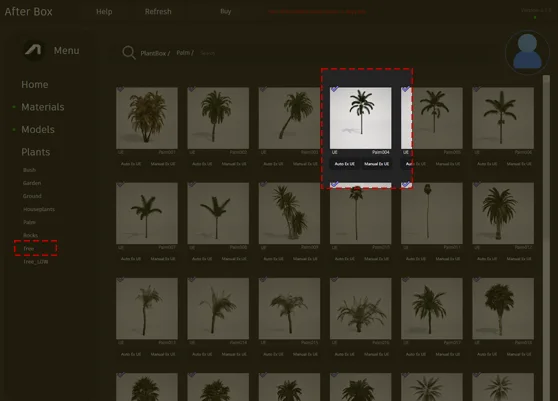
Implementation in Professional Projects
This asset excels in scenarios where clean lines and clear focal points are required. For architectural visualizers, it is perfectly suited for framing grand hotel entrances, lining luxury residential driveways, or adding a touch of elegance to modern pool designs. In game development, it serves as a reliable prop for tropical coastal resorts, city boulevards in warm climates, or lush island environments. Because of its tall, slender profile, it is particularly effective at adding vertical interest to a scene without obstructing sightlines or complex foreground geometry.Climate, Design, and Thematic Synergy
Designed for year-round tropical and subtropical themes, this palm works best in contemporary, modern tropical, or Mediterranean revival architectural styles. Its architectural silhouette pairs well with structured elements like stone pavers or concrete paths, while also sitting comfortably alongside other foliage such as hibiscus or bird of paradise. Please note that this plant is not suitable for woodland, temperate, or alpine environments, where its distinct tropical form would appear out of place and break the visual immersion of the scene.Technical Performance and Real-Time Rendering
With a triangle count of 558,629, this model provides high visual fidelity while remaining efficient for modern workflows. The asset is fully Nanite-compatible, allowing for seamless integration into Unreal Engine 5 projects without the need for manual LOD setup. This ensures that the geometry remains crisp even at varying distances. To achieve maximum realism, I recommend applying proper translucency settings to the foliage materials; this mimics the way sunlight filters through thin, organic leaves, which is critical for physically based rendering success in real-time environments.
Avoiding Repetition in Large Scenes
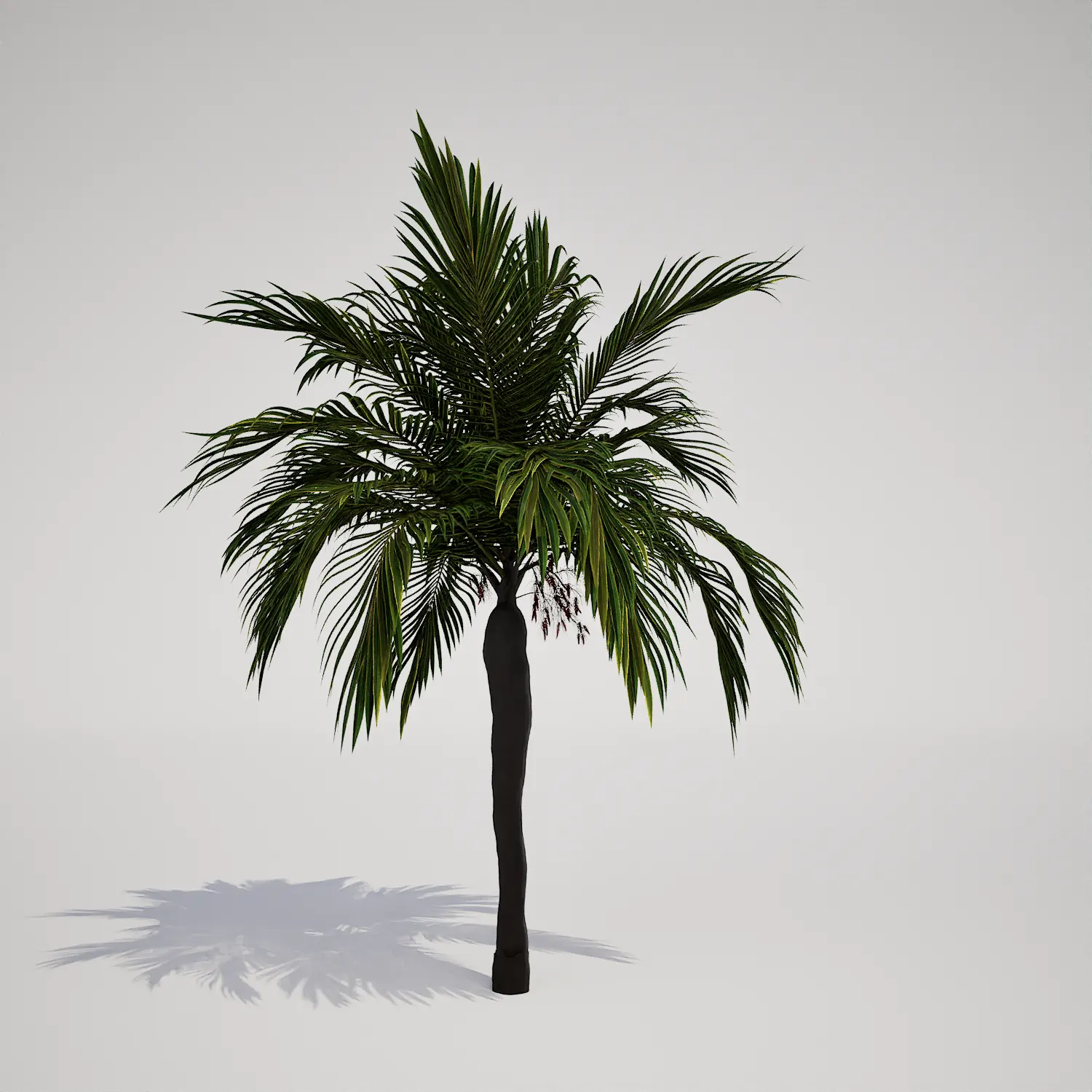
Because this palm has such a distinct and recognizable silhouette, scattering it as a uniform block can quickly lead to a repetitive “copy-paste” aesthetic. To avoid this, vary the rotation and scale of every instance within your foliage tool. If you are grouping them, mix in other vegetation assets to break up the pattern. If you need a more varied canopy appearance, consider combining this with a slightly smaller slanted tropical palm 3D asset to create a more natural, tiered grouping effect.Ready-to-Use Unreal Engine Workflow
This palm asset is designed to be pulled straight from the library into your level. By leveraging Nanite, the model handles its own optimization, letting you focus on lighting, composition, and material refinement rather than performance tuning. The pivot points are set for intuitive placement, and the material structure allows for simple adjustments to color or wind intensity, making it a reliable workhorse for your production pipeline.Seamless Project Integration
Whether you are populating a large-scale masterplan or a small architectural showcase, this asset helps you reach the finish line faster. Simply download and drag the model into your Unreal Engine 5 content browser to start building. For those interested in accessing our full library of production-ready foliage, you can find more information about subscription plans at https://after-box.com/pricing/.

Save time importing objects
Download this object and hundreds of others from Afterbox software right now and import it into your Unreal Engine project with one click.
