
 Build Faster with AfterBox
Access over 4000 ready-to-use materials for Unreal Engine, V-Ray and Corona.
Create your account and receive $12 free credit.
Choosing the right software for 3D rendering, modeling, and real-time visualization depends on your hardware capabilities. In this guide, we compare the system requirements for Unreal Engine, 3ds Max, V-Ray, and Corona to optimize your workflow.
Unreal Engine (Real-Time Rendering)
(Official source: Unreal Engine)
Minimum System Requirements
-
OS: Windows 10 (64-bit)
-
CPU: Quad-core Intel or AMD, 2.5 GHz or faster
-
RAM: 8 GB (16 GB recommended)
-
GPU: DirectX 11 or 12 compatible (NVIDIA GTX 960 / AMD R9 280 or better)
-
Storage: 40 GB SSD
Recommended System Requirements
-
CPU: 6-core or higher (Intel i7/i9 or AMD Ryzen 7/9)
-
RAM: 32 GB+ for complex scenes
-
GPU: NVIDIA RTX 3060 Ti / AMD RX 6700 XT (RTX 40-series for ray tracing, See NVIDIA’s lineup)
-
Storage: NVMe SSD for faster loading
Best for: Real-time rendering, game development, architectural visualization.

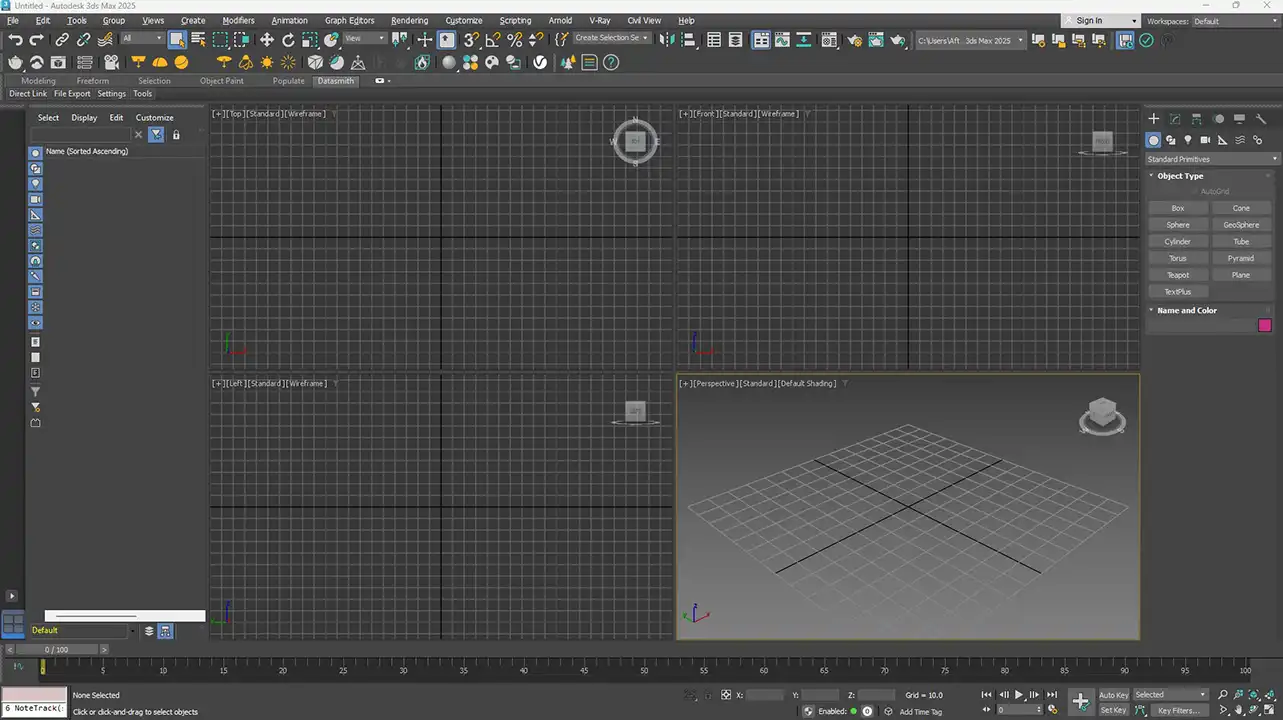
3ds Max (3D Modeling & Animation)
(Official source: Autodesk)
Minimum System Requirements
-
OS: Windows 10 (64-bit)
-
CPU: 64-bit Intel or AMD multi-core
-
RAM: 8 GB (16 GB recommended)
-
GPU: 1 GB VRAM (4 GB recommended)
-
Storage: 4 GB free space
Recommended System Requirements
-
CPU: Intel i9 / AMD Ryzen 9 (high clock speed for viewport performance)
-
RAM: 32 GB+ for large scenes
-
GPU: NVIDIA RTX 3070+ / AMD RX 6800 (for real-time viewport)
-
Storage: SSD (NVMe preferred)
Best for: Architectural modeling, animation, VFX.
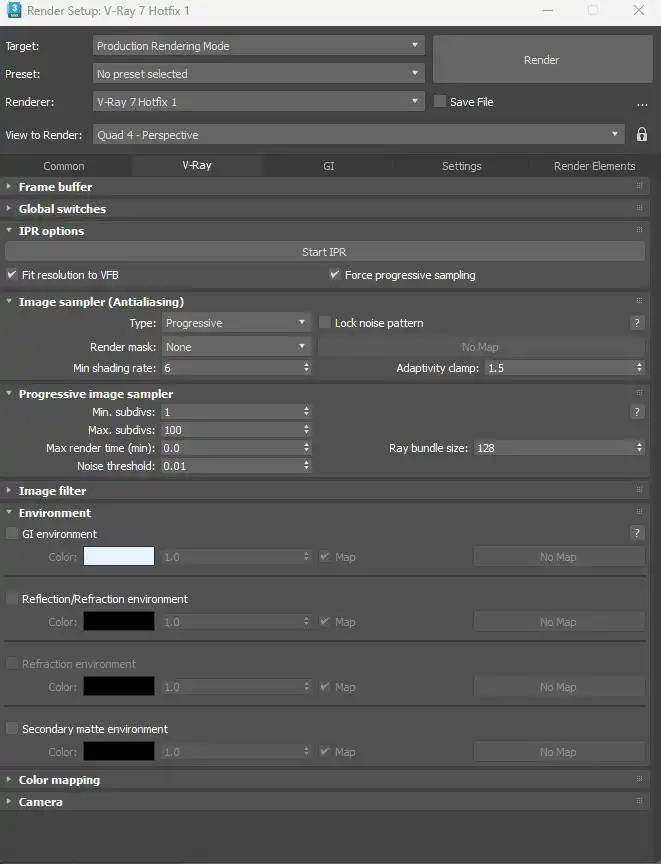
V-Ray (Production Rendering)
(Official source: Chaos Group)
Minimum System Requirements
-
OS: Windows 10 (64-bit), Linux, macOS
-
CPU: Intel/AMD with SSE4.2 support
-
RAM: 8 GB (16 GB+ recommended)
-
GPU (for V-Ray GPU): NVIDIA RTX with CUDA support
Recommended System Requirements
-
CPU: AMD Threadripper / Intel Xeon (multi-core for faster rendering)
-
RAM: 64 GB+ for heavy scenes
-
GPU: NVIDIA RTX 4080 / 4090 (more VRAM = better performance)
-
Storage: Fast SSD for asset caching
Best for: High-end photorealistic rendering, architectural visualization.
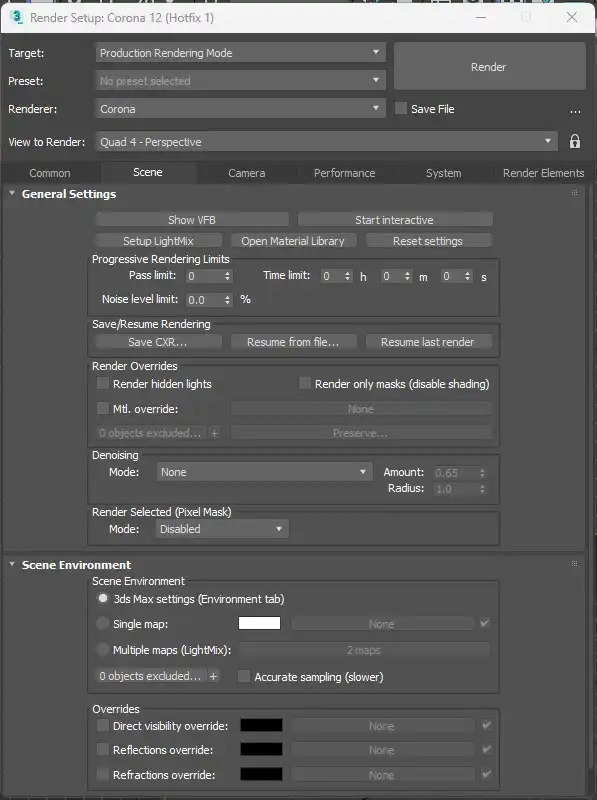
Corona Renderer (Photorealistic Rendering)
(Official source: Corona Renderer)
Minimum System Requirements
-
OS: Windows 10 (64-bit)
-
CPU: Intel/AMD with SSE4.2 support
-
RAM: 8 GB (16 GB recommended)
-
GPU: Not required (CPU-based renderer)
Recommended System Requirements
-
CPU: Intel i9 / AMD Ryzen 9 (high clock speed + multiple cores)
-
RAM: 32 GB+ for complex scenes
-
Storage: SSD for faster loading
Best for: Architectural visualization, product rendering, ease of use.
System Requirements Comparison Summary
| Software | CPU Focus | GPU Focus | RAM Recommendation | Best Use Case |
|---|---|---|---|---|
| Unreal Engine | High (6+ cores) | Critical (RTX recommended) | 32 GB+ | Real-time rendering |
| 3ds Max | High (single-core speed) | Important (viewport performance) | 32 GB+ | 3D modeling & animation |
| V-Ray | Multi-core (Threadripper/Xeon) | Optional (GPU mode available) | 64 GB+ | Photorealistic rendering |
| Corona | High clock speed + cores | Not required (CPU-based) | 32 GB+ | Easy photorealistic rendering |
Final Thoughts about System Requirements
-
Unreal Engine is ideal for real-time projects but demands a powerful GPU.
-
3ds Max benefits from fast single-core CPUs for smooth viewport performance.
-
V-Ray excels in GPU + CPU hybrid rendering for high-end results.
-
Corona is user-friendly and relies mostly on CPU power.
Before upgrading your workstation, always check the latest Unreal Engine, 3ds Max, V-Ray, and Corona system requirements to ensure optimal performance for your 3D projects.
What’s your setup? Let us know in the comments!
