



Achieving a Refined Look with Light Oak Wood Texture
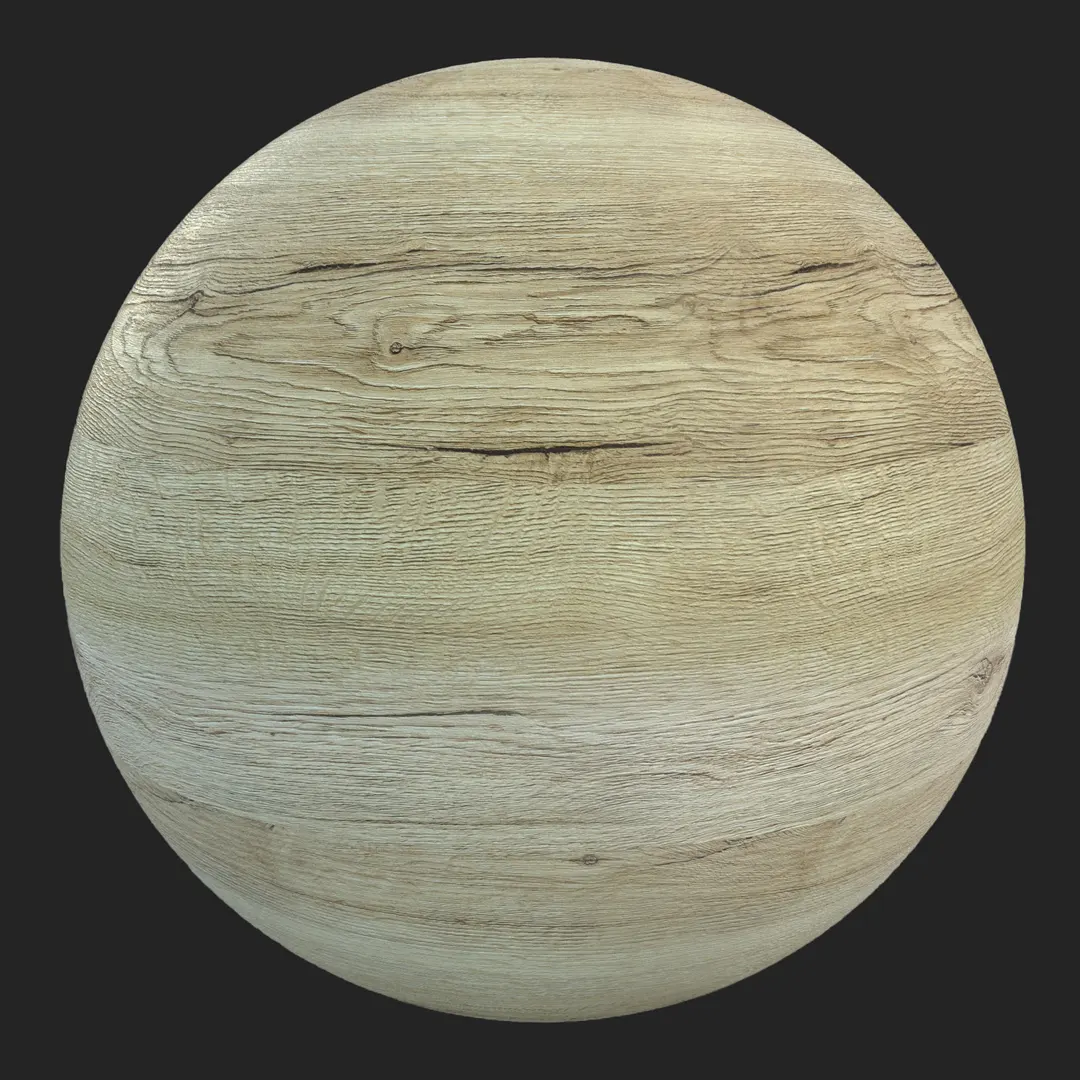
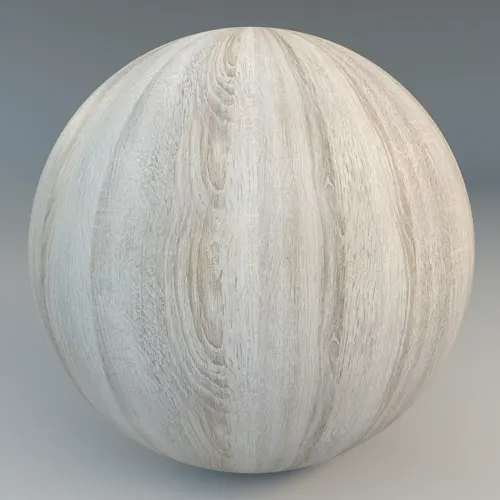
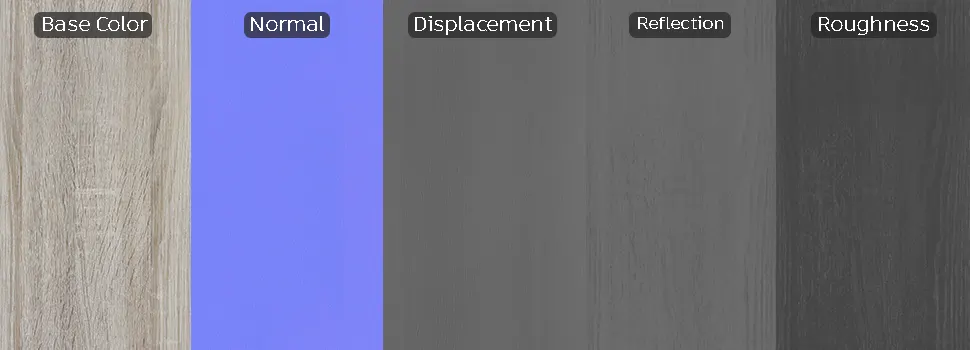
When aiming for a clean, Scandinavian-inspired interior, finding the right **light oak wood texture** is essential for maintaining a sense of balance. This material offers a desaturated, neutral aesthetic that avoids the warm, orange undertones often found in generic oak textures. Its subtle, straight-grain pattern provides a sophisticated, modern foundation that works exceptionally well in minimalist scenes where you want the architecture to feel airy and light rather than heavy or overly rustic.
Ideal Applications for Modern Environments
This material shines in high-end residential and commercial projects. For interior designers, it serves as a versatile choice for full-wall paneling, built-in cabinetry, or contemporary flooring that needs to remain light-reflective. Because of its linear, medium-scale pattern, it is particularly effective for custom furniture surfacing, such as clean-lined reception desks or bedroom headboards. In game environments, the material is well-suited for high-fidelity architectural showcases where a polished, real-world appearance is required without the visual noise of heavy knots or dramatic wood grain inconsistencies.
### Design Pairing and Style Fit
The neutral beige and light gray tones allow this wood to harmonize with a wide range of materials. It looks stunning when paired with matte black metal hardware, raw concrete finishes, or soft white plaster walls. While it is perfect for modern, Scandinavian, and contemporary styles, it may not be the right choice for high-contrast industrial spaces or rustic barn-style interiors, where a more distressed or darker timber would be more appropriate.
### Rendering and Technical Precision
Engineered with an 8K resolution, this PBR-ready material ensures crisp detail even in tight, close-up camera angles. The included displacement and normal maps allow for accurate surface depth, giving the fine pores of the wood a tangible quality under harsh or side-lit lighting conditions.
Save Time with AfterBox
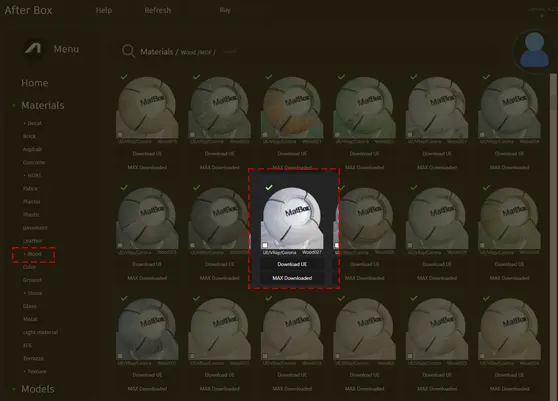
Browse, download and apply materials directly in Unreal Engine, V-Ray and Corona.
### Adding Realism Through Surface Imperfections
To elevate your renders from “digital” to “photoreal,” consider layering light dust or micro-scratches. A subtle roughness map variation can prevent the surface from looking too plastic or perfect. Adding these slight imperfections near window light sources will help break up the uniformity, making the material feel like a lived-in part of the architecture.




### Ready Material Workflow Advantages
This material is fully optimized for immediate use in Unreal Engine, V-Ray, and Corona Renderer. By providing a ready-made material setup, we remove the need for manual shader calibration. Whether you are building a complex node tree in Unreal or assigning materials in 3ds Max, this setup is designed to plug directly into your material slots, saving significant time during your look-development phase.

### Streamlining Your Production Pipeline
You can drag and drop this PBR material directly into your scene for an instant, high-quality result. By utilizing our ready-made setup, you bypass the tedious process of material creation, allowing you to focus on lighting and composition. For those working on tight deadlines, the efficiency gained here is critical for final frame renders. Explore more options via our subscription plan: https://after-box.com/pricing/


Save time on material setup
Instead of downloading this texture, use the optimized ready-made material for VRay , Corona Renderer (3ds Max) and Unreal Engine available in AfterBox.
No manual setup


