





Context & Visual Identity – Burnt Brick Wall Texture
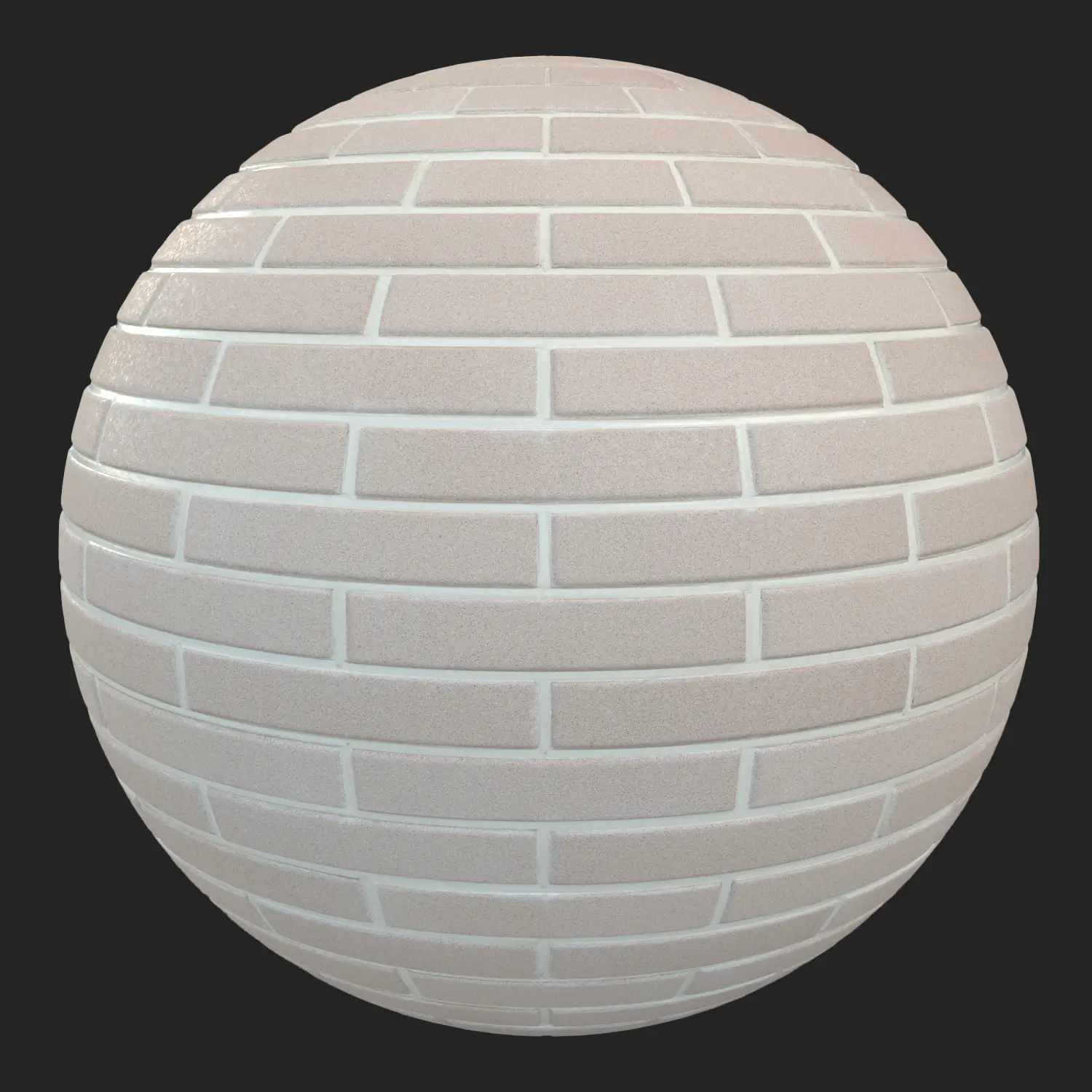
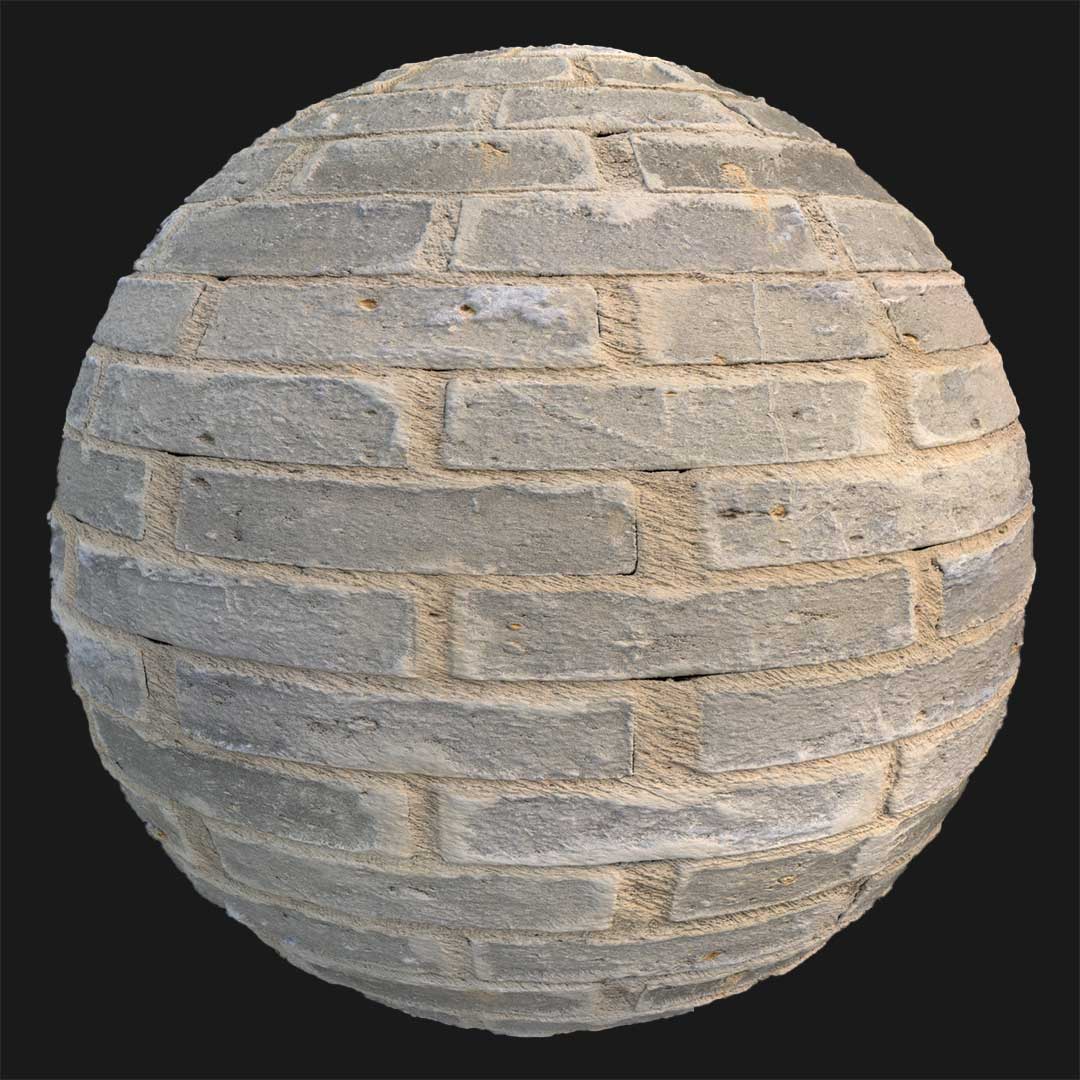
This free brick wall texture represents a surface that was once carefully constructed but later exposed to extreme conditions. The brick layout follows a classic half-brick running bond pattern, with aligned horizontal joints and visible grey mortar.

However, the surface has darkened over time, shifting toward a deep, soot-like brown tone, as if affected by fire or prolonged exposure to smoke.
The bricks show subtle porosity and a slightly chiseled roughness, with mild specular response that becomes visible under directional light. This creates the impression of heat-treated masonry — not fully destroyed, but visibly stressed. The overall character sits between structurally sound and historically damaged, making it ideal for environments that require narrative depth rather than random decay.
Typical Problems This Free Brick Wall Texture Solves
In many projects, standard brick materials appear too clean and uniform. When visualizing post-industrial spaces, abandoned warehouses, or war-affected areas, a pristine brick wall breaks realism.
This free brick wall texture helps solve that issue by introducing controlled burn marks and surface aging while preserving structural logic. It avoids exaggerated destruction and instead provides believable fire exposure.
It is particularly useful when:
-
A scene requires evidence of past damage without full collapse
-
Game levels need environmental storytelling through surface detail
-
Architectural renders demand contrast between renovated and damaged zones
-
Industrial simulations require heat-affected masonry
Because the texture remains seamless and physically accurate, it maintains realism even across large wall spans.
Practical Use Cases – Free Burnt Brick Wall Texture in Production
This free burnt brick wall texture has practical application across multiple industries:
-
War-zone game environments in Unreal Engine
-
Burnt warehouse interiors in cinematic previs
-
Rural industrial sheds with fire damage
-
Historical reconstructions of partially damaged buildings
-
Abandoned factory scenes requiring soot-darkened masonry
In gameplay environments, it communicates backstory without relying on props alone. In architectural visualization, it can be used to depict renovation projects where part of the structure has been fire-damaged but remains standing.
The 8K resolution (8096×8096) ensures that even close-up camera shots retain clarity, especially when displacement or normal maps are used to emphasize brick depth and mortar joints.
Rendering & Realism Notes
This PBR brick wall texture includes realistic roughness variation and subtle gloss response that reacts naturally under grazing light. The slightly reflective micro-areas simulate heat-altered brick surfaces.
Under HDRI daylight, the dark brown soot tones absorb light convincingly. In contrast, under strong artificial lighting, the chiseled surface catches highlights in a way that enhances material credibility.
Because the pattern follows a logical masonry layout, it avoids procedural repetition artifacts common in generic damaged brick textures.
Render Engine Compatibility
This free brick wall texture is ready for Unreal Engine, V-Ray, and Corona Renderer workflows.
In Unreal Engine, it integrates into standard PBR materials and supports both static lighting and Lumen-based setups.
In V-Ray and Corona for 3ds Max, maps are calibrated for physically accurate reflection and roughness response, reducing manual adjustments.
The texture maps are also compatible with other rendering engines that support PBR pipelines.
Workflow Advantage with AfterBox
All materials, including this free burnt brick wall texture, are accessible inside the lightweight AfterBox application (approximately 16MB).

Users can drag & drop the ready-made material directly into Unreal Engine or into V-Ray and Corona within 3ds Max.
This eliminates repetitive node setup and manual map assignment, which is particularly useful in production pipelines with multiple assets.
Access a comprehensive library of brick wall texture materials with an AfterBox subscription.


Save time on material setup
Instead of downloading this texture, use the optimized ready-made material for VRay , Corona Renderer (3ds Max) and Unreal Engine available in AfterBox.
No manual setup


