
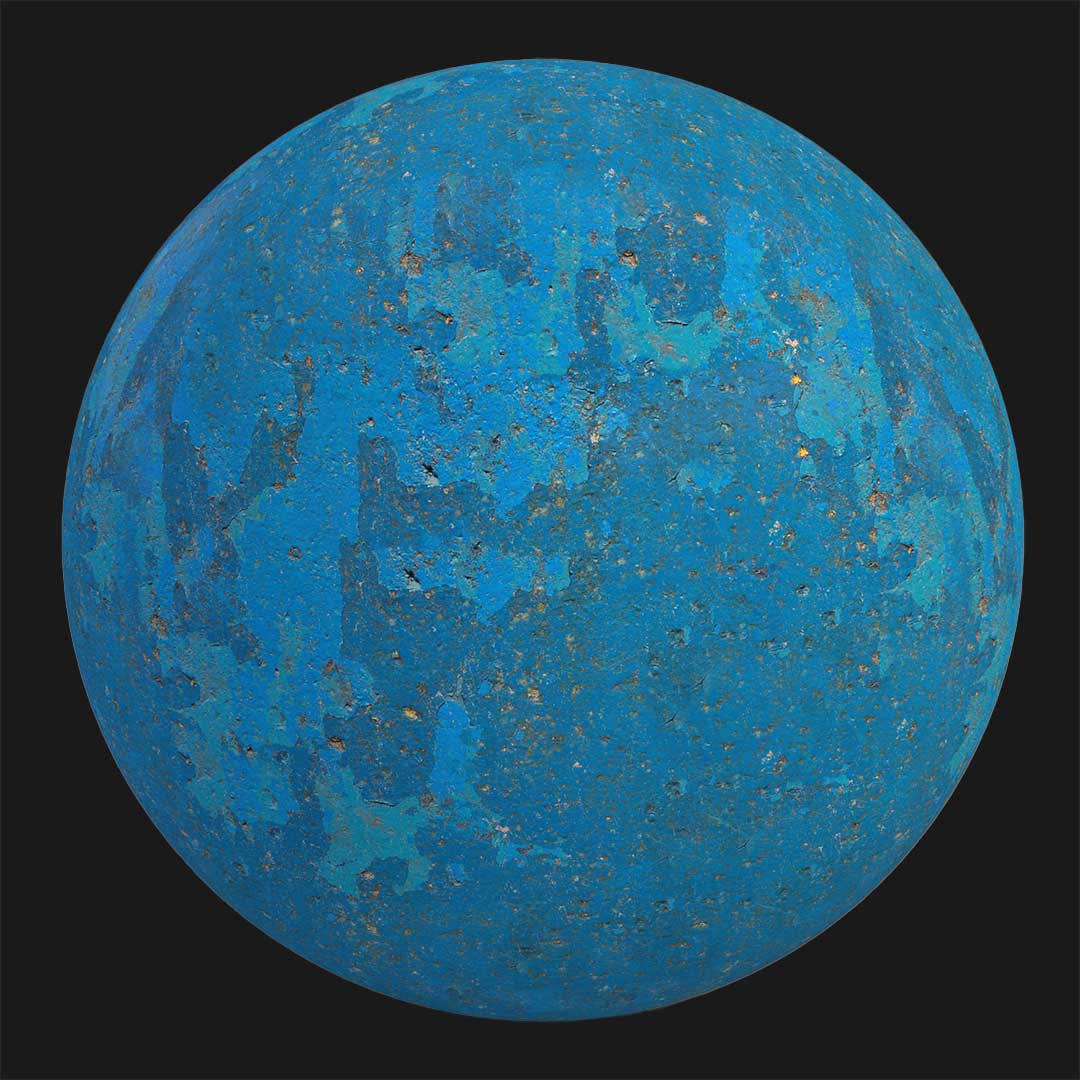


Get this free concrete PBR texture featuring a warm cream tone and a heavily rough, porous surface.
The material exhibits prominent raised areas and visible stone granules, creating a tactile effect that adds depth to any architectural surface.
Unlike smoother concrete textures, this one emphasizes surface imperfection and rawness.
The pronounced porosity and irregular surface make it perfect for brutalist designs, industrial exteriors, and game environments where texture realism is critical.

This seamless 8K texture works great on walls, facades, and large-scale surfaces.
Its high resolution ensures detail retention in close-up renders while maintaining visual consistency across broader areas.
Included PBR maps (Base Color, Normal, and Roughness) deliver accurate shading and realistic light interaction in both real-time and offline render engines.
As a result, your renders will reflect the texture’s rugged surface and natural depth.
For faster material setup, this texture is also available as a ready-made material inside AfterBox.
Instead of manually creating the material, you can drag-and-drop it, adjust tiling, add dirt layers, tweak colors, and get professional results without advanced material skills.

Whether for industrial walls, exterior brutalist projects, or game environments, this free concrete texture ensures high-quality visuals with zero setup hassle.
Download now and integrate it directly into your workflow.


Save time on material setup
Instead of downloading this texture, use the optimized ready-made material for VRay , Corona Renderer (3ds Max) and Unreal Engine available in AfterBox.
No manual setup


