


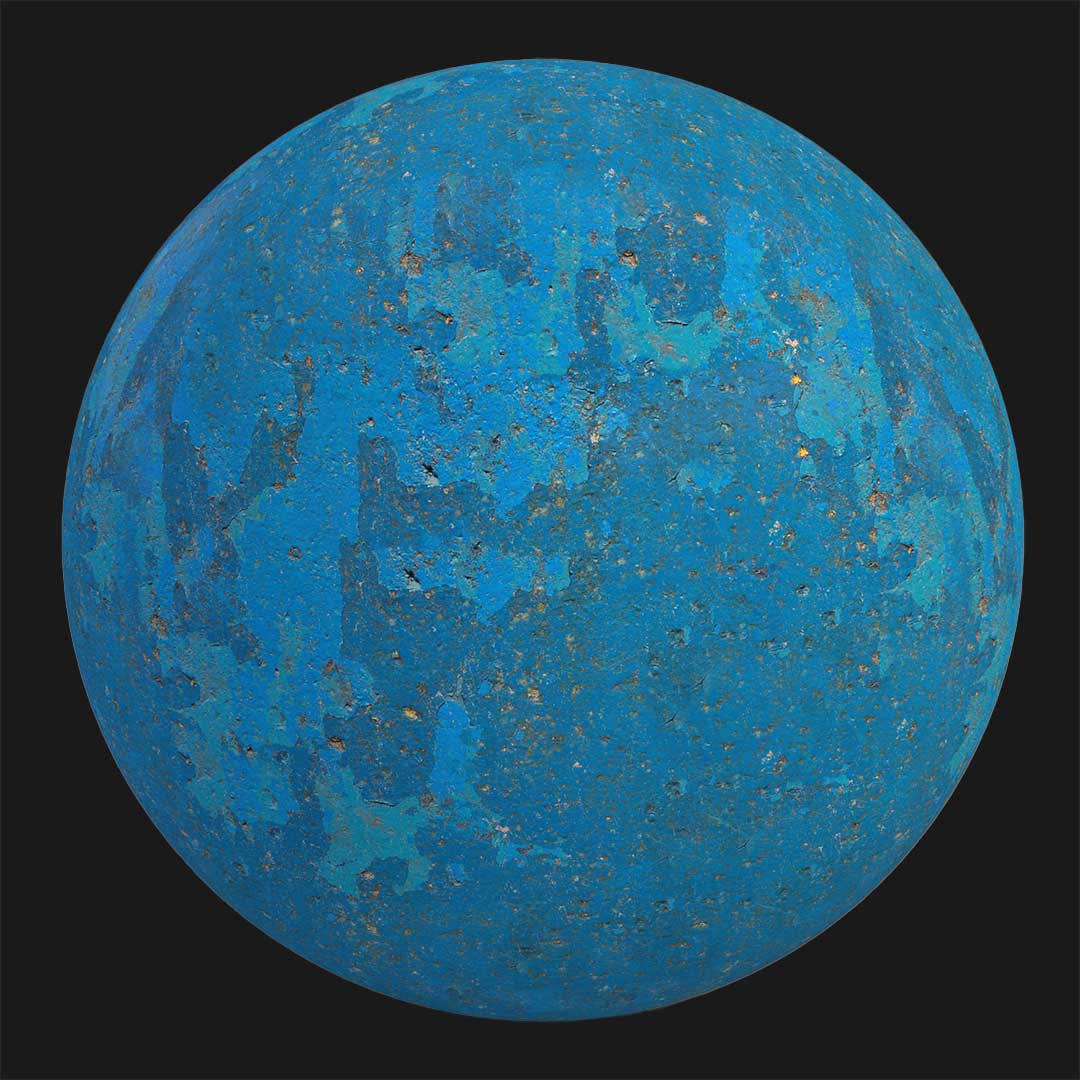

This rocky concrete wall texture is designed to simulate a hard and rugged concrete surface that visually resembles natural rock slabs.
Unlike smooth architectural concrete, this material features an intentionally uneven surface that feels solid, heavy, and raw.

The dominant light brown tone gives the texture an earthy character, making it suitable for projects that require a strong connection to natural materials.
At first glance, the surface looks closer to a fractured stone wall than a traditional concrete finish.
The irregular pattern and rough deformation across the surface create a realistic impression of concrete that has been formed without precision molds.
This makes the texture ideal for architectural scenes that demand realism, strength, and a sense of permanence.
Rendered in 4K resolution, every crease, fold, and surface variation remains visible even in close-up views.
Because the texture is fully seamless, it can be repeated across large walls or floors without visible seams.
The included PBR maps (Base Color, Normal, Specular) ensure accurate light interaction and depth, especially when used in physically based render engines.
For users searching to download concrete wall textures with a stone-like appearance, this asset delivers a unique visual identity.


Save time on material setup
Instead of downloading this texture, use the optimized ready-made material for VRay , Corona Renderer (3ds Max) and Unreal Engine available in AfterBox.
No manual setup


