


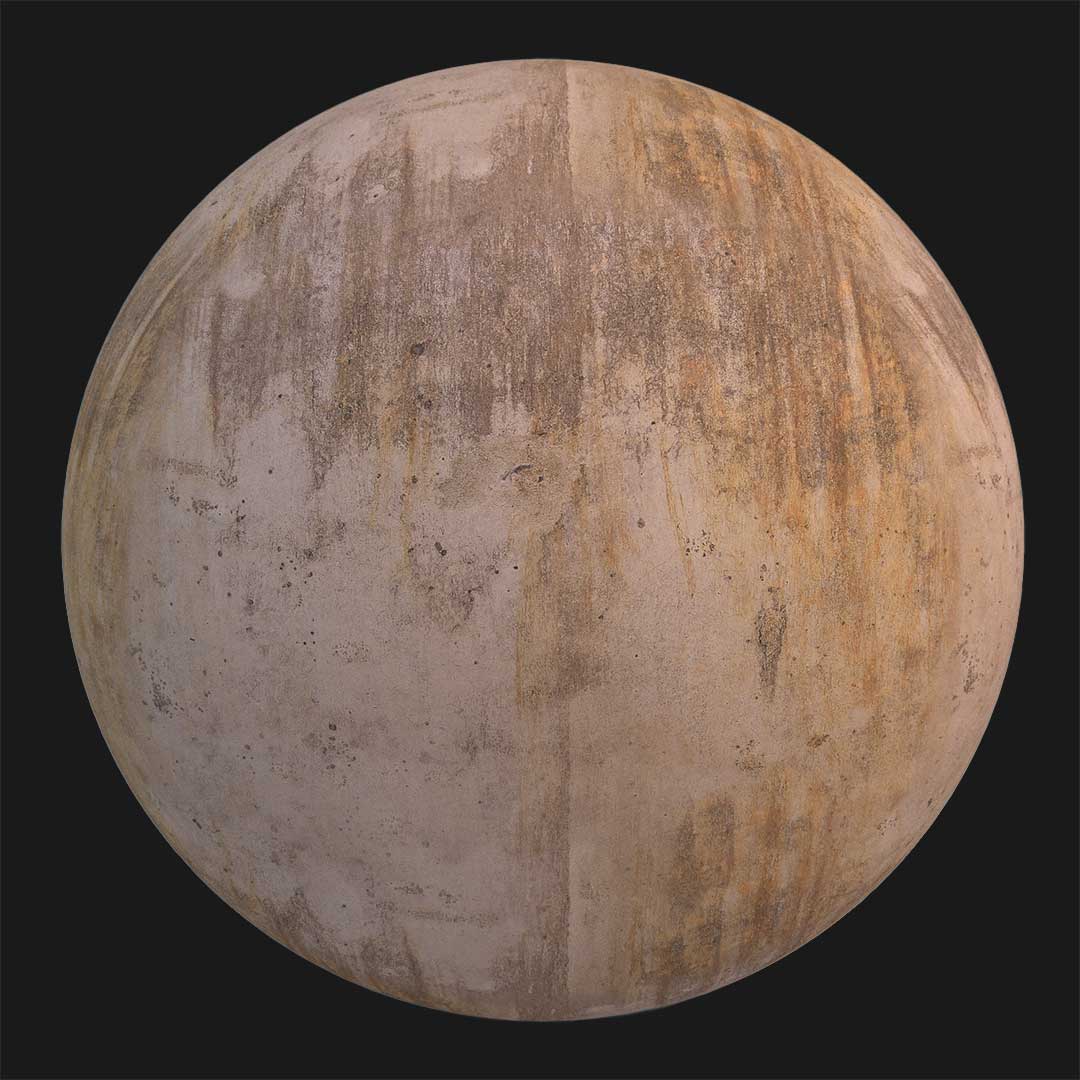


This white terrazzo concrete texture is designed for modern architectural flooring where simplicity, performance, and visual clarity are essential.
It represents a concrete surface inspired by terrazzo flooring, created without visible joints or grout lines.

The base tone is a light grey to white concrete background.
Within this surface, black aggregates and subtle light-colored stone particles are evenly distributed.
Unlike traditional terrazzo floors with visible depth, this texture maintains a completely smooth and flat finish.
There are no noticeable bumps or height variations, making it ideal for clean and functional spaces.
Delivered in seamless 4K resolution, this texture ensures consistent tiling across large floor areas.
It is suitable for both close-up visualization and wide architectural scenes.
The PBR set includes Base Color, Normal, and Specular maps, providing balanced light interaction without unnecessary surface noise.
Terrazzo-Style Concrete for Modern Flooring
This terrazzo concrete texture works especially well in projects where cost efficiency and durability matter.
Its visual language is neutral, allowing it to blend easily with different materials such as metal, glass, or wood.
Because the surface is joint-free, it creates a continuous flooring appearance.
This makes it an excellent option for rooftops, terraces, walkways, and large open areas.
The scattered stone particles add enough visual interest to prevent the floor from looking flat or empty.
At the same time, the restrained color palette keeps the material calm and practical.
Architects and visualization artists often search to download terrazzo concrete textures that perform well in real-time and offline renders.
This texture meets those needs by remaining lightweight while still visually accurate.
It fits modern architectural styles where materials are chosen for function rather than decoration.
The result is a floor that feels economical, reliable, and timeless.
Ready-to-Use Concrete Material in AfterBox

Alongside the texture files, a ready-made concrete material is available through AfterBox.
This material is prepared for immediate use without requiring advanced shader knowledge.
You can import it using simple drag-and-drop functionality.
Once applied, the material allows you to adjust scale, tile repetition, and color balance easily.
Additional dirt layers can be added to break uniformity when needed.
This flexibility helps adapt the surface to rooftop environments or outdoor areas.
The material supports Unreal Engine, V-Ray for 3ds Max, and Corona Renderer for 3ds Max.
This ensures compatibility with common production pipelines.
For users searching to download concrete materials instead of building them from scratch, this option saves time and effort.
Clear instructions are included, making it accessible even for beginners.
Whether you need a terrazzo-style concrete for a large roof, a modern courtyard, or a clean interior floor, this white terrazzo concrete texture PBR provides a reliable and professional solution.
It is a functional surface first, with a subtle visual identity that supports modern architectural design.

Save time on material setup
Instead of downloading this texture, use the optimized ready-made material for VRay , Corona Renderer (3ds Max) and Unreal Engine available in AfterBox.
No manual setup


