

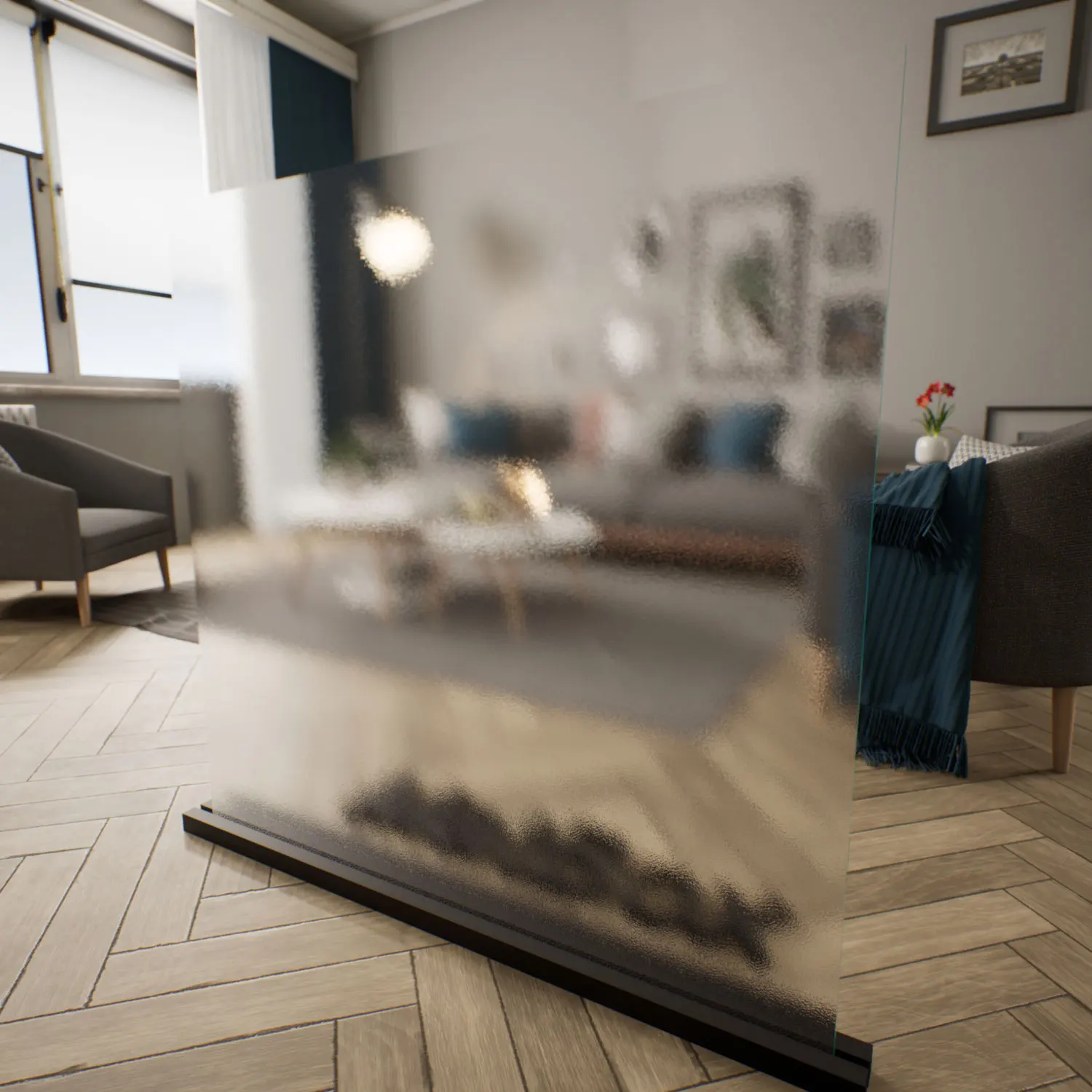

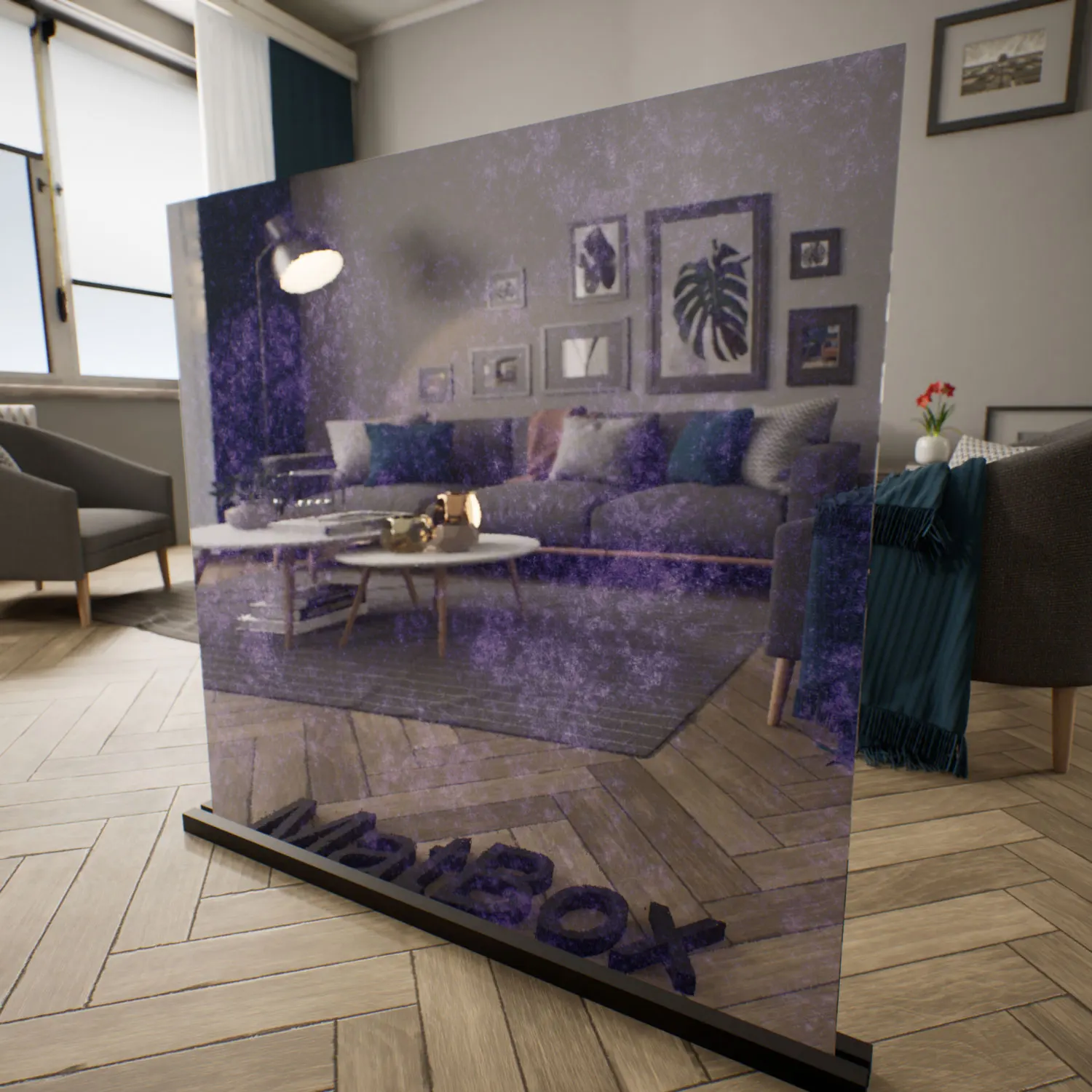

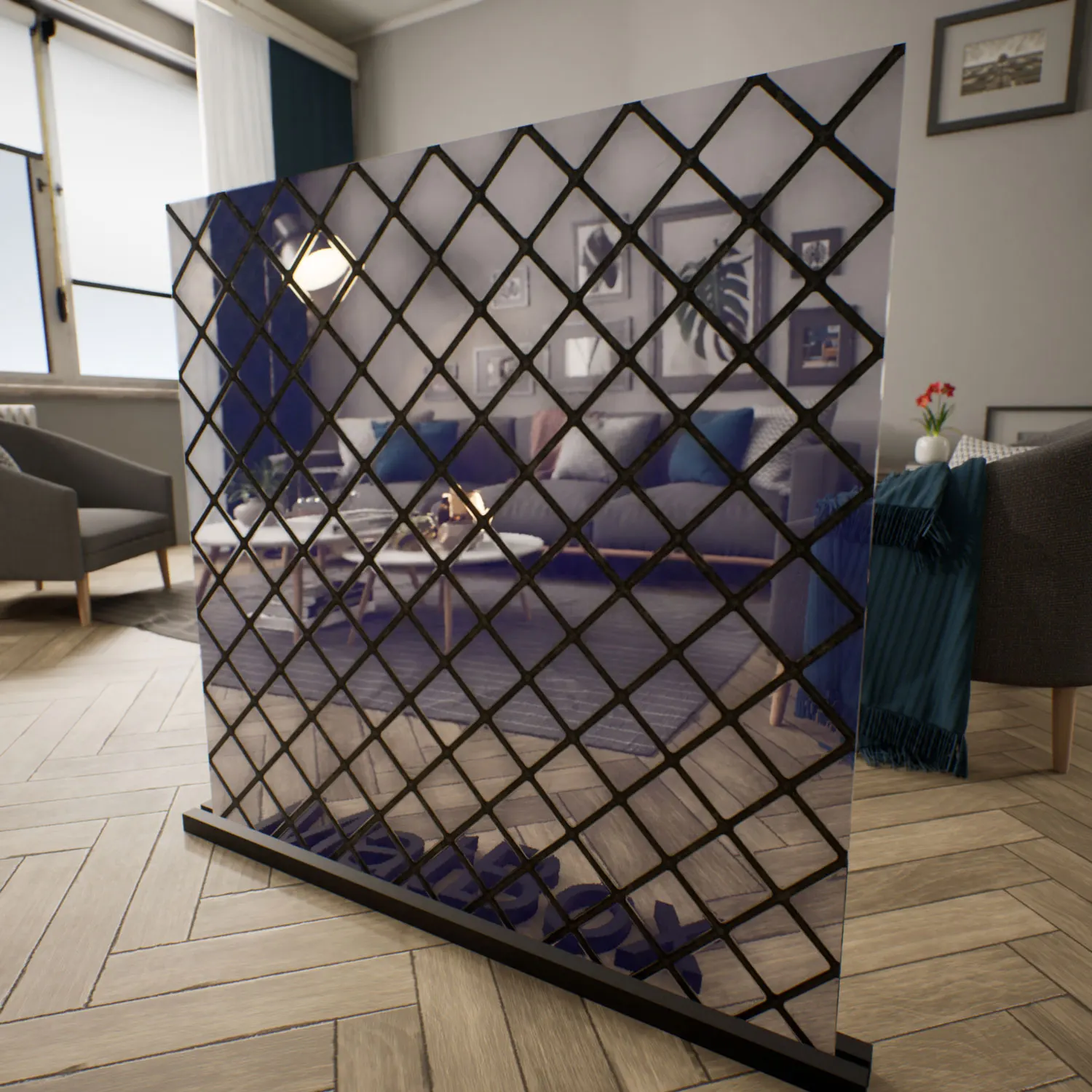
Material Overview – Colored glass material for Unreal Engine
This colored glass material for Unreal Engine is developed with a high light‑refraction profile ideal for realistic architectural and interior visualization. Unlike purely transparent glass, its green‑teal tint filters incident light, altering both the tone and saturation of what’s visible behind the panel. The result is a substantial sense of depth and visual layering, perfect for spaces that require transparency with privacy control.

The base hue—deep seafoam green—becomes more saturated along thick edges or layered segments, producing a subtle gradient effect where light passes through. The polished surface introduces mirror‑like reflections that capture surrounding elements while preserving color consistency. Visually, the material defines a boundary between openness and enclosure—a fitting metaphor for modern industrial aesthetics, particularly those relying on glass façades and strong geometric forms.
This colored glass material harmonizes well with cold neutral palettes (concrete, brushed aluminum), or warm minimal contexts such as teak wood and white ceramics, giving balance between contrast and neutrality.
Spaces & Applications
In modern architectural visualization, the colored glass material is used to define controlled transparency zones. Designers apply it to:
- Office partitions in executive or meeting spaces requiring semi‑privacy
- Exterior glass façades of contemporary buildings, where daylight modulation matters
- High‑end retail or exhibition vitrines, emphasizing product lighting without harsh reflections
- Automotive or transportation visualization—especially tinted windows or concept vehicles
- Decorative mirrors or glass panels in luxury interior design
Because its optical depth enhances both realism and cinematic atmosphere, it serves well in visual projects combining minimal geometry with strong lighting transitions—perfect for Unreal Engine archviz sequences, VR environments, and high‑fidelity product renders.
Technical & Rendering Details
The material follows a PBR workflow with fully seamless maps. Its IOR value has been calibrated for heavy light bending, resulting in complex refraction along glass edges. That refraction couples with Fresnel‑controlled reflection—so the surface alternates between transparency and mirror‑like shine depending on view angle and lighting direction.
Roughness remains extremely low, producing crisp highlight reflections. However, for true photorealism, adding subtle optical distortions improves authenticity. In physical glass sheets, minor irregularities and dust accumulation cause faint fluctuations in clarity. You can emulate that behavior by introducing a fine noise pattern to the roughness channel or overlaying a thin dust layer visible under glancing light.
This extra imperfection moves the material from “clean CG panel” toward tangible realism—especially noticeable in high‑contrast lighting or macro close‑ups.
Ready‑Made Features for Unreal Engine
The ready‑made colored glass material for Unreal Engine includes prewired shader parameters and calibrated translucency settings. It supports real‑time lighting interaction, screen‑space reflections, and adjustable Fresnel values—so users can tweak tint density and refraction strength without rebuilding the shader graph.
Whether you’re creating a modern façade study or a stylized game interior, the material integrates directly with Unreal’s native material system. Its balance of performance and fidelity makes it suitable for interactive architectural applications, cinematics, or VR walkthroughs.
How to Download
You can access this material via the lightweight AfterBox desktop app (around 16 MB). Once installed, browse and directly import the colored glass material for Unreal Engine with a simple drag‑and‑drop workflow.
The preconfigured version lets you skip shader testing and texture linking entirely. You can start rendering right away, focusing on lighting composition and camera framing instead of material setup.
Further subscription and access details are available at:
Save time on material setup
Instead of downloading this texture, use the optimized ready-made material for V-Ray, Corona Renderer (3ds Max) and Unreal Engine available in AfterBox.No manual setup


