


Material & Texture Overview iridescent glass Unreal
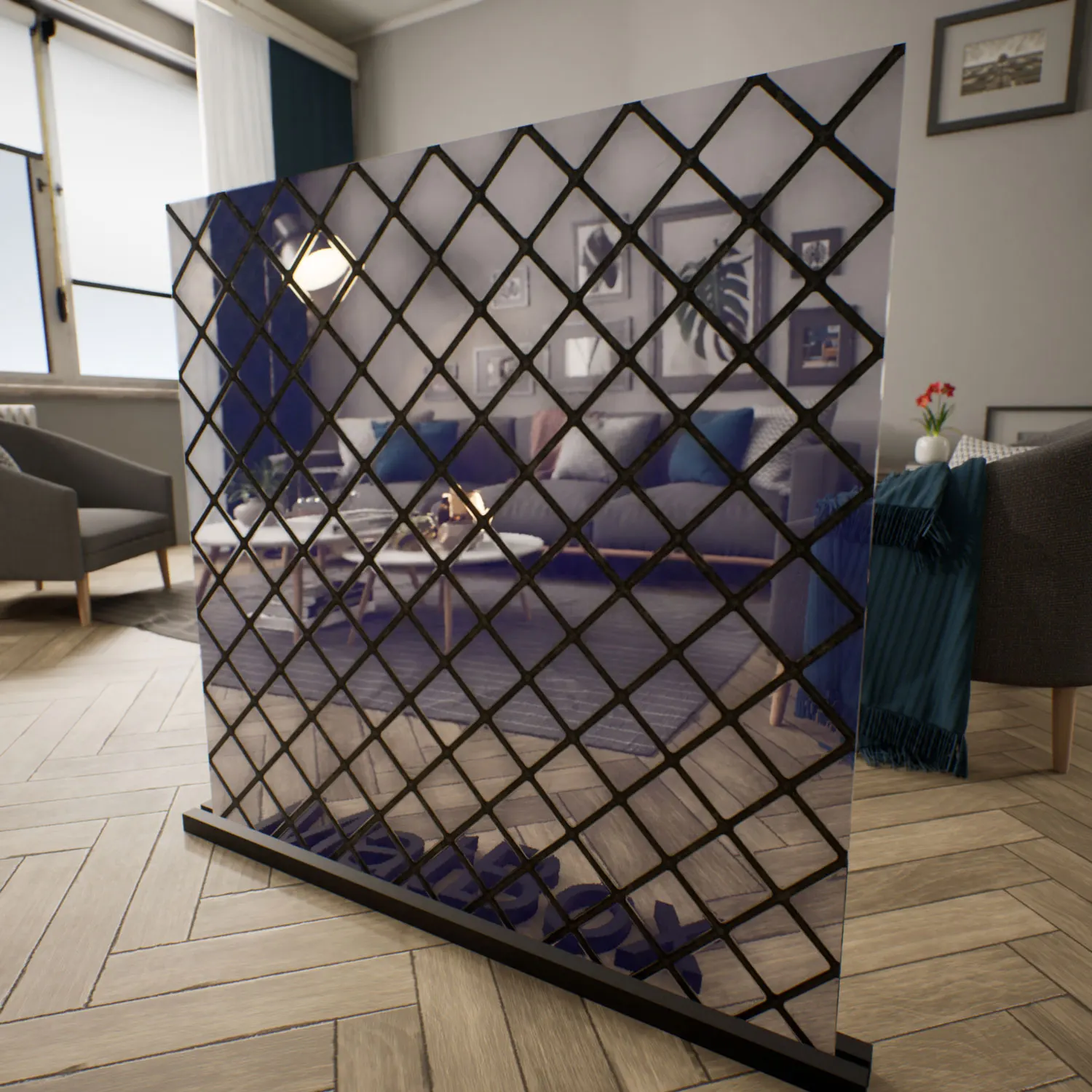
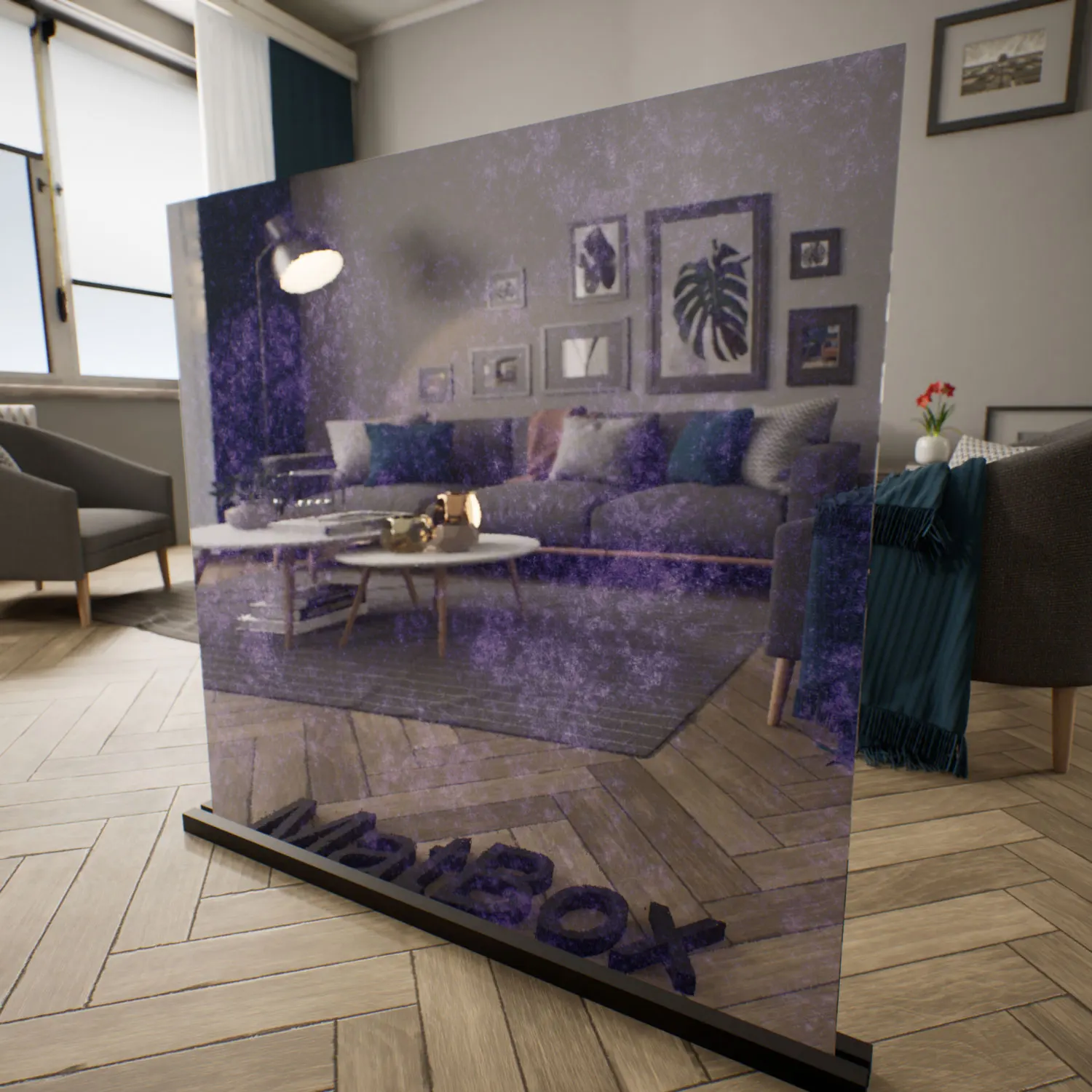
This iridescent glass material for Unreal Engine is built for scenes where glass is more than a boundary—it becomes a dynamic, visual element in its own right. Instead of a fixed color, the surface shifts between cobalt blue, soft violet, and turquoise as the camera or light moves. This thin‑film, interference‑based look is familiar from real-world art glass and high-end coatings, but adapted here to behave predictably in real-time rendering.

The glass is semi-transparent with controlled blur. Background objects appear slightly stretched and softened rather than perfectly clear or fully obscured. This controlled roughness, combined with gentle refraction, gives the iridescent glass material for Unreal Engine a cinematic feel: highlights streak a little, edges bloom, and color bands glide subtly across the surface. It sits comfortably in modern, art-driven interiors, futuristic architecture, and stylized cyberpunk environments, and pairs well with neutral bases like concrete, black metal, and desaturated woods that allow its color to stand out.
Typical Use Cases & Spaces
In architectural visualization, this material works well as a decorative panel in lobbies, hotel corridors, restaurants, or gallery spaces where designers want light and color to interact with circulation paths. A simple partition becomes a moving gradient of blues and greens as people walk past.
Retail and exhibition designers can use the UE iridescent glass shader for feature walls, display backdrops, or glazed enclosures around products that need a subtle halo of color without losing all visibility. In galleries or event spaces, it can frame artworks, stages, or installations, adding a contemporary, experimental character.
For game and cinematic work, the iridescent glass material for Unreal Engine fits naturally into sci‑fi sets, cyberpunk cityscapes, and conceptual environments. It reads well as a futuristic façade, a high-tech lab partition, or an art object inside a narrative scene. The UE iridescent glass shader can also be applied to props—conceptual sculptures, light installations, or interface surfaces—to introduce a hint of speculative technology.
Rendering Notes & Technical Behavior
Technically, this is a seamless PBR asset that combines transparency, refraction, and thin-film style color shifting. The surface is almost flat but includes subtle vertical waves and micro-distortions. These micro undulations prevent the glass from feeling “too perfect,” causing reflections and transmitted light to stretch slightly and move organically across the surface.
The thin-film effect is most noticeable when there are strong, directional light sources or colorful HDRIs in the scene. As the viewing angle changes, the UE iridescent glass shader cycles through layered hues rather than a single static tint. For best results, use it in scenes with well-defined key lights or bright windows so that the interference colors have something to catch and amplify.
To increase realism, you can introduce minute variations in color intensity, faint micro-scratches, or slight irregularities in the coating’s thickness around edges. These subtle imperfections break up the uniform look and help the iridescent glass material for Unreal Engine resemble fabricated, handled glass rather than a mathematically perfect digital plane.
Ready-Made Material Features
This asset is delivered as a ready-made iridescent glass for Unreal Engine, with its master material and instances set up so you can focus on composition and lighting, not node graphs. Refraction strength, base roughness, and thin-film color response are pre-calibrated to behave reliably under common Unreal lighting scenarios.
Out of the box, the iridescent glass material for Unreal Engine drops into architectural or game environments with minimal adjustment. The ready-made iridescent glass for UE avoids extreme parameter ranges, meaning you can iterate safely—pushing saturation or roughness up or down—without breaking physically plausible behavior.
Download & Workflow Integration
The material is distributed via the lightweight AfterBox desktop app (around 16MB). After installation, you can browse the collection and add the ready-made iridescent glass for UE directly into your project using simple drag & drop workflows. There is no need to build the shader from scratch or run multiple test renders just to get a usable baseline.
Once in your Unreal project, the material can be instanced and adapted per scene—slight adjustments to color balance, blur, or opacity will cover most design requirements. For subscription details and access information, refer to:
Save time on material setup
Instead of downloading this texture, use the optimized ready-made material for V-Ray, Corona Renderer (3ds Max) and Unreal Engine available in AfterBox.No manual setup


