


Exploring the Aesthetics of Dark Crystalline Granite
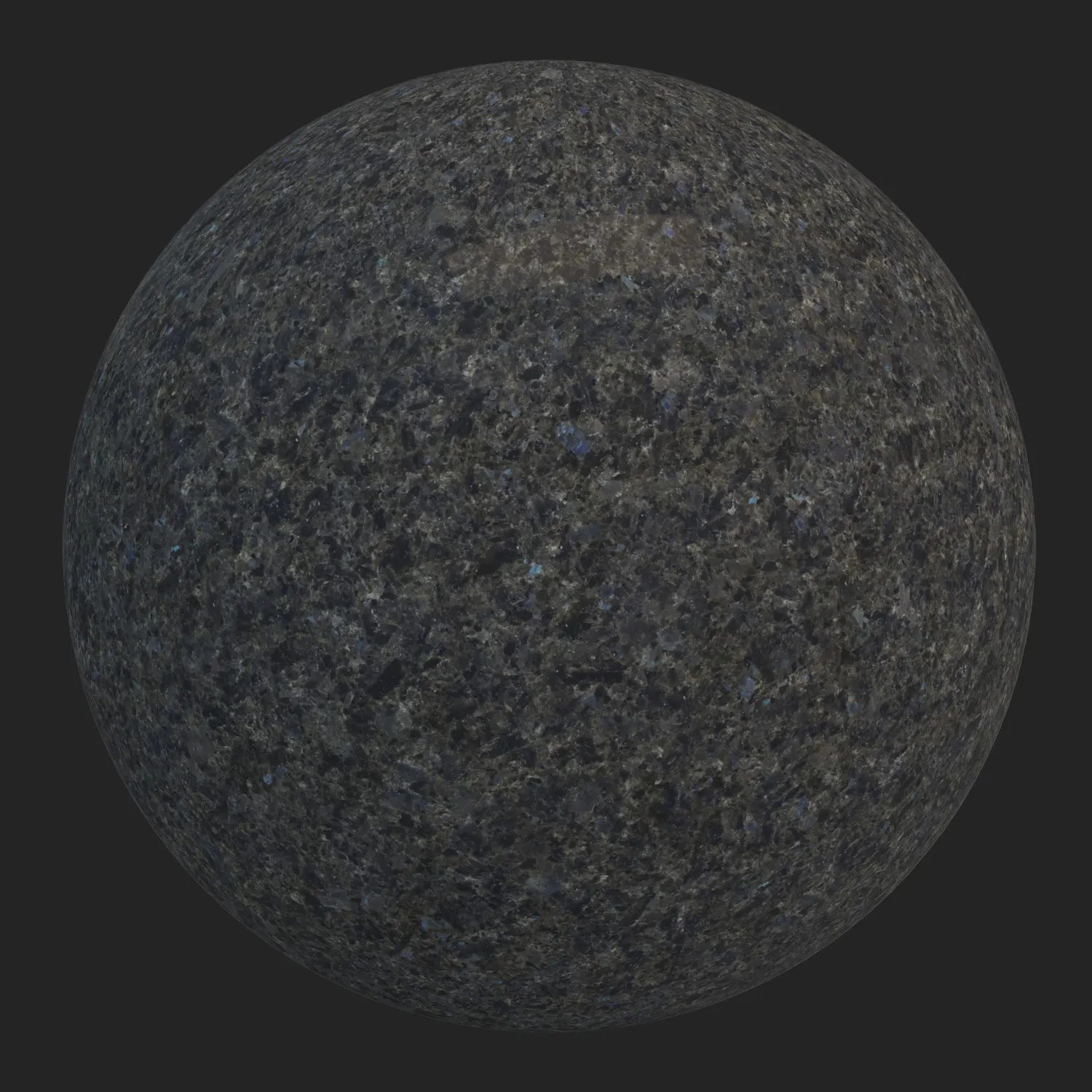
This PBR dark granite material offers a highly dense, heavy, and structurally profound aesthetic, characterized by its coarse-to-medium interconnected mineral pieces.
The dominant very dark grey, bordering on black, establishes a strong visual foundation. It is further enriched by smoky grey and charcoal clusters, alongside extremely subtle olive brown or dark green veins. Tiny, scattered light particles prevent the surface from appearing flat. With a matte to semi-matte finish and medium roughness, the stone avoids the artificiality of a high-gloss polish, instead delivering a honed, industrial appearance. This makes it an exceptional choice for modern, luxury, and industrial architectural styles, pairing beautifully with brushed metals, dark woods, and minimalist concrete structures.
Architectural Applications for Heavy Stone Surfaces
Due to its visual weight and authentic mineral depth, this dark crystalline granite is highly versatile across various architectural scales. In interior spaces, it provides a striking, formal base for floorings, luxury bathroom walls, and expansive kitchen islands or countertops. Its serious, grounding nature also makes it ideal for commercial lobby walls, fireplace surrounds, and staircase detailing. For exterior visualizations, the material works perfectly as a robust facade cladding or heavy stone paving in modern architectural contexts, maintaining its seamless nature even across large surface areas.
Leveraging Natural Imperfections and Dirt Layers
A crucial aspect of this material’s realism lies in its inherent natural imperfections. The non-uniform distribution of mineral clusters, slight variations in surface brightness, and micro-fractures at grain boundaries ensure the stone does not look synthetically perfect.
To push the realism further, the ready-made version includes an adjustable dirt layer. By activating this feature, you can introduce procedural weathering directly into the shader. For interior applications like kitchen countertops or bathroom vanities, adding a subtle layer of light dust or faint smudges over the roughness map enhances the tactile feel. For exterior facades or paving, incorporating heavier environmental grime, such as dried water streaks or mud in the crevices, grounds the stone in its physical environment.
(A render preview displaying the granite material with activated dirt and imperfections is provided below this text).
Technical Specifications and 8K Resolution
Designed for high-end visualization, this asset provides an resolution, ensuring crisp, pixel-perfect details even in extreme close-up shots.
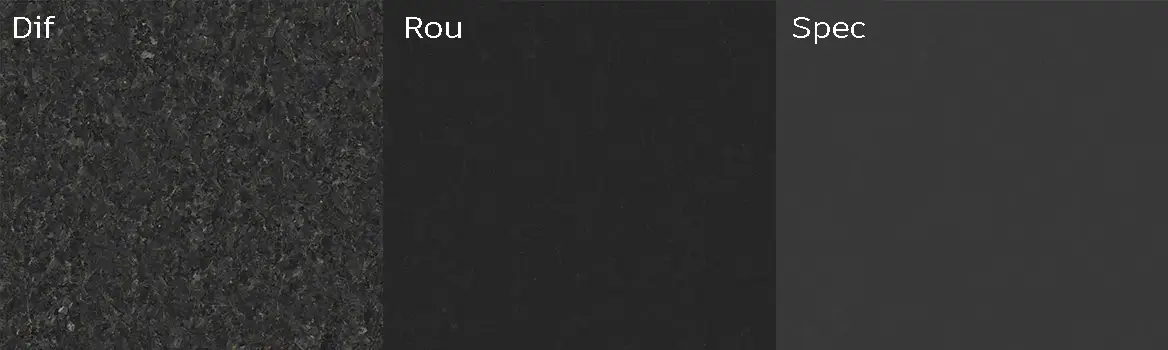
The seamless mapping guarantees that the mosaic-like, crystalline pattern repeats naturally without visible tiling artifacts. The PBR workflow utilizes meticulously calibrated Diffuse, Roughness, and Specular maps to accurately simulate the complex light scattering of natural honed granite.
Engine Optimization for V-Ray, Corona, and Unreal
The ready-made setup for this PBR dark granite material is designed to bypass the tedious node-configuration process. It is fully optimized and natively supported in Unreal Engine, V-Ray for 3ds Max, and Corona Renderer. The shader networks are pre-configured to ensure physically accurate light calculations based on the provided maps, allowing visualizers to immediately drop the asset into their scenes and focus entirely on lighting and composition.
Accessing the Premium Material via AfterBox
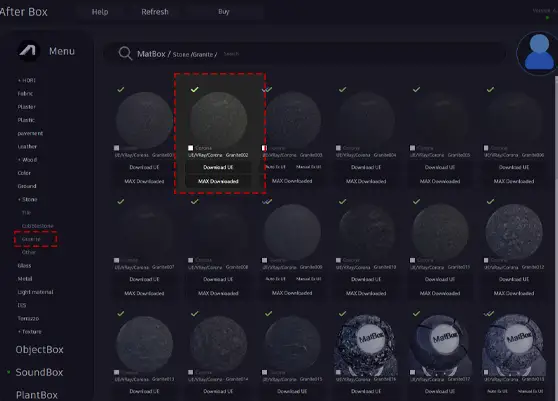
This premium PBR dark granite material is accessible through the AfterBox desktop application. AfterBox is a lightweight management tool (approximately 16MB) that streamlines the asset integration process. Users can simply Drag & Drop the fully configured shader directly into their 3ds Max viewport for V-Ray and Corona, or into their Unreal Engine environment. This immediate access eliminates manual setup time and accelerates the look-development phase.
For more information regarding subscription plans, visit: https://after-box.com/pricing/

Save time on material setup
Instead of downloading this texture, use the optimized ready-made material for V-Ray, Corona Renderer (3ds Max) and Unreal Engine available in AfterBox.No manual setup


