
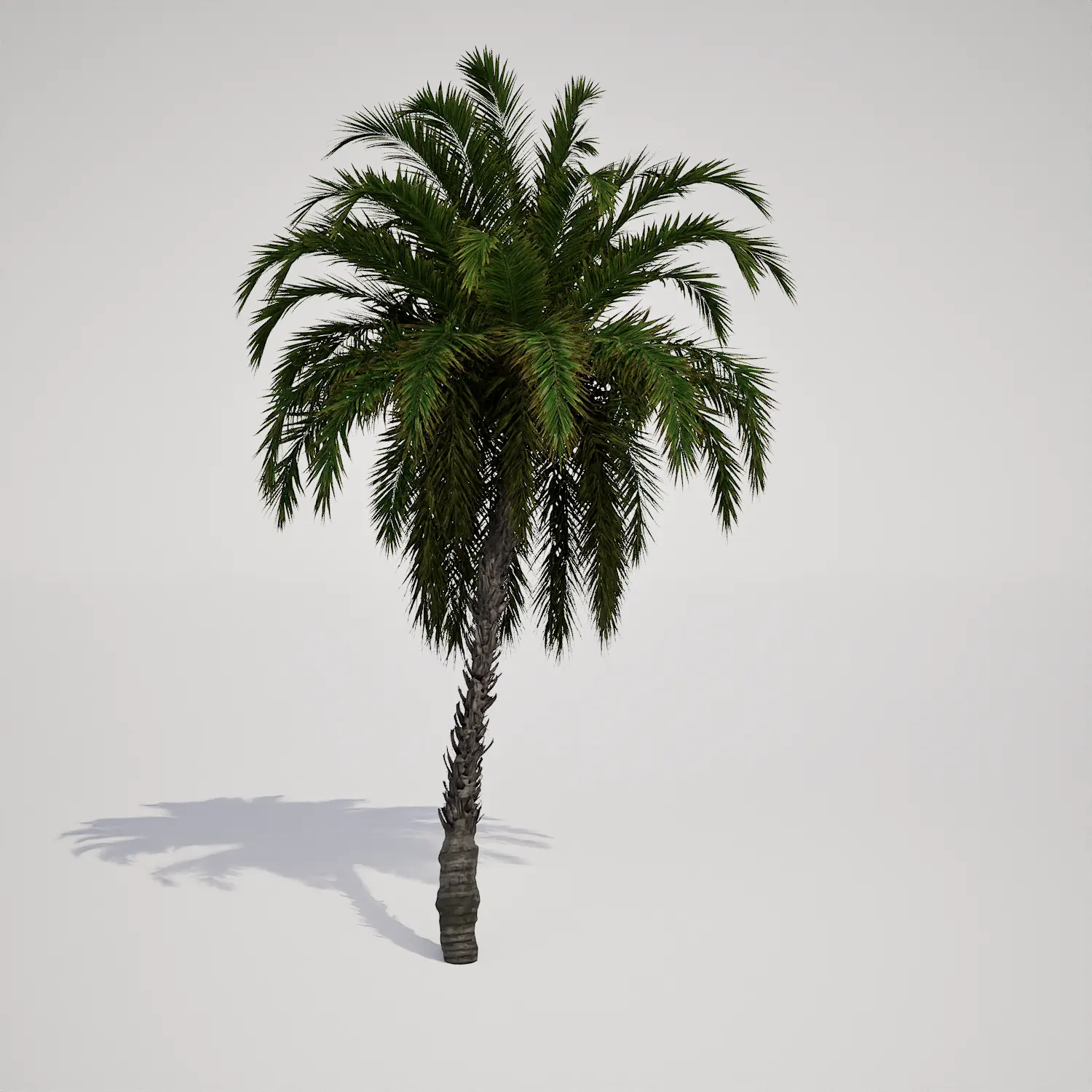


High-Fidelity Ornamental Grass for Landscaping
Integrating a realistic ornamental clumping grass 3D asset into your Unreal Engine environment is an effective way to break up hard surface lines and introduce natural variation. This specific model features a dense, clumping growth form with dark green to burgundy foliage. It is defined by its striking upright spikes topped with reddish-brown inflorescences, providing a level of intricate detail that holds up well in mid-to-close proximity. Whether you are populating a public park visualization or adding biological variety to a game environment, this asset provides the necessary botanical texture to ground your scenes.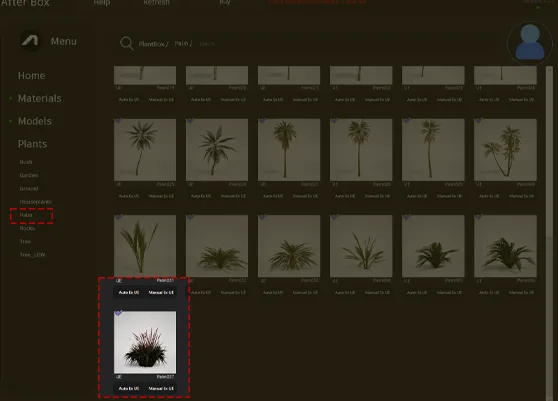
Versatile Applications for Modern Scenes
This asset excels in outdoor environments where softscape elements are required to transition between architecture and ground. For architectural visualizers, it serves as an excellent filler for front yard foundation plantings or as a decorative border along pathways. The plant’s color profile works particularly well in contemporary and minimalist designs, contrasting effectively against light-colored gravel or smooth river stones. In game development, it is highly useful for adding density to forest floors or as a recurring element in meadow scattering, especially when you need to avoid the sterile look of perfectly manicured lawns.Design Context and Environmental Fit
The visual aesthetic of this grass leans heavily into temperate and Mediterranean landscape styles. It pairs beautifully with bold-leafed shrubs or as a mass planting underneath specimen trees. While highly versatile for outdoor projects, it is less suitable for tropical-themed gardens or formal, geometric hedges due to its naturalistic, wilder growth habit. When planning your scene, remember that while this plant resembles a palm-type or grass-like perennial in its clumping behavior, its size remains compact, making it best suited for foreground and mid-ground details rather than as a primary vertical feature. Understanding the local soil conditions and typical habitat is often the first step when planning professional landscape architecture layouts.Technical Rendering and Performance
With a triangle count of 1,058,286, this asset is built to provide high-fidelity visuals without sacrificing performance in modern pipelines. Because it is natively compatible with Unreal Engine 5’s Nanite, you can maintain high visual density across large landscapes without the need for manual LODs. The geometry is optimized to handle subsurface scattering, which is crucial for achieving the translucent, organic look of the grass blades under sunlight. This allows the asset to maintain its silhouette even when viewed in high-resolution, close-up camera angles common in archviz exterior shots.
Managing Density and Variation
To prevent the “tiling” effect often seen in procedural landscape scattering, ensure that you utilize a variety of rotation and scale offsets within your foliage types. Because this model has a distinct, irregular clumping form, shifting the rotation by at least 90 degrees per instance will significantly reduce visible patterns. When scattering across larger areas, I recommend mixing this with other ground-level perennials or coastal landscape palm tree assets to create a more diverse and authentic ecological distribution.Drag-and-Drop Efficiency
This plant asset is ready to use directly in Unreal Engine 5. By leveraging Nanite, it provides a seamless workflow that eliminates the time spent on manual mesh optimization. Once imported, you can place it into your level and immediately begin adjusting the wind and material parameters to match the time of day and environment of your project.Streamlined Production Workflow
The asset allows you to quickly populate massive landscapes or detailed garden beds without the overhead of manual modeling or asset creation. By integrating these high-quality, free-to-use models, you can focus on composition and lighting rather than asset troubleshooting. For studios looking for a larger library of vegetation, more information about subscription access is available at https://after-box.com/pricing/.

Save time importing objects
Download this object and hundreds of others from Afterbox software right now and import it into your Unreal Engine project with one click.
