
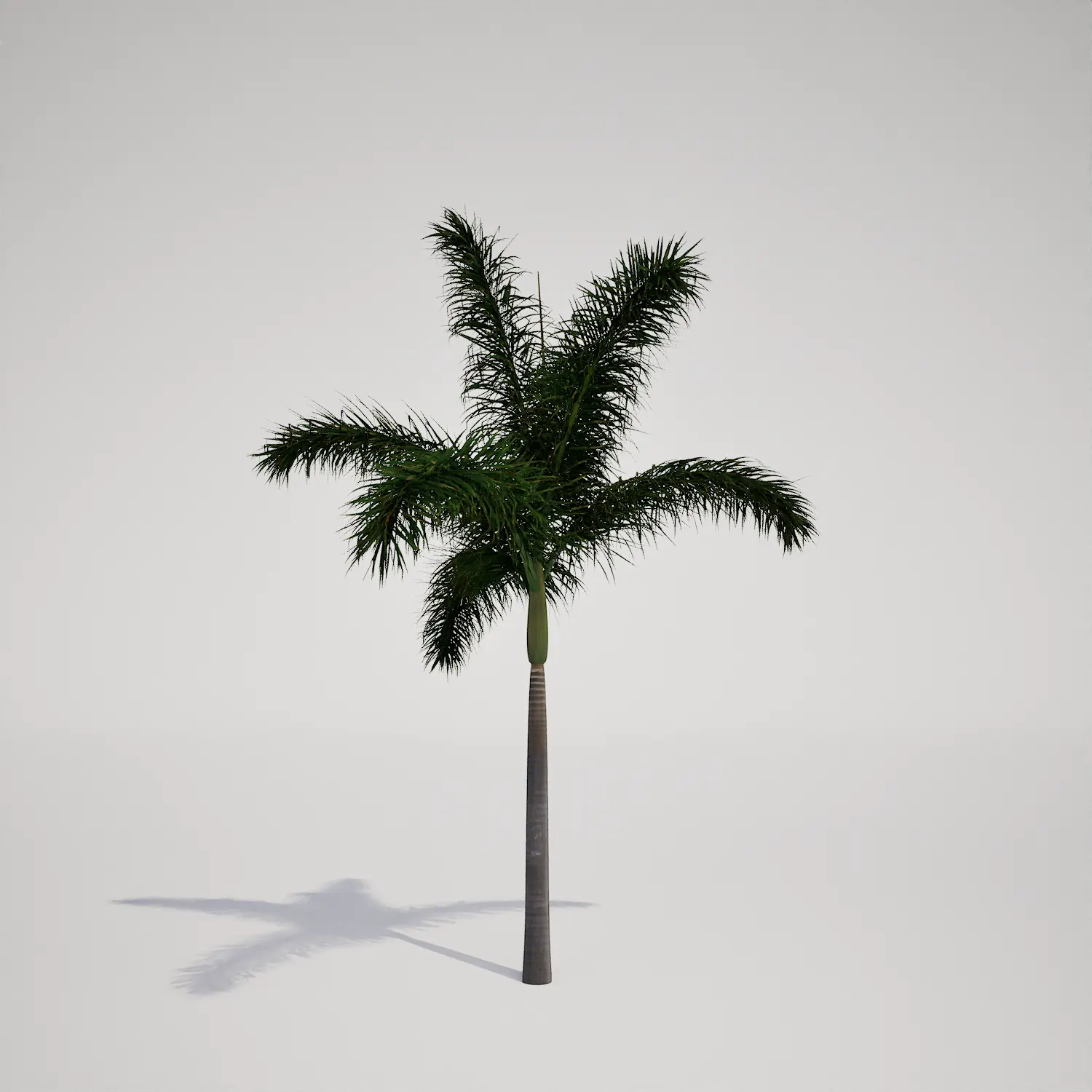


Elevated Landscape Design with This Tall Palm Asset
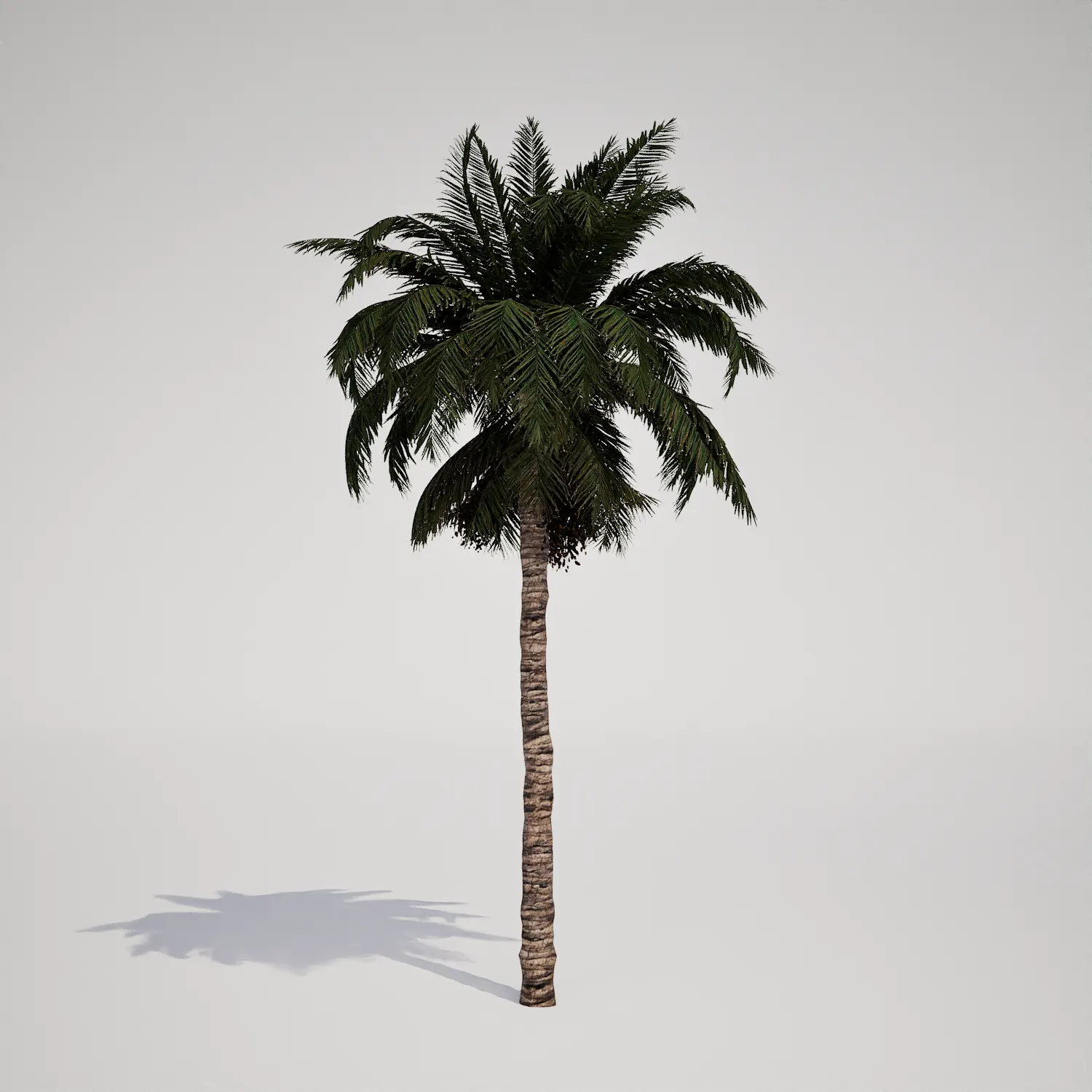
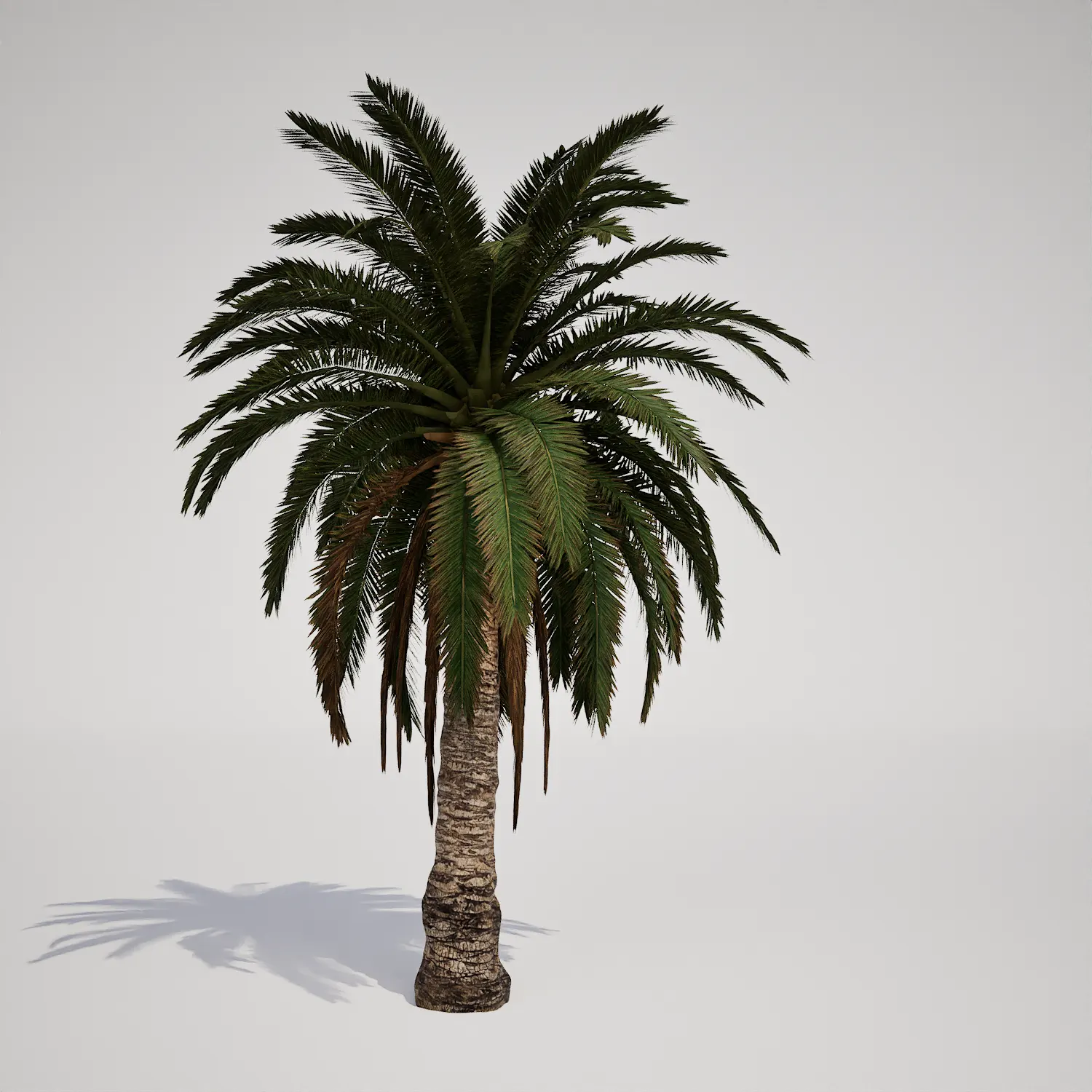
Integrating high-fidelity tropical vegetation is essential for creating convincing arid or coastal environments. This tall palm tree asset offers a realistic silhouette, characterized by a single, slender trunk and a canopy featuring a mix of vibrant green and weathered, dry-brown fronds. Because it resembles a Date Palm-type in its structural density and bark detailing, it serves as an ideal anchor for scenes requiring a natural, mature look. Whether you are building a bustling resort or a quiet desert oasis, this vegetation asset provides the necessary visual weight to ground your project.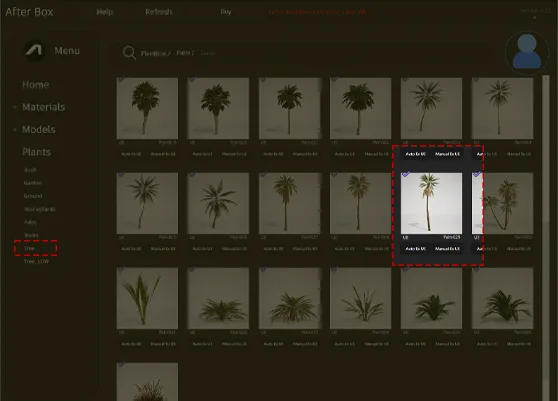
Applications Across Diverse Digital Environments
This model is highly versatile, fitting seamlessly into both real-time game maps and high-end architectural visualizations. For archviz professionals, it works exceptionally well as a hero object in luxury residential landscaping, particularly alongside sand and gravel materials or poolside deck arrangements. In game development, the asset excels in desert biomes or coastal town environments. While perfect for large-scale outdoor scenes, it is less suitable for dense, temperate woodland environments where its distinct structural form would look out of place.Atmospheric and Architectural Integration
Ideally suited for tropical, arid, and Mediterranean climates, this palm thrives in sunlight-heavy scenes. It complements contemporary desert architecture and modern Mediterranean villa styles, especially when paired with materials like limestone or light-colored stucco. The evergreen nature of the foliage ensures consistency throughout your seasonal environment settings. For architects looking to achieve a realistic xeriscape garden design, this tree provides the perfect vertical contrast to lower-growing succulents.Rendering and Optimization for Modern Engines
With a poly count of 8732 triangles, this asset is balanced for performance without sacrificing visual fidelity. As a Nanite-compatible model, it bypasses the need for traditional manual LODs, allowing Unreal Engine 5 to manage geometry detail automatically based on distance. This ensures that the intricate bark texture and the hanging, dead fronds remain crisp during mid-range shots, making it an excellent choice for cinematic fly-throughs or **high-quality environmental stills**.
Practical Scattering and Repetition Management
When populating large areas, avoid the common mistake of placing identical instances in perfect alignment. Use the engine’s foliage tool to vary the scale, rotation, and z-offset of each placement. Because this model includes realistic dry, hanging foliage, varying its orientation helps break up patterns that might otherwise reveal the repetition of these unique detail bits. Pairing this tree with other coastal vegetation assets will further disguise uniformity.Native Unreal Engine Workflow
This foliage asset is designed for a frictionless workflow. It arrives as a fully optimized, drag-and-drop element, meaning you can pull it directly into your project browser and start painting it into your environment immediately. The shader setup is configured for standard Unreal Engine lighting, so it will interact correctly with your Global Illumination and shadows without additional material adjustments.Seamless Project Integration
The user can drag and drop this plant asset directly into an Unreal Engine 5 project. The ready-made asset allows you to quickly populate a scene without spending time modeling or optimizing vegetation. More information about subscription: https://after-box.com/pricing/

Save time importing objects
Download this object and hundreds of others from Afterbox software right now and import it into your Unreal Engine project with one click.
