



A Versatile Multi-Stemmed Palm Asset
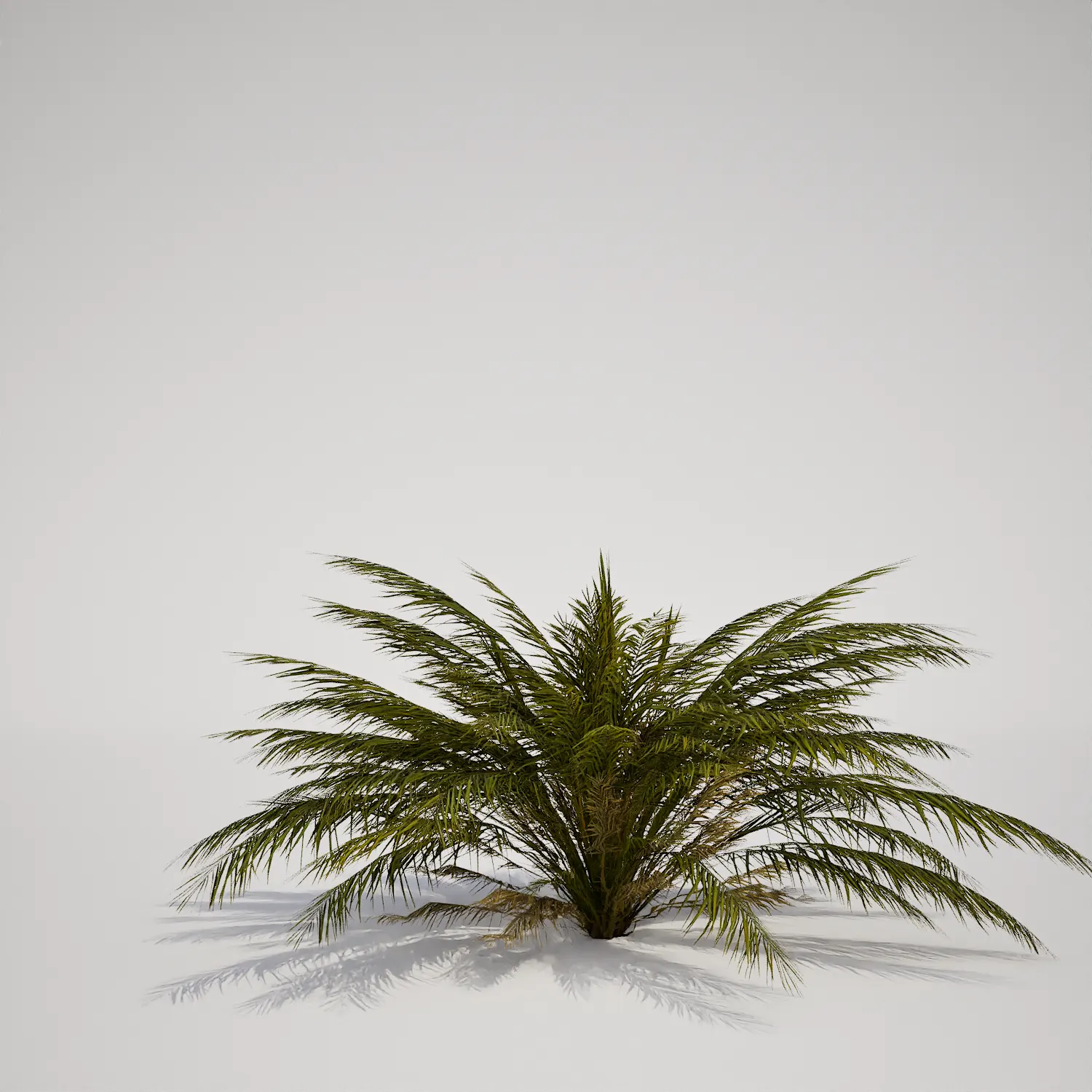
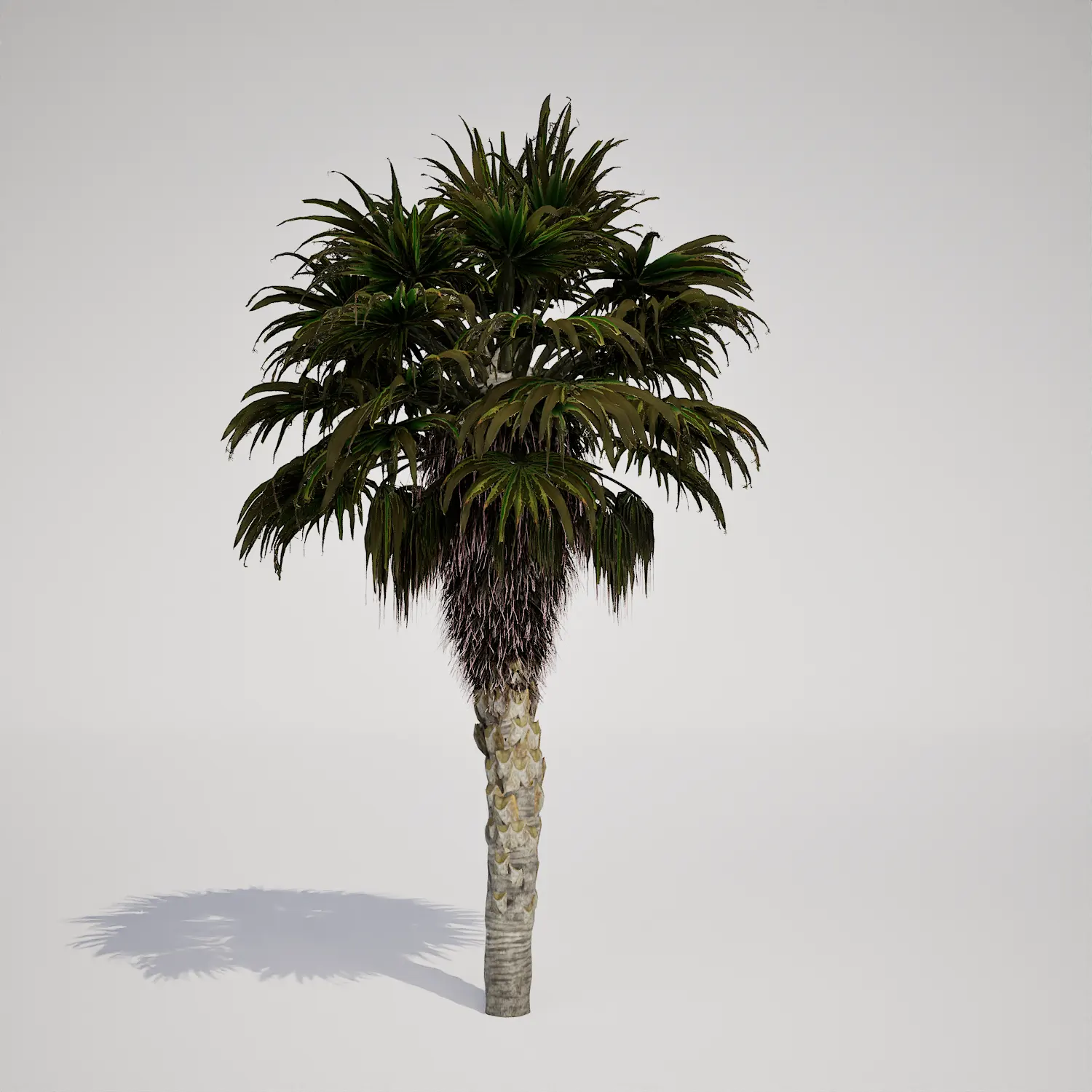
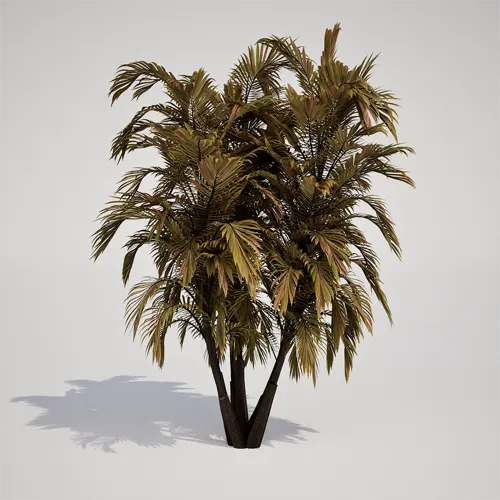
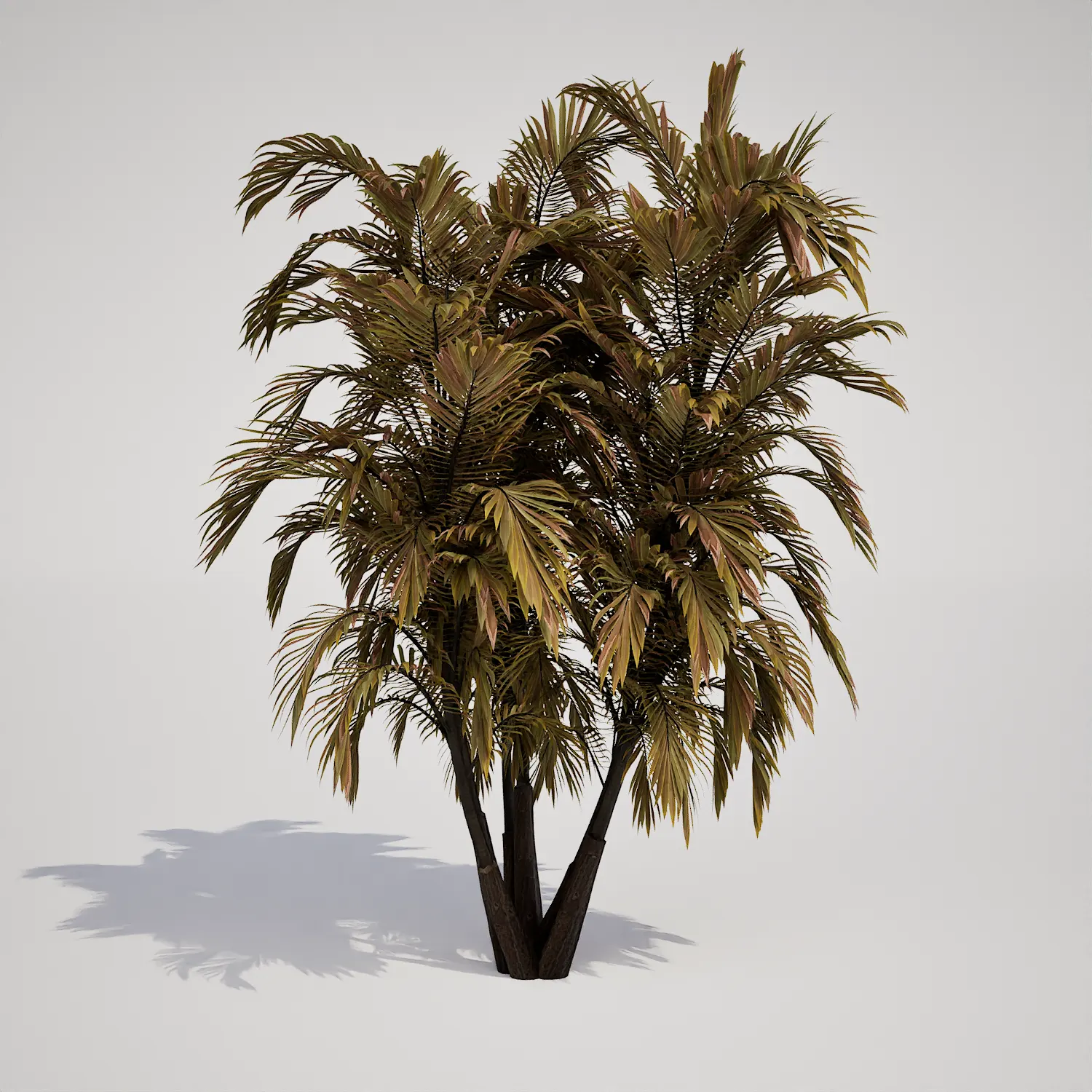
When populating your 3D environments, finding the right foliage can define the entire mood of a project. This clumping palm 3D asset provides a unique, multi-stemmed structure that stands out in both stylized and realistic settings. Resembling a tropical-type palm, it features pinnate fronds with a distinct olive and brownish-green color palette. This weathered appearance adds immediate visual history to your scene, making it a valuable addition to any library of high-quality vegetation assets for Unreal Engine.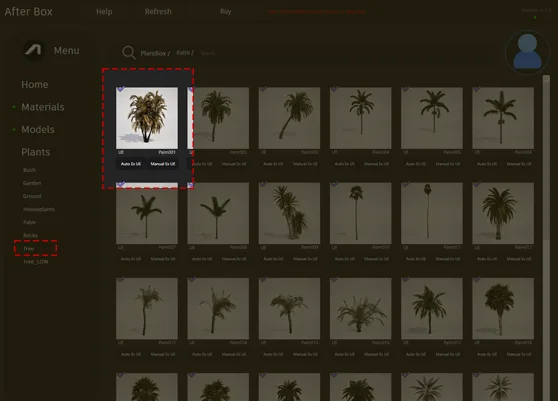
Integrating the Asset into Professional Projects
This palm is highly adaptable across different disciplines. For architects and landscape designers, it works exceptionally well as a courtyard focal point or a feature plant in a luxury resort conceptualization. The multi-trunk form creates a nice silhouette against light-colored concrete or modern teak decking. In game environments, the asset is perfectly suited for tropical island maps or creating a sense of history in abandoned, overgrown urban structures. Interior designers will find it useful for staging large lobbies, atriums, or high-end residential spaces where a touch of nature is needed to break up sterile lines.Climate, Style, and Environmental Fit
The plant’s muted, slightly stressed color profile makes it a natural fit for arid, subtropical, or tropical themes. It transitions well between different lighting setups, from bright, sun-drenched exterior patios to the dimmer, filtered light of an indoor office garden. Because of its unique, weathered aesthetic, it is less suitable for pristine, formal English-style gardens where vibrant, uniform greenery is the standard. It pairs beautifully with naturalistic materials like river stones, raw wood, or weathered stone surfaces. To better understand how foliage interacts with sunlight in real-world scenarios, reviewing botanical light absorption principles can help you achieve more grounded environmental storytelling in your renders.High-Fidelity Rendering Performance
Technical optimization is critical for maintaining high frame rates. This asset arrives with a 1,000,000 triangle count but is fully Nanite-compatible. By leveraging Nanite, you can bypass the traditional need for manually authored LODs, as the engine handles the level-of-detail transitions automatically. This allows you to focus on art direction rather than technical bottlenecks, even when populating dense, multi-asset vegetation scenes.
Achieving Natural Variationshttps://after-box.com/palm-3D/ornamental-grass-3d-asset
To prevent the common “digital” look of copy-pasted vegetation, use the clumping nature of this palm to your advantage. When scattering, vary the Z-rotation and scale significantly to hide the uniformity of the base stems. Placing this model alongside other assets, such as ornamental floor grasses, helps blur the cluster base and creates a more convincing, layered look. Mixing the palm with varying instances of its own rotation creates a density that hides its repetitive elements, making it appear as a natural part of the landscape.Seamless Unreal Engine Workflow
This palm asset is designed for immediate integration into your workflow. Drag-and-drop capability means you spend your time on composition and lighting rather than troubleshooting import settings or material configurations. By utilizing assets that are pre-configured for the Unreal Engine pipeline, you ensure consistent visual quality across all your architectural visualization or game design projects.Streamlined Asset Management
Accessing professional-grade vegetation shouldn’t be a hurdle. Once downloaded, the file drops directly into your Content Browser, ready for immediate placement in your project. This efficiency is ideal for teams working under tight deadlines who need reliable, high-quality foliage.More information about subscription:

Save time importing objects
Download this object and hundreds of others from Afterbox software right now and import it into your Unreal Engine project with one click.
