




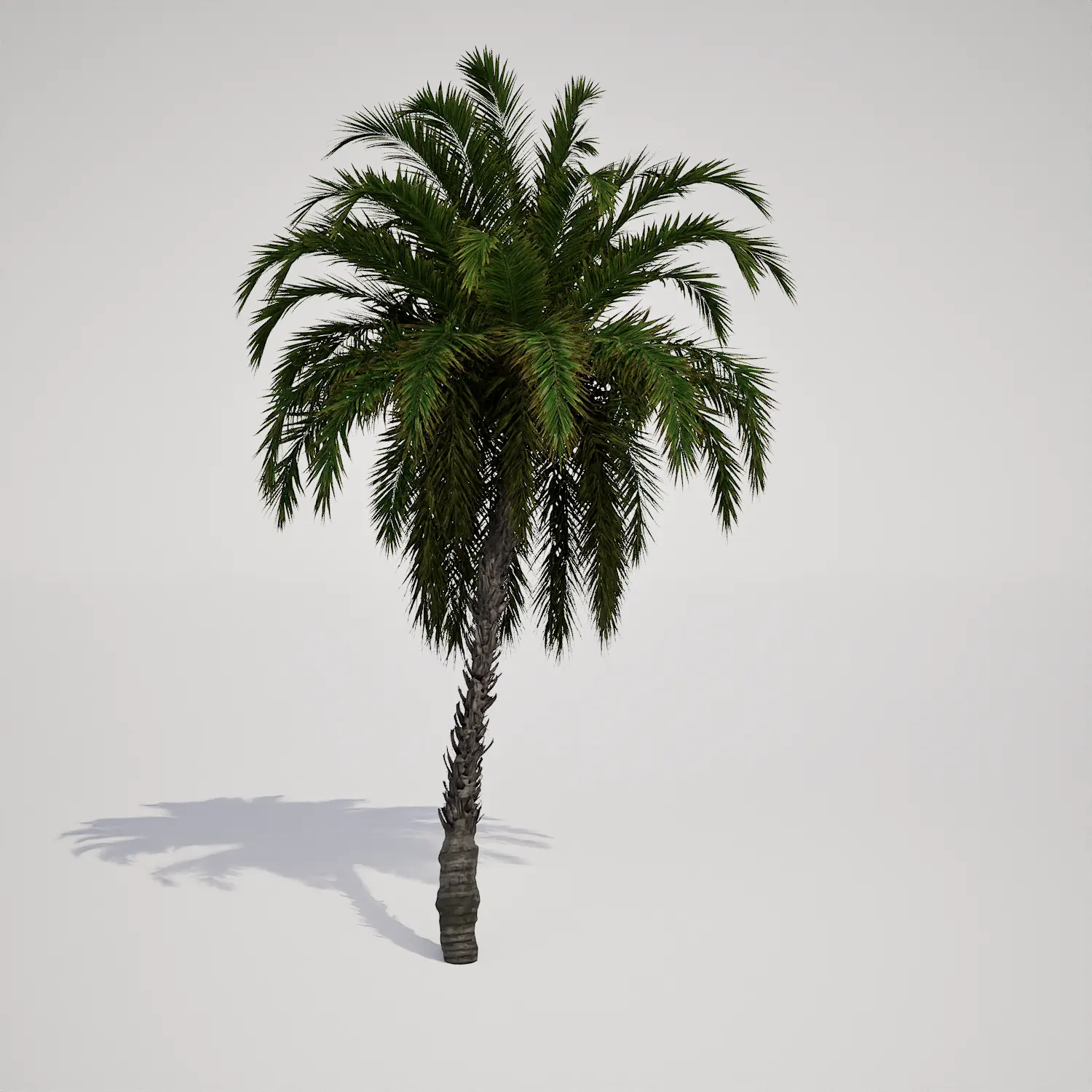

Introducing the Compact Tropical Palm Asset
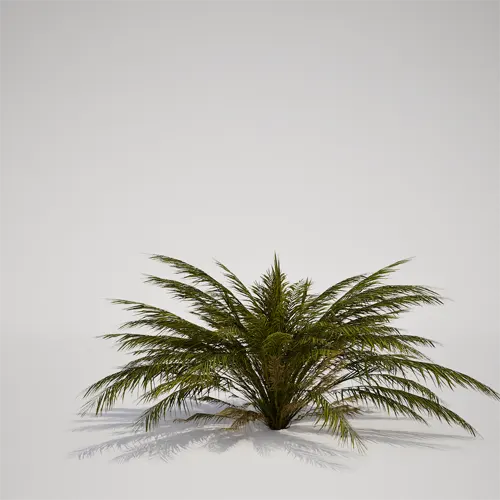
When populating an immersive environment, finding the right vegetation to fill the mid-ground is essential for visual density. This free compact tropical palm 3D asset provides a high-fidelity solution for designers looking to incorporate realistic greenery without heavy performance costs. The model features a distinct, clumping habit with vibrant, pinnate fronds that arch gracefully from a low base. Because it resembles a Phoenix roebelenii-type palm, it brings an immediate sense of lushness to any scene. Its fine-textured leaflets are ideal for bridging the gap between larger canopy trees and ground-level grasses in your Unreal Engine projects.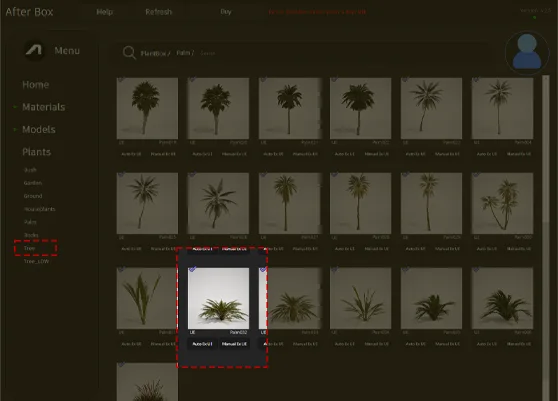
Versatile Applications for Modern Landscapes
This asset is a workhorse for both interior and exterior visualization. In archviz, it works perfectly as a container plant on a luxury terrace or as a focal point within a bright, sun-filled atrium. For landscape architects, the plant is well-suited for understory layering, often paired with rocks or gravel to replicate Mediterranean or resort-style gardens. In game environments, the clumping structure makes it a natural candidate for jungle floor dressing or clearing vegetation near a beach-side resort. Because of its scale, it helps anchor buildings to the ground, providing a sense of scale and realism to architectural rendering projects.Climate and Design Considerations
Designed for tropical and subtropical settings, this plant excels in year-round sunshine aesthetics. It pairs exceptionally well with architectural materials like travertine, warm wood decking, or coarse sand. While it fits beautifully into modern tropical or mid-century modern design schemes, it is less suitable for formal English gardens or cold, alpine environments where such lush fronds would look out of place.Technical Performance and Nanite Integration
With a triangle count of 11,318, this asset is optimized for efficiency. It is fully Nanite-compatible, meaning the engine handles the geometry transition seamlessly regardless of camera distance. You no longer need to worry about manual LOD setup; simply drag the asset into your scene and let Unreal Engine 5 handle the mesh complexity. This is particularly helpful when populating large-scale projects where draw calls can quickly become a bottleneck.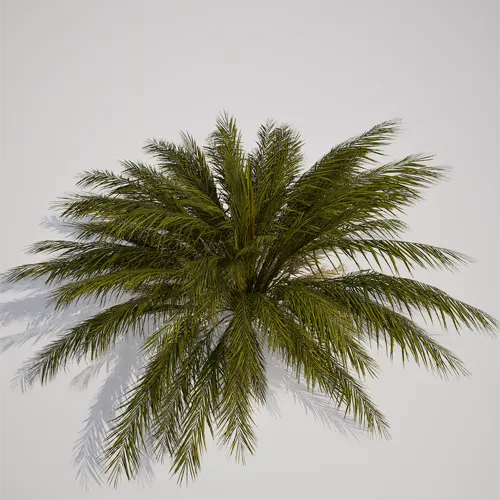
Scattering for Realistic Distribution
To avoid the “stamp-effect” where individual plants look like exact replicas, use the foliage tool to randomize scale and rotation. Since this is a clumping palm, small variations in height (between 0.5m and 1.2m) will prevent the pattern from looking artificial. Mixing this with other foliage, such as tall tropical palm tree asset, creates a layered, organic look. Placing a few instances at slightly different angles will ensure the arching fronds catch the light differently, adding to the perceived variety of your landscape.Ready-to-Use Unreal Engine Workflow
This asset is built to integrate directly into your Unreal Engine 5 pipeline without any tedious configuration. It comes pre-materialized and ready for instant drag-and-drop placement, saving you hours of material tweaking and mesh optimization. Whether you are creating a quick mock-up or a final cinematic, this model is designed to sit alongside other professional assets in your library.Seamless Integration and Workflow Efficiency
By using this model, you can focus on composition rather than technical troubleshooting. The workflow is designed for speed: import, place, and render. For teams managing large environmental projects, access to high-quality, free assets can significantly shorten the production timeline. For more information about subscription access and expanded library benefits, visit the official resource at https://after-box.com/pricing/.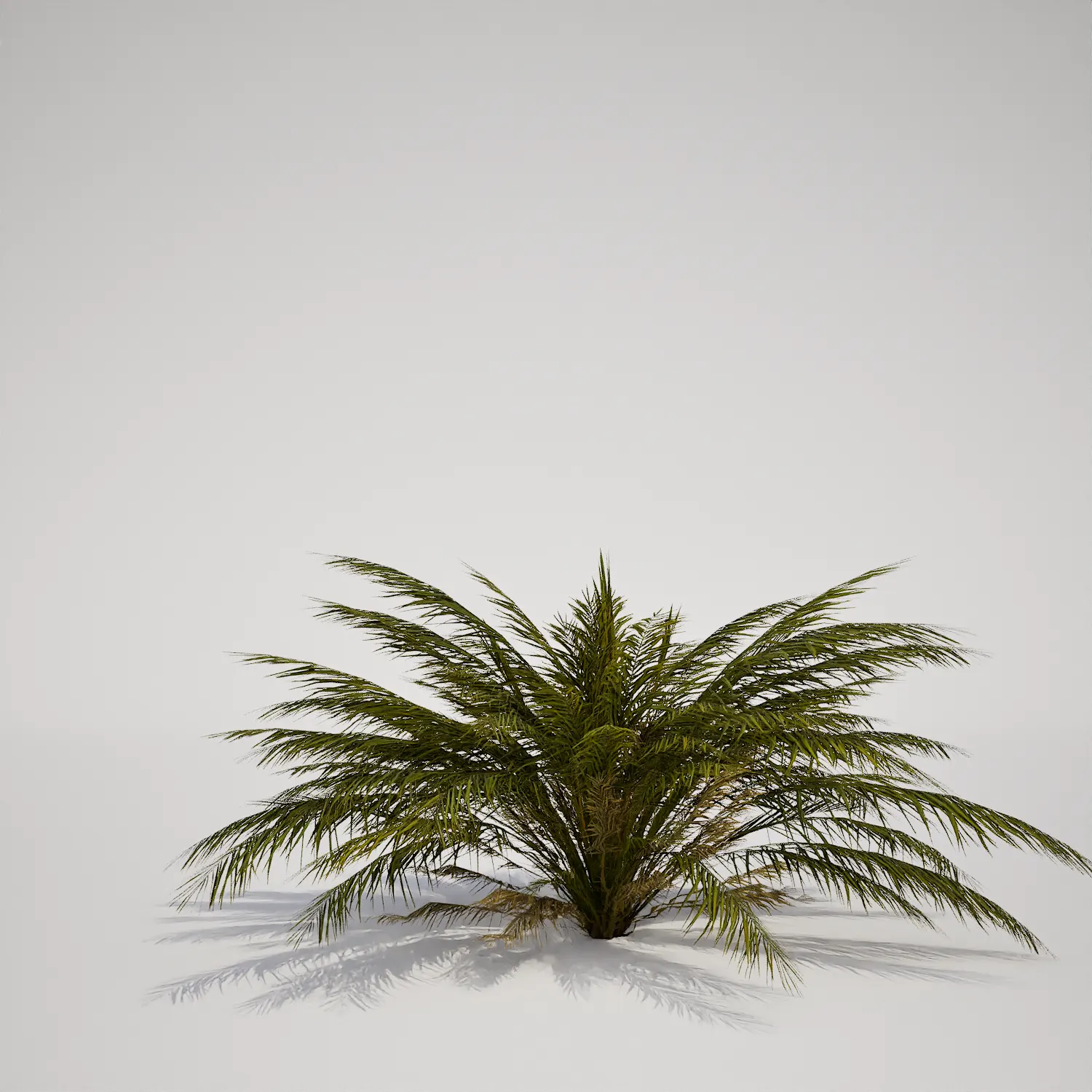

Save time importing objects
Download this object and hundreds of others from Afterbox software right now and import it into your Unreal Engine project with one click.
