

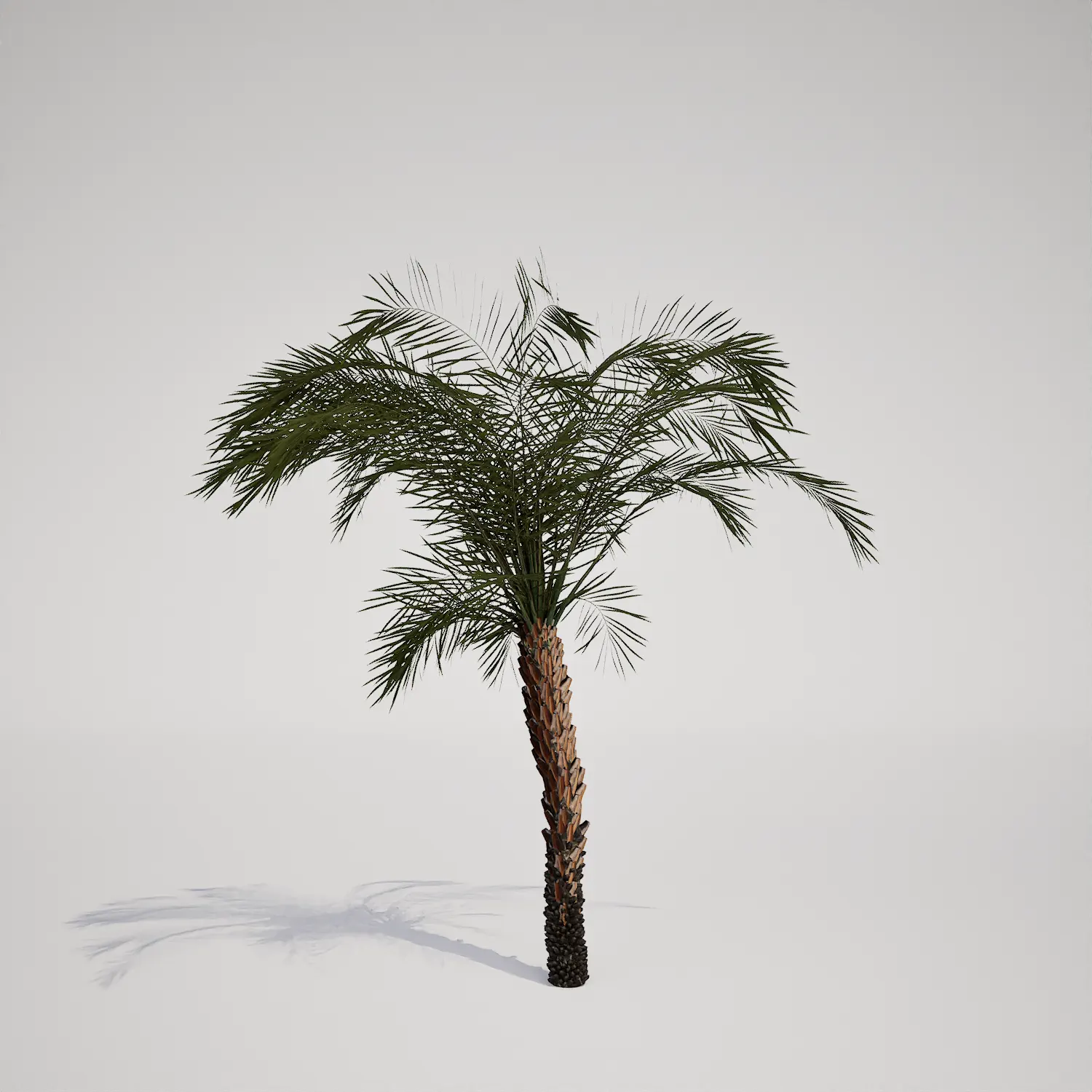


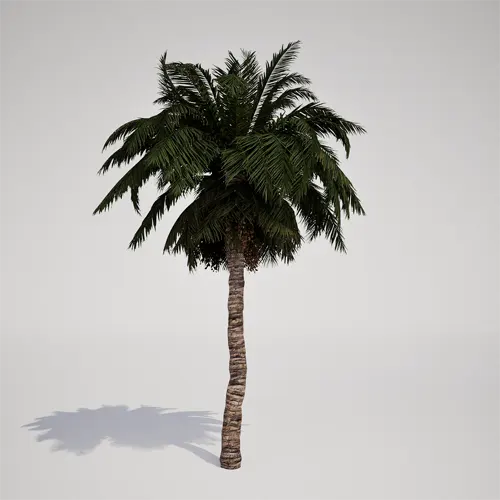
Essential Tropical Landscape Palm Asset
When populating outdoor environments, finding a high-quality, single-stemmed palm asset that holds up under close scrutiny can be a challenge. This model, similar in appearance to a Date Palm, features a refined, cross-hatched trunk texture and a dense, evergreen crown of feathery fronds. It is designed to act as a versatile focal point for both exterior architectural visualization and real-time game environments, offering a natural silhouette that reads well even in medium-range shots.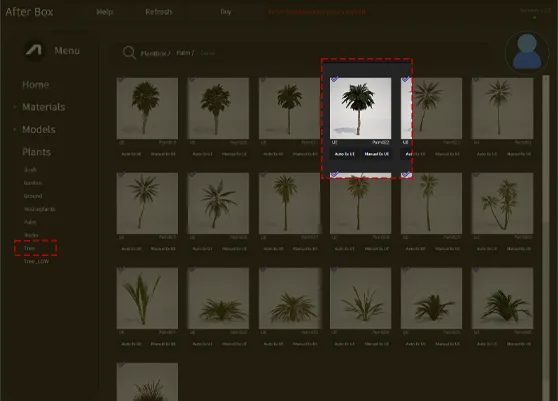
Versatile Applications for Modern Environments
This 3D palm is suited for a wide variety of project scales. Landscape architects will find it useful for defining pathways or creating resort-style focal points in residential backyards and commercial pool decks. For interior designers, the model provides a lush, tropical aesthetic when placed in high-ceilinged atriums or hotel lobbies. In game design, it serves as an ideal structural element for desert oases or dense island foliage, offering a botanical structural balance that grounds the surrounding vegetation.Climate, Visual Style, and Design Compatibility
With its evergreen, year-round foliage, this model thrives in scenes depicting tropical, arid, or Mediterranean climates. It pairs effectively with lower-profile desert flora like succulents or clean-lined architecture, such as a modern villa or a contemporary coastal home. While it shines in bright, sun-drenched settings, it is less suitable for dense, cool-climate forests where its distinct silhouette would look out of place.Technical Performance and Real-Time Rendering
Engineered for performance, this asset contains 402,692 triangles. Because it is natively compatible with Unreal Engine 5’s Nanite, you can populate expansive landscapes without worrying about traditional LOD transition artifacts. The high-resolution trunk texture provides sufficient detail for mid-range composition, though users should consider applying a subtle depth-of-field effect in the post-process volume if they are framing very tight close-ups on the fronds.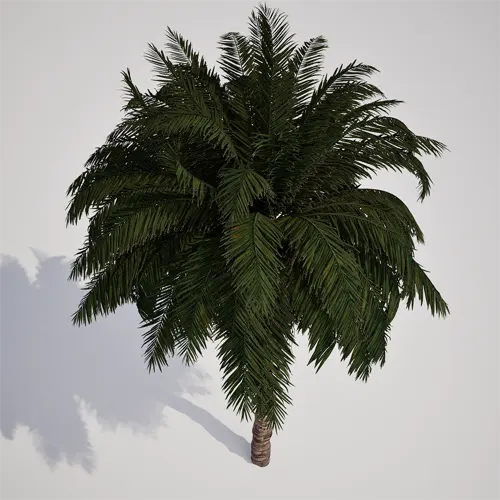
Managing Density and Natural Variation
To avoid the artificial look of repeated assets, combine this model with other variations of coastal or tropical flora. When scattering, use a brush density that accounts for the wide canopy spread to prevent clipping issues. For a natural aesthetic, vary the scale and rotation of each instance, and try mixing it with a classic fan-leaf palm asset to break up the monotonous silhouette of a single-species forest.Drag-and-Drop Workflow Efficiency
This palm asset is built for a frictionless Unreal Engine 5 workflow. It comes fully prepared for direct import, meaning there is no need to manually set up shaders or complex LOD hierarchies. Simply drag the asset into your level and it is ready to contribute to your scene immediately, saving hours of manual vegetation optimization.Streamlined Integration
The asset is available for download and is designed to integrate seamlessly into your existing projects. It is an excellent choice for teams looking to accelerate their visualization pipeline. For professional users who require a wider range of high-quality foliage, please visit our subscription page at https://after-box.com/pricing/ for more information on our full library access.

Save time importing objects
Download this object and hundreds of others from Afterbox software right now and import it into your Unreal Engine project with one click.
