



Versatile Palm Tree for Real-Time Environments
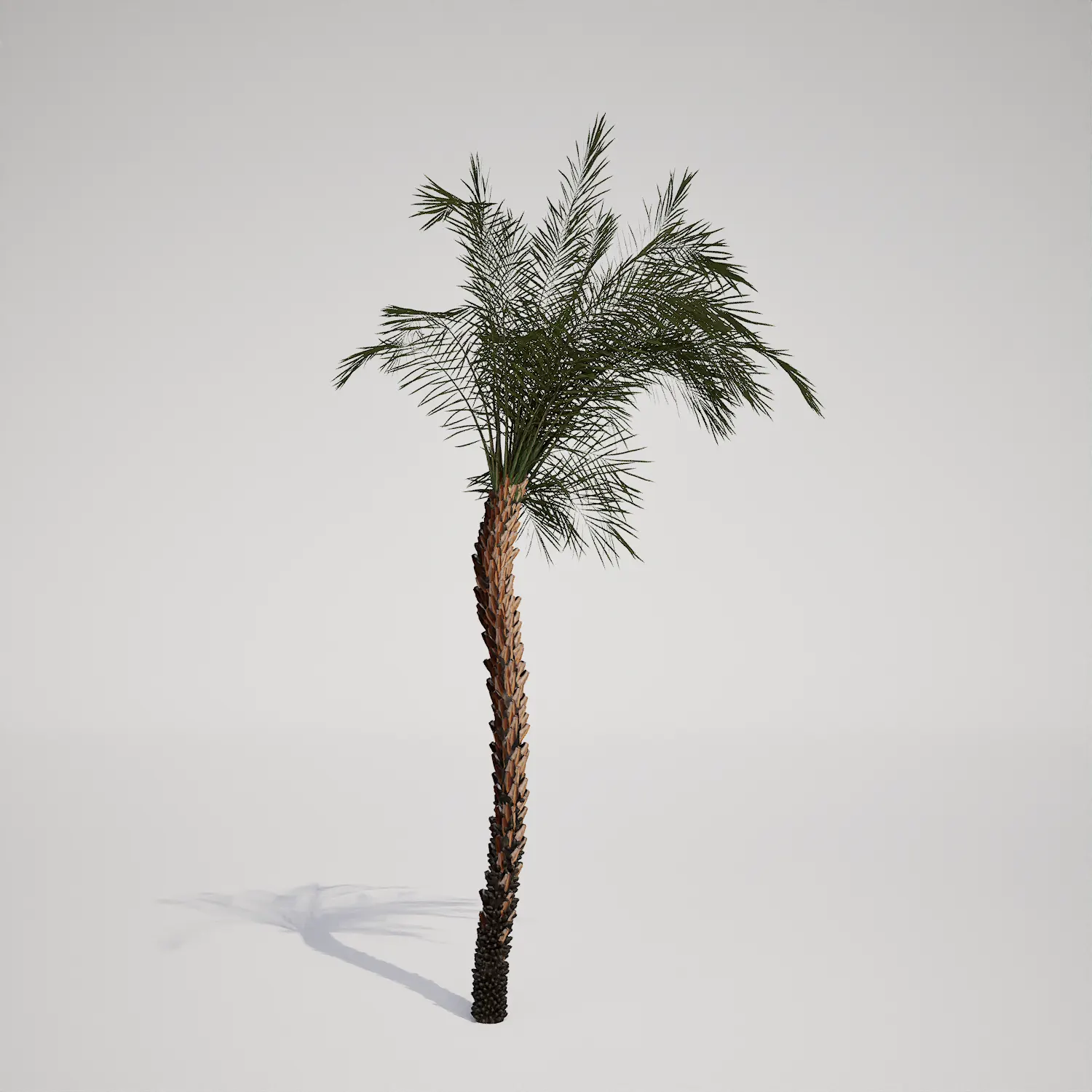
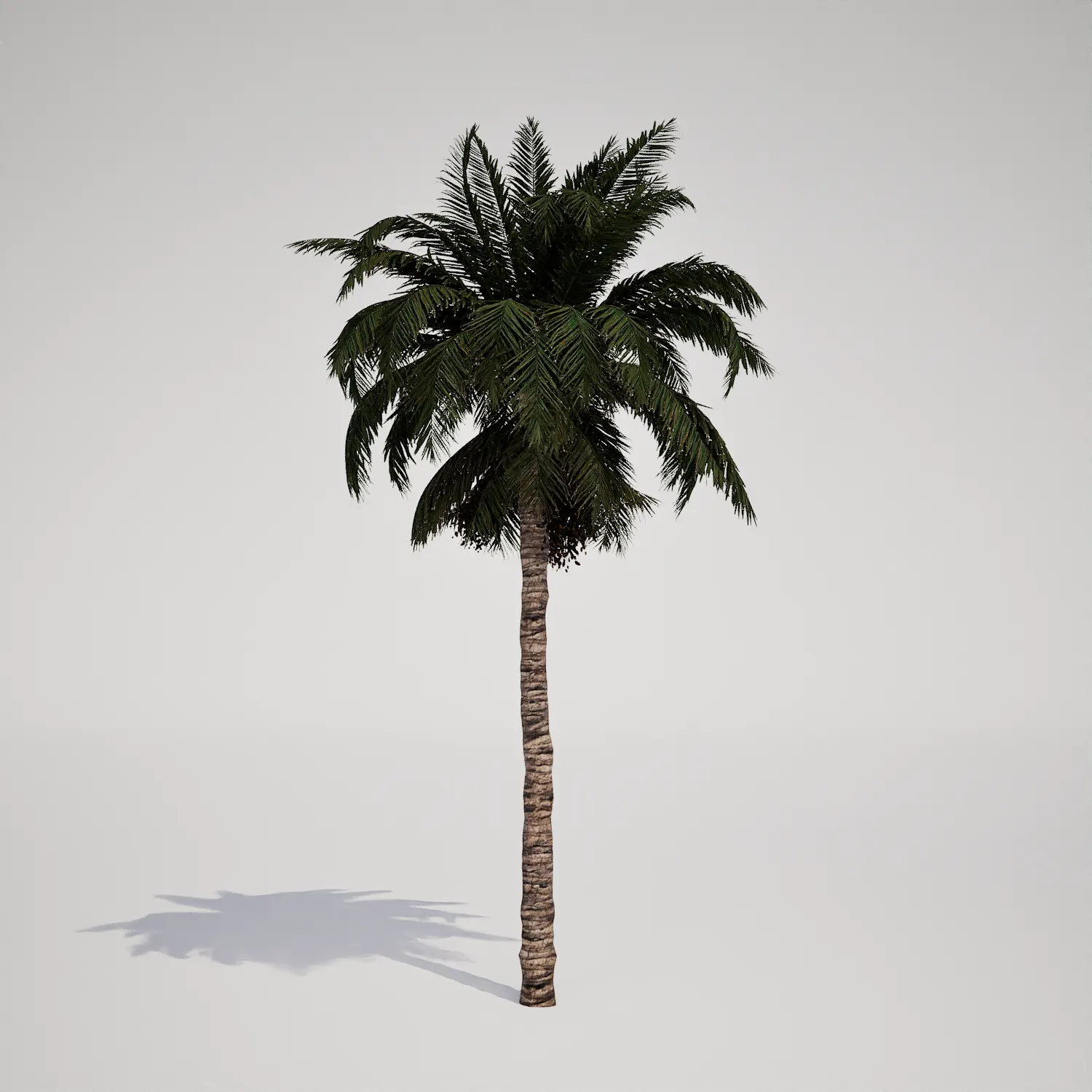
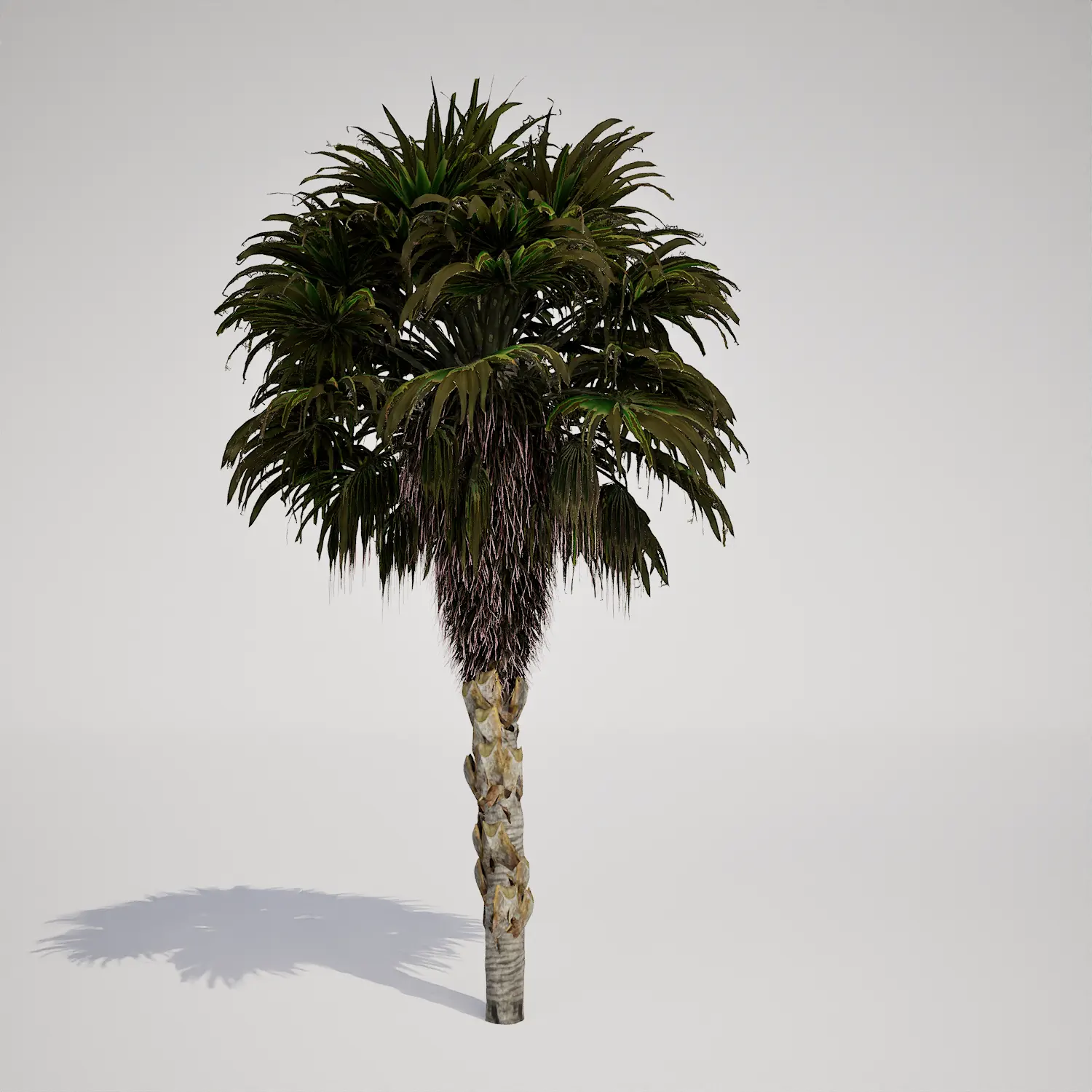
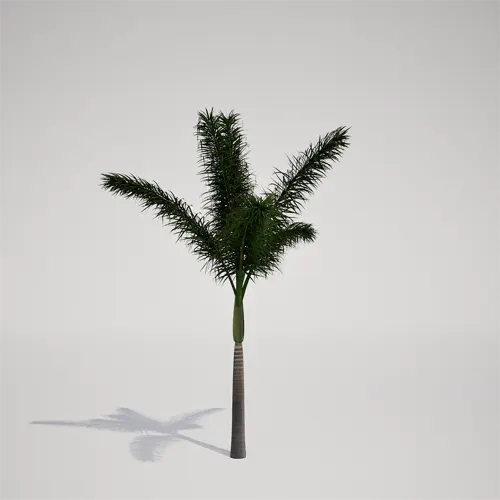
When populating tropical or coastal environments in Unreal Engine, finding the right vegetation scale is critical for maintaining visual balance. This free young palm tree asset provides a clean, solitary profile that works well as a mid-ground filler or a feature plant in smaller architectural pockets. Featuring a slender, greyish-brown trunk and a refined green crown shaft, this model delivers a silhouette that mimics the appearance of a young tropical palm. It is a highly practical choice for designers who need to fill gaps in a landscape layout without overwhelming the viewer.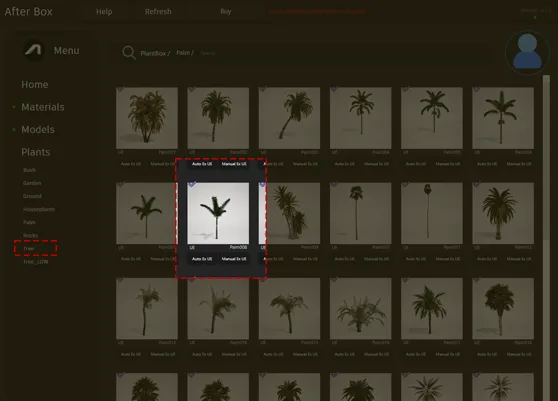
Implementation in Professional Projects
This asset excels in diverse digital environments where a touch of warmth is needed. For architectural visualizers, it serves as an ideal accent for poolside decks, hotel terrace entrances, or modern residential courtyards. In game level design, these palms are perfect for coastal city environments or lush, resort-style map segments where you need to guide player movement through clear vertical markers. While it functions as a standalone focal point, it is best utilized in groups where you can vary the height and scale to mimic a natural cluster of developing growth.Climate and Aesthetic Integration
The model thrives in settings designed around tropical or subtropical themes. Its clean lines and upright, columnar growth make it a natural fit for contemporary and mid-century modern architectural styles, where geometric clarity is often prioritized. You can pair this model with low-lying ferns to create a grounded, layered look. It works exceptionally well when placed against neutral backgrounds like smooth concrete, white gravel, or natural stone, where its dark green pinnate fronds can create high-contrast shadows. It is generally less suitable for harsh, arid desert scenes or dense, temperate woodland environments where its tropical silhouette might feel out of place.Technical Rendering Performance
Efficiency is a primary consideration for real-time visualization. This asset comes with a poly count of 131,662 triangles, striking a balance between silhouette fidelity and engine performance. Because it is fully compatible with Nanite, you do not need to worry about the overhead of manual LODs. Unreal Engine handles the geometry streaming automatically, ensuring the palm remains crisp across varying distances. Note that the crown density is optimized for mid-range viewing; if you are planning extreme close-up macro shots, the fine leaf details may appear slightly sparse compared to high-end cinematic assets.
Managing Density and Variation
To prevent a “stamp” effect when scattering this vegetation, rotation and scale variation are your best tools. Even with a uniform growth habit, real-world palms grow at slightly different stages and lean toward available light. By utilizing the foliage tool with subtle Z-axis rotation and randomized scale, you can break up the visual repetition. If you are grouping them along an avenue planting route, consider slightly offsetting their placement rather than creating a rigid, linear grid to maintain a more organic, intentional landscape design.Optimized Unreal Engine Workflow
This plant asset is ready to use directly in your Unreal Engine projects. By removing the need for manual geometry optimization or material setup, you can focus on composition and lighting. Because the asset is designed for plug-and-play functionality, you can drag it directly into your scene from the content browser and begin refining your environment lighting immediately, saving hours of production time on foliage management.Seamless Asset Integration
We provide this model as a fully compatible asset that integrates into your existing pipeline. You can quickly populate vast landscapes or tight exterior corridors without impacting your project’s performance budget. For those looking to scale their library, check our full collection at https://after-box.com/pricing/ for more information on how to access our premium professional vegetation assets.

Save time importing objects
Download this object and hundreds of others from Afterbox software right now and import it into your Unreal Engine project with one click.
