


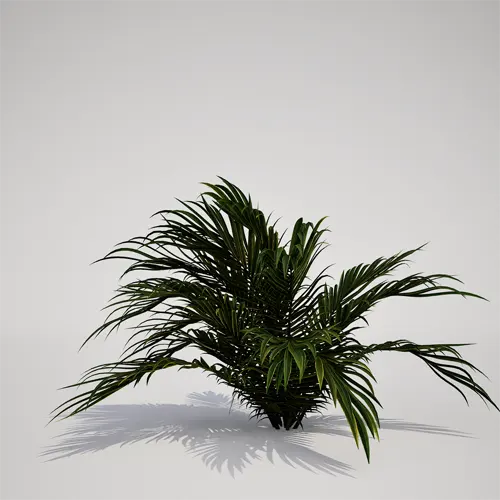
A Versatile Potted Palm for Real-Time Environments
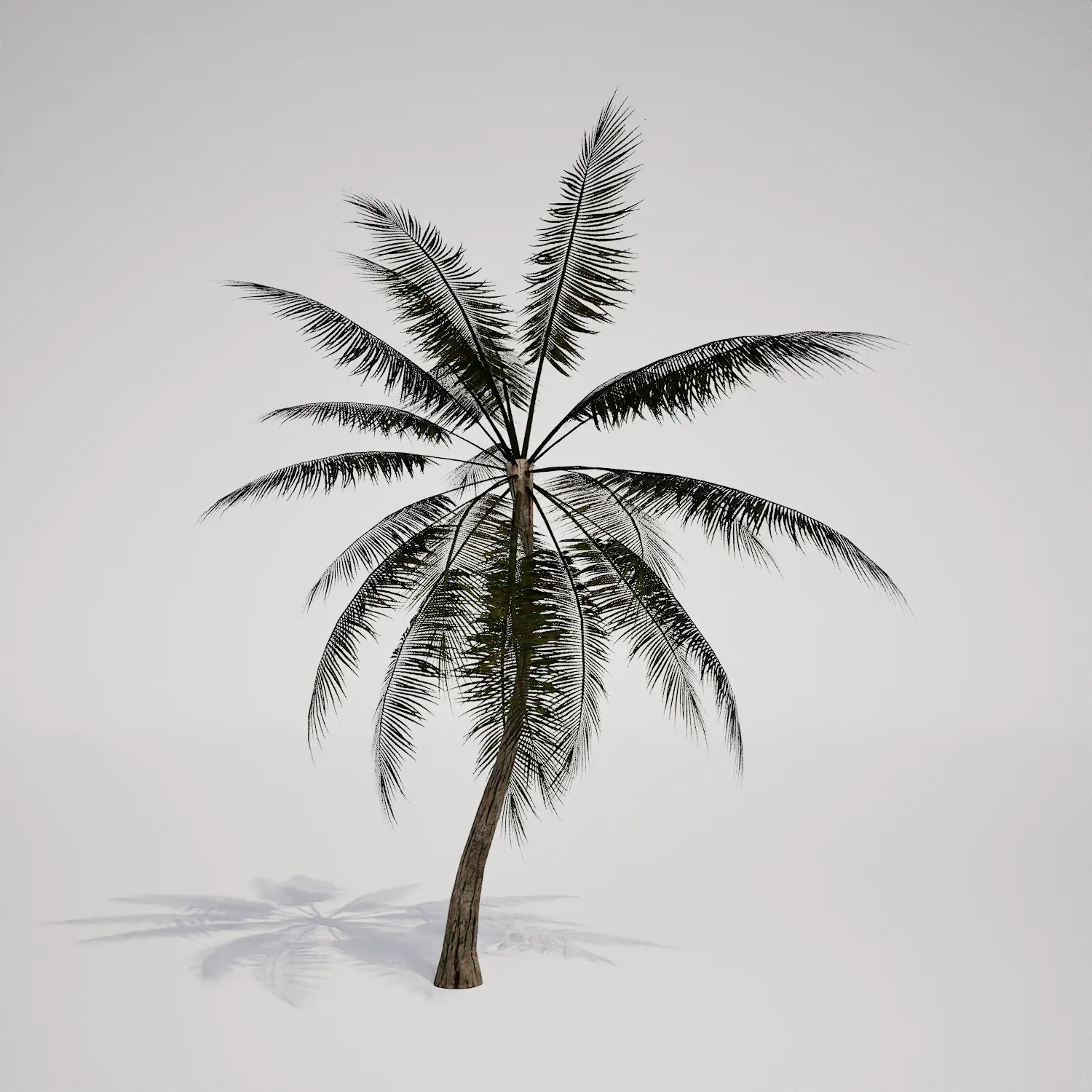
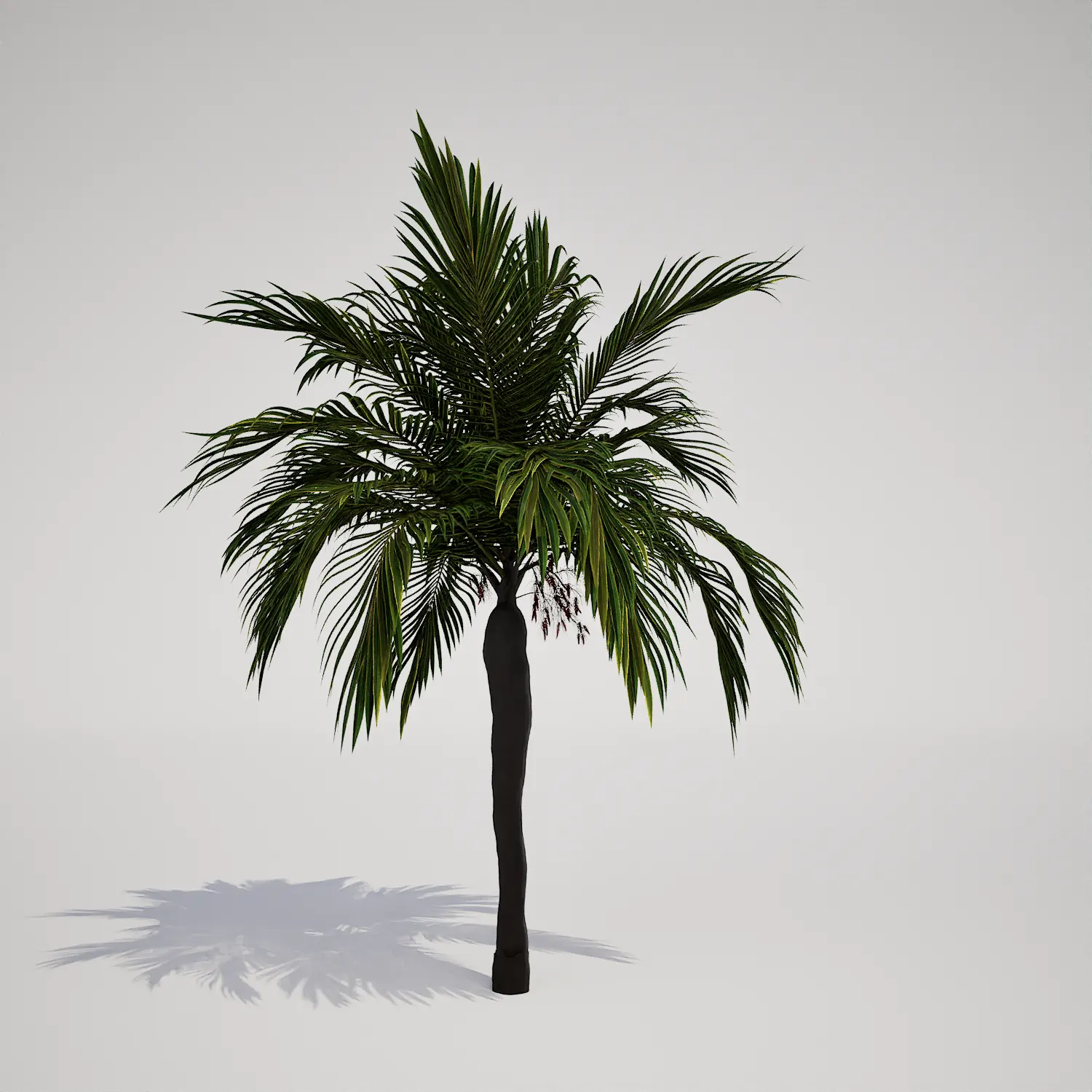
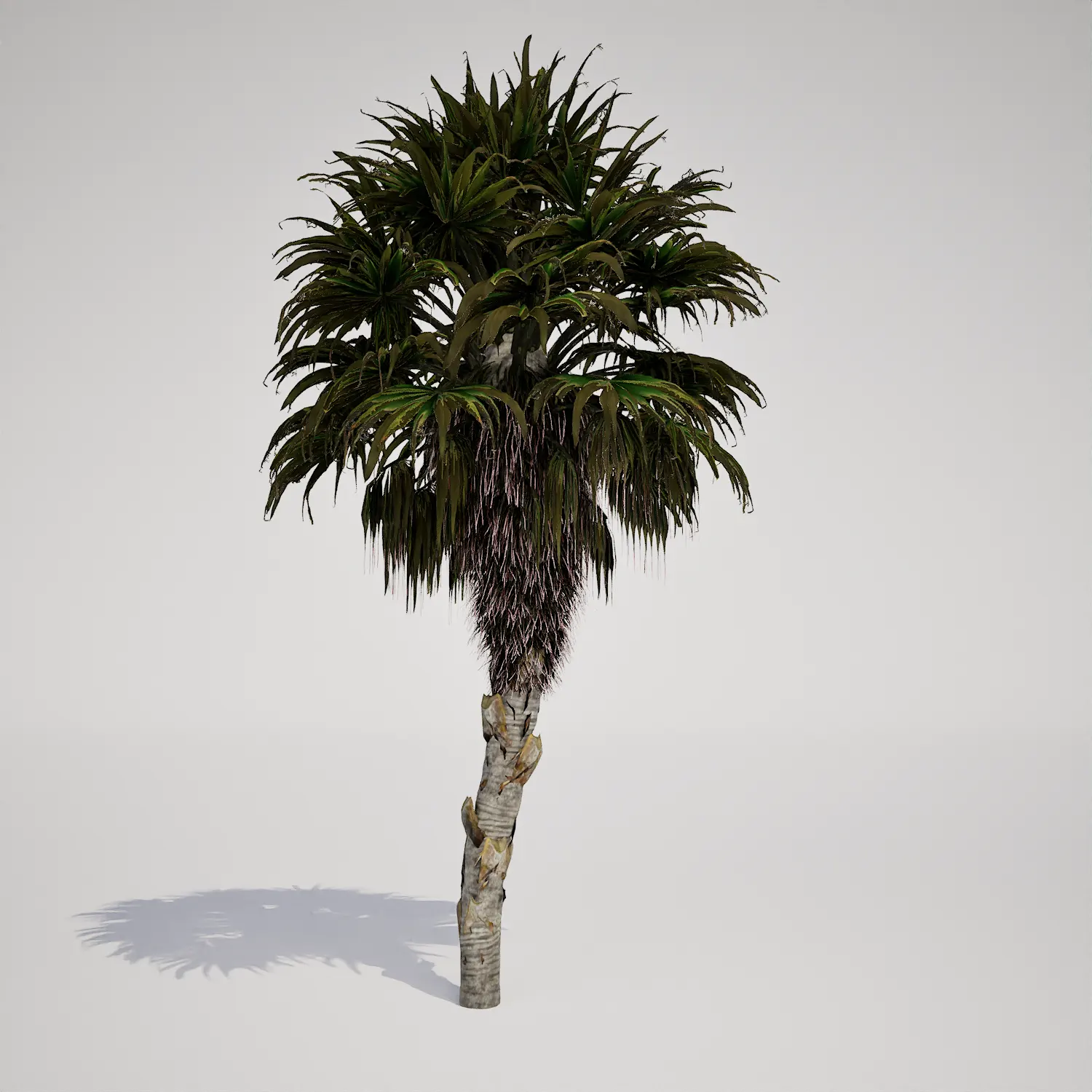
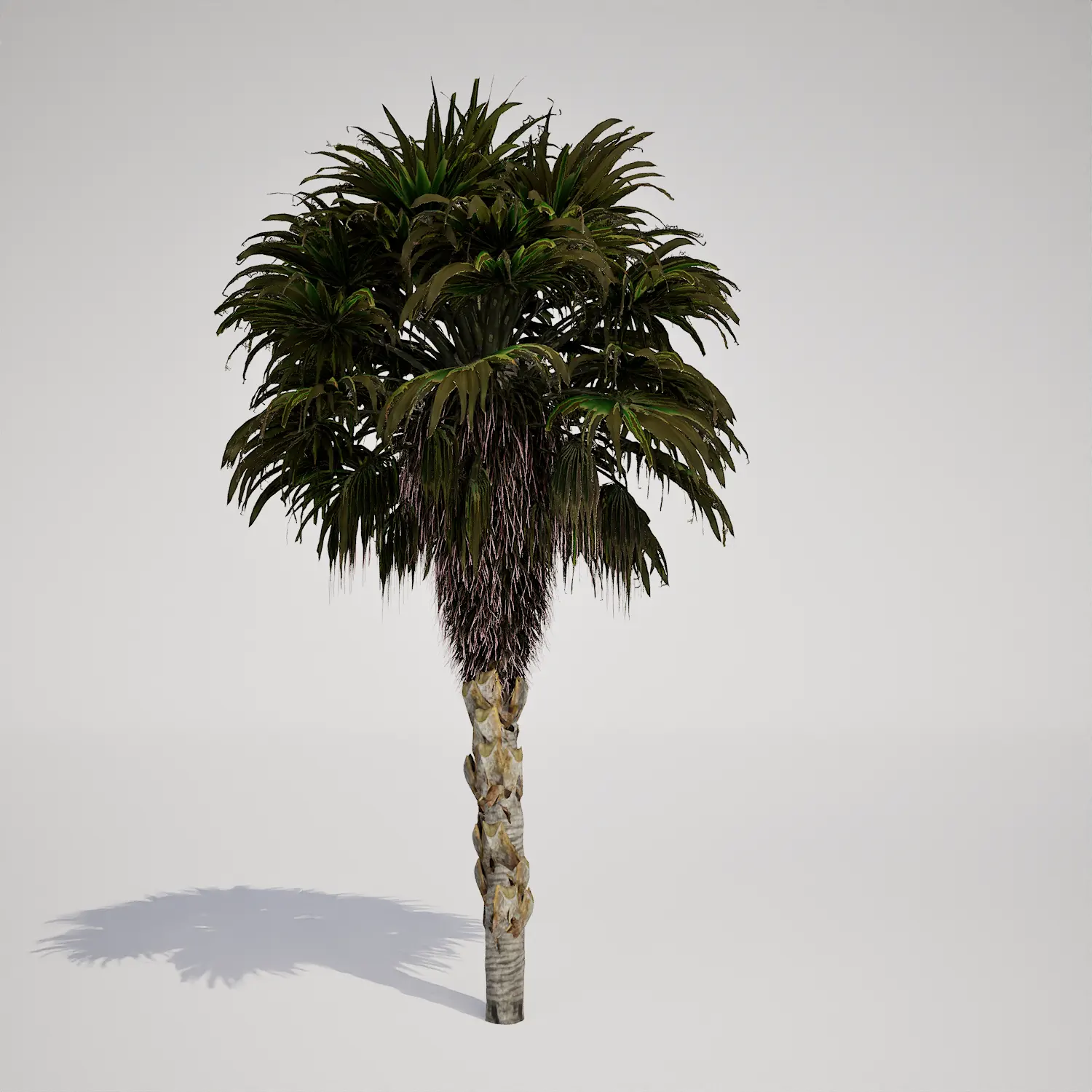
When populating high-end architectural visualizations or dense game environments, finding the right scale of vegetation is often the biggest challenge. This free potted palm asset, resembling a Phoenix roebelenii in its growth habit, provides a delicate, arching silhouette that works perfectly as a secondary layer in complex scenes. Its compact, clumping form and deep green fronds make it an ideal candidate for filling gaps in planters or creating lush, ground-level detail without overwhelming the primary focal points of your design.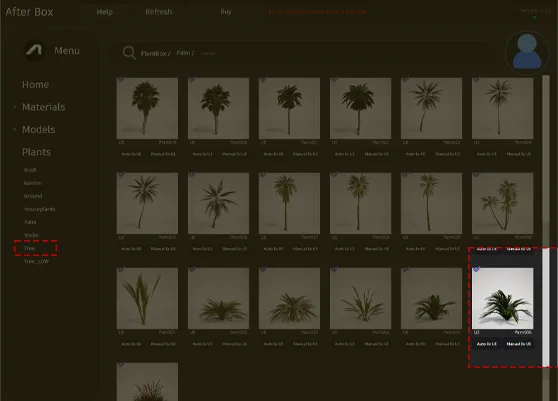
Practical Applications for Diverse Projects
This asset excels in environments that require realistic, mid-range foliage. In architectural projects, it serves as a sophisticated addition to modern terraces or minimalist atriums where high-quality detail is expected. Landscape architects can utilize its size to create refined path edging or fill container gardens near seating areas. For game artists, this model acts as an excellent prop for resort levels or urban interiors, bringing life to otherwise static spaces. Its ability to thrive in both indoor and outdoor settings makes it a versatile tool for any project requiring botanical design elements.Design Integration and Climate Context
Designed for tropical and mediterranean-themed projects, this palm fits naturally into contemporary or resort-style architecture. Its deep, olive-green tones complement hard surfaces like smooth concrete, brushed metal, or warm stone aggregates. For balanced compositions, it pairs well with broader-leafed vegetation such as philodendrons or the structural heights of a tropical palm 3d asset. Whether you are framing a patio or adding greenery to a luxury living space, its perennial, year-round appearance ensures consistency across your project’s seasonal lighting conditions.Technical Rendering and Nanite Optimization
With a poly count of 175,518 triangles, this asset provides enough geometric fidelity to stand up to mid-range close-ups. It is fully Nanite-compatible, meaning you can drop it into your Unreal Engine 5 projects without the overhead of manual LOD management. This optimization is crucial for maintaining performance when populating large-scale scenes with multiple clusters of plants. While the leaflets are highly detailed, the basal structure benefits from the right lighting to emphasize its density; you may want to ensure your lighting setup highlights the transition from the base to the arching fronds for the best result.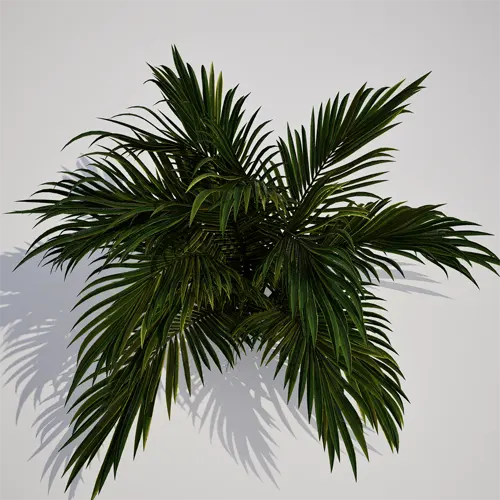
Managing Density and Natural Variation
Because this palm features a distinct, compact shape, placing instances in a uniform grid will lead to noticeable patterns. To achieve a organic, natural look, I recommend varying the rotation and scale of each instance by at least 15% when using the Foliage Tool. Mixing this asset with slightly different variations or placing them in irregular, asymmetric clusters helps break up the silhouette and avoids the “copy-pasted” appearance common in large-scale vegetation scattering.Drag-and-Drop Workflow for Unreal Engine
This plant asset is designed for a seamless, drag-and-drop workflow in Unreal Engine 5. By eliminating the need for complex material setup or manual LOD configuration, it allows you to focus on the artistic aspects of your scene composition. Simply drag the asset from your Content Browser directly into your viewport to immediately begin populating your project with high-quality, game-ready vegetation.Streamlined Asset Integration
The ready-made nature of this asset ensures that your pipeline remains efficient. Whether you are working on a massive landscape or a small interior room, this model reduces the time spent on vegetation prep, allowing for faster iterations. For those looking to expand their digital library, explore more professional assets through our subscription options at: https://after-box.com/pricing/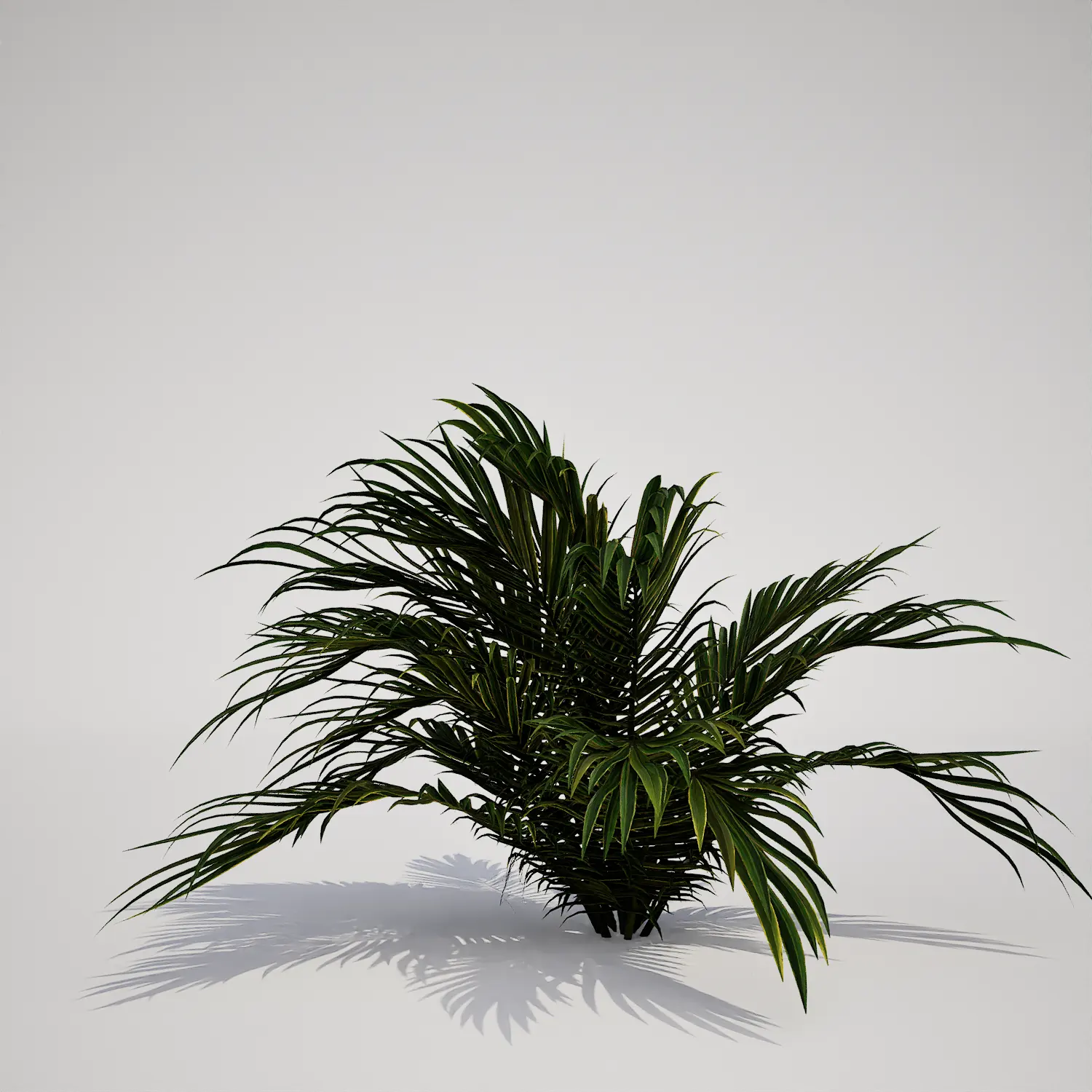

Save time importing objects
Download this object and hundreds of others from Afterbox software right now and import it into your Unreal Engine project with one click.
