
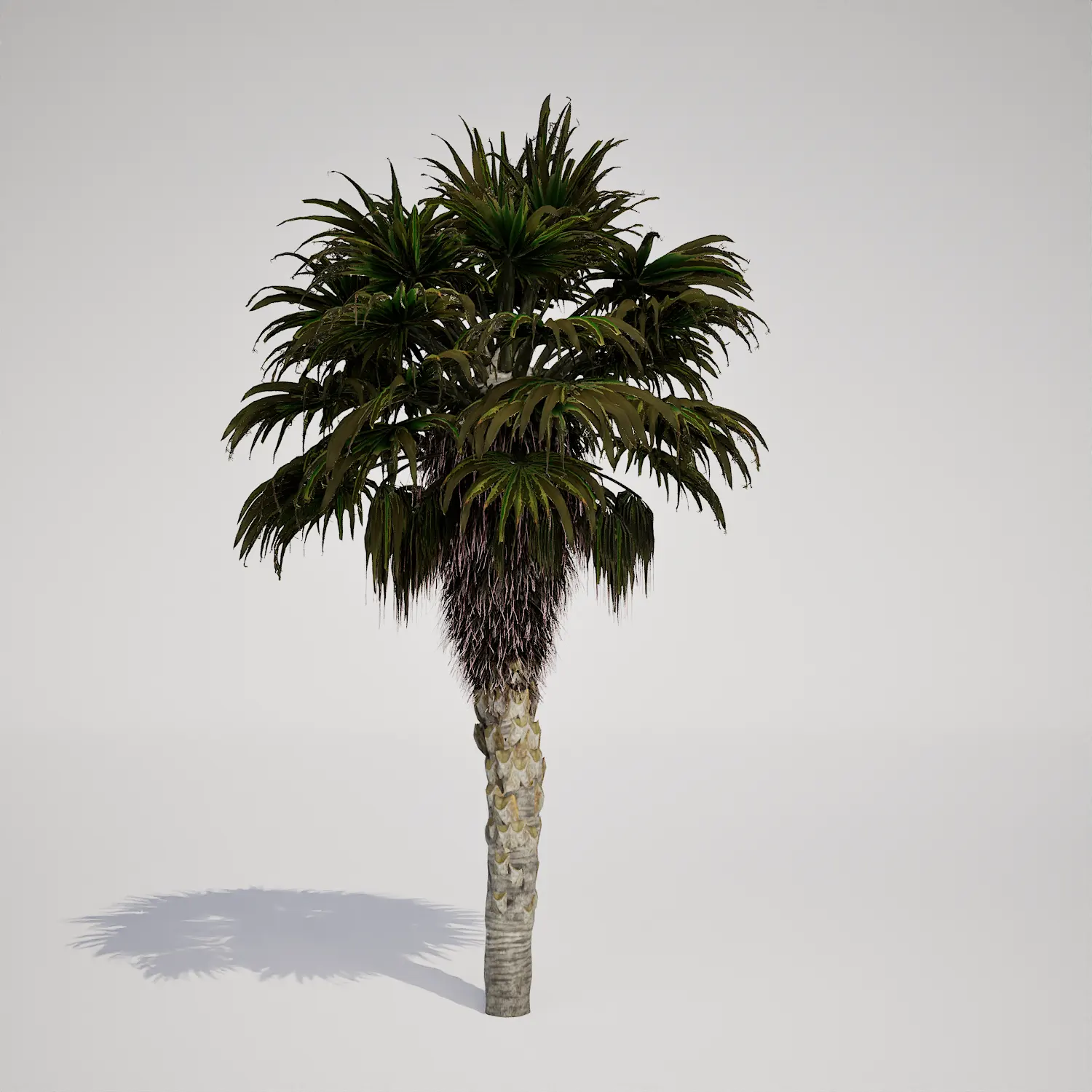





Introducing the Tropical Palm Asset
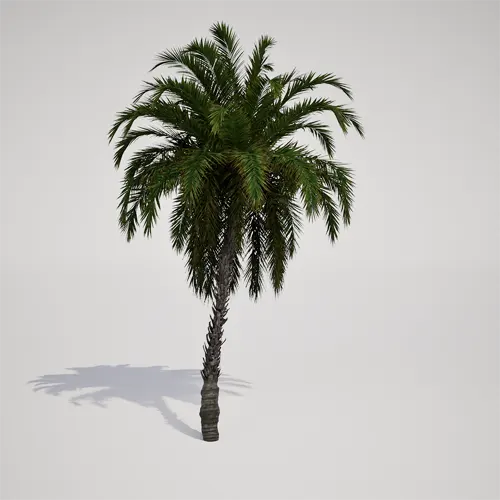
This free classic tropical palm asset provides a highly detailed, medium-sized single-trunk specimen for your virtual scenes. Featuring a distinct, symmetrical crown of slender, pinnate fronds and a characteristically rough, patterned trunk, this model offers a versatile silhouette for a wide range of environments. The foliage is deep green with subtle olive tones, delivering a realistic appearance that holds up well in mid-to-background placements. Whether you are populating a coastal vista or a private garden, this asset provides a balanced aesthetic, similar in appearance to a Mediterranean-style palm, without the need for manual geometry optimization.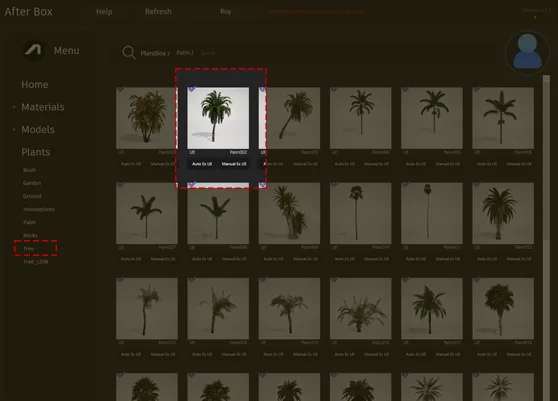
Versatile Applications in Visualization
This model shines in exterior architecture and environment design. For archviz professionals, it is ideal for filling out resort master plans, luxury property front yards, or poolside landscaping where a clean, vertical accent is required. Game environment artists will find it particularly useful for populating desert oases, tropical vacation resorts, or coastal town settlements. The upright, columnar growth form makes it an excellent choice for lining boulevards or plazas, effectively guiding the viewer’s eye through the digital environment design of your scene.Climate and Aesthetic Context
Suited for tropical, subtropical, and arid climates, this evergreen palm fits seamlessly into a variety of design languages. It complements modern coastal, Mediterranean, and tropical modernist architectural styles perfectly. When building your scenes, consider pairing it with inorganic elements like limestone paving, light-colored sand, or fine gravel to ground the foliage. You can also create visually rich compositions by contrasting this palm with lower-growing succulents or lush foliage like the vibrant bird of paradise plant. While it excels in these sunny settings, note that it is less suitable for dense, temperate forest environments or heavily shaded mountainous scenes.Technical Performance and Nanite Integration
With a triangle count of 1,020,516, this asset is designed to provide high visual fidelity for your Unreal Engine projects. Because it is fully Nanite-compatible, you can bypass the traditional, tedious process of manually configuring LODs. The engine manages the geometry complexity automatically, ensuring consistent performance whether the asset is in the immediate foreground or a distant background layer. When setting up your master material, prioritize configuring the subsurface scattering on the fronds. This adjustment is essential for capturing the way light filters through the foliage, which is key to achieving photorealism in high-end renders.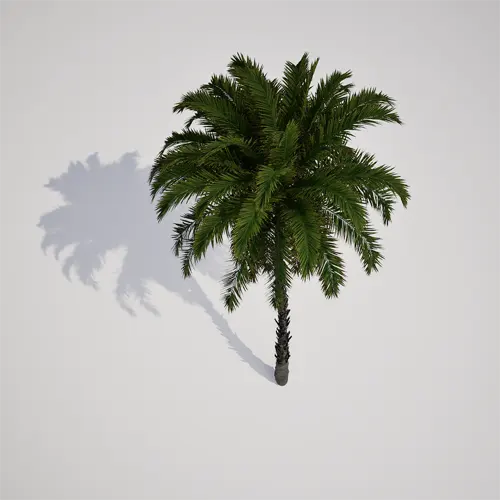
Strategic Scattering and Placement
To prevent the uniform, “stamped” look that often reveals a digital environment, focus on randomization. Because this palm has a distinct silhouette, even minor changes in rotation and scale between instances will significantly enhance the natural feel of your landscape. Use the Unreal Engine Foliage tool to scatter the assets, ensuring you vary the Z-axis rotation to break up the symmetry of the fronds. Incorporating variations in height will mimic the natural growth patterns found in real-world public parks or resort plantings.Production-Ready Unreal Engine Workflow
This palm is optimized for immediate use in Unreal Engine 5. It serves as a drop-in component, allowing artists to bypass setup time and focus entirely on composition and lighting. Because the materials are calibrated for the engine’s deferred renderer, you can achieve professional results with minimal effort. This workflow is designed specifically for artists who need to balance high-quality visual output with strict project deadlines.Seamless Asset Integration
You can drag and drop this palm directly into your project library and begin populating your scenes immediately. The asset is structured to maintain efficiency, allowing you to scale your environments without compromising project stability. For studios looking to expand their vegetation library with more professional-grade foliage, visit our subscription page for more information: https://after-box.com/pricing/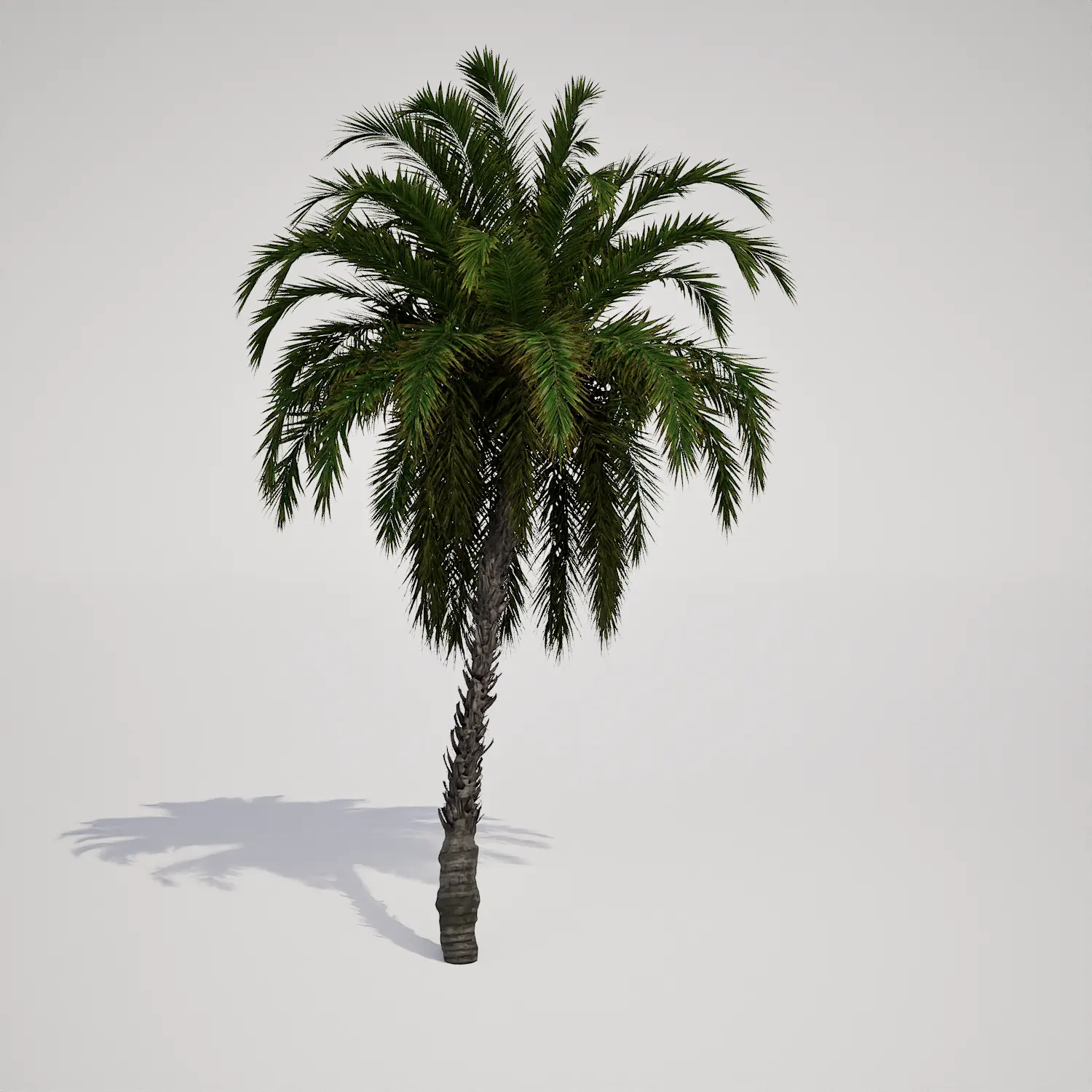

Save time importing objects
Download this object and hundreds of others from Afterbox software right now and import it into your Unreal Engine project with one click.
