



Introducing the Fan-leaf Palm Tree
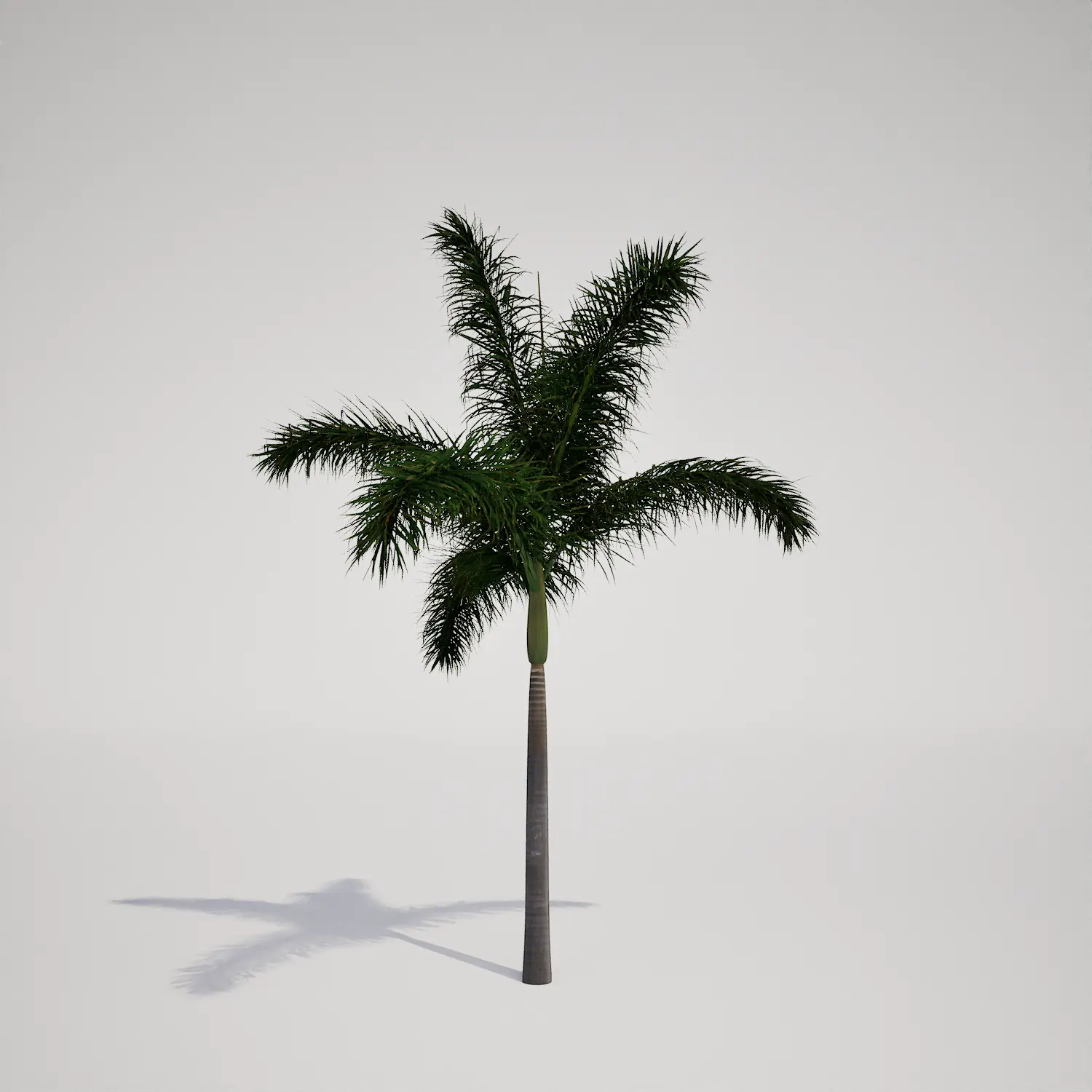
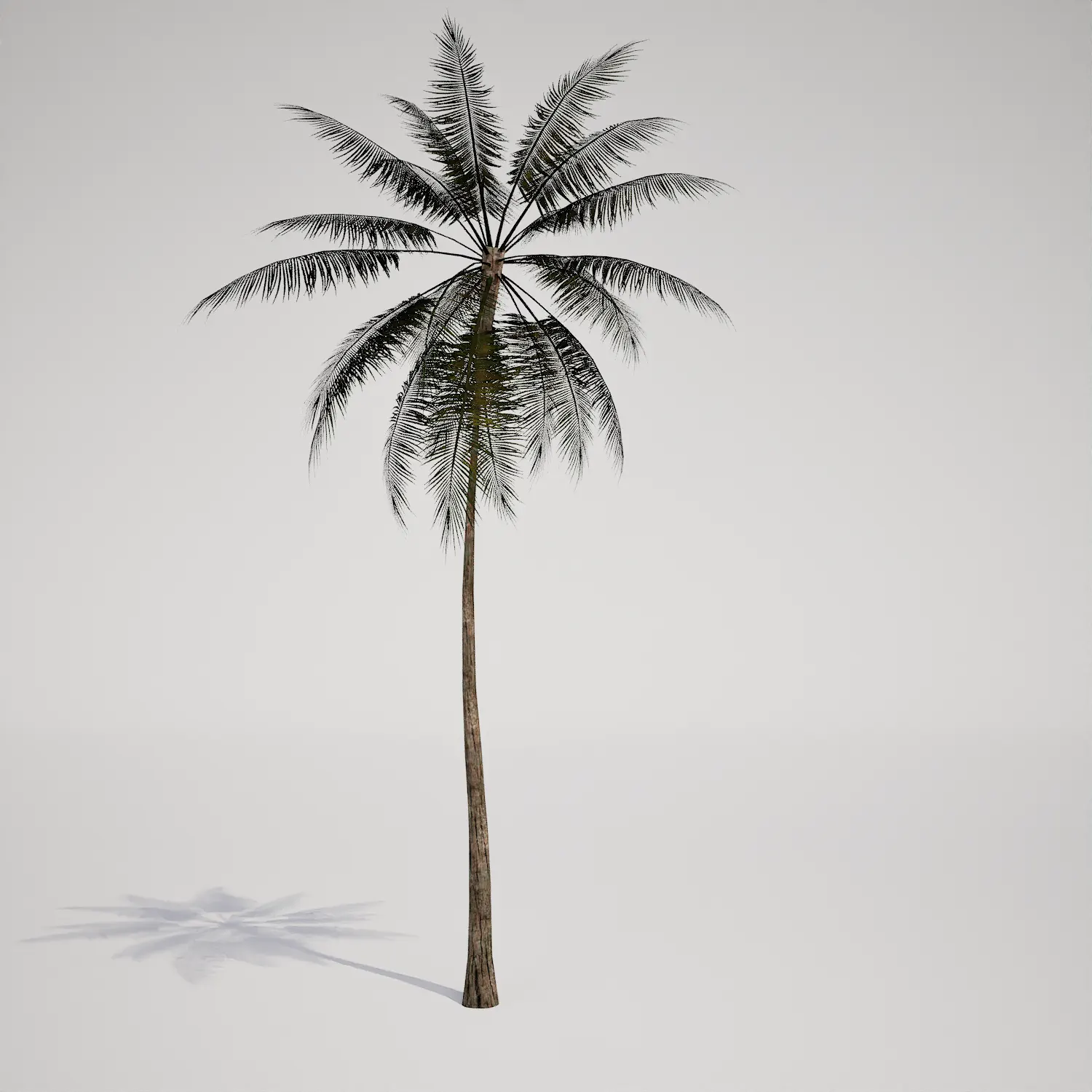
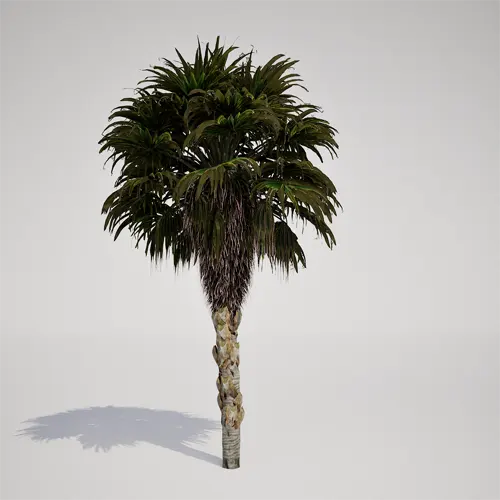
When building immersive environments, having high-quality, reliable vegetation is essential for grounding your scenes. This free fan-leaf palm tree asset is designed to serve as a versatile element in tropical and subtropical visualizations. Featuring a distinct vertical, single-stemmed growth form, it stands roughly 4 to 6 meters tall. The trunk showcases a detailed, rugged texture characteristic of mature growth, while the crown is composed of dense, fan-shaped fronds. Visually, this palm resembles a Washingtonia or Sabal type palm, making it an excellent candidate for various exterior scene setups.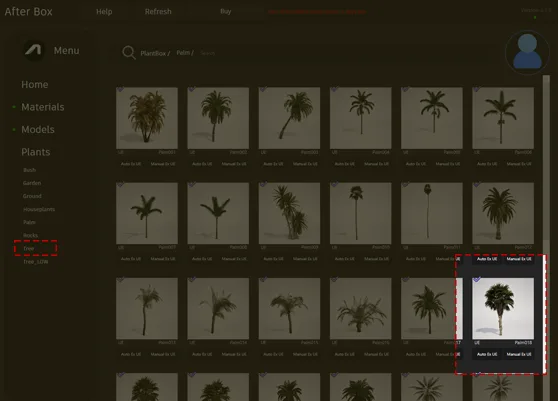
Versatile Applications in Projects
This palm is an ideal choice for both architectural visualization and game environment production. In archviz, it works effectively as a focal point in luxury poolside designs, courtyards, or contemporary coastal resort master plans. Its vertical silhouette is perfect for framing entryways or lining streetscapes. For game artists, it provides a performant solution for filling out tropical island levels or urban environments near the coast. While primarily an outdoor asset, it can also bring a sense of scale to large-volume interiors, such as high-ceiling atriums or spacious commercial lobbies.Climate and Aesthetic Pairing
This asset is best suited for climates that mirror tropical, subtropical, or mediterranean environments. It is an evergreen species, ensuring your scene looks consistent regardless of the time of year. For those working on landscape designs, it pairs seamlessly with other arid-leaning foliage like ornamental grasses, agave, or even a bird of paradise plant asset. The plant thrives in environments featuring sandy ground textures or hardscape materials like natural stone and concrete.Technical Performance and Rendering
Engineered for modern production, this palm consists of 163,808 triangles, providing a balance between visual fidelity and performance. Because it is fully compatible with Nanite, you can populate your scene with multiple instances without the overhead of traditional LOD management. The high-quality trunk base makes it suitable for mid-to-close range shots, allowing the camera to capture the fine geometric detail. While the asset is high-fidelity, be mindful that the crown density is uniform; in extreme close-ups, you might consider adding subtle variation or layering to break up the silhouette.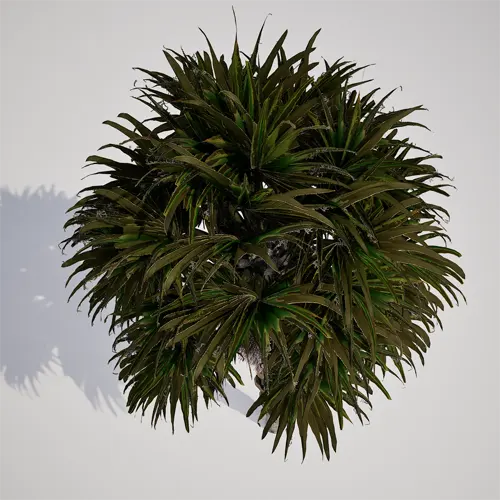
Managing Density and Variation
To avoid a repetitive look, especially when populating a large landscape area, prioritize variation in your instance transforms. Because the trunk texture is distinct, simple rotation and subtle scale changes are critical to mask potential patterns. Avoid placing identical instances in a perfectly straight line. Instead, cluster them with varying heights and tilts to mimic the organic nature of coastal vegetation.Production-Ready Workflow
This palm asset is designed for immediate integration into your Unreal Engine 5 pipeline. By leveraging a drag-and-drop workflow, you can bypass manual setup, allowing you to focus on lighting and composition. The asset comes ready for use in any project where high-end foliage is required, helping you achieve a realistic, professional result without the time-consuming process of manually configuring materials or geometry.Seamless Integration
The user can drag and drop this plant asset directly into an Unreal Engine 5 project. The ready-made asset allows you to quickly populate a scene without spending time modeling or optimizing vegetation. More information about subscription: https://after-box.com/pricing/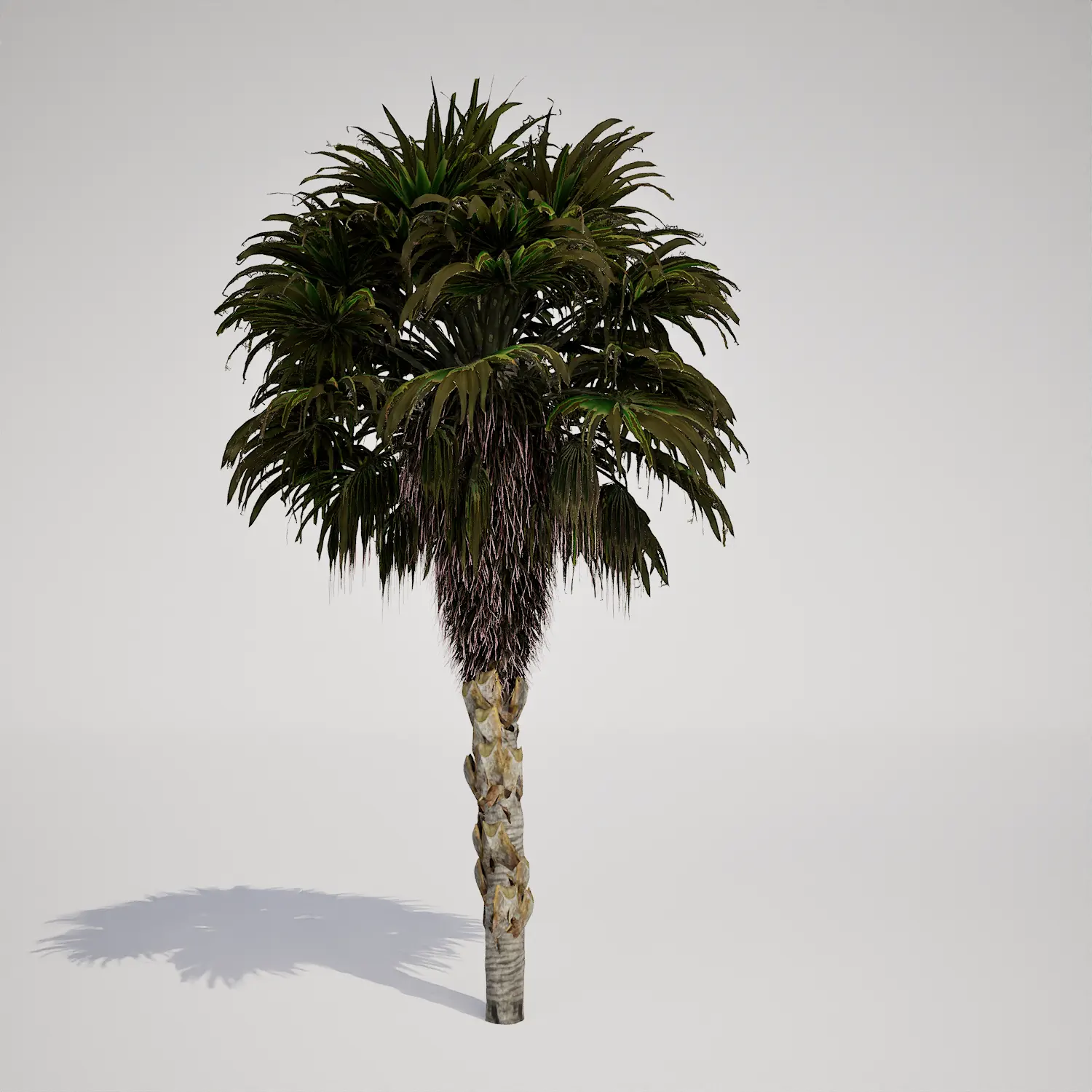

Save time importing objects
Download this object and hundreds of others from Afterbox software right now and import it into your Unreal Engine project with one click.
