


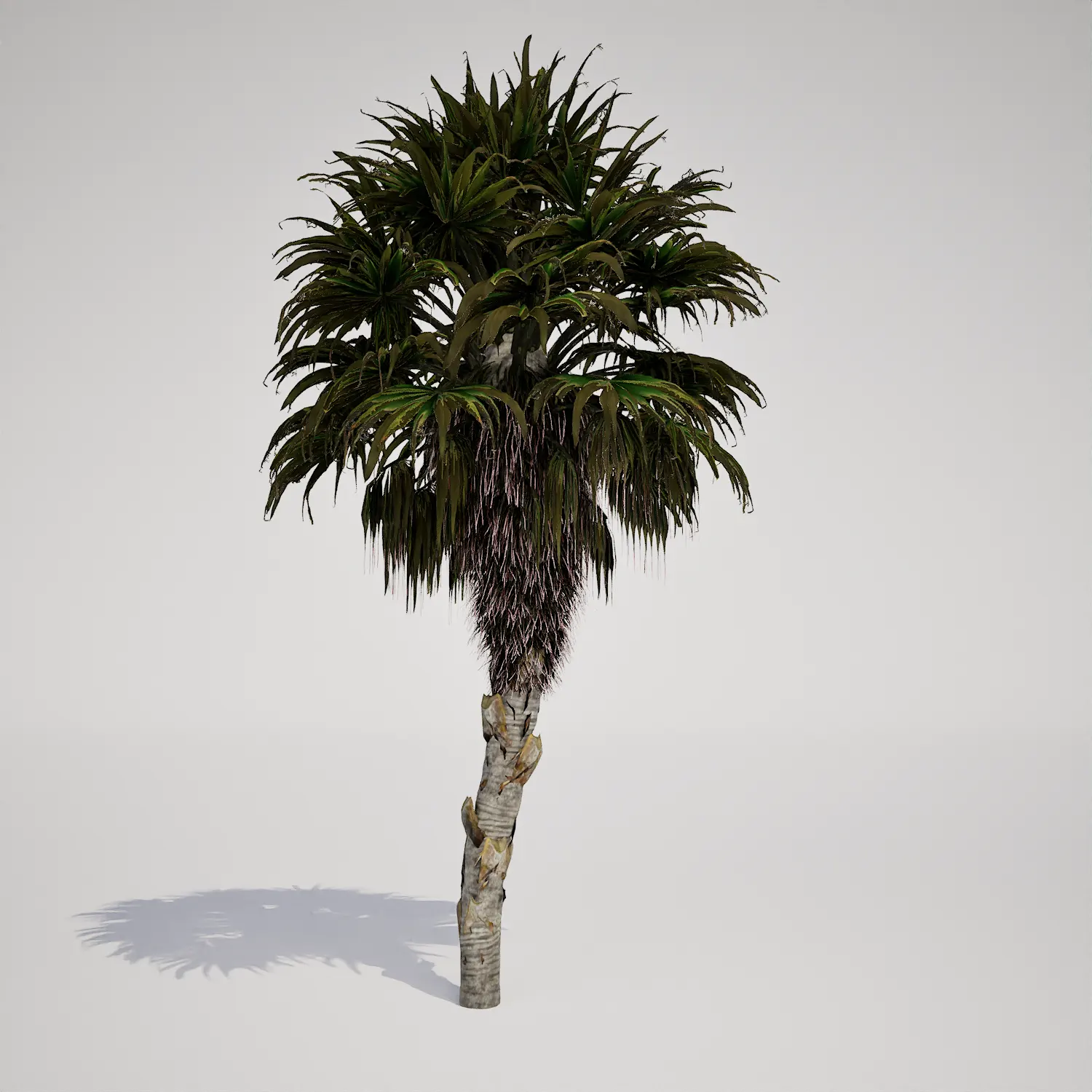




Elevated Tropical Palm Vegetation for Unreal Engine
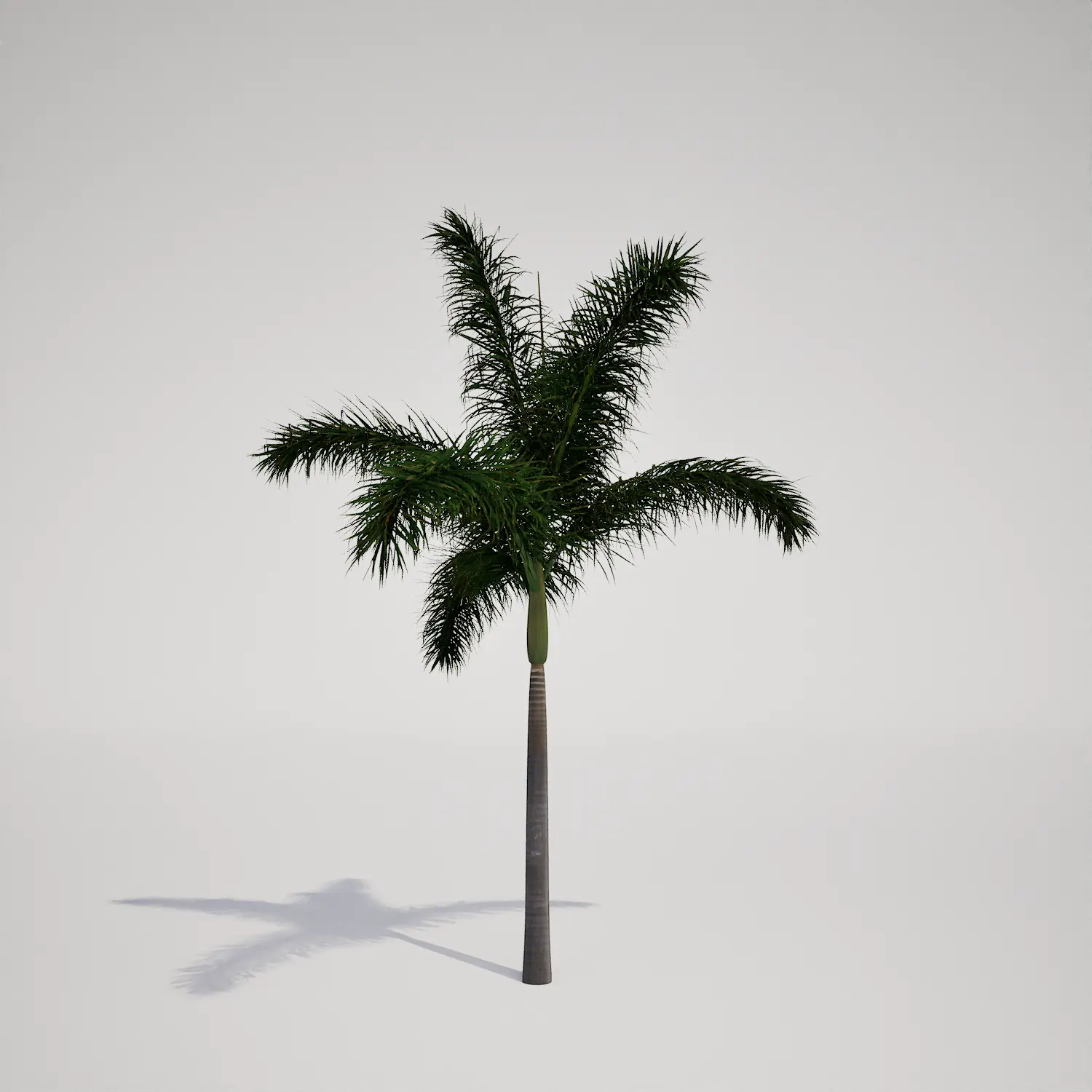
When building high-end coastal scenes or tropical environments, finding the right vertical element is essential. This Free Tropical Royal Palm Tree Asset provides a highly detailed, single-stemmed specimen that brings structural elegance to any digital landscape. While the asset’s tall, columnar silhouette closely resembles a classic royal palm, its clean geometry makes it an incredibly versatile addition to your Unreal Engine library. It offers the perfect balance of scale and visual fidelity for architectural visualization projects and game environment design.
Implementation Across Diverse Projects
This asset excels in outdoor environments where verticality is required. In architectural visualization, it functions perfectly as a focal point for luxury villa entryways or lining resort-style boardwalks. Game artists can leverage this model to populate tropical island coastlines or city parks, where a clean, uncluttered profile is needed. It works best when paired with lower-growing vegetation, such as the lush bird of paradise asset or sandy ground textures, to create a believable, naturalized ecosystem.Climate, Design, and Stylistic Synergy
Designed for tropical and subtropical themes, this model is a year-round staple for exterior scenes. It fits seamlessly into modern tropical architecture, coastal contemporary villas, and clean-lined Mediterranean projects. Because it maintains its appearance throughout the seasons, it remains a reliable constant for any outdoor shot. The smooth, greyish-brown trunk and vibrant green crownshaft provide a sophisticated look that pairs exceptionally well with modern concrete hardscaping and white stucco materials.Technical Fidelity and Performance
With a polygon count of 197,848 triangles, this asset is built to handle mid-range to hero-level camera proximity. Because it is fully compatible with Nanite, the engine handles all geometric complexity automatically. You no longer need to worry about manual LOD transitions or popping artifacts at varying distances; simply drag the asset into your level and let Unreal Engine 5 manage the throughput. This technical optimization ensures your scene remains performant, even when populating wide-angle architectural shots with multiple instances of the same species.
Managing Density and Natural Variation
To avoid the “copy-paste” look in large-scale landscapes, prioritize rotation and scale variations. Even subtle changes—rotating the trunk by 45 degrees or scaling instances by 5–10%—will hide the uniformity of the canopy geometry. If you are scattering these across a large island or boulevard, consider integrating them with other species to break up the silhouette, ensuring the repetition of the unique frond patterns is effectively masked.Seamless Unreal Engine Integration
This palm asset is designed to drop directly into your project without extra steps. Since it is fully optimized for UE5 workflows, you save valuable production time that would otherwise be spent on manual optimization or asset preparation. The materials are set up to respond naturally to light, providing a high-quality visual foundation for your project right out of the box.Workflow Efficiency for Professional Assets
By utilizing this ready-made foliage, you can focus on scene composition and lighting rather than technical cleanup. This asset allows for rapid iteration when testing different landscaping configurations for a client’s exterior design. For access to our full library of production-ready vegetation, you can explore the options available on our subscription page:

Save time importing objects
Download this object and hundreds of others from Afterbox software right now and import it into your Unreal Engine project with one click.
