
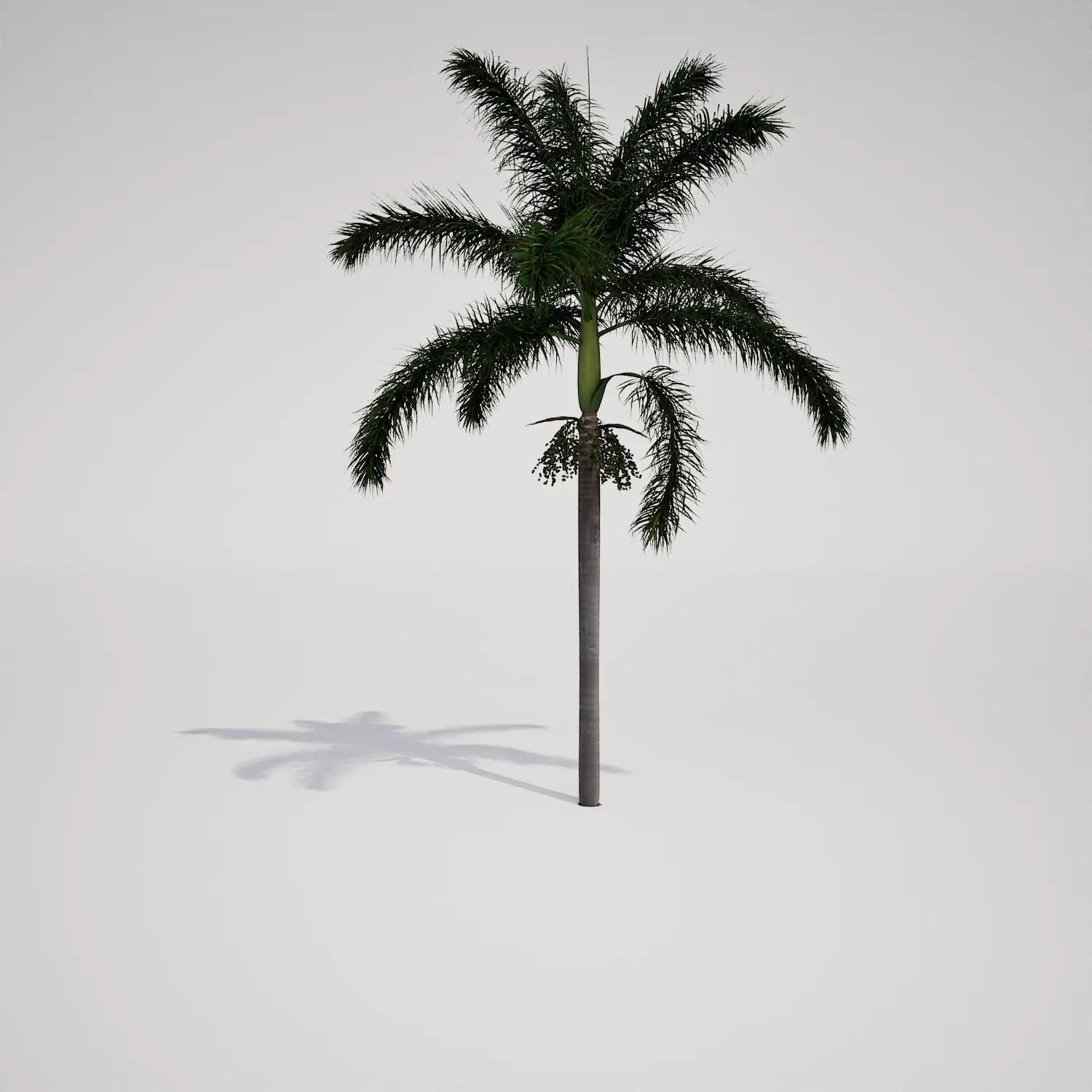
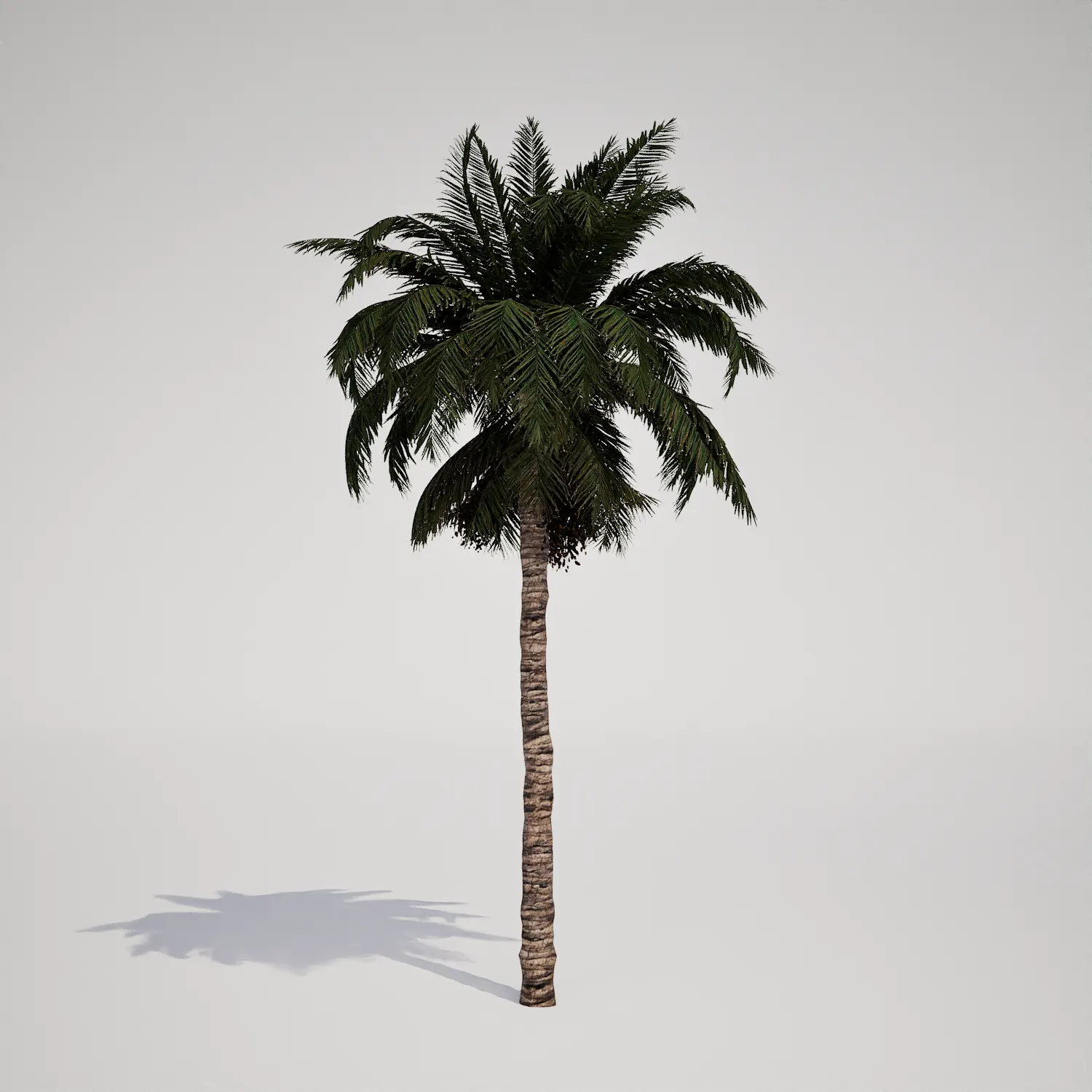


A Versatile Fan-Leaf Palm for Exterior Environments
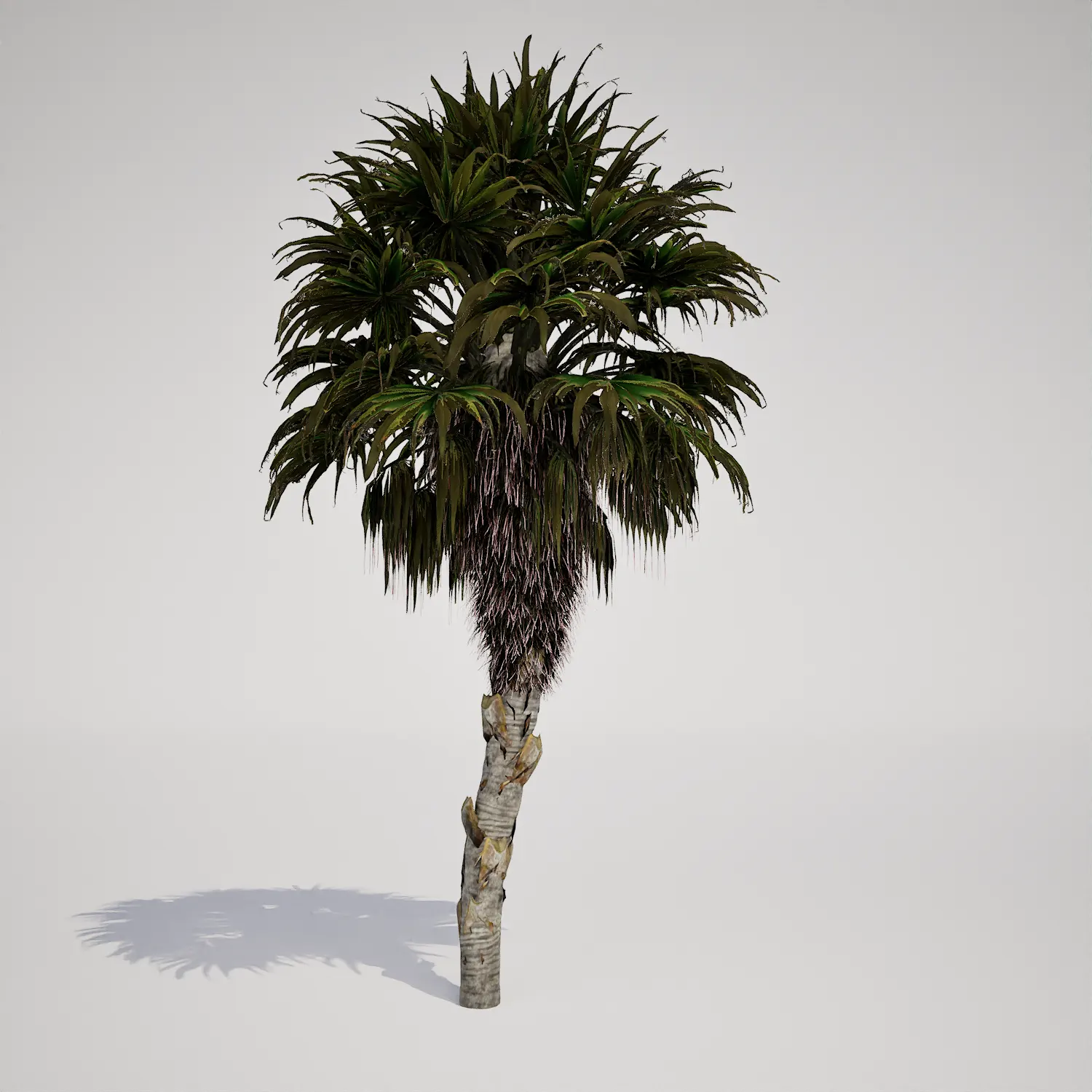
This mature, single-stemmed palm tree is a valuable addition to any library of high-quality vegetation assets. Standing between 4 and 6 meters tall, it features a highly detailed, fibrous trunk with realistic petiole base scars and a dense canopy of dark green, drooping fronds. Whether you are populating a coastal resort project or creating a lush tropical island, this asset provides a natural silhouette that fits seamlessly into diverse environments. Its growth form is primarily columnar, making it easy to place in tight urban spaces or as a singular statement piece.
Practical Applications for Your Scenes
This asset is particularly well-suited for exterior architectural visualization. Architects and landscape designers can use it to populate streetscapes, pool surroundings, or resort grounds where a Mediterranean or tropical aesthetic is required. For game environment artists, the asset provides a robust solution for coastal town levels or dense jungle fringes. It works effectively as a focal point or a supporting element in larger landscapes. In architectural renders, it pairs beautifully with ground-level filler, such as coastal landscape palm tree, to create layered, realistic outdoor spaces.
Climate and Aesthetic Versatility
Designed for adaptability, this palm model thrives in visual scenarios representing tropical, subtropical, and Mediterranean climates. Its evergreen nature allows it to be used across all seasons, maintaining a consistent dark olive and deep green color palette. It complements architectural styles ranging from tropical modern to contemporary coastal villas. When designing landscapes, consider pairing this palm with porous substrates like sand or decorative gravel, and accentuating the base with lower-growing, hardy greenery to complete the look.
Rendering and Optimization
With a geometry count of 152,521 triangles, this asset is balanced for high-fidelity visualization while maintaining engine efficiency. It is fully Nanite-compatible for Unreal Engine 5, meaning that manual LOD creation is no longer a concern. You can drop this into your scene at any distance—from wide master shots to closer mid-range angles—and the engine will handle the geometric complexity automatically. While the trunk texture offers excellent detail, note that the canopy geometry is intentionally uniform, which is standard for this type of palm, though it may require slight rotation for optimal realism in extreme close-ups.
Avoiding Repetitive Foliage Patterns
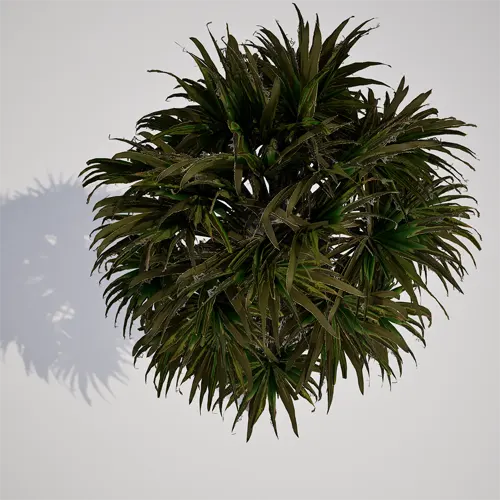
To prevent a uniform “CG” look, especially when placing multiple instances, use the rotation and scale tools liberally. Because the trunk features distinct fibrous bark patterns, rotate each instance by at least 90 degrees to ensure the seam or unique texture features do not align visibly. Combining this model with other variations of tropical vegetation helps break up the silhouette and creates a more organic, randomized appearance across large, sprawling landscapes.
Native Unreal Engine Integration
This palm tree asset is designed as a drag-and-drop solution for Unreal Engine 5. By utilizing native engine features, the workflow removes the overhead of manual setup. You can simply drag the asset from the Content Browser into your level, and it is instantly ready for use. This efficiency is ideal for tight production deadlines, allowing you to focus on lighting and composition rather than asset cleanup or optimization.
Seamless Project Integration
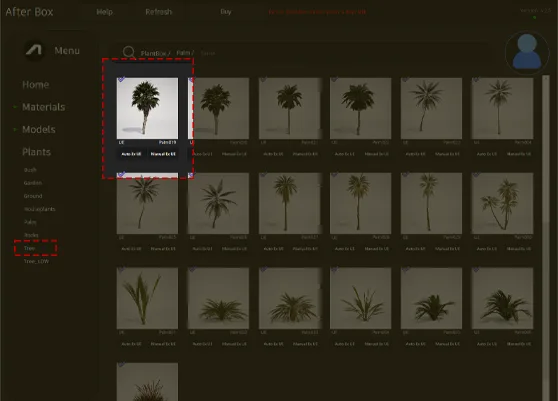
Beyond the initial placement, our assets are built to be part of an iterative workflow. You can easily drag and drop this palm tree into your project, keeping your scene organized and efficient. For more professional foliage assets and resources to enhance your projects, you can explore our complete subscription options at https://after-box.com/pricing/. Whether you are building an interactive experience or a high-end architectural film, this asset saves significant time during the vegetation assembly phase.

Save time importing objects
Download this object and hundreds of others from Afterbox software right now and import it into your Unreal Engine project with one click.
