



A Versatile Palm Tree Asset for Real-Time Environments
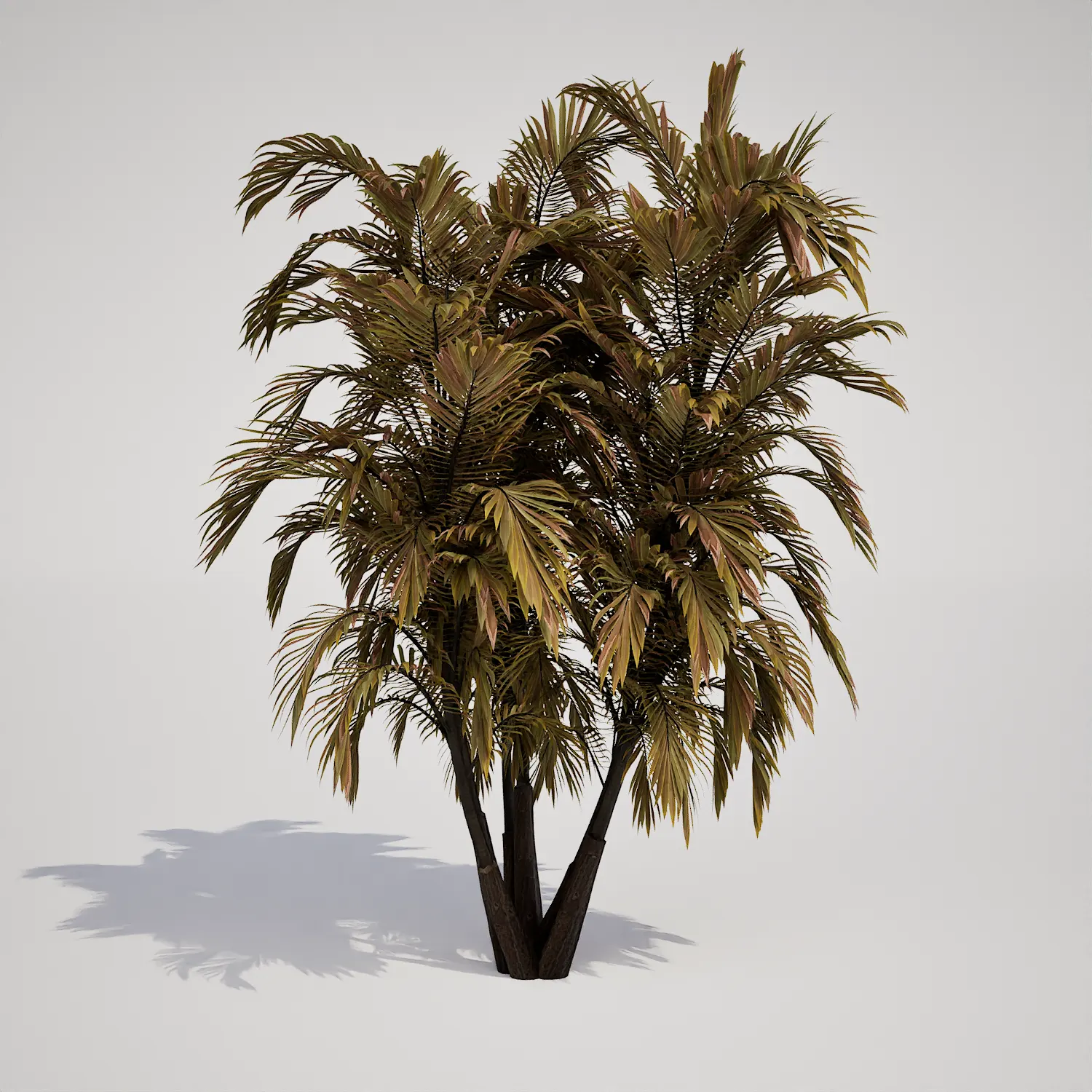
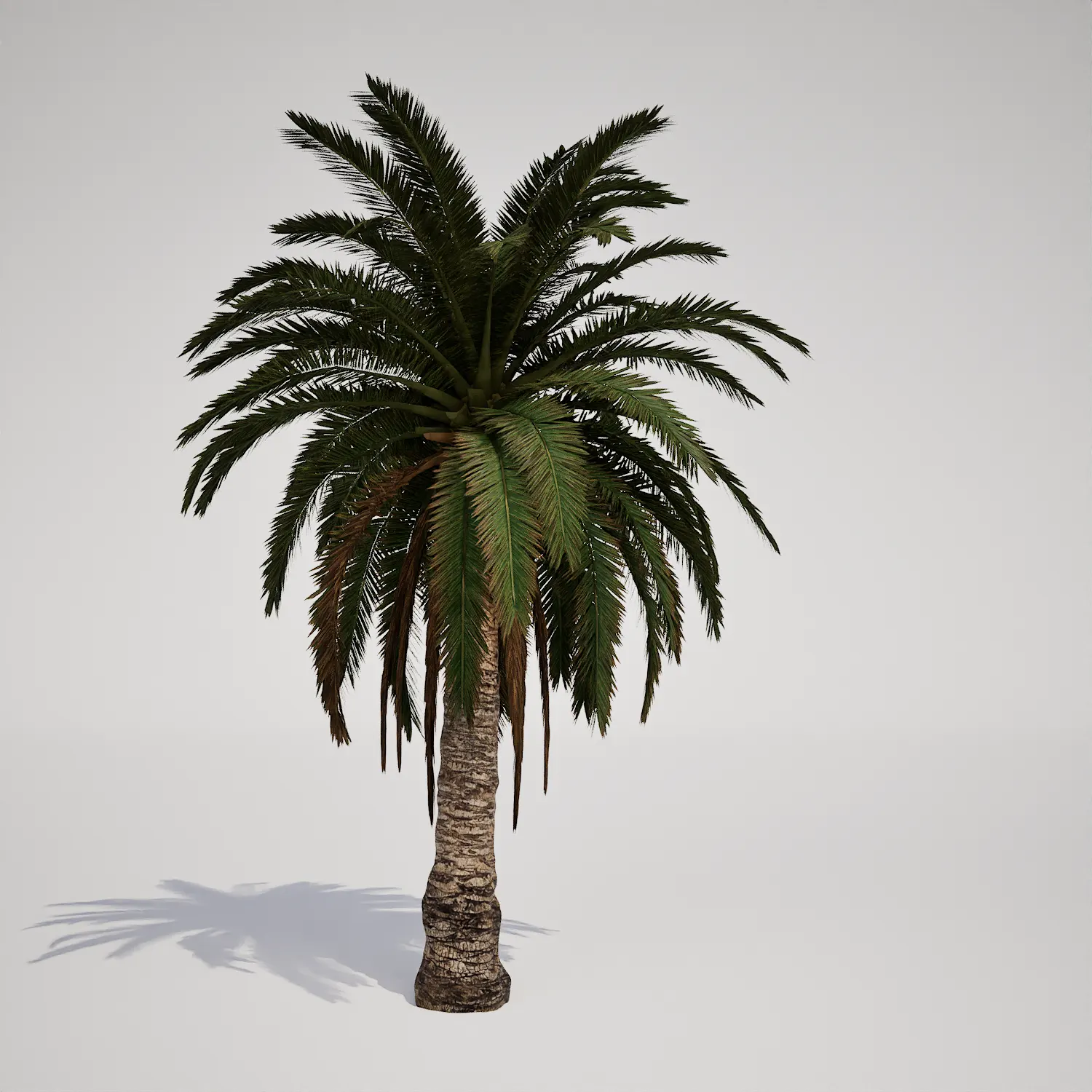
When designing coastal or tropical scenes, finding a reliable palm tree asset that balances visual quality with performance is essential. This young, single-stemmed palm features a textured trunk with distinct diamond-shaped scars, topped with a symmetric crown of vibrant pinnate fronds. While its silhouette and rugged stem are similar in appearance to a classic date palm, this versatile model functions as a reliable structural element across various exterior and interior visualization projects.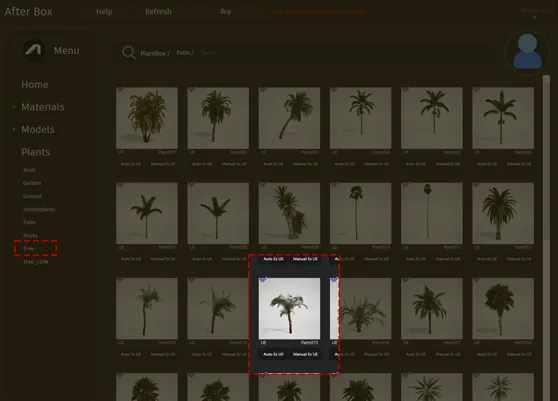
Integrating This Palm in Professional Projects
This asset excels in outdoor settings that require a touch of greenery, such as luxury resort courtyards, pool patios, and Mediterranean-style villas. Its moderate height makes it an excellent choice for front entrance features or framing pathways in high-end residential master planning. For game developers, the model is perfectly suited for populating desert oases or coastal vacation islands. Interior designers can also utilize this piece to add life to large, naturally lit lobby spaces or indoor atrium gardens where a realistic tropical aesthetic is desired.Climate, Design, and Creative Pairings
Designed for year-round evergreen performance, this model fits seamlessly into tropical, arid, and xeriscaped landscape designs. It complements modern tropical architecture and contemporary coastal villas exceptionally well. To create a cohesive look, consider placing this palm alongside dry-climate flora such as ornamental grasses, hardy succulents, or within a base of gravel and sandy terrain. While highly versatile, this asset is less suitable for dense, dark temperate forests or highly shaded northern courtyards where such sun-loving foliage would look out of place.Technical Performance in Unreal Engine
With 145,856 triangles, this model provides a high level of detail for mid-to-background placement in your scenes. Because it is natively compatible with Unreal Engine 5 Nanite, the geometry is handled efficiently by the engine, removing the need for manual LOD setup. This ensures that you can focus on composition rather than optimizing for poly counts, maintaining visual fidelity even when rendering large tropical landscapes.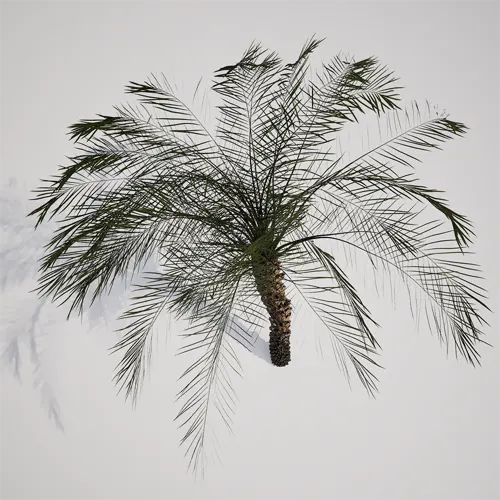
Avoiding Repetitive Foliage Patterns
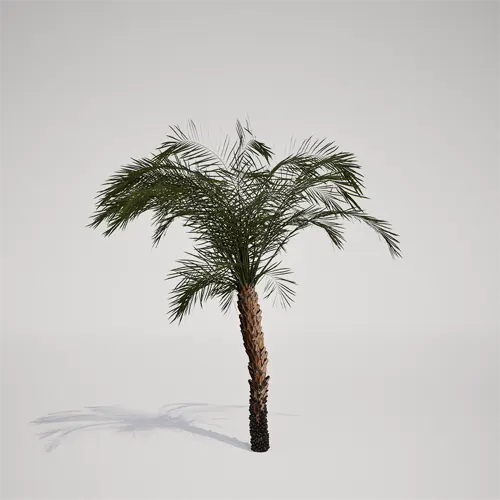
To prevent a “copy-paste” look when populating large areas, we recommend varying the placement of this asset. By rotating the Z-axis, adjusting the scale, and subtly offsetting the vertical height in your foliage spawner, you can break up the visual uniformity of the trunk shape. Mixing this model with other vegetation—such as a slender tropical palm asset—will further enhance the natural diversity of your digital ecosystem.Drag-and-Drop Foliage Workflow
This palm asset is fully prepared for immediate integration into your Unreal Engine 5 production pipeline. Once imported, it is ready to be dragged directly into your level, allowing you to iterate on your environmental design without the typical overhead of manually configuring materials or mesh LODs.Streamlined Asset Management
After-Box simplifies the workflow for busy 3D artists and environment designers by providing optimized, engine-ready assets. You can download this tree directly into your project, significantly cutting down on environment production time. To explore our full library of high-quality, game-ready vegetation, you can find more information about our subscription options at: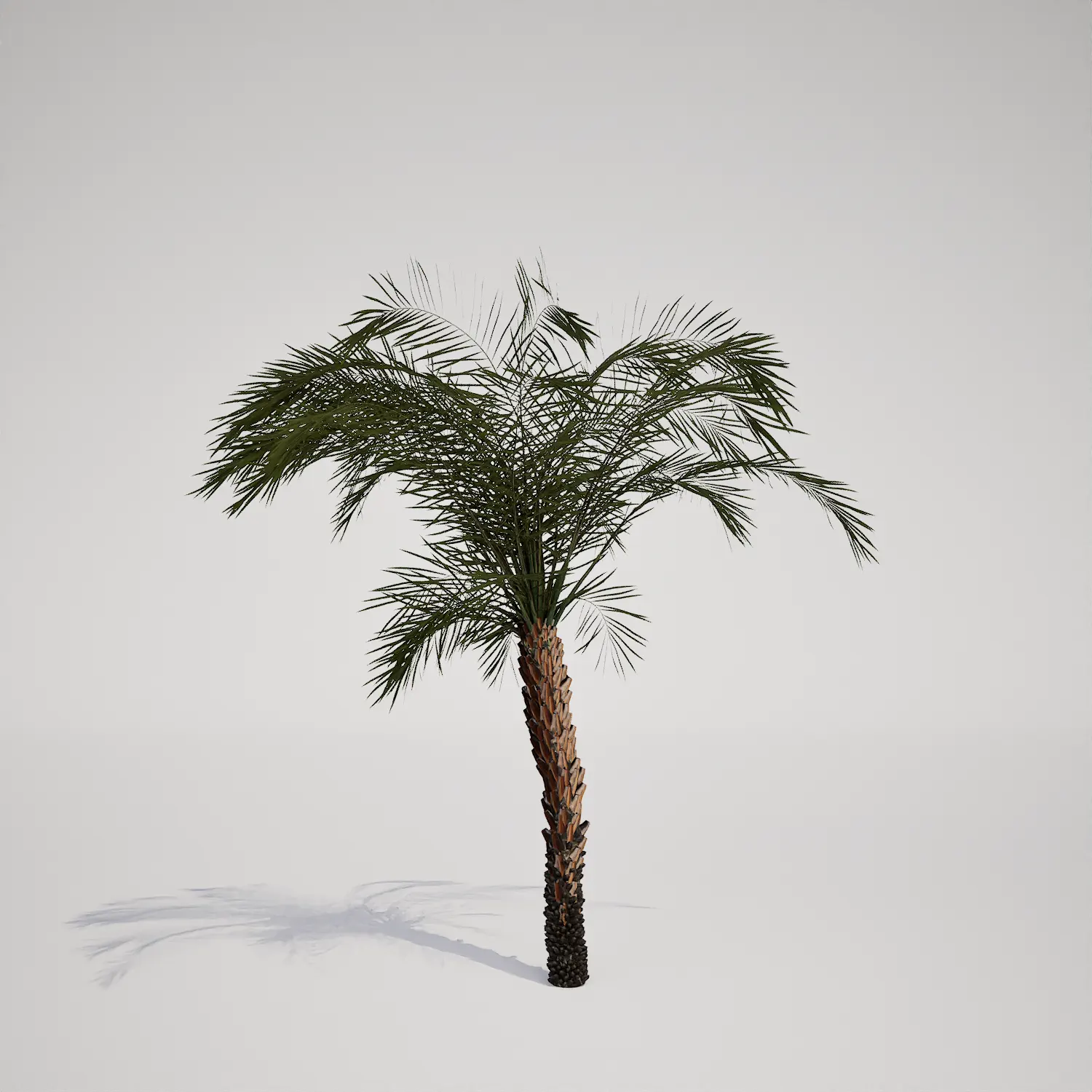

Save time importing objects
Download this object and hundreds of others from Afterbox software right now and import it into your Unreal Engine project with one click.
