




Introducing the Spider Plant 3D Model
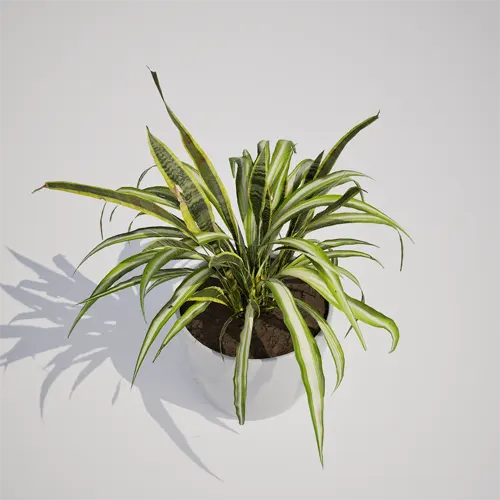
The Spider Plant (Chlorophytum comosum) is a staple in modern interior design, known for its distinct, arching foliage that creates a soft, organic contrast against rigid structural elements. This free, high-fidelity 3D asset captures that characteristic clumping habit, featuring variegated green and white leaves that bring life to any interior digital environment. Whether you are building out a residential apartment or an office suite, this model provides the necessary visual fidelity to ground your scenes with a familiar, high-quality indoor plant.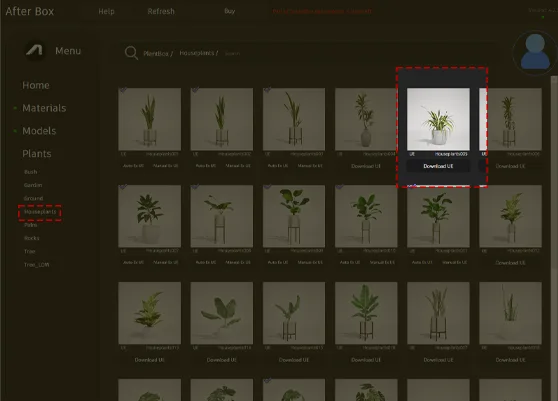
Ideal Environments for Integration
This asset excels in architectural visualization, particularly when staging contemporary living spaces or professional workspaces. Because of its compact scale, the Spider Plant (Chlorophytum comosum) fits perfectly on shelving units, coffee tables, or office reception desks. For game environment artists, it serves as a lightweight, high-impact prop for modern home levels, adding a layer of lived-in authenticity that helps tell a story about the space’s inhabitants. Its footprint is small enough to be used as a standalone accent or combined with other indoor vegetation like a potted snake plant asset.Climate, Seasonality, and Design Compatibility
While the Spider Plant (Chlorophytum comosum) is a tropical to subtropical species, its primary use in digital production is as a year-round indoor occupant. It is best suited for modern, minimalist, or mid-century modern aesthetics where clean lines meet natural textures. The matte grey pot provides a neutral base that pairs well with **light-colored wooden textures** or ceramic materials, allowing you to easily integrate it into various architectural lighting setups without needing to adjust your existing color palette. It is less suitable for expansive outdoor scenes or harsh, direct sunlight environments, where a more robust or hardy species would be more appropriate.Rendering and Technical Performance
This model is optimized for high-end rendering in Unreal Engine 5. With a poly count of 2,400 triangles, it maintains a clean silhouette while remaining lightweight enough to populate dense interior scenes. As a Nanite-compatible asset, you no longer need to manage manual LODs; the engine handles the level of detail transition automatically based on distance, ensuring that the variegated leaf patterns remain crisp during close-up camera moves. This workflow makes it an excellent choice for cinematic sequences that require high-detail foliage without sacrificing real-time performance.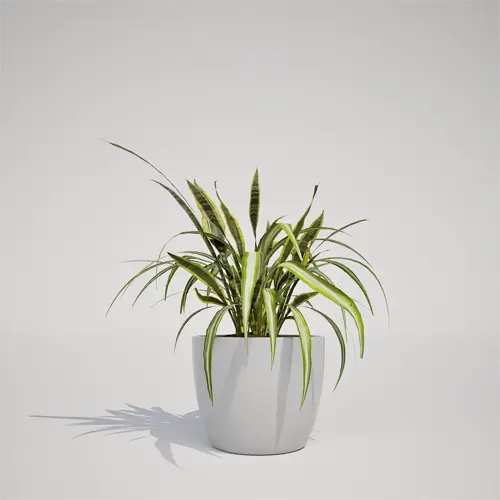
Managing Density and Variation
To avoid the common “copy-paste” look in larger scenes, utilize the rotation and scaling tools in your editor. Even a slight 15-degree variance in rotation or a 5-10% change in scale can significantly break up the visual pattern of the clumping foliage. If you are decorating a large office lobby, consider mixing this plant with other assets to build a layered, natural display. Careful scattering prevents the viewer’s eye from noticing the repetitive nature of identical geometry in high-frequency archviz shots.Production-Ready Unreal Engine Workflow
This plant asset is ready to use directly in Unreal Engine 5. The material shaders are configured to react realistically to indirect lighting common in indoor archviz, and the asset’s geometry is designed to drop into place without additional technical overhead. By removing the need for manual setup or pivot point correction, artists can focus entirely on scene composition and lighting design.Seamless Asset Deployment
The user can drag and drop this plant asset directly into an Unreal Engine 5 project. The ready-made asset allows you to quickly populate a scene without spending time modeling or optimizing vegetation. More information about subscription: https://after-box.com/pricing/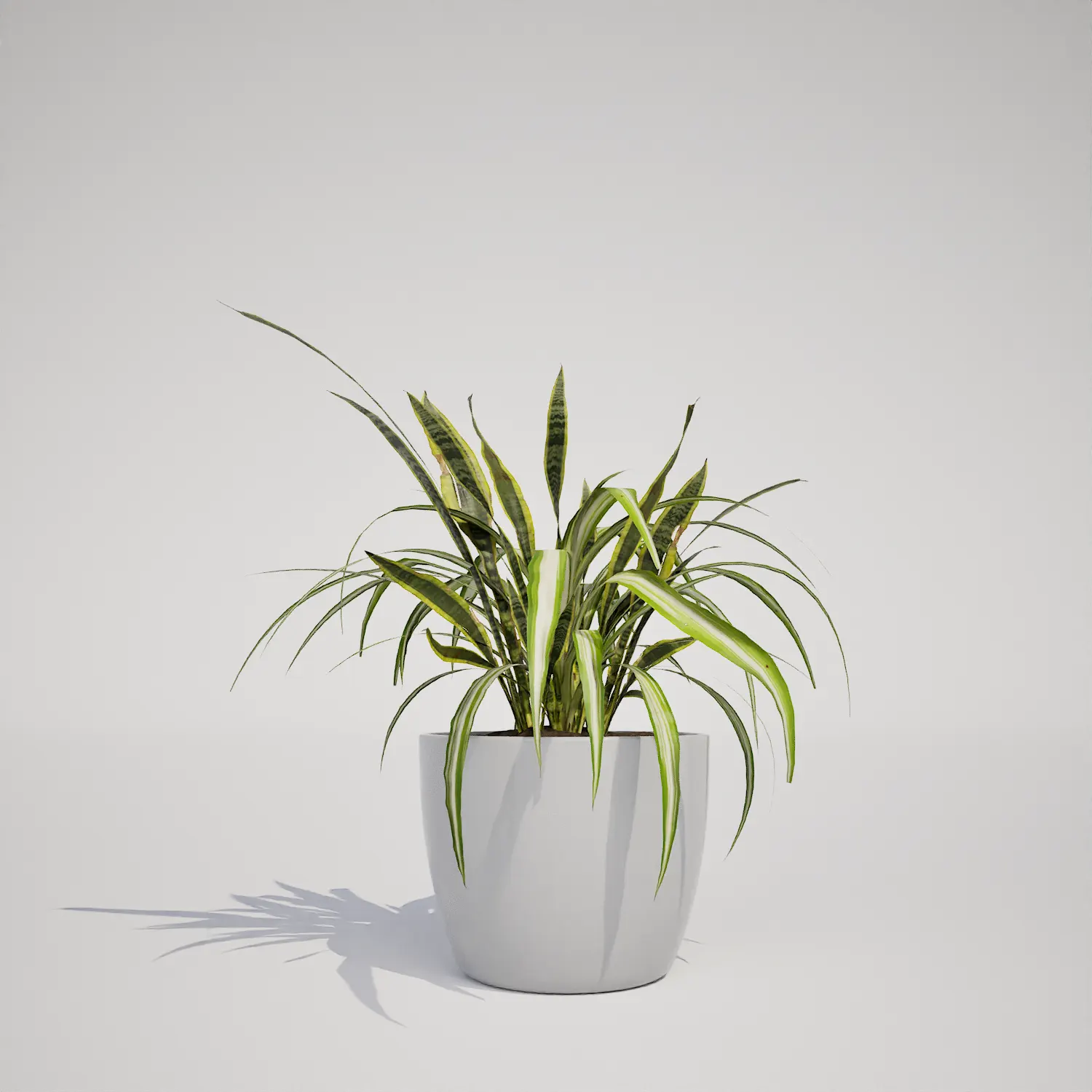

Save time importing objects
Download this object and hundreds of others from Afterbox software right now and import it into your Unreal Engine project with one click.
