


Bringing Tropical Life into Your Scenes
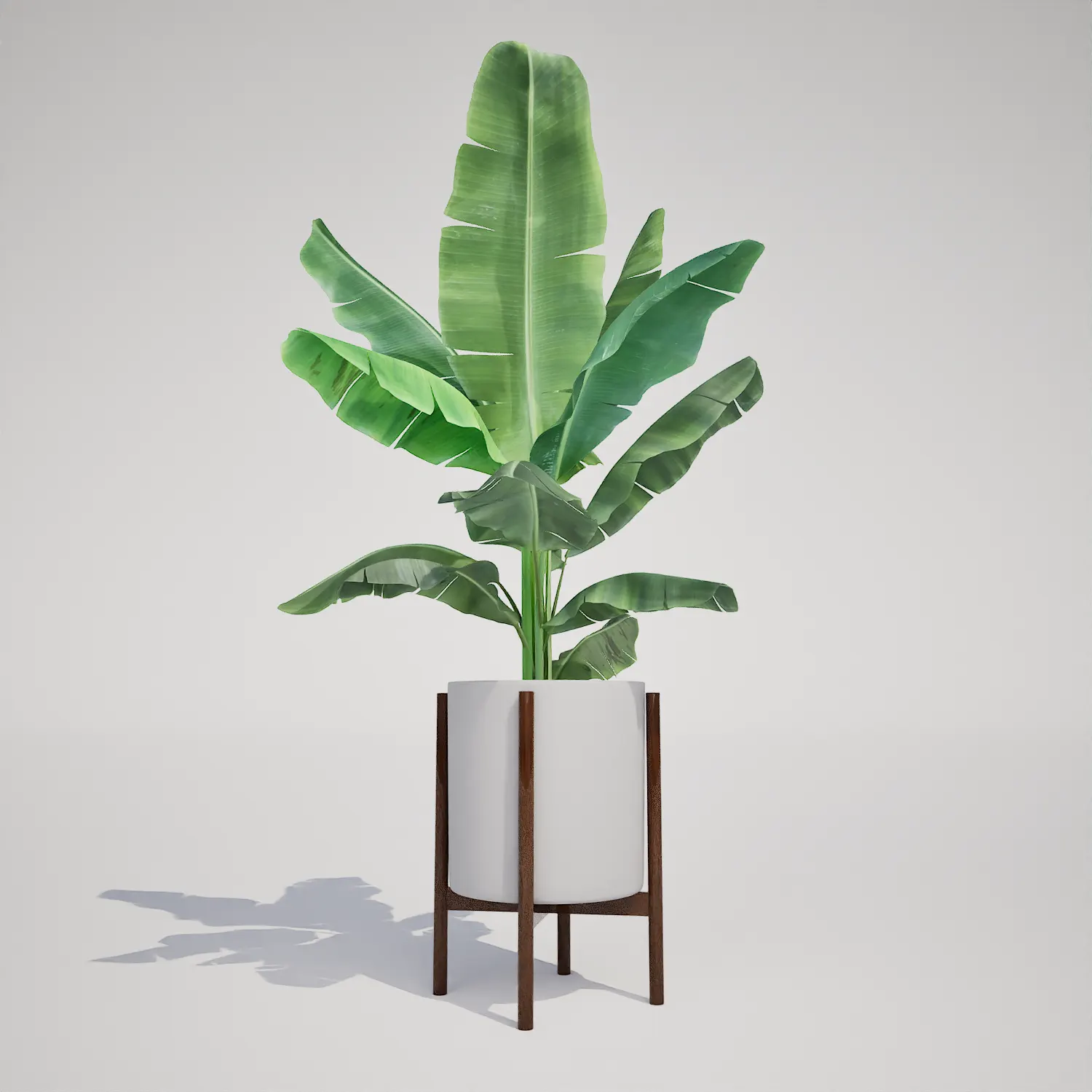
The Free Potted Banana Plant is a versatile addition to any digital environment, offering a distinct, lush aesthetic that instantly elevates interior and exterior visualizations. Featuring broad, structural leaves with natural ribbing, this Banana Plant brings a touch of organic geometry to your Unreal Engine projects. Its upright growth habit makes it an ideal filler for corners or as a singular focal point in contemporary spaces.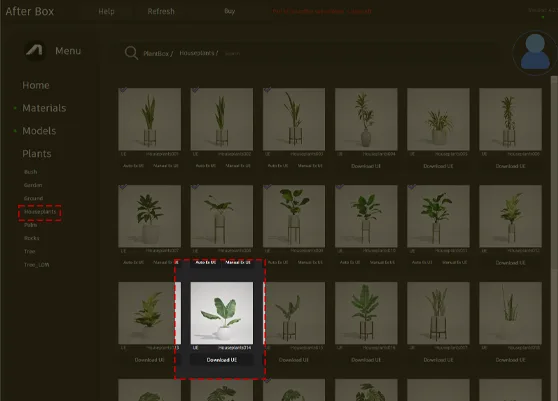
Versatile Applications for Modern Spaces
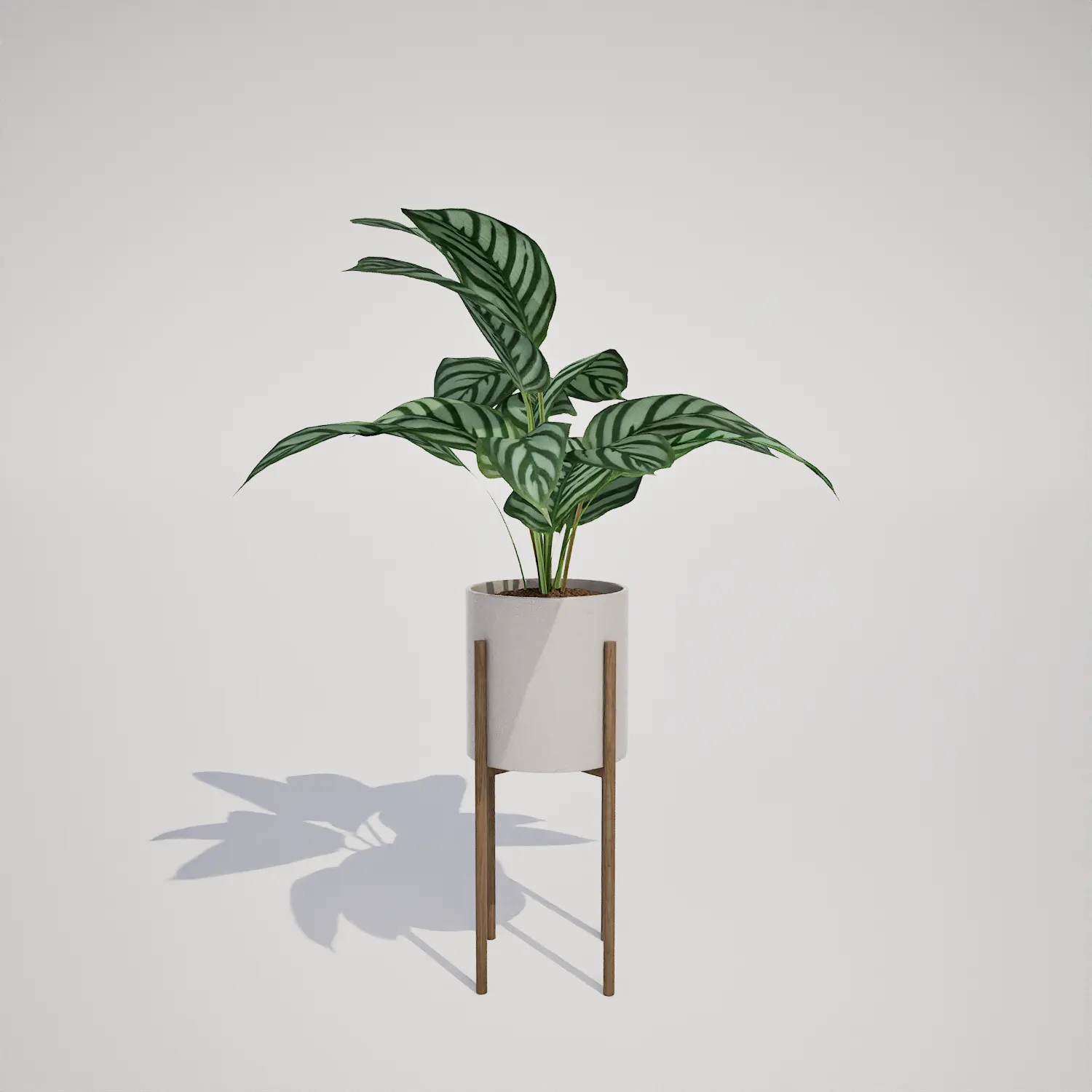
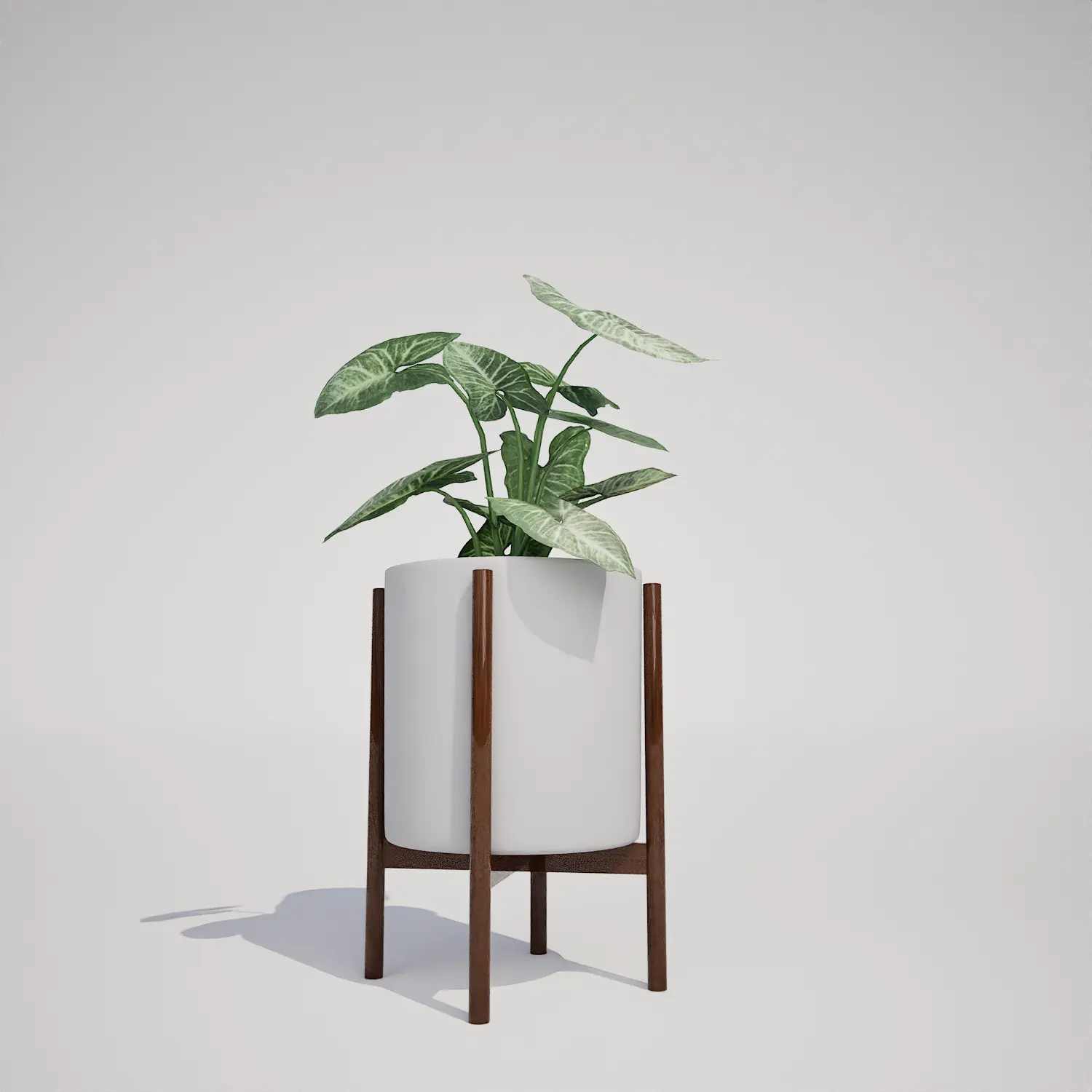
Whether you are staging a high-end apartment for a client or building out a resort environment, this asset bridges the gap between clean architecture and living nature. Interior designers will find it perfect for minimalist lofts or biophilic office lounges, where the broad foliage contrasts beautifully with smooth surfaces like stone planters or timber flooring. For game environment artists, this model excels in tropical-themed settings or modern residential scenes. It pairs well with a potted houseplant on wooden stand to create varied, lived-in layers of greenery.Climate, Style, and Design Synergy
This Banana Plant thrives best in tropical and subtropical-themed projects. Its evergreen foliage provides a vibrant, consistent look for year-round interior scenes, conservatories, or semi-covered courtyards. It fits seamlessly into modern and tropical modernism design styles. While it works beautifully in urban jungle or tropical gardens, it is less suitable for traditional formal gardens or desert-themed environments where it might appear out of place.Optimized for Real-Time Rendering
Technical performance is critical when populating detailed scenes. At 10,635 triangles, this asset balances visual fidelity with efficiency. As a native Unreal Engine 5 asset, it is fully Nanite-compatible, meaning you can place multiple instances throughout a large-scale lobby or atrium without significant performance overhead. The lack of manual LODs simplifies your pipeline, allowing you to focus on subsurface scattering settings within the material graph to achieve that soft, translucent glow on the leaves when backlit by window light.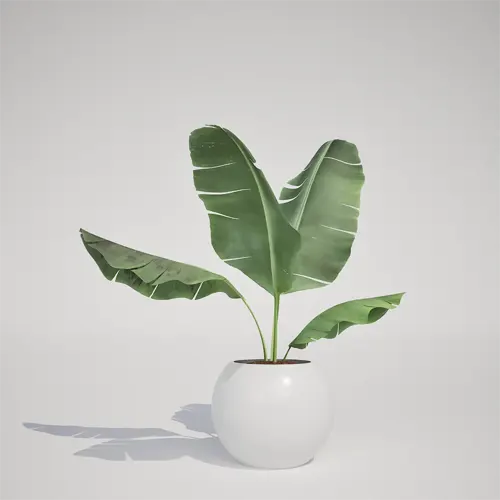
Avoiding Repetitive Foliage Patterns
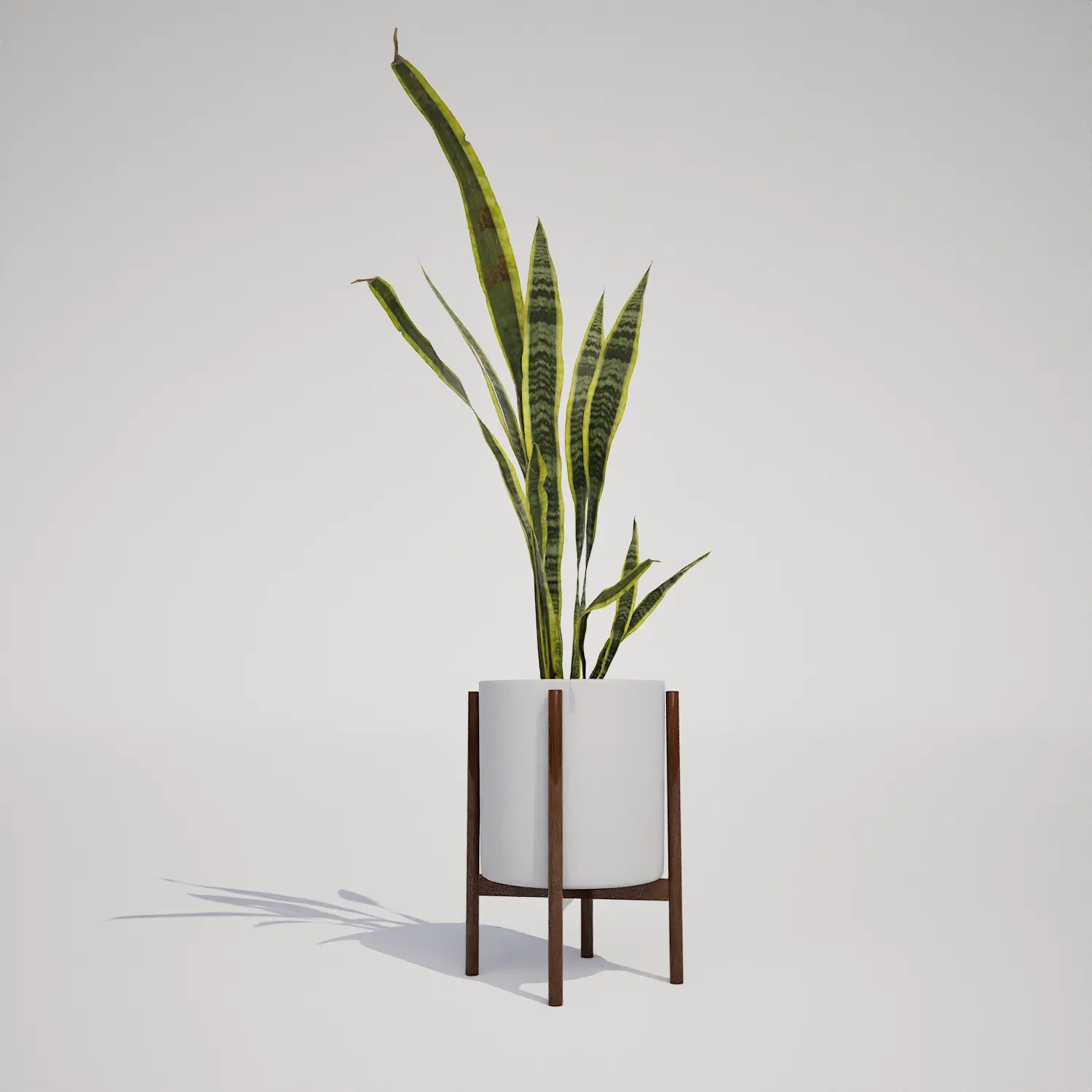
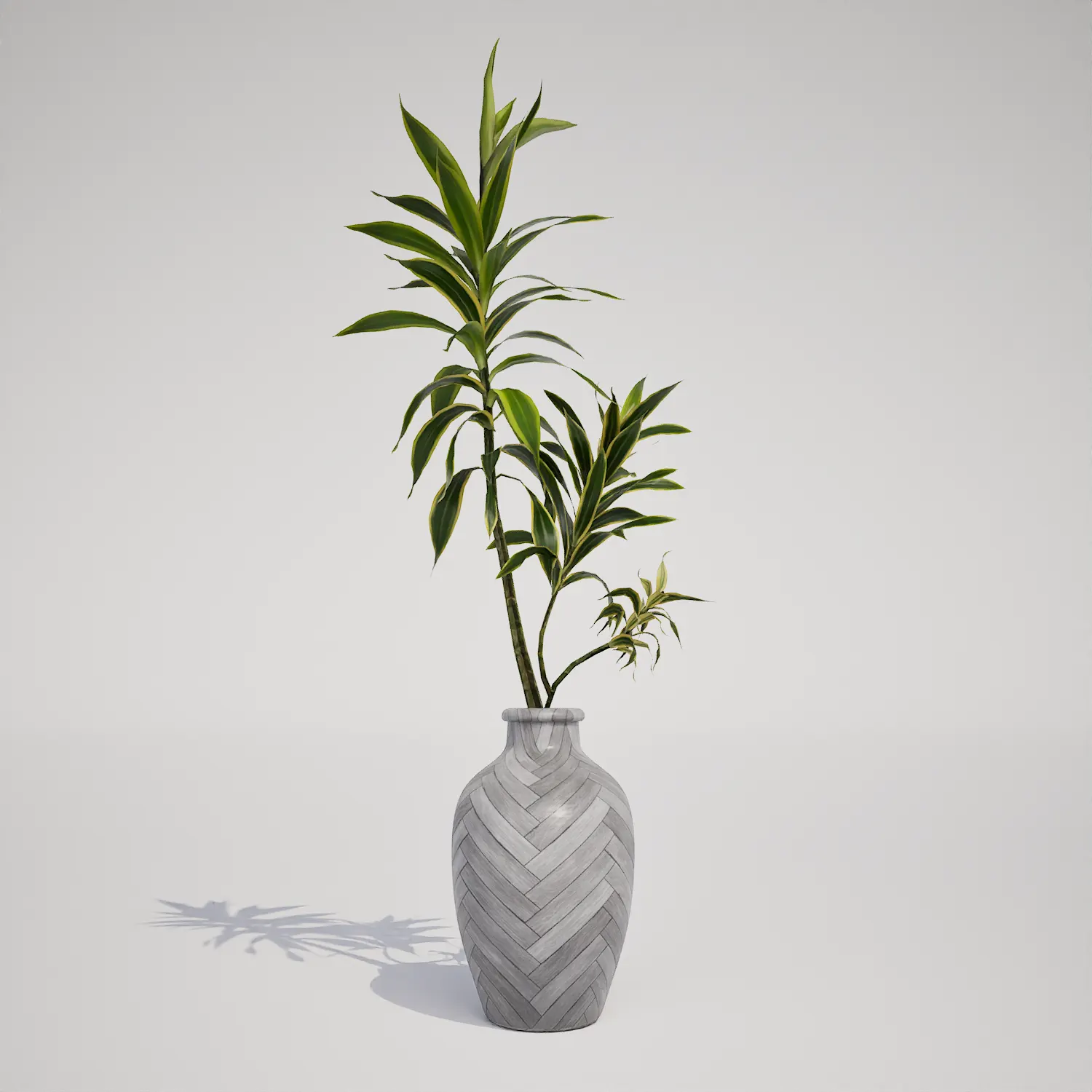
To maintain natural variety when populating larger areas, rotate and scale your instances. Since the Banana Plant has a unique silhouette, placing identical versions side-by-side can be noticeable. I recommend mixing this with other indoor foliage to break up the lines. If you are creating a lush atrium, try clustering it with taller, slender models like a slender tropical palm to create a more organic, multi-layered look that mimics natural growth.Seamless Unreal Engine Workflow
This Banana Plant is designed as a drop-in asset, saving you valuable production time. Because it is pre-configured for the Unreal Engine pipeline, you can drag it into your viewport and start rendering immediately, bypassing the tedious process of mesh optimization or manual LOD creation. It is built to look high-quality from both medium-range architectural shots and close-up hero angles, ensuring that your scenes remain visually consistent across all camera focal lengths.Streamlined Asset Management
You can integrate this Banana Plant directly into your current Unreal Engine 5 project by simply dragging the folder into your Content Browser. This ready-made approach allows you to focus on lighting and composition rather than asset cleanup. For teams looking to scale their library, AfterBox provides a library of high-quality, professional assets. More information about subscription: https://after-box.com/pricing/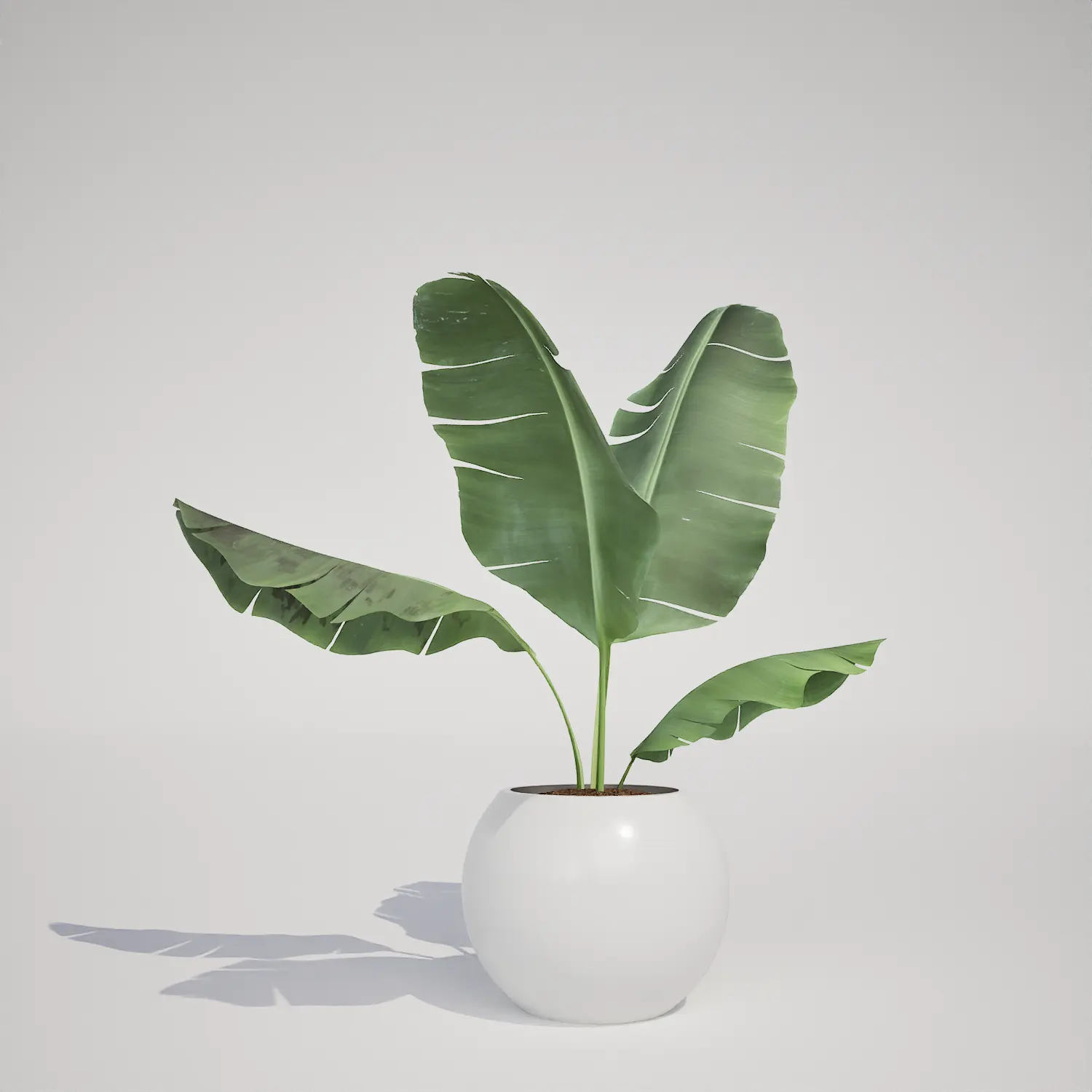

Save time importing objects
Download this object and hundreds of others from Afterbox software right now and import it into your Unreal Engine project with one click.
