


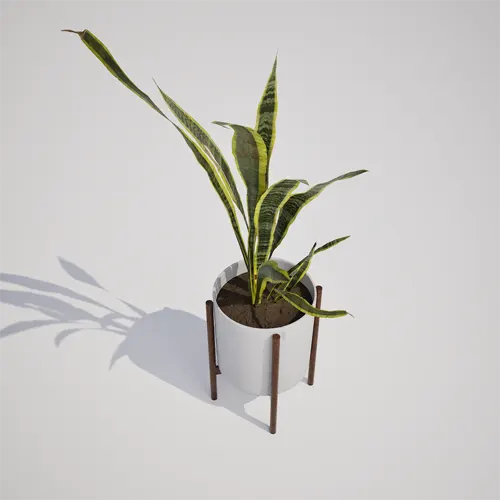
Introducing the Snake Plant for Your Interior Scenes
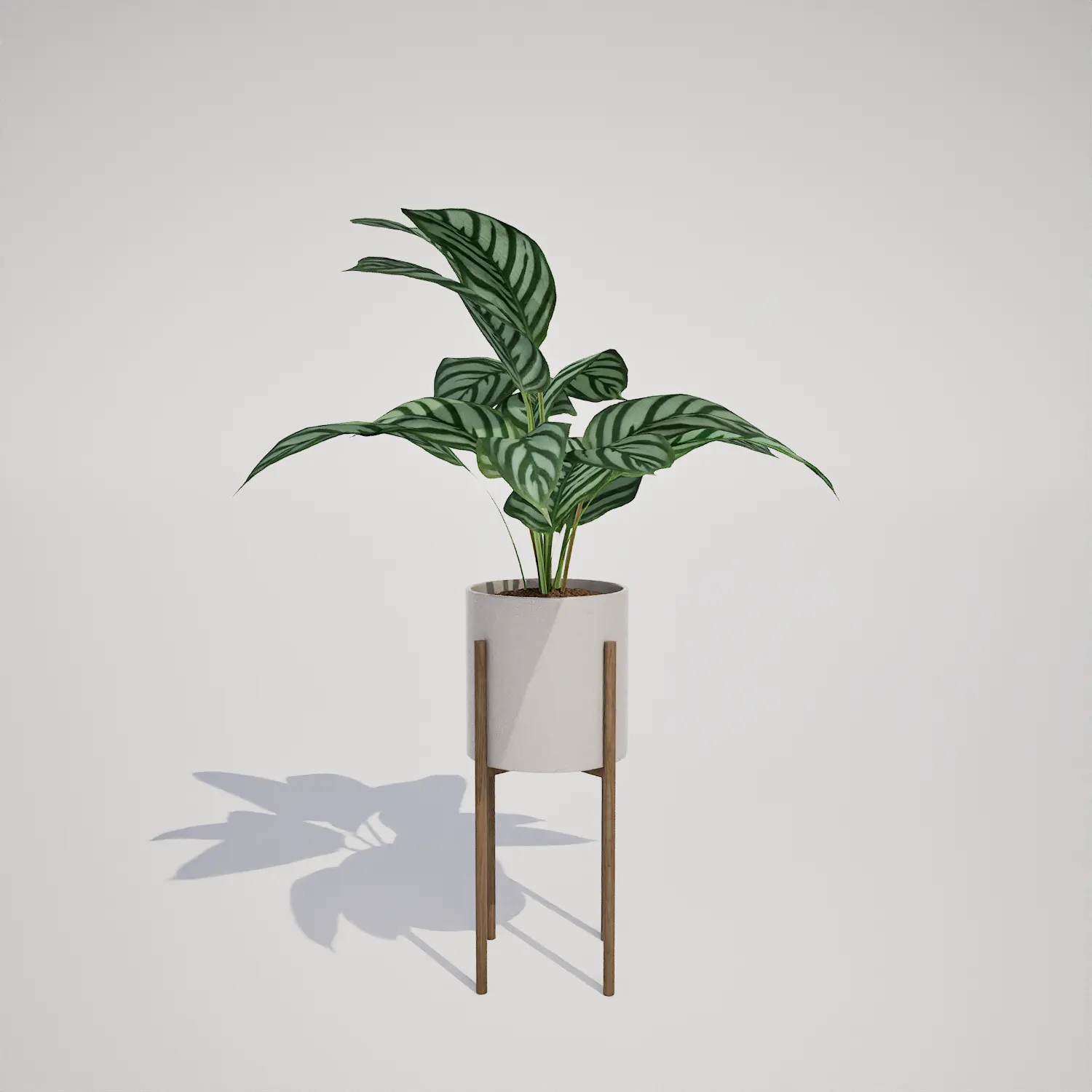
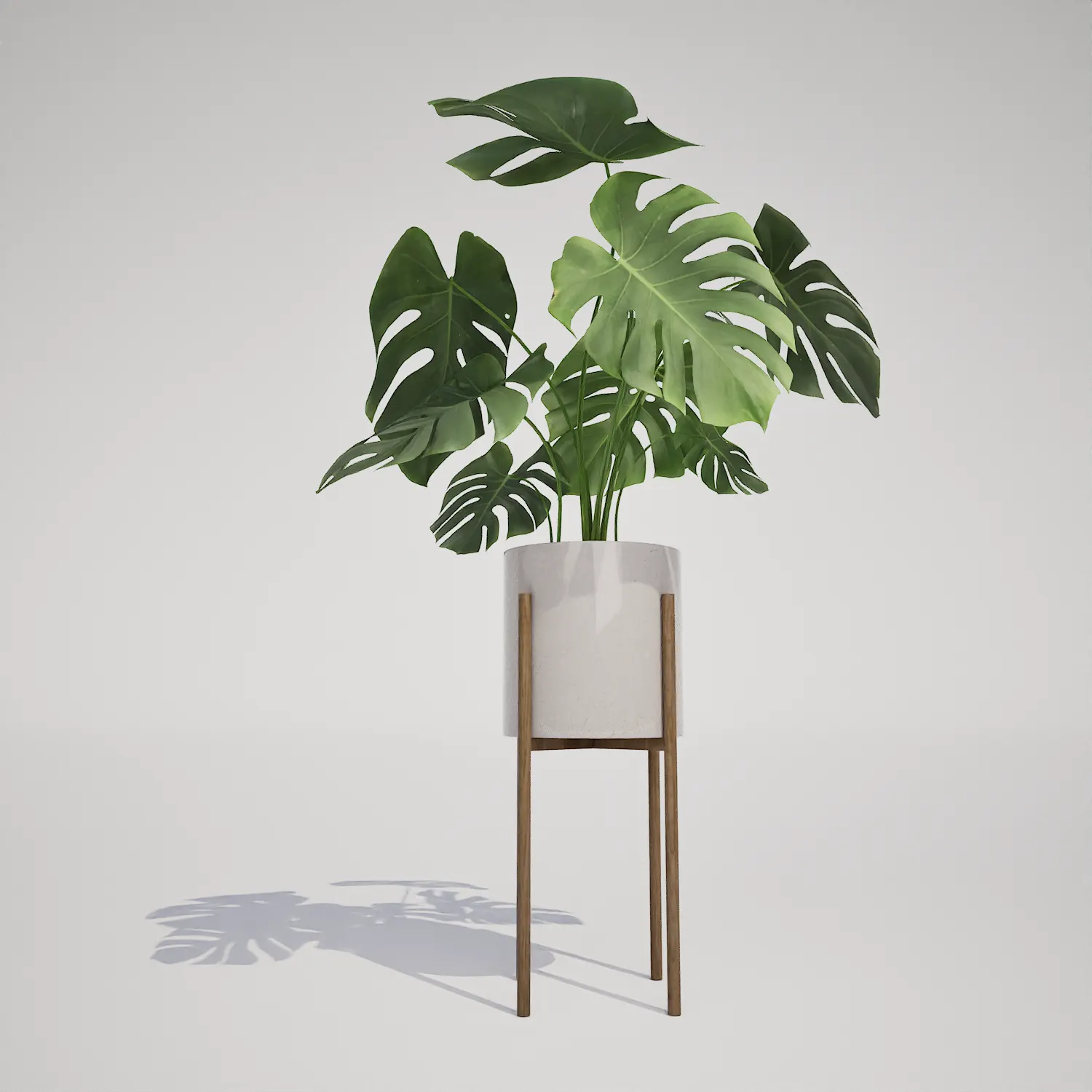
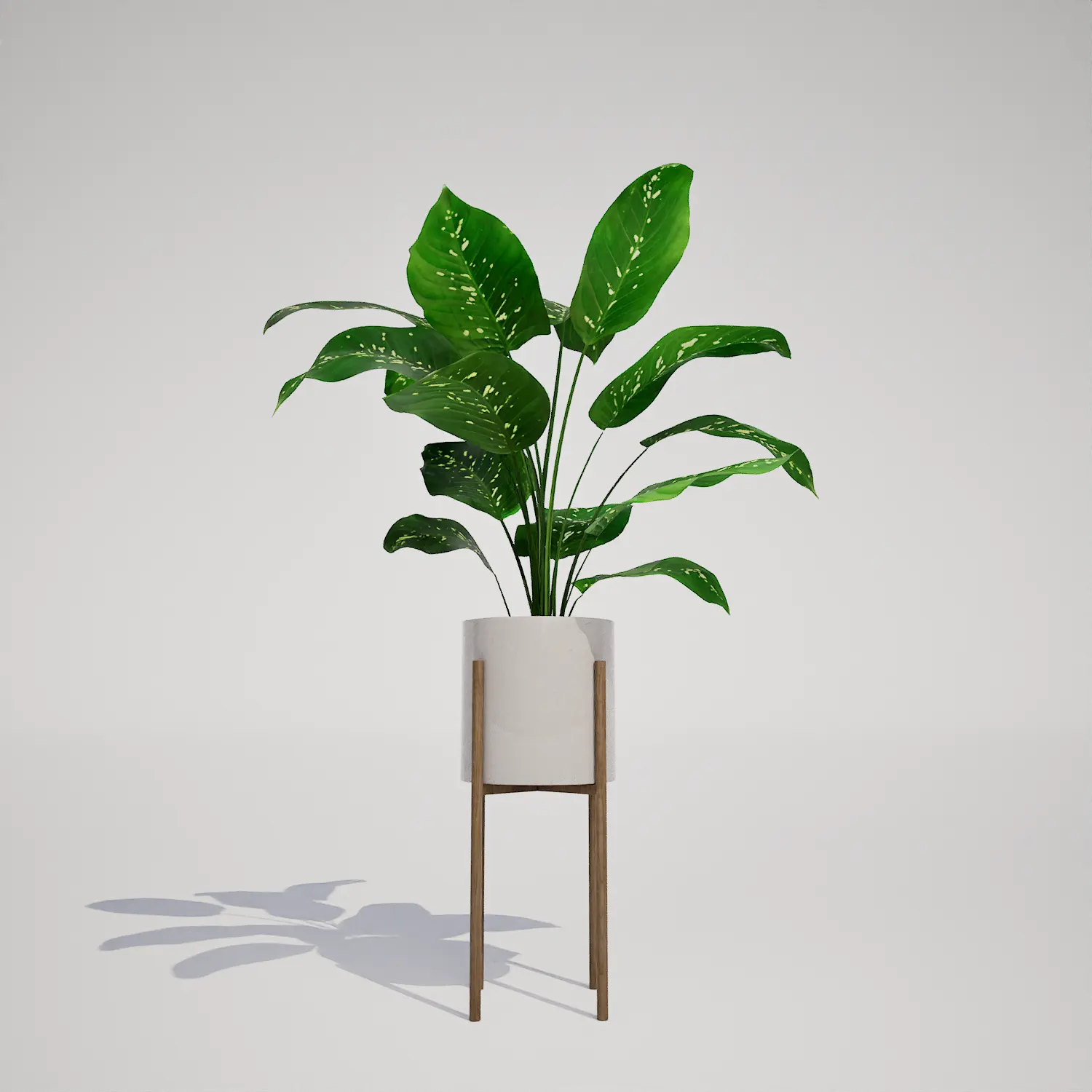
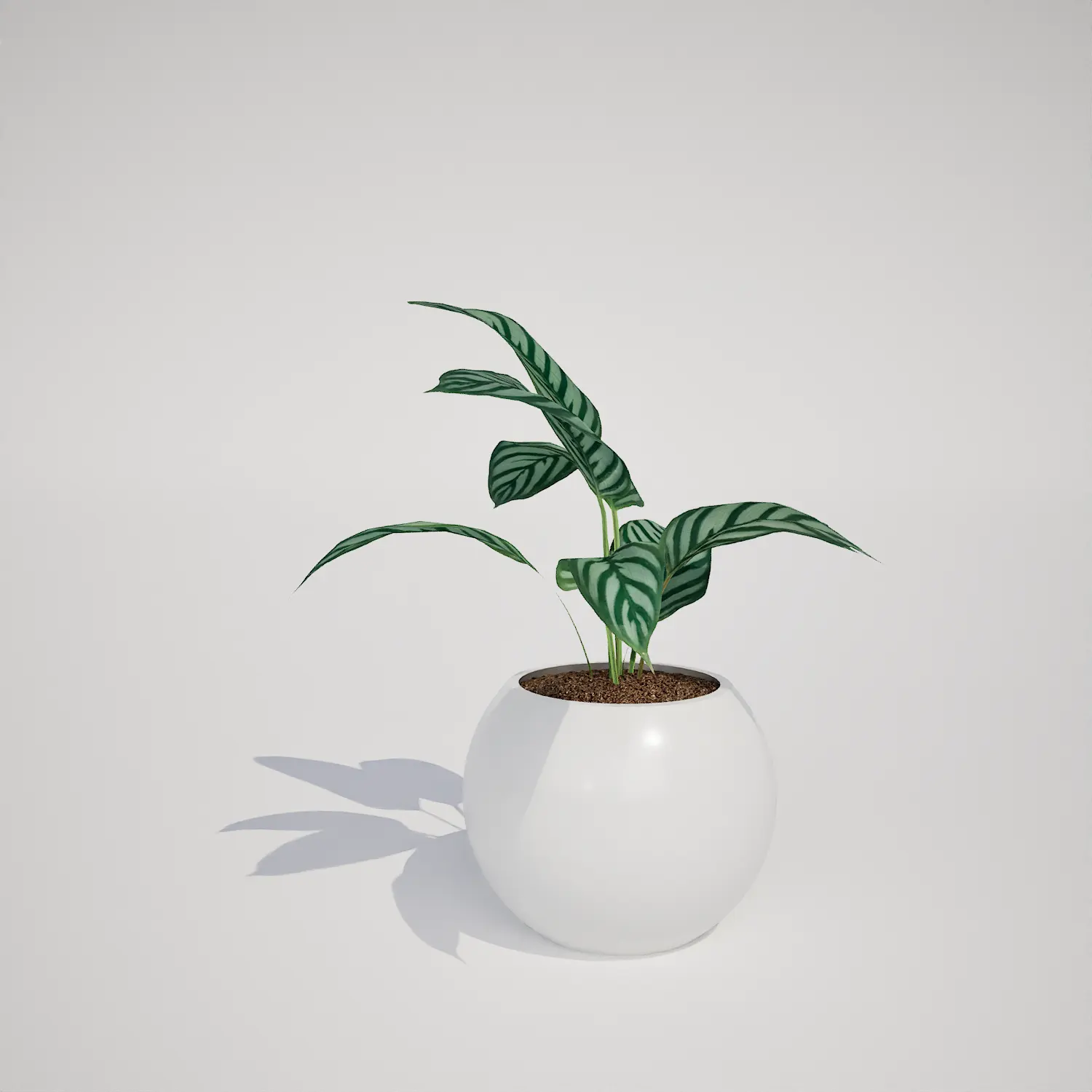
Integrating high-quality houseplants is essential for bringing a sense of life and realism into any digital environment. The Snake Plant (Sansevieria) is an iconic choice, recognized by its distinct, upright, sword-shaped leaves featuring striking yellow margins and deep green variegation. This 3D asset provides a clean, well-defined silhouette that works exceptionally well as a focal point in residential or commercial scenes. Whether you are building a modern living room or a bustling office lobby, this asset adds a touch of architectural elegance without requiring complex setup.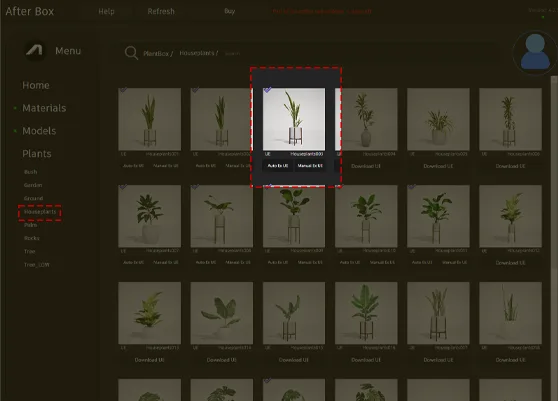
Versatile Applications in Visualization
The Snake Plant (Sansevieria) is incredibly versatile across various project types. In residential archviz, it serves as an excellent “filler” for empty corners or beside minimalist furniture. For game environment artists, it is a staple for decorating modern apartments or professional office buildings. Landscape architects might also utilize it for styling covered entryways or sheltered patios. It pairs beautifully with larger foliage such as the fiddle leaf fig asset, creating a layered, lush look that mimics high-end interior styling.Design Styles and Atmospheric Fit
This asset thrives in tropical and subtropical environmental concepts, though its design utility is truly global. It is a perfect match for mid-century modern, Scandinavian, and minimalist aesthetics. The clean, cylindrical ceramic pot and wooden stand integrate naturally with modern materials like polished concrete and walnut wood furniture. While it is perfect for high-end interior design, it is less suitable for rugged, wild-forest exterior environments, as its polished appearance is specifically curated for managed spaces. Its evergreen nature makes it a reliable asset for year-round visualization, ensuring your scenes look consistent across any season.Technical Performance and Nanite Integration
Performance remains a priority for any real-time project. With a geometry of 640 triangles, this asset is highly optimized for performance while maintaining its visual integrity at mid-range distances. As a native Unreal Engine 5 asset, it is fully compatible with Nanite, which eliminates the need for creating manual level-of-detail (LOD) chains. This allows the geometry to scale efficiently regardless of your camera distance, maintaining sharp leaf margins without impacting frame rates. Note that for extreme close-up shots, you may want to ensure your lighting setup highlights the waxy texture of the leaves to fully capture the botanical realism of the species.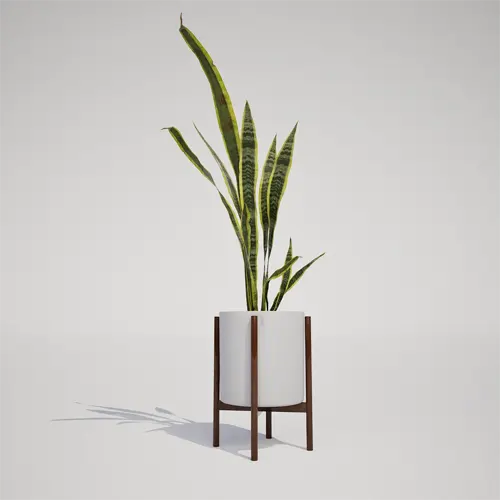
Managing Density and Variation
To prevent the “tiled” look common in 3D scenes, avoid clustering these plants in identical rotations. Even in office lobbies, nature is never perfectly symmetrical. By utilizing small rotation offsets and slight scale variations, you can make a group of these plants appear organic. Because the variegated patterns are unique to each leaf, small manual adjustments in the engine will go a long way in ensuring your composition looks natural rather than procedurally generated.Seamless Unreal Engine Implementation
This plant asset is designed for a frictionless integration into your existing Unreal Engine 5 projects. Since it is delivered as a production-ready file, you can drag and drop it into your scene and begin rendering immediately. There is no need for complex shader configuration or manual vertex painting, allowing you to focus your energy on lighting and composition rather than troubleshooting assets.Streamlined Archviz Workflow
We understand that time is critical when meeting client deadlines. By using our pre-optimized assets, you bypass the tedious process of cleaning up geometry and setting up materials. Simply import, place, and render to achieve professional results. If you are looking to scale your library, you can find more information about our subscription options here: https://after-box.com/pricing/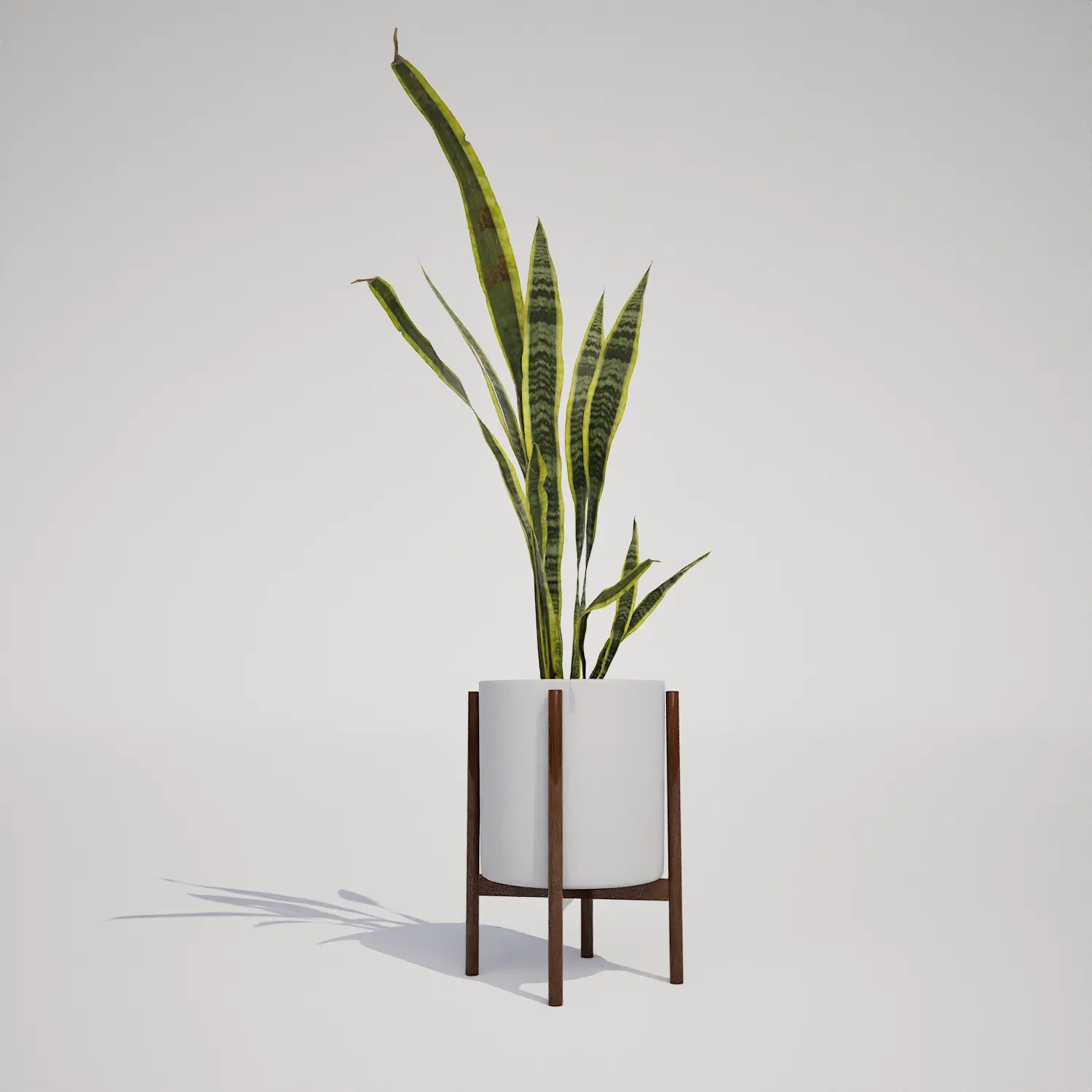

Save time importing objects
Download this object and hundreds of others from Afterbox software right now and import it into your Unreal Engine project with one click.
