
Bringing Interior Greenery to Life with Dieffenbachia
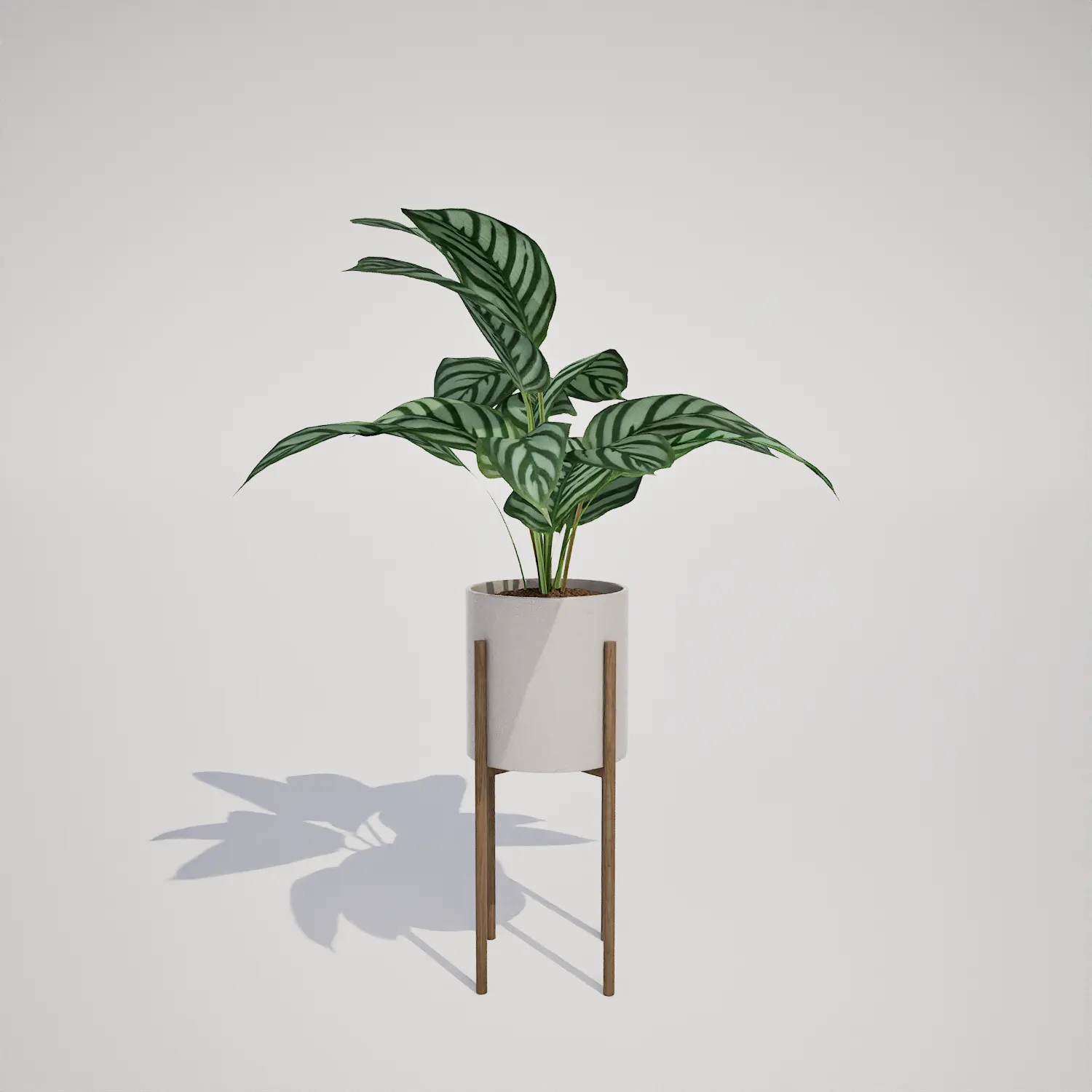
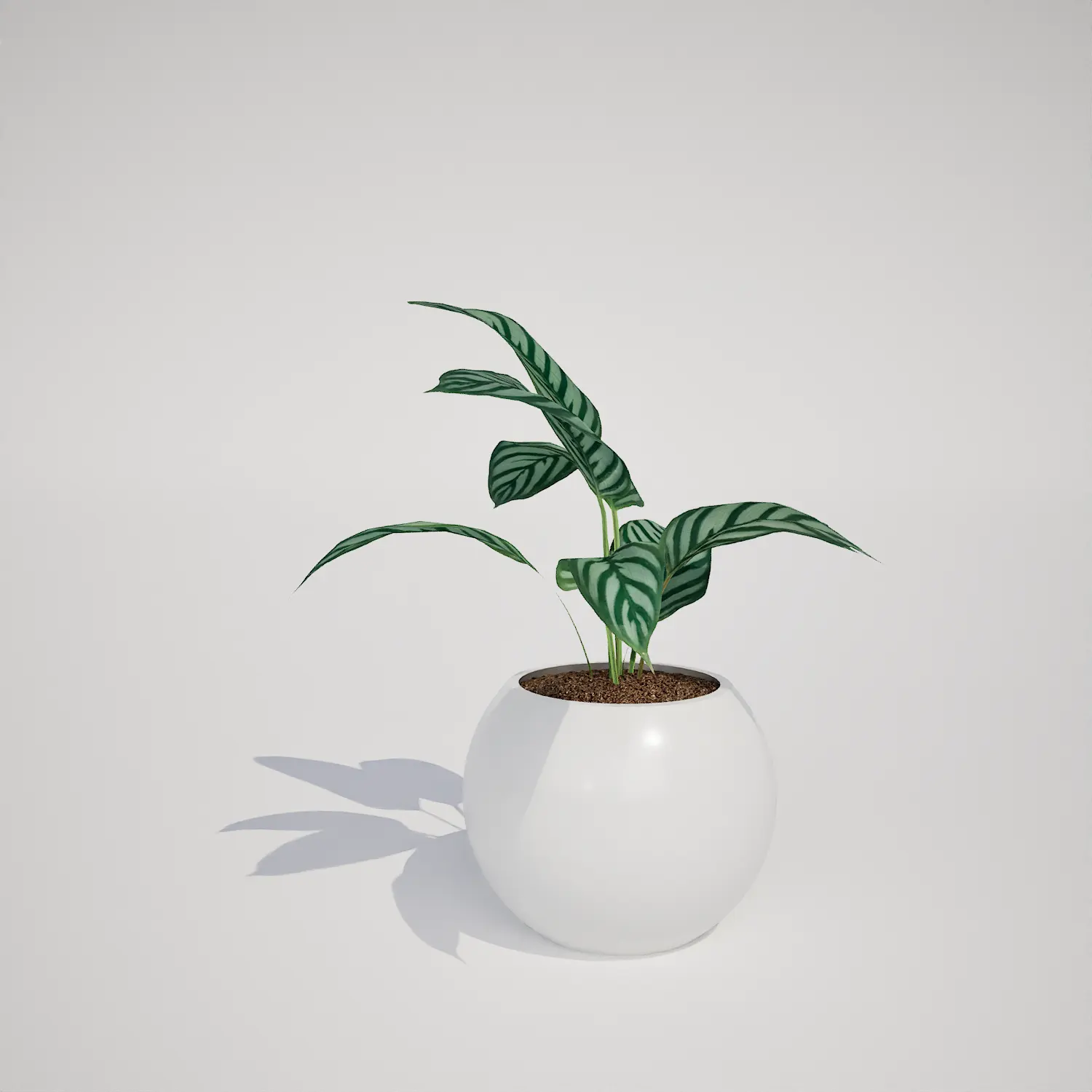
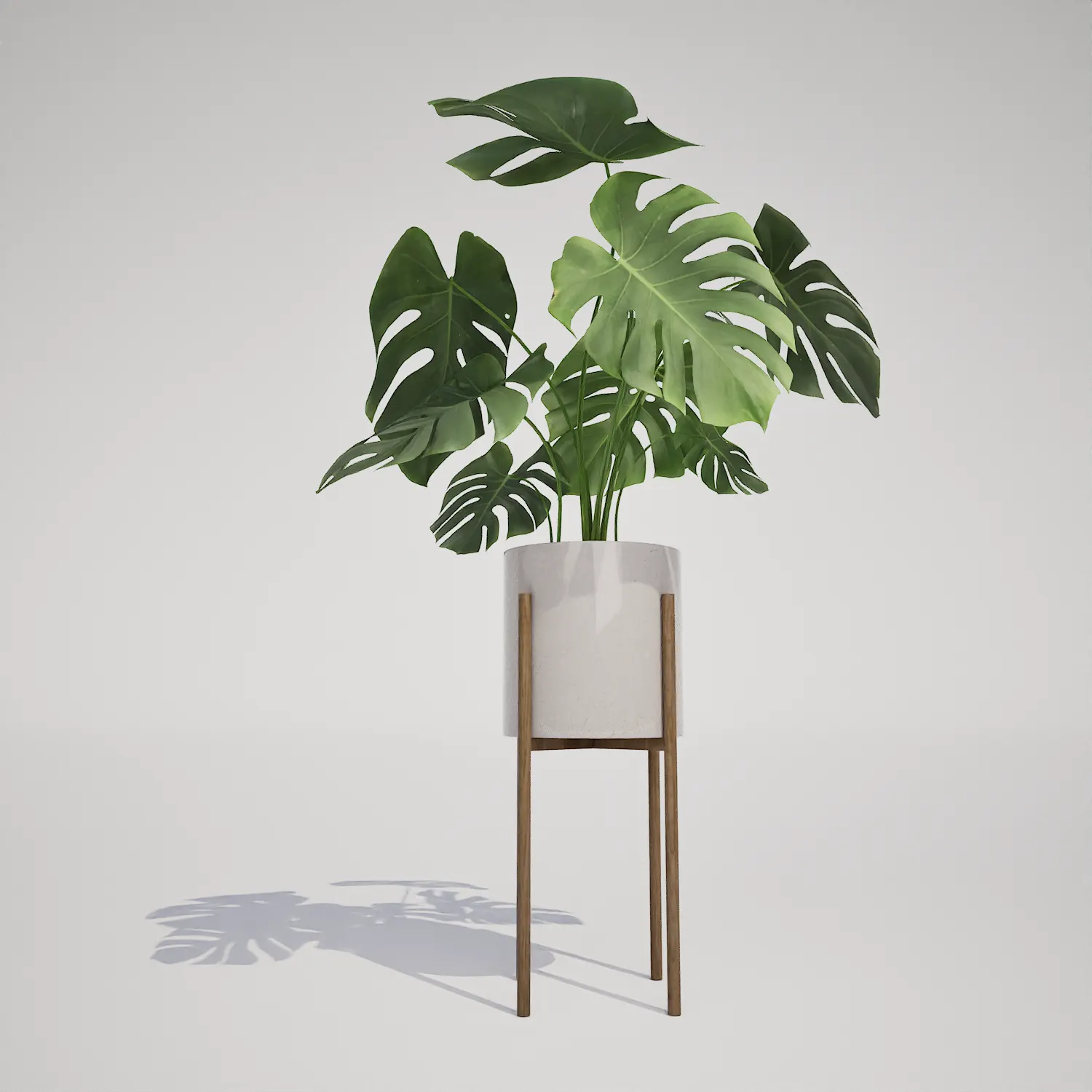
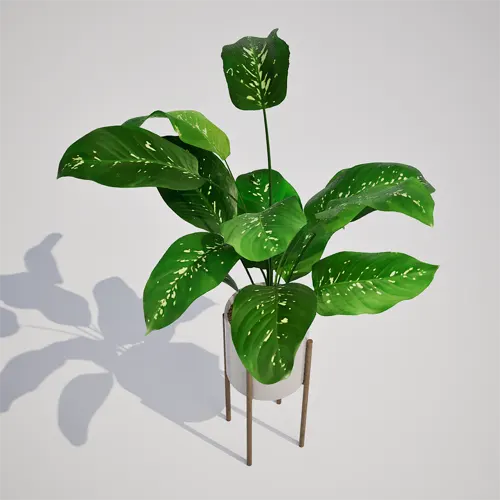
Integrating high-quality houseplants into virtual environments requires a balance of visual fidelity and engine performance. This Free Dieffenbachia in Mid-Century Modern Planter provides a versatile solution for interior scenes, featuring the broad, cream-speckled foliage characteristic of the species. Its upright, succulent-like structure makes it a natural focal point for modern architectural visualizations or realistic game-ready domestic settings. By focusing on accurate leaf venation and a distinct variegated pattern, this model offers a polished look for those working in Unreal Engine.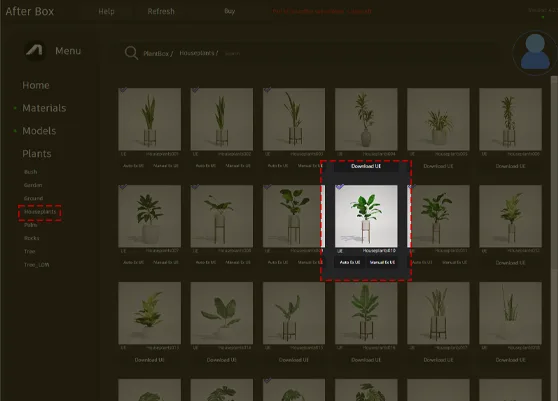
Versatile Applications for Modern Spaces
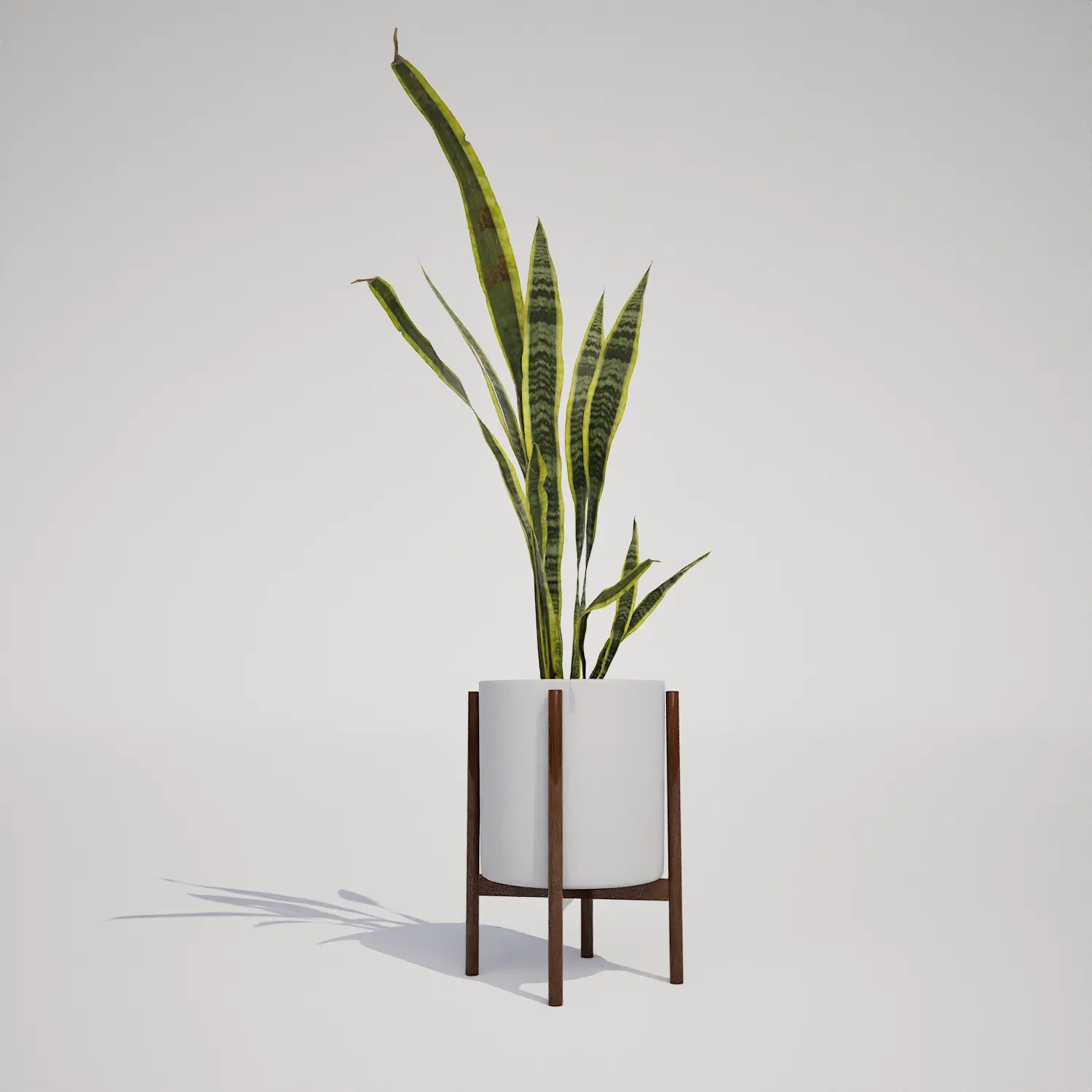
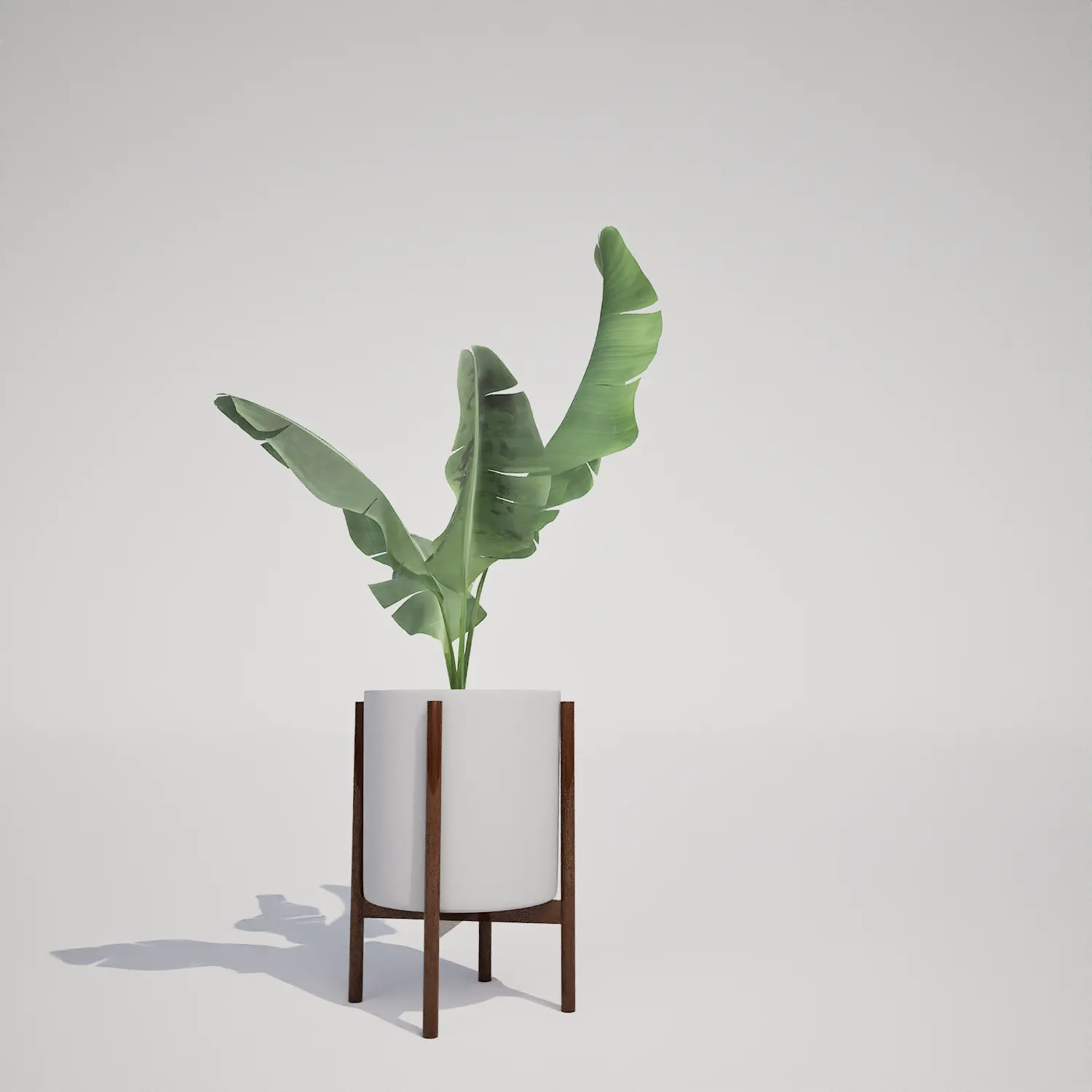
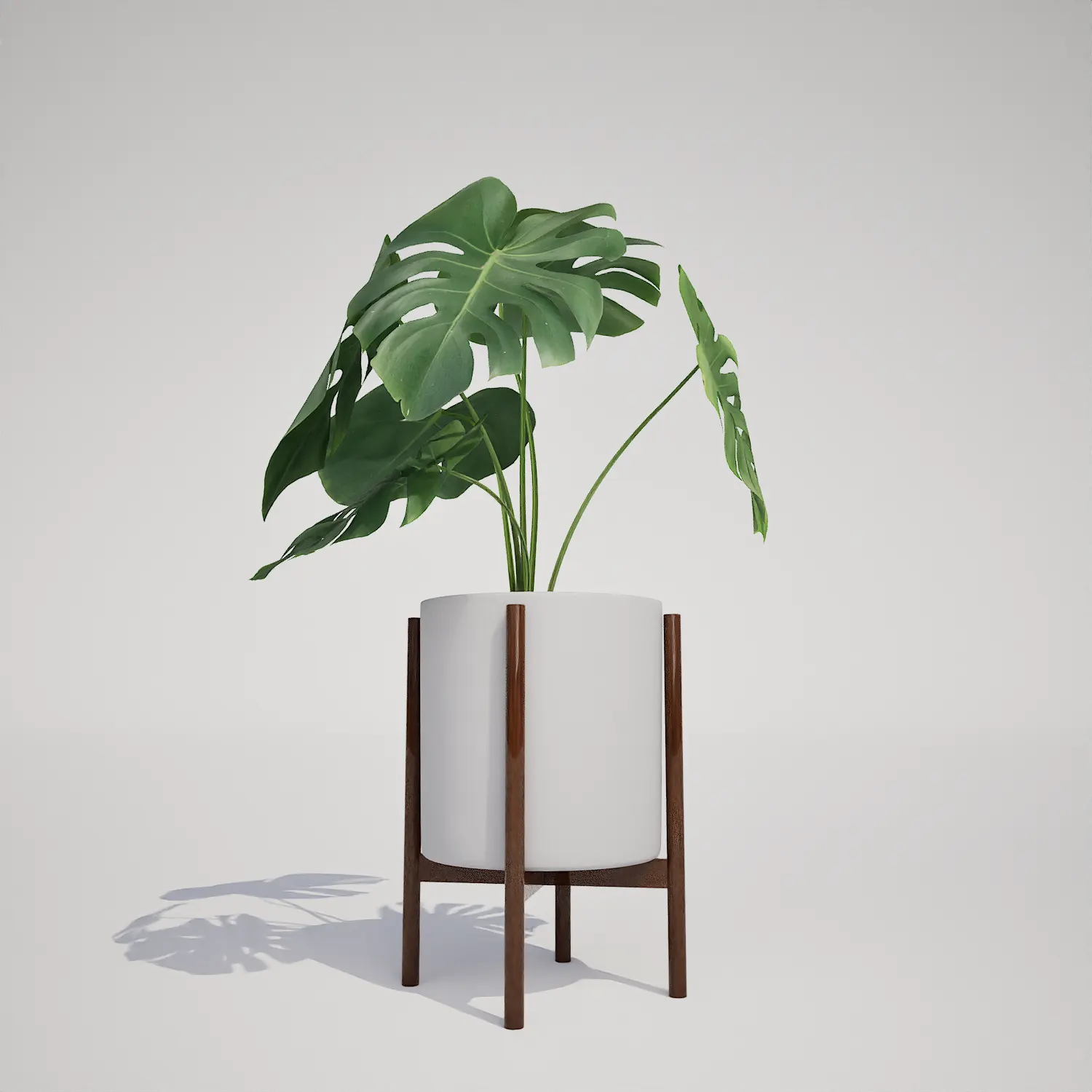
This asset excels in professional archviz staging, particularly within residential and commercial interior projects. Its refined silhouette fits perfectly into a living room corner, bedroom, or as a decorative accent in a high-end office lobby. For game environment artists, the model acts as an essential prop to breathe life into modern apartment levels or commercial floor plans. Because of its clean geometry, it pairs exceptionally well with other indoor plants like the monstera 3d asset or the minimalist snake plant 3d asset to create a layered, lived-in aesthetic.Design Context and Environmental Placement
While this plant is ideally suited for tropical-inspired interiors, it is best kept away from outdoor settings in your projects. It is designed specifically for climate-controlled indoor environments, such as sunrooms or covered patios. Its aesthetic is a perfect match for mid-century modern, minimalist, or contemporary design styles, especially when placed alongside natural wood textures and smooth concrete or marble surfaces. Avoid placing this model in rustic or highly ornate traditional scenes, as its clean, modern planter design may clash with those specific architectural aesthetics.Technical Performance in Unreal Engine 5
Technically, this asset is built to scale within your project requirements. With a triangle count of 13,062, it strikes an efficient balance between detail and performance. The model is fully Nanite-compatible, meaning you do not need to worry about manually authoring LODs; the engine handles geometric complexity automatically across varying distances. This allows for high-quality close-up renders without compromising frame rates, making it a reliable choice for your primary camera setups.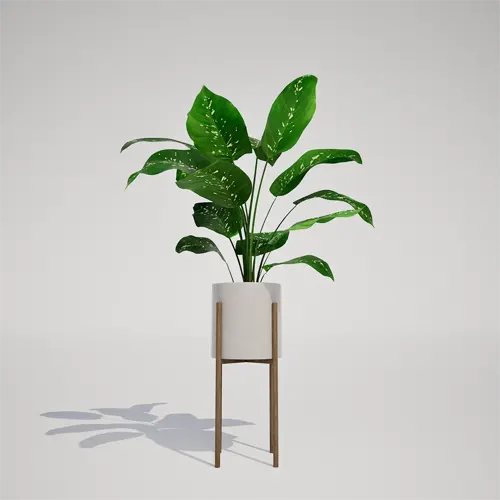
Avoiding Repetitive Foliage Patterns
Because of the unique, high-contrast variegation on its leaves, the plant carries a medium risk of showing repetition if used in large quantities. To maintain a natural look when grouping multiple instances, utilize the foliage shader to slightly randomize the hue and roughness of each plant. Rotating and scaling instances individually will also prevent the eye from catching the repeating spot patterns, ensuring your scene retains a bespoke, hand-staged quality.Seamless Unreal Engine Workflow
This dieffenbachia 3d Object is designed as a drop-in solution for your Unreal Engine 5 production pipeline. It is optimized for immediate drag-and-drop deployment, meaning the pivot points and material parameters are pre-configured for standard workflows. By removing the need for manual setup or material adjustment, this asset lets you concentrate on lighting and composition, significantly accelerating your interior staging process.Workflow Integration and Access
Incorporating this asset into your project is straightforward—simply import it into your Unreal Engine project folder and place it into your level. Whether you are creating a quick mock-up for a client or finishing a high-fidelity render, these assets help reduce production bottlenecks. For those looking to expand their library, further information about our professional asset subscriptions can be found at https://after-box.com/pricing/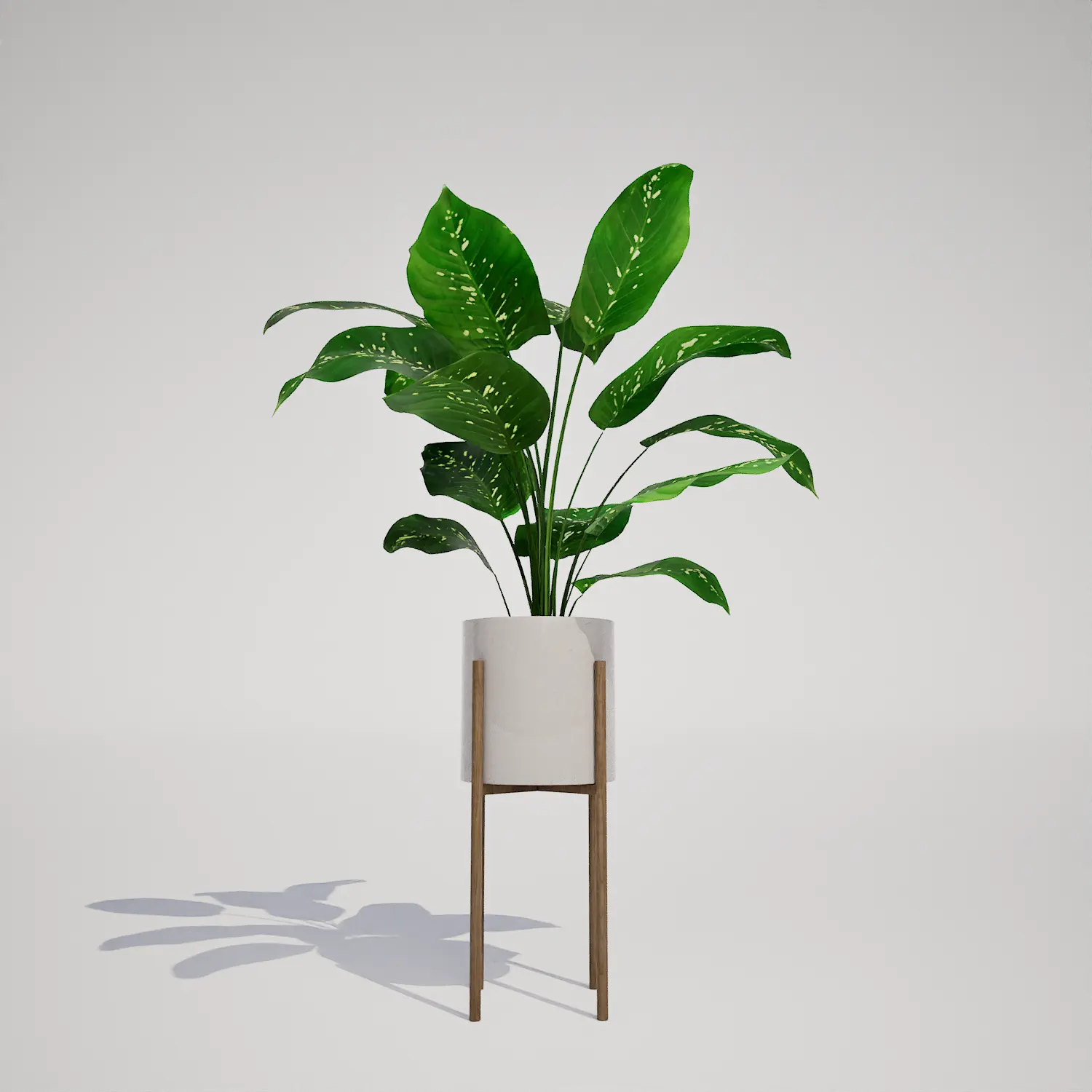

Save time importing objects
Download this object and hundreds of others from Afterbox software right now and import it into your Unreal Engine project with one click.
