



A Versatile Monstera Deliciosa Asset
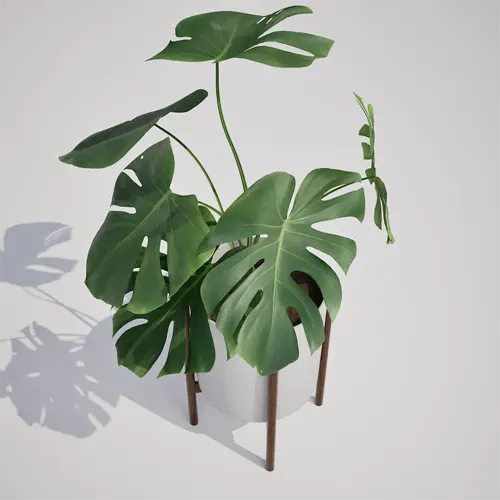
Adding high-fidelity greenery to digital environments often hinges on finding the right balance between visual complexity and rendering performance. This Potted Monstera Deliciosa 3D model offers a refined, upright growth form that fits seamlessly into both residential and commercial projects. With its signature heart-shaped leaves and distinct fenestrations, it serves as an ideal focal point for interior scenes. The asset arrives in a professional white cylindrical planter set on a mid-century modern wooden stand, making it a turnkey solution for designers aiming to capture a specific aesthetic without the need for additional prop modeling.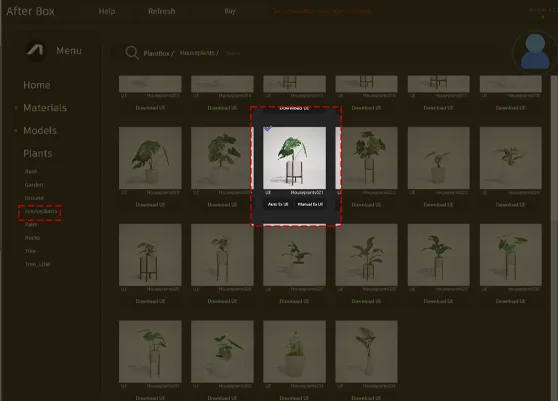
Practical Applications in Design and Gaming
Whether you are populating a high-end luxury apartment or setting up a modern office lobby, this plant adapts well to various environments. For architects and interior designers, it functions perfectly as a living room accent or a soft, organic element in a clean, minimalist entryway. Game environment artists will find it particularly useful for populating contemporary residential levels or architectural visualization walkthroughs. Its medium size makes it an excellent candidate for filling awkward corners or balancing heavy furniture arrangements.Design Context and Environmental Fitting
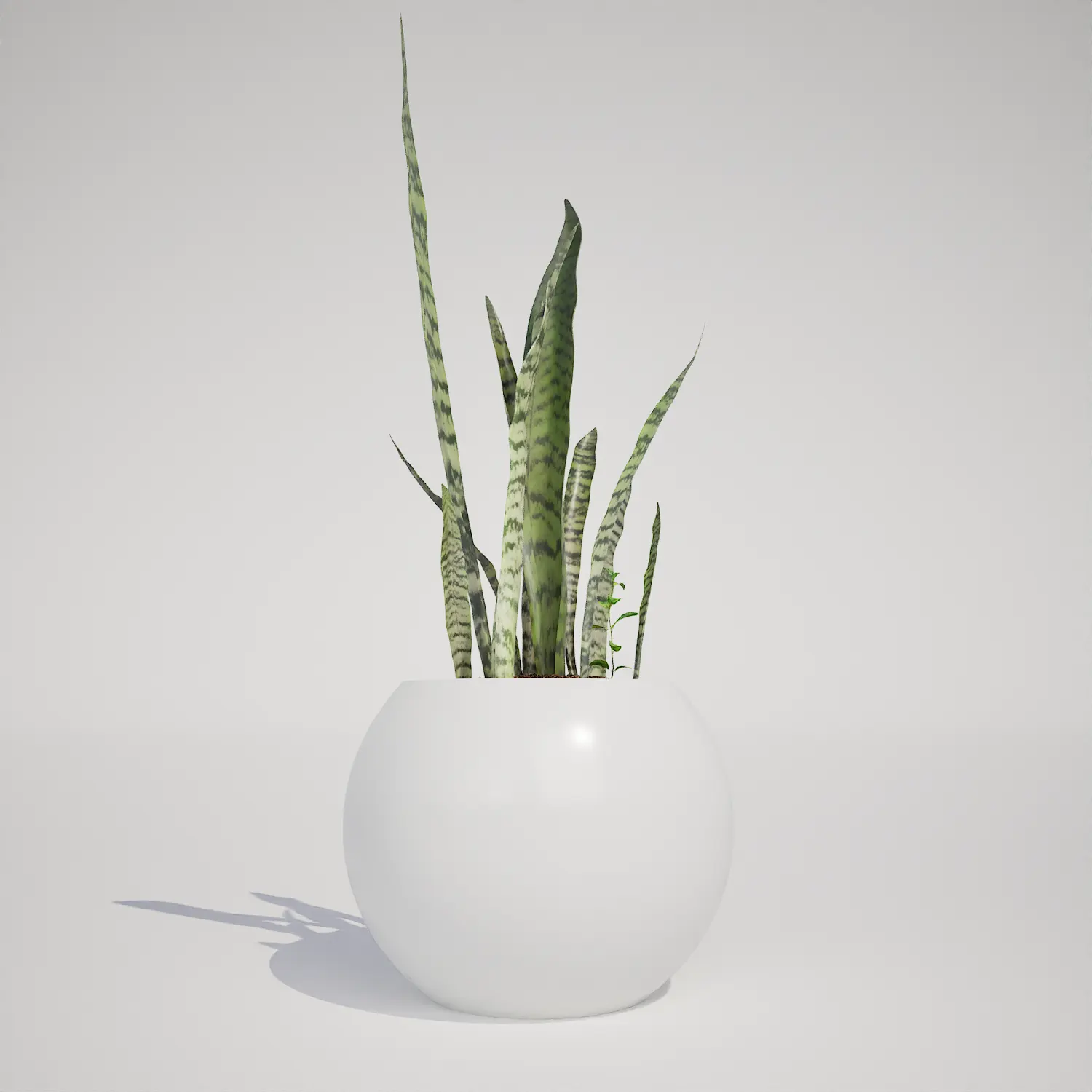
This evergreen tropical houseplant is suited for year-round display in controlled interior spaces. It pairs exceptionally well with other indoor foliage like the snake plant or a fiddle leaf fig, creating a layered, natural look. Its aesthetic is a natural fit for Scandinavian and mid-century modern design styles where clean lines and balanced proportions are paramount. While perfect for atriums and lifestyle renderings, keep in mind that the plant is less suitable for high-exposure outdoor projects, particularly in harsh winter environments where it would not survive in reality.Technical Performance in UE5
The asset is engineered for efficiency, coming in at 1,369 triangles. This light geometry makes it highly performant for complex scenes. Because it is fully compatible with Nanite, you can populate large areas with multiple instances without the overhead typically associated with traditional LOD management. The surfaces feature a natural, glossy finish that reacts well to varied lighting conditions, though users looking for extreme macro shots might consider adding a custom material function to increase surface normal micro-detail.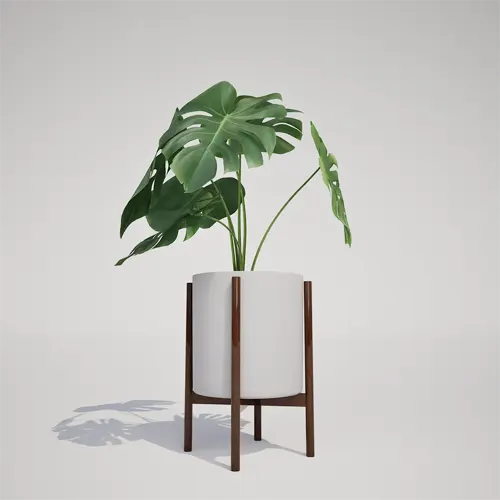
Avoiding Repetitive Visuals
Because the Monstera Deliciosa has such an iconic leaf structure, instances can quickly look identical if placed in a rigid grid. To maintain a natural, human-styled look in your archviz scenes, use the Foliage Tool or manual placement to rotate each instance by at least 90 to 180 degrees. Scaling instances slightly—within a 5% to 10% range—also helps break up the silhouette, making a group of these plants appear like a collection of unique, hand-picked indoor decorations.Drag-and-Drop Foliage Workflow
This plant asset is designed for immediate integration into Unreal Engine 5. It is built as a complete prop, meaning the pot and plant are unified, allowing you to drag the actor directly into your Level Editor. This eliminates the need for complex blueprint construction or mesh importing, as the materials and pivot points are pre-configured for standard interior placement.Workflow Integration
You can incorporate this asset into your pipeline by simply downloading the files and importing them into your Content Browser. The streamlined structure supports a fast-paced environment where you can focus on scene composition and lighting rather than mesh optimization. To expand your library of high-quality assets, you can find more information about subscription access at https://after-box.com/pricing/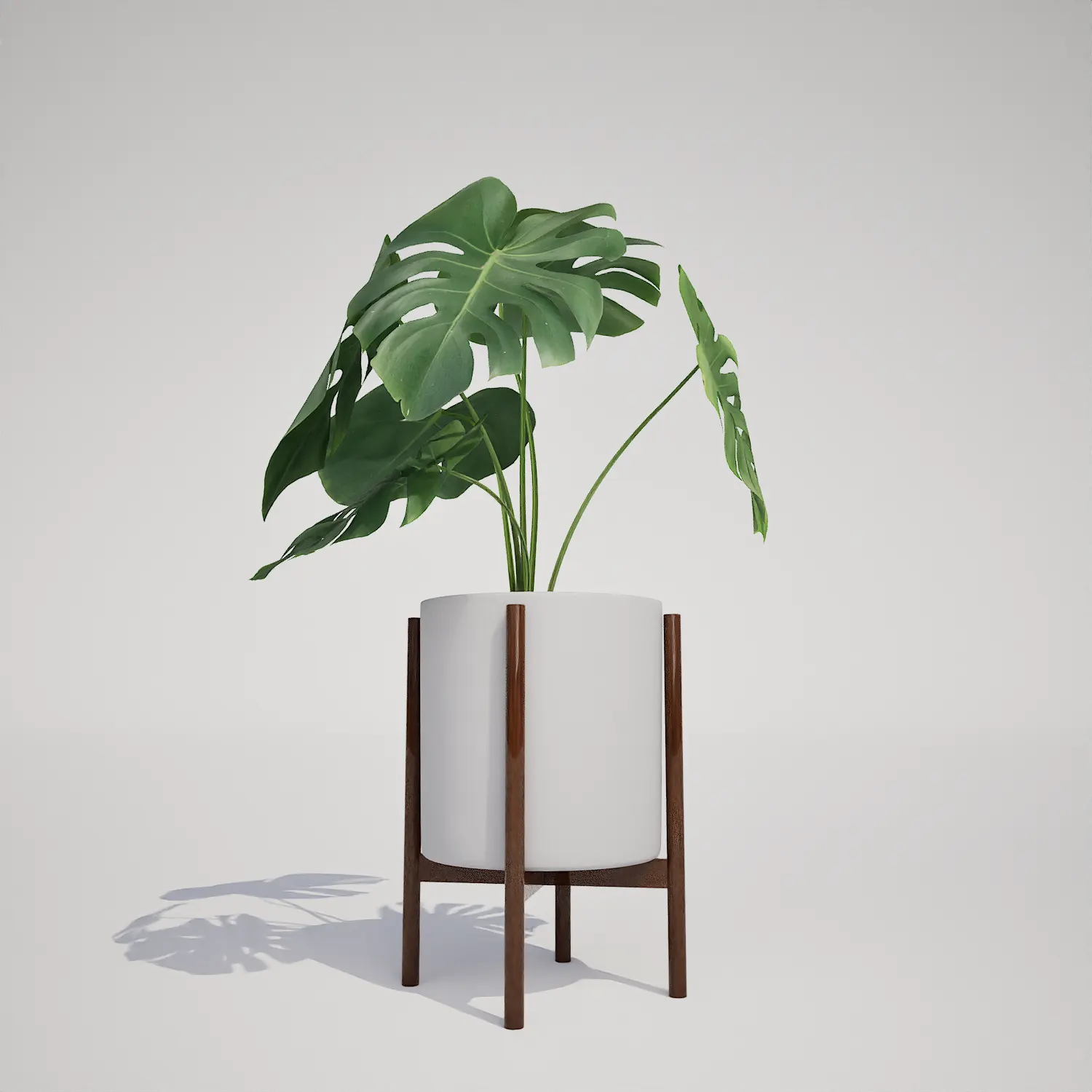

Save time importing objects
Download this object and hundreds of others from Afterbox software right now and import it into your Unreal Engine project with one click.
