




Bringing Life to Interiors with Potted Houseplants
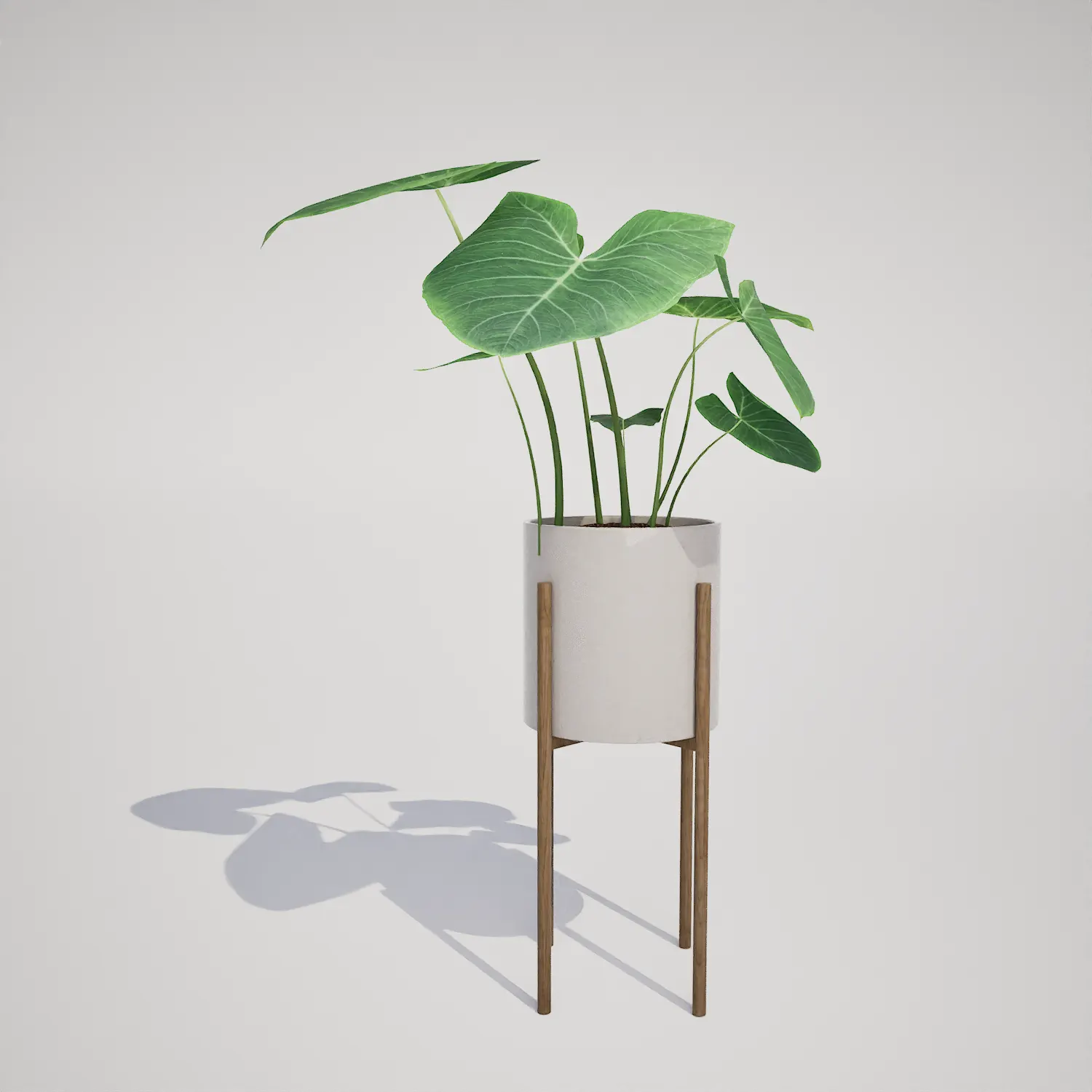
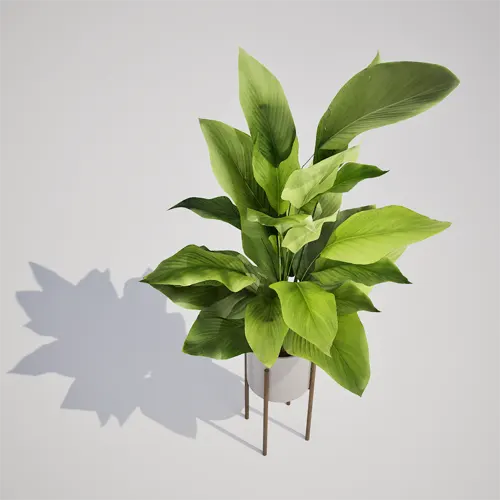
Incorporating high-quality indoor vegetation is essential for creating believable spaces in Unreal Engine. This free potted houseplant asset features an upright, broadleaf plant resembling a Calathea-type species, housed in a clean white cylindrical pot set atop a minimalist wooden stand. It serves as an ideal focal point for architectural visualization, adding a touch of natural, year-round greenery to living rooms, office corners, or modern study areas.Versatile Applications for Modern Environments
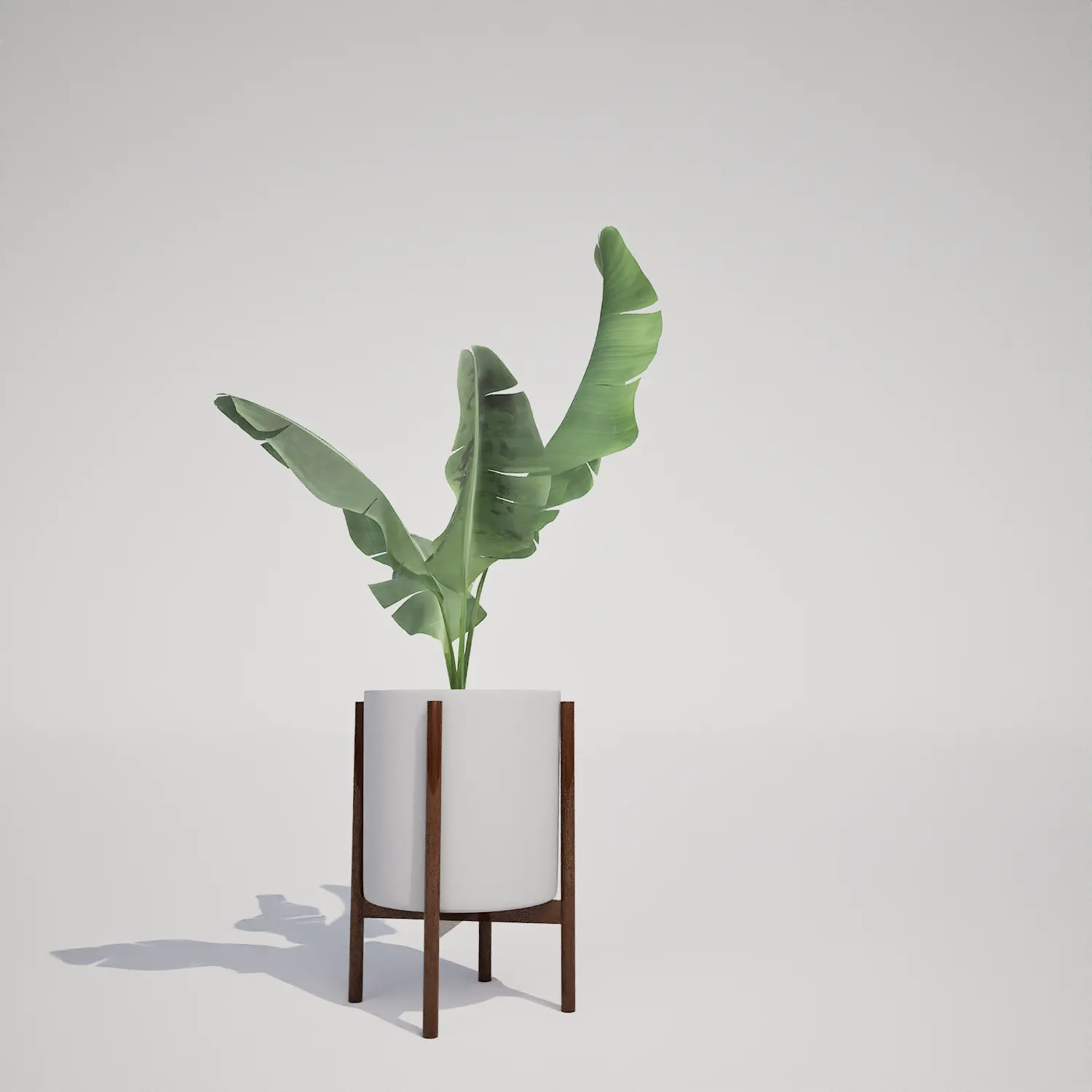
For those working in archviz or game environment design, this asset bridges the gap between functional decor and aesthetic, lifelike detail. Its compact, mid-sized form makes it highly suitable for residential staging, boutique hotel lobbies, or modern office interiors where clean lines are prioritized. Designers can easily pair this piece with modern houseplant on mid-century stand or incorporate it near larger foliage like a dracaena cane houseplant to build layered, realistic interior compositions. It performs exceptionally well in contemporary and Scandinavian-style projects where the balance between structural architecture and soft, organic elements is key.Technical Precision for Unreal Engine 5
The asset is built for high-performance projects, utilizing 16,842 triangles to provide a balance between visual fidelity and memory budget. By leveraging Nanite, the model maintains its detailed curvature and surface quality regardless of the camera’s proximity, making it a reliable choice for interior close-up shots. You won’t need to worry about the overhead of manually managing LOD transitions, as the technology handles mesh complexity seamlessly. When setting up your lighting, ensure your material shaders are configured to utilize subsurface scattering to accurately simulate how light passes through the broadleaf surface.
Scattering and Placement Strategy
Because this plant features a distinct leaf structure, placing several instances in close proximity requires care to avoid a noticeable pattern. For larger scenes like an atrium or a high-traffic lobby, combine this asset with other varied greenery. Rotate each instance on the Z-axis by at least 90 degrees and apply slight variations in scale to break up the silhouette and ensure the arrangement appears organic rather than copy-pasted.A Seamless Ready-to-Use Workflow
This asset arrives as a drag-and-drop file, specifically optimized for current Unreal Engine pipelines. The pre-configured material and mesh setups allow you to bypass traditional modeling hurdles, letting you focus on the creative composition of your archviz scene or digital environment. By using standardized, game-ready foliage, you maintain consistency across your projects, ensuring that both performance and visual standards are met without additional optimization passes.Optimized Asset Integration
After downloading, importing this asset into your project library is simple. Whether you are populating an empty residential flat for a client presentation or designing an immersive level for a game, these modular elements help you achieve a high-level finish. For artists looking to scale their production pipeline, more professional vegetation assets are available through our subscription service at https://after-box.com/pricing/.

Save time importing objects
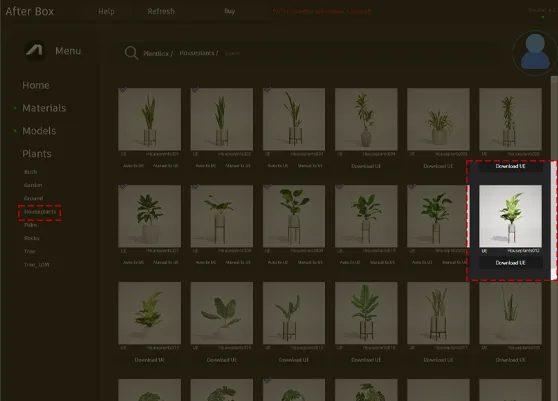
Download this object and hundreds of others from Afterbox software right now and import it into your Unreal Engine project with one click.
