


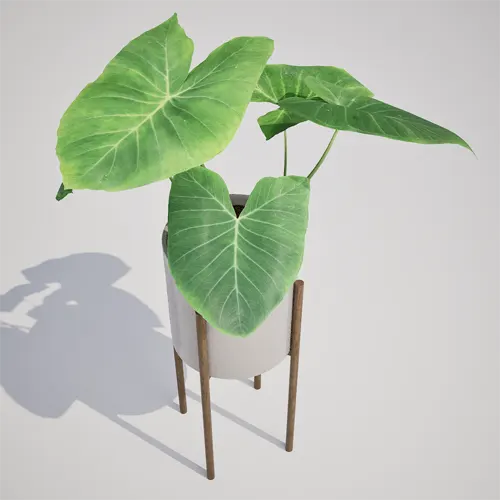
Adding Life to Your Interior Renders
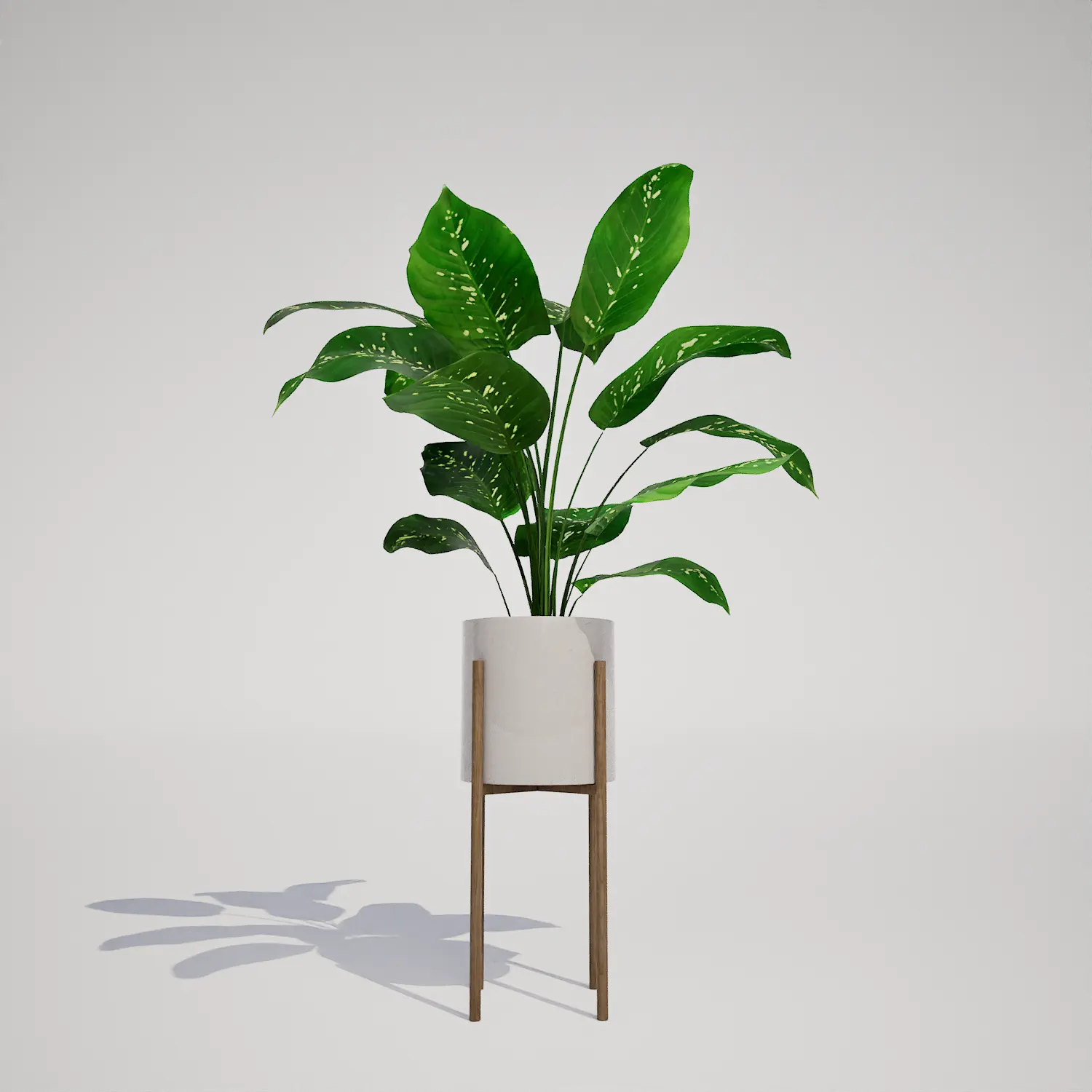
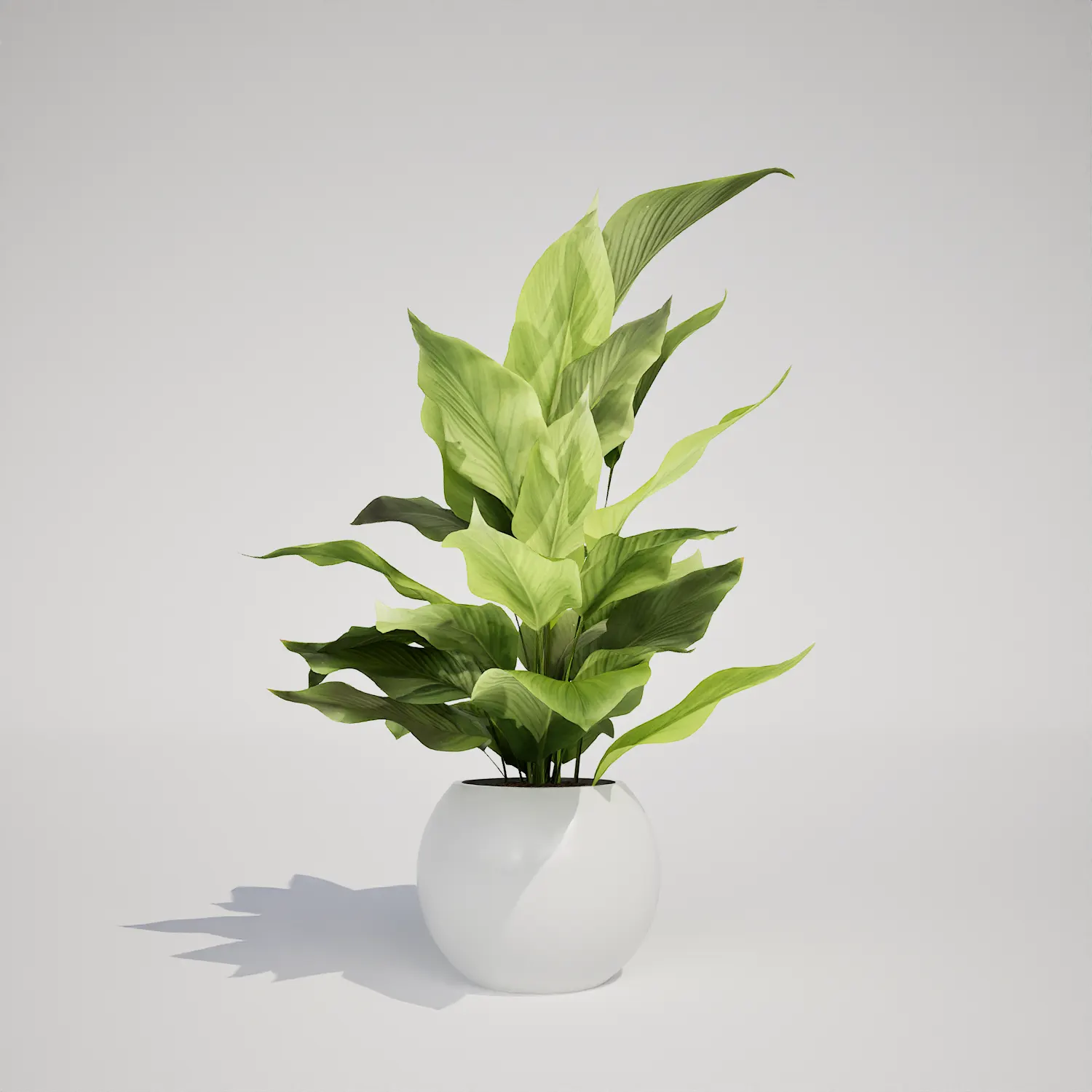
When populating modern architectural spaces, the right vegetation helps ground the scene. This free potted houseplant 3d model works as a versatile interior prop. Its upright, clumping growth habit fits contemporary design workflows with ease. Large, heart-shaped leaves and distinct venation add organic softness to clean, linear environments. The form also creates an Alocasia-type aesthetic that interior designers often favor for high-end residential and commercial staging.
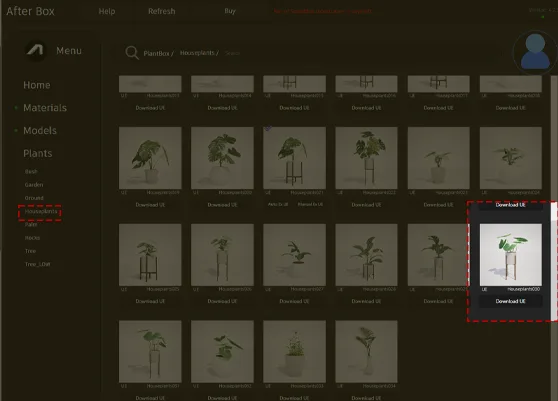
Versatile Placement for Design and Games
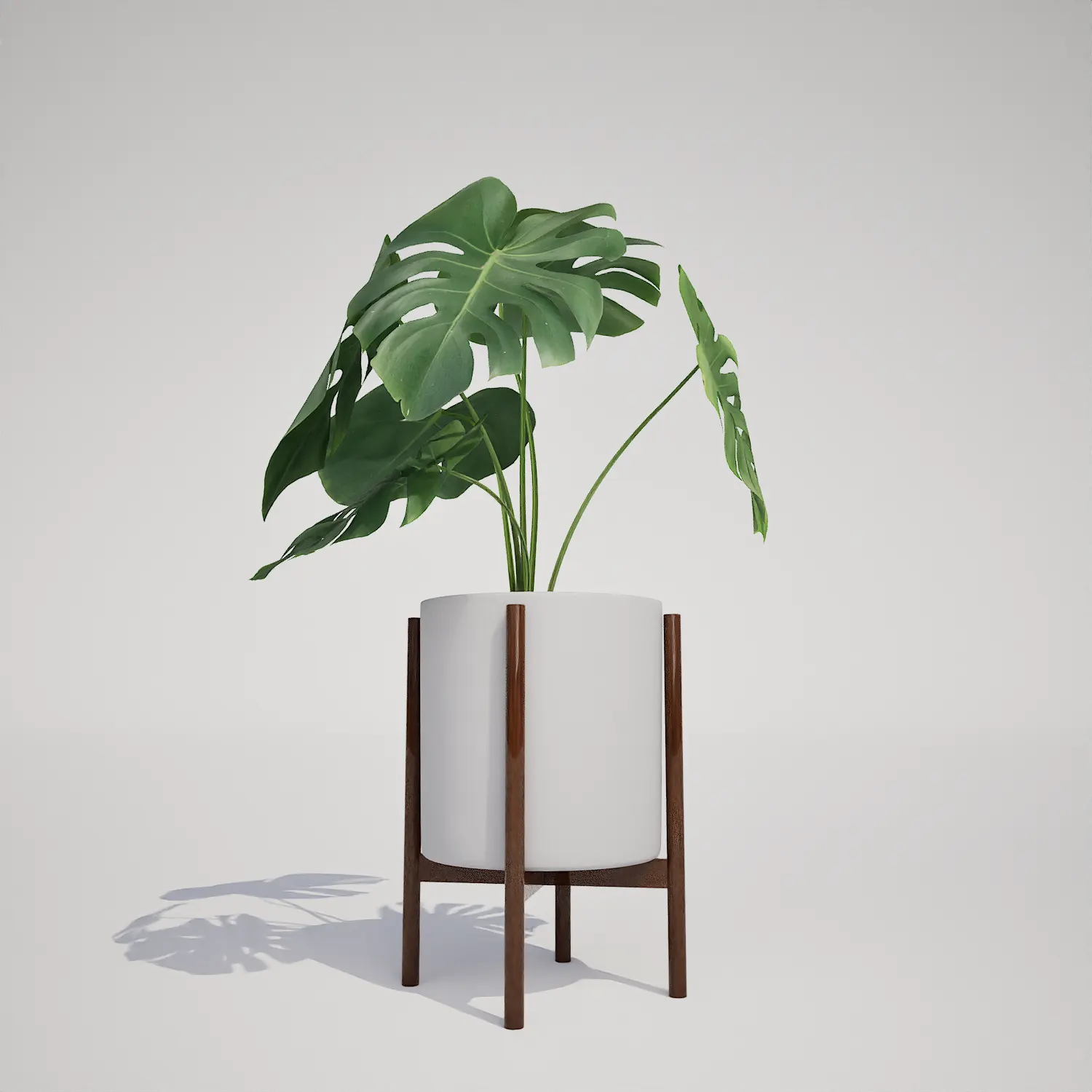
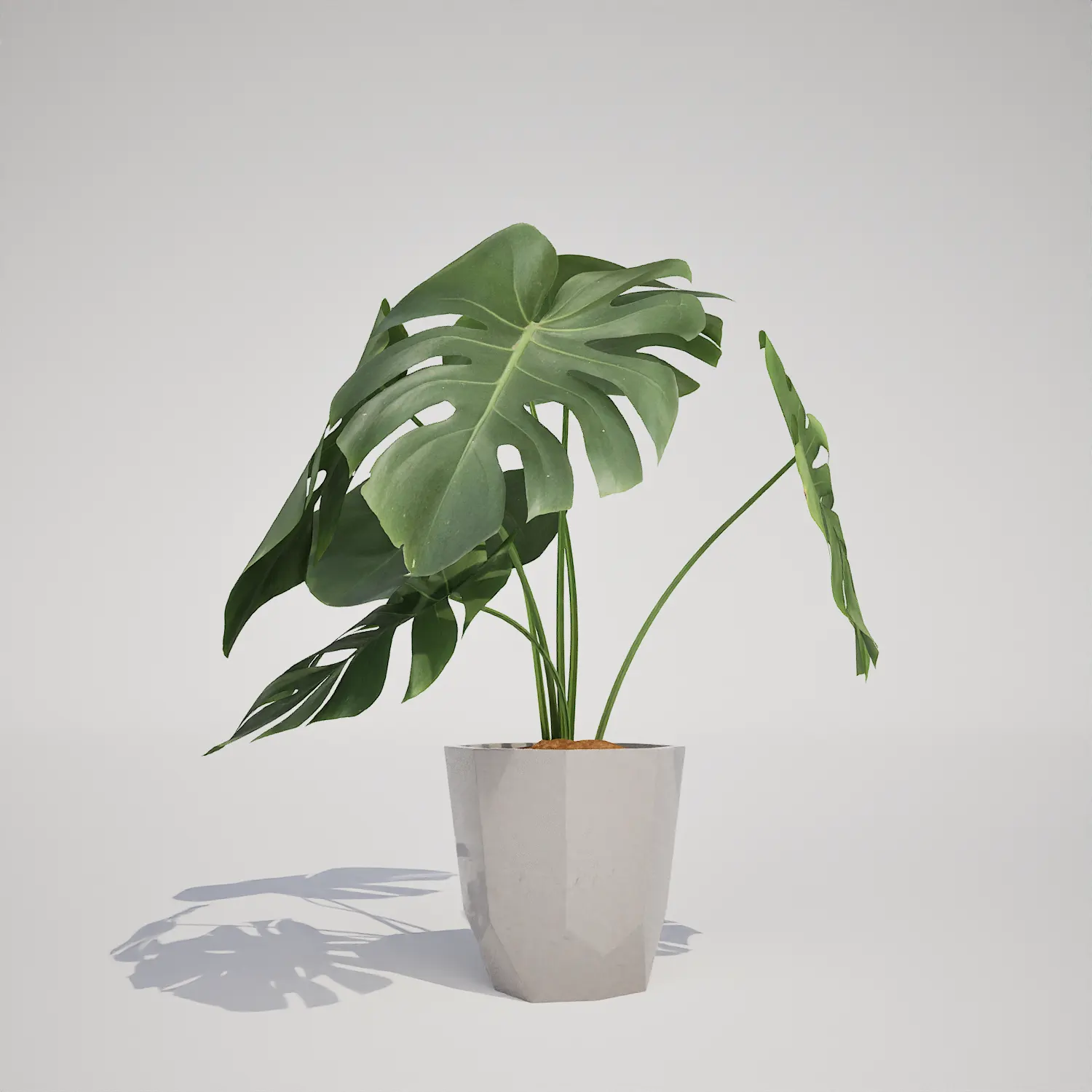
This asset excels in interior applications where a focal point is needed without overwhelming the space. In archviz projects, it functions perfectly as a living room accent, an office lobby centerpiece, or a lush element in a sunroom visualization. For game environment artists, this model serves as an ideal set-dressing prop for residential apartments or high-end office interiors.Because of its clean, curated look, it pairs beautifully with other common interior greens. Consider placing it alongside a potted snake plant asset to create a varied layered look, or group it with larger foliage like a potted monstera deliciosa asset to build out a convincing indoor garden corner.
Design Context and Environmental Fit
The plant is designed for year-round indoor use, thriving in bright, controlled conditions typical of contemporary architecture. Its upright, clumping form complements minimalist, Scandinavian, and mid-century modern design styles. While it adds a great organic layer to any project, users should note that the asset is best suited for mid-distance viewing. Because of its clean geometry, extremely close-up camera angles may reveal the limitations of the current texture resolution, so it is best used as a secondary visual element in tight architectural walkthroughs.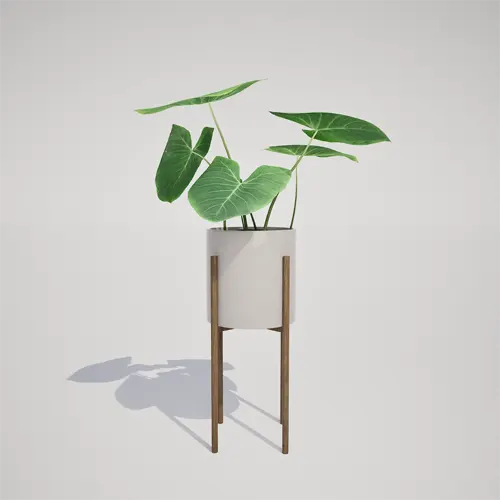
Technical Performance in Unreal Engine 5
Technically, the asset offers efficient performance. Its triangle count of 1051 keeps the mesh lightweight. As a result, it can fit into complex interior scenes without becoming a major performance bottleneck.
The asset also supports Nanite in Unreal Engine 5. Therefore, you do not need to configure LODs manually. Unreal Engine handles the level of detail automatically. This setup simplifies the workflow and lets you focus on lighting, materials, and composition instead of mesh management.
Efficient Asset Integration
You can integrate this plant into your workflow quickly. The drag-and-drop asset requires no additional setup. As a result, you can iterate faster during the look-dev phase of a project.
Whether you are staging a boutique hotel or a suburban home, the asset fits directly into the scene. Simply import it and position it where the composition needs more natural detail.
Streamlining Your Archviz Pipeline
High-quality, pre-optimized props can speed up professional archviz workflows. This plant asset fits into existing project folders with minimal effort. It can also save hours of modeling, unwrapping, and material setup.
Furthermore, the asset gives you a practical way to add vegetation without building every plant from scratch. To explore more vegetation and architectural props, learn more about our subscription plans at https://after-box.com/pricing/.
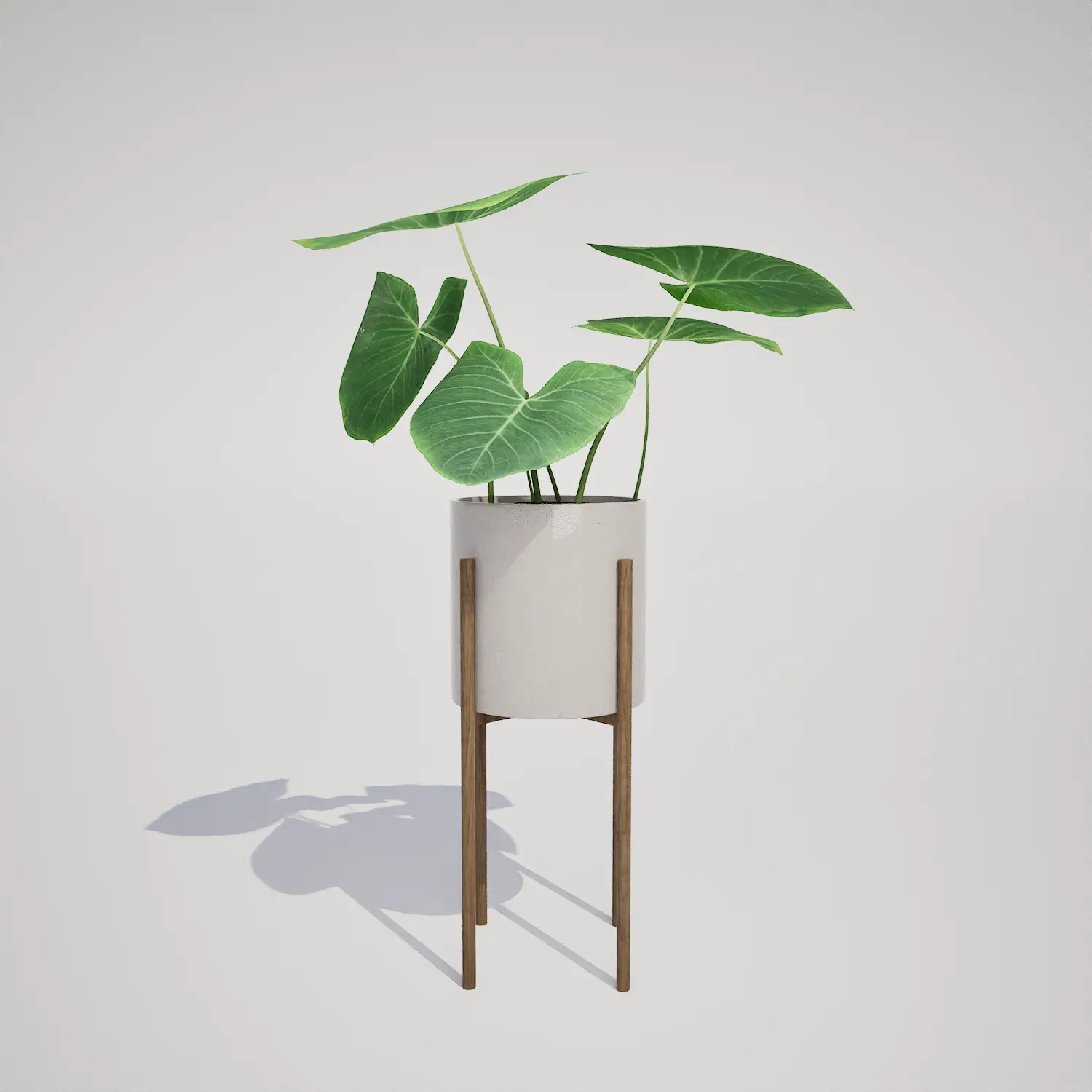

Save time importing objects
Download this object and hundreds of others from Afterbox software right now and import it into your Unreal Engine project with one click.
