


Potted Minimalist Houseplant | Free 3D Asset
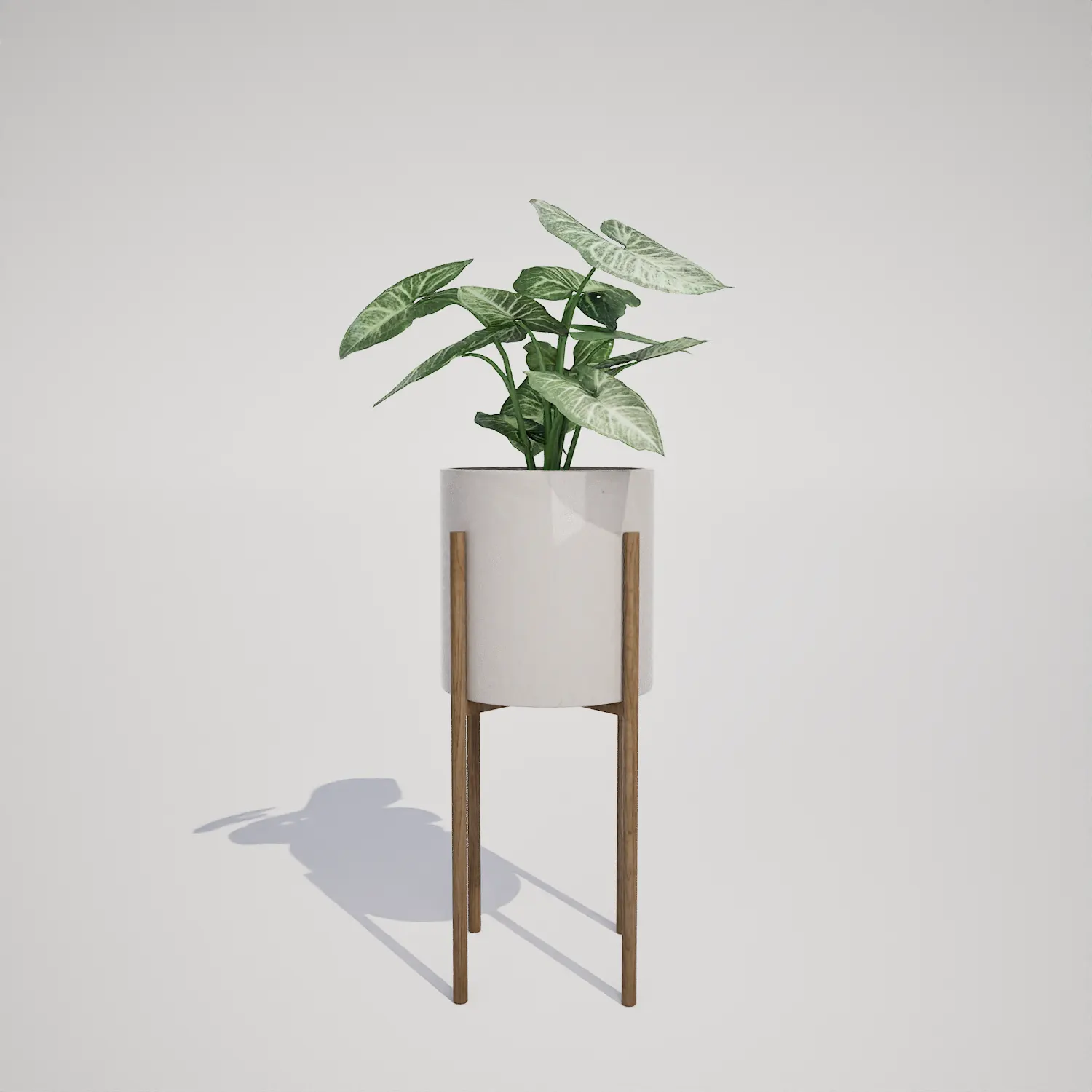
Syngonium podophyllum Arrowhead Plant in Modern Stand | Free
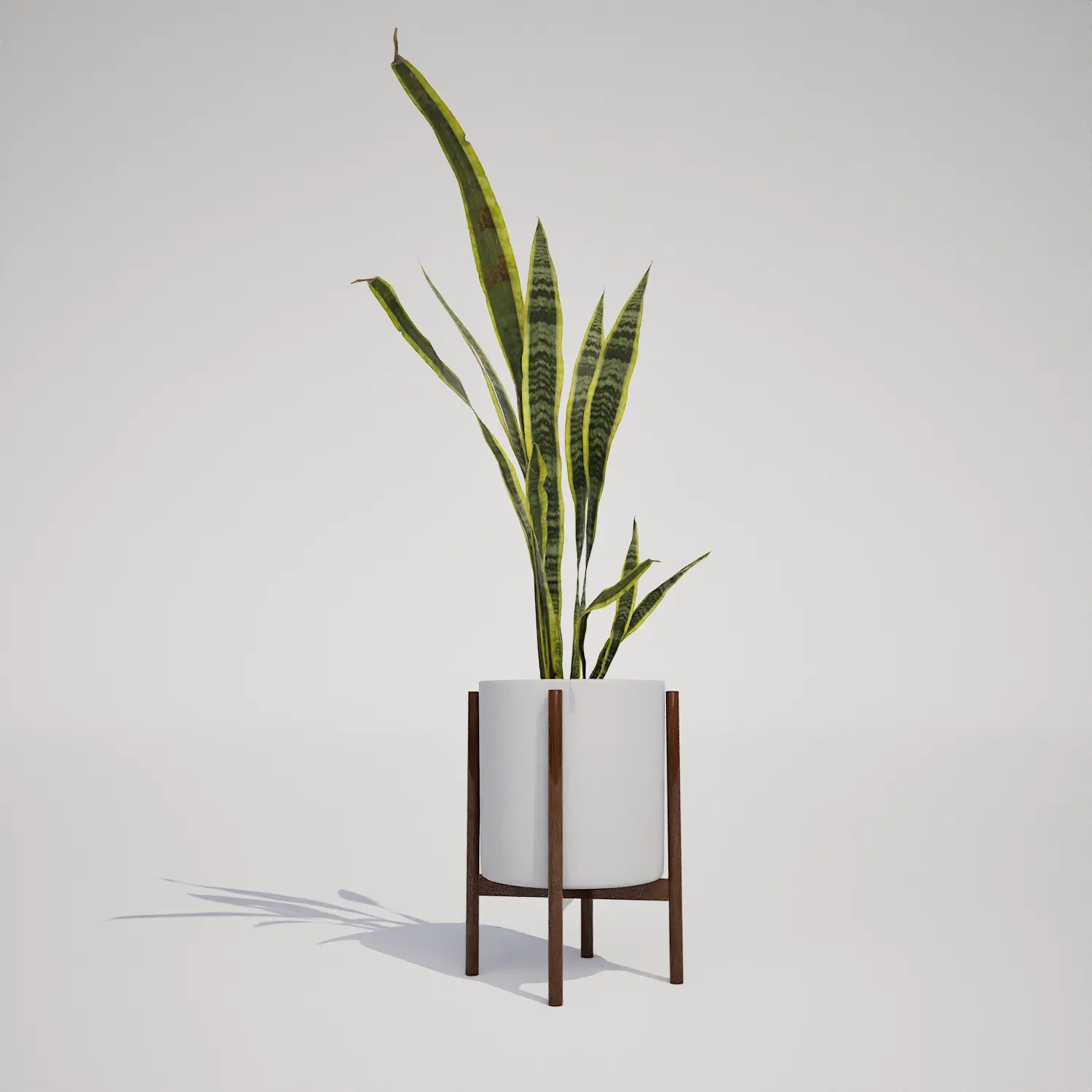
Free Snake Plant in Mid-Century Modern Planter
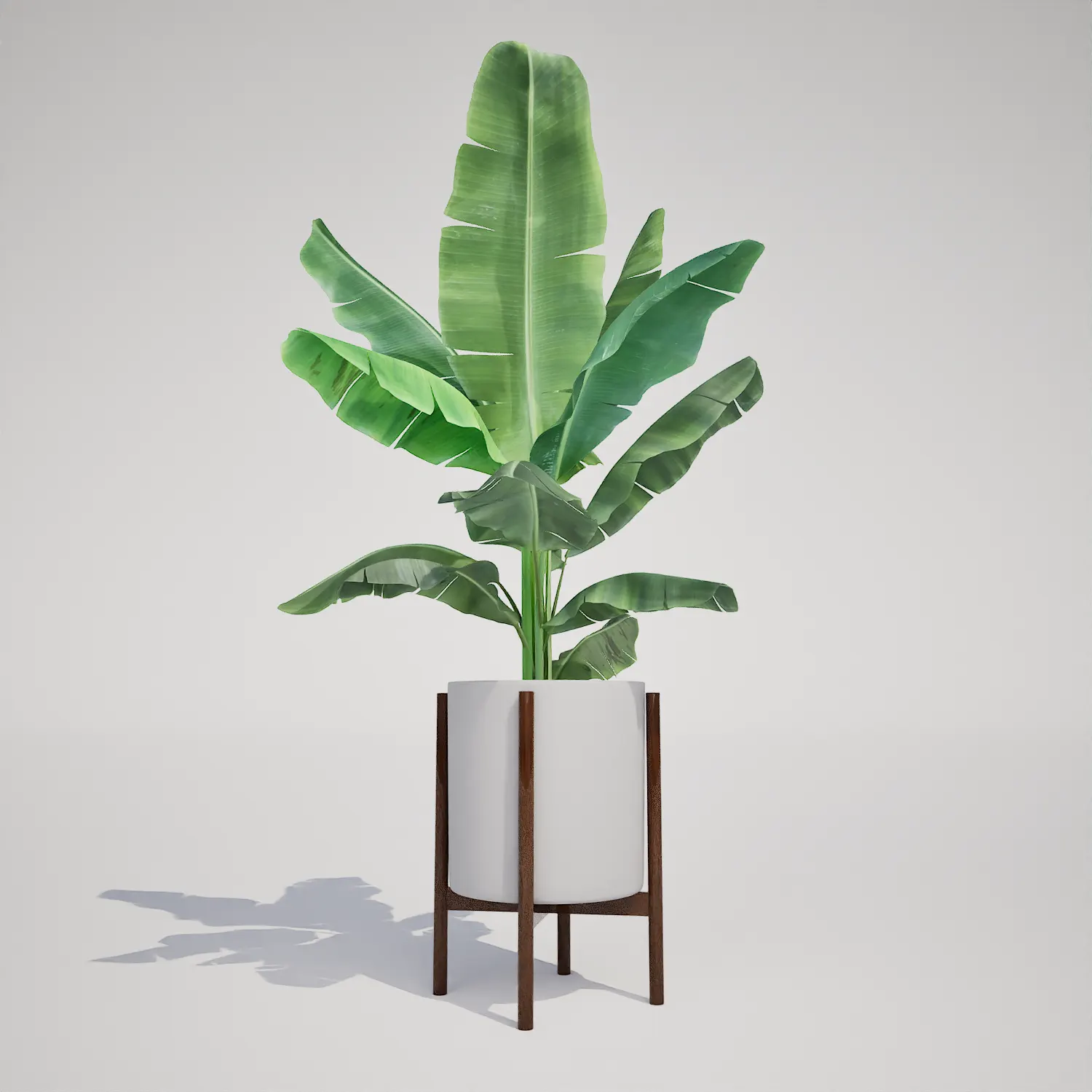
Free Potted Banana Houseplant in Mid-Century Stand
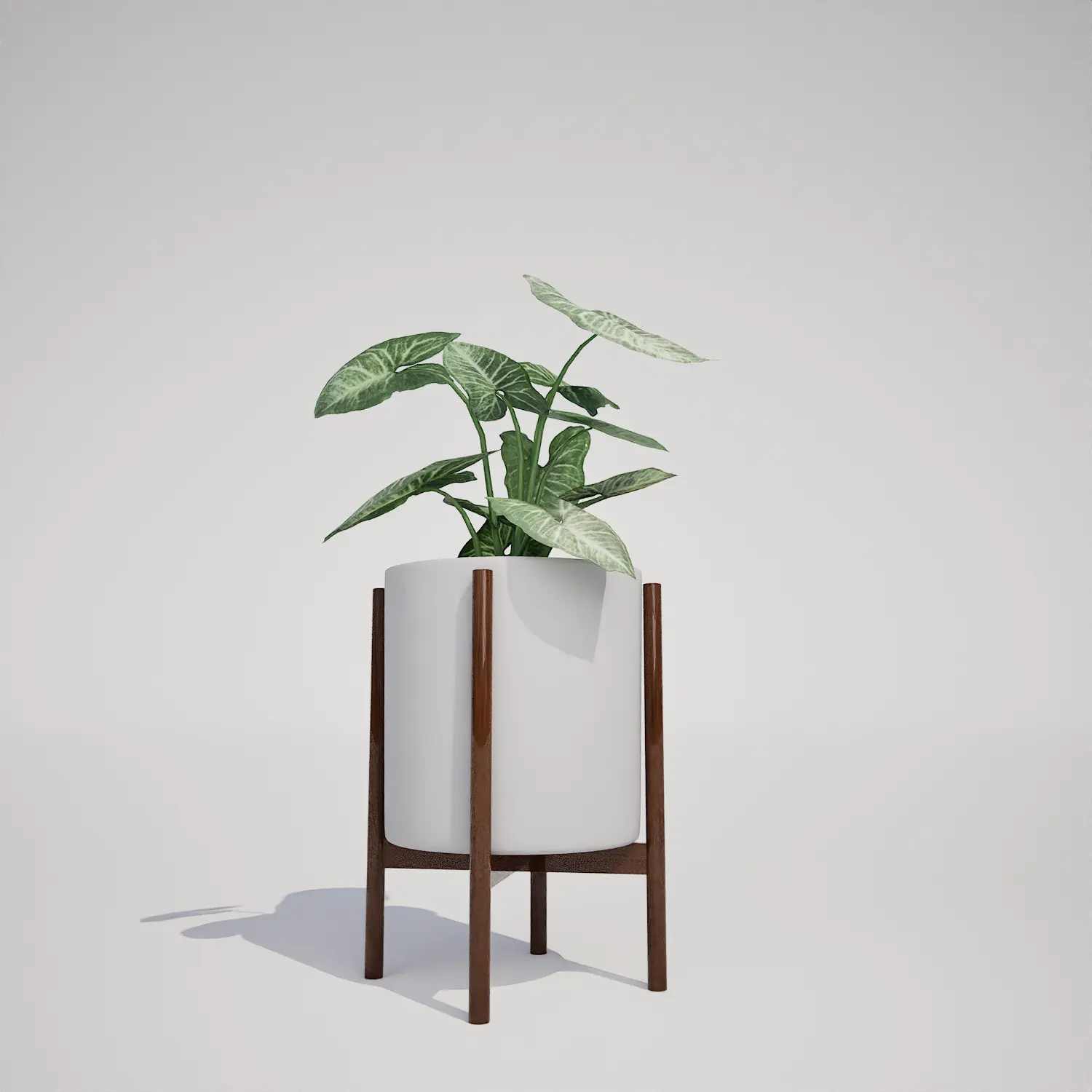
Potted Syngonium Houseplant Free 3D Asset

Syngonium podophyllum Arrowhead Plant in Spherical Pot

Introducing the Monstera Deliciosa 3D Asset
The Monstera houseplant Deliciosa is an iconic choice for interior spaces, recognized by its large, perforated, and deeply lobed leaves. This free 3D asset captures that distinct aesthetic, offering a high-fidelity representation of the plant housed in a contemporary, faceted grey planter. It serves as an excellent Monstera houseplant model for those needing an immediate, high-quality decorative element that blends seamlessly into modern digital environments. Whether you are building a boutique hotel lobby or a minimalist apartment scene, the asset provides a clean, professional look with detailed venation and natural-looking leaf fenestrations.
Versatile Applications for Modern Environments
This model is highly effective for architectural visualization, particularly when you need to stage contemporary interiors. It works exceptionally well in living rooms, reading nooks, or as a focal point in an office lobby. For game artists, it is perfectly suited for modern residential or commercial interior maps, where interior design details are crucial for player immersion. Its size makes it ideal for corner placement or as part of a grouped greenery arrangement. Pairing it with a sleek modern interior plant asset or a Sansevieria potted plant can help build a cohesive, lived-in feel for your architectural renderings.Climate, Design, and Styling
The Monstera Deliciosa is a staple in tropical and subtropical design motifs, providing a lush, evergreen look that remains vibrant throughout the year. Architecturally, it is most at home in modern, minimalist, and mid-century modern spaces where its organic silhouette can contrast against clean, rigid lines. It is an ideal fit for conservatories or covered patios in exterior scenes, though it should be kept protected from extreme, harsh outdoor conditions to maintain its aesthetic integrity. Its balanced form pairs beautifully with industrial concrete textures or warm wood furniture, softening the overall mood of a space.
Rendering Performance in Unreal Engine
Technically, this asset is optimized for efficiency, boasting a triangle count of 1959. Because it is natively compatible with Nanite, the model maintains high visual fidelity across various distances without the need for manually authored LODs. This allows for excellent performance in real-time environments, ensuring that the intricate leaf shapes remain sharp even in mid-to-close-range shots. Please note that while the asset is high quality, it is most effective when used as a secondary focal point; extreme close-up macro shots may reveal the need for additional variation in soil textures.Strategic Placement for Natural Variation
When populating large scenes, avoid identical rotations and scales. The Monstera houseplant Deliciosa has a unique leaf structure that can highlight repetition if instances are clustered too tightly. To achieve a natural look, vary the yaw rotation of each instance and adjust the scale slightly. Using the foliage tool to scatter these plants at irregular intervals helps break up the monotony. For more variety in your greenery, consider mixing this with other indoor foliage assets to prevent the repetition of the specific split-leaf pattern across your environment.Drag-and-Drop Unreal Engine Workflow
This plant asset is ready to use immediately within your Unreal Engine 5 pipeline. By utilizing a drag-and-drop workflow, you can bypass the time-consuming process of manual foliage optimization. The asset is already set up to be Nanite-ready, providing a streamlined experience that lets you focus on lighting, composition, and interior staging rather than technical troubleshooting. It is a highly efficient solution for meeting tight project deadlines without sacrificing the artistic quality of your indoor environments.Seamless Integration and Pricing
The user can drag and drop this plant asset directly into an Unreal Engine 5 project. The ready-made asset allows you to quickly populate a scene without spending time modeling or optimizing vegetation. For teams looking to expand their library with more professional-grade foliage, you can find more information about our subscription options at: https://after-box.com/pricing/
Save time importing objects
Download this object and hundreds of others from Afterbox software right now and import it into your Unreal Engine project with one click.
