
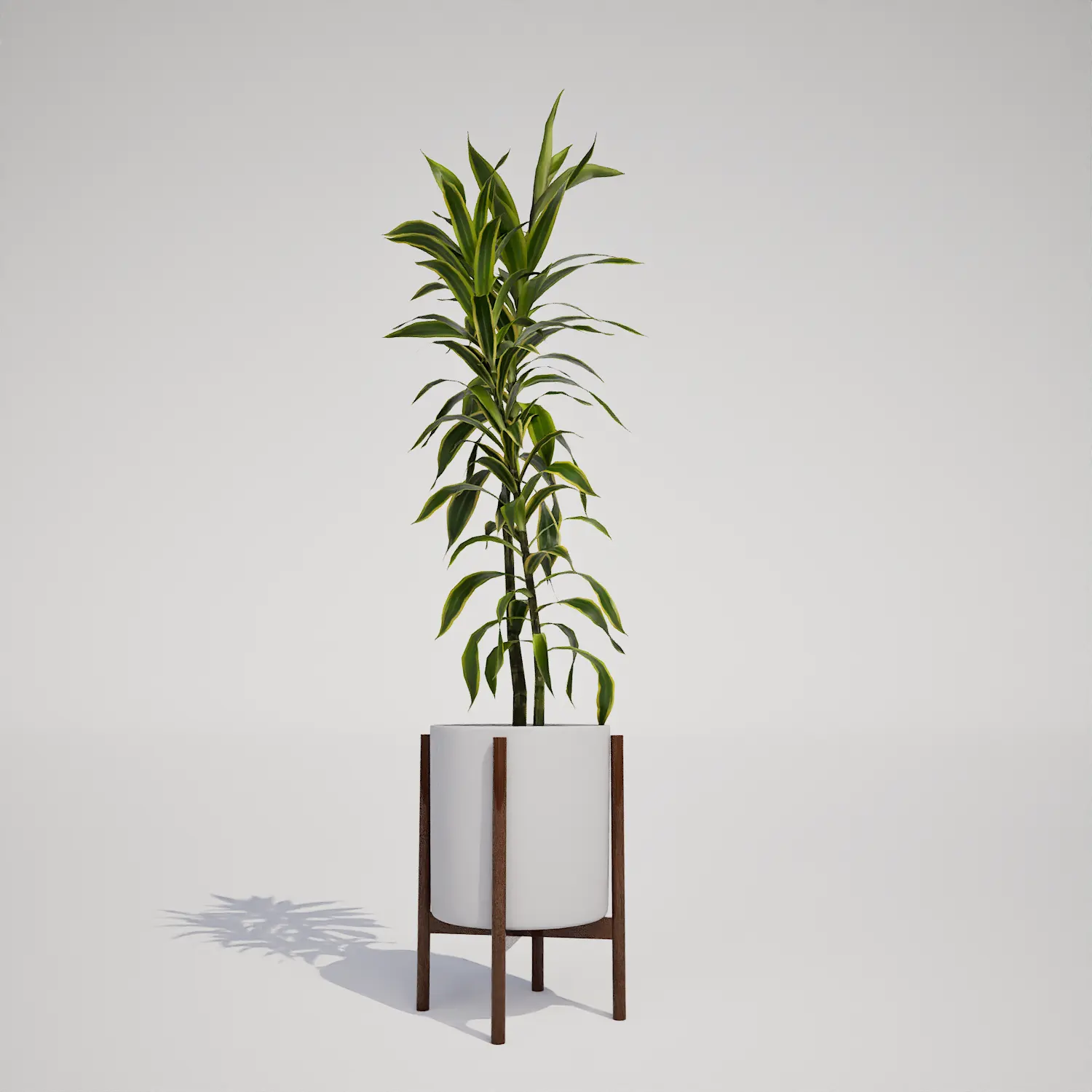

High-Quality Syngonium podophyllum 3D for Interior Scenes
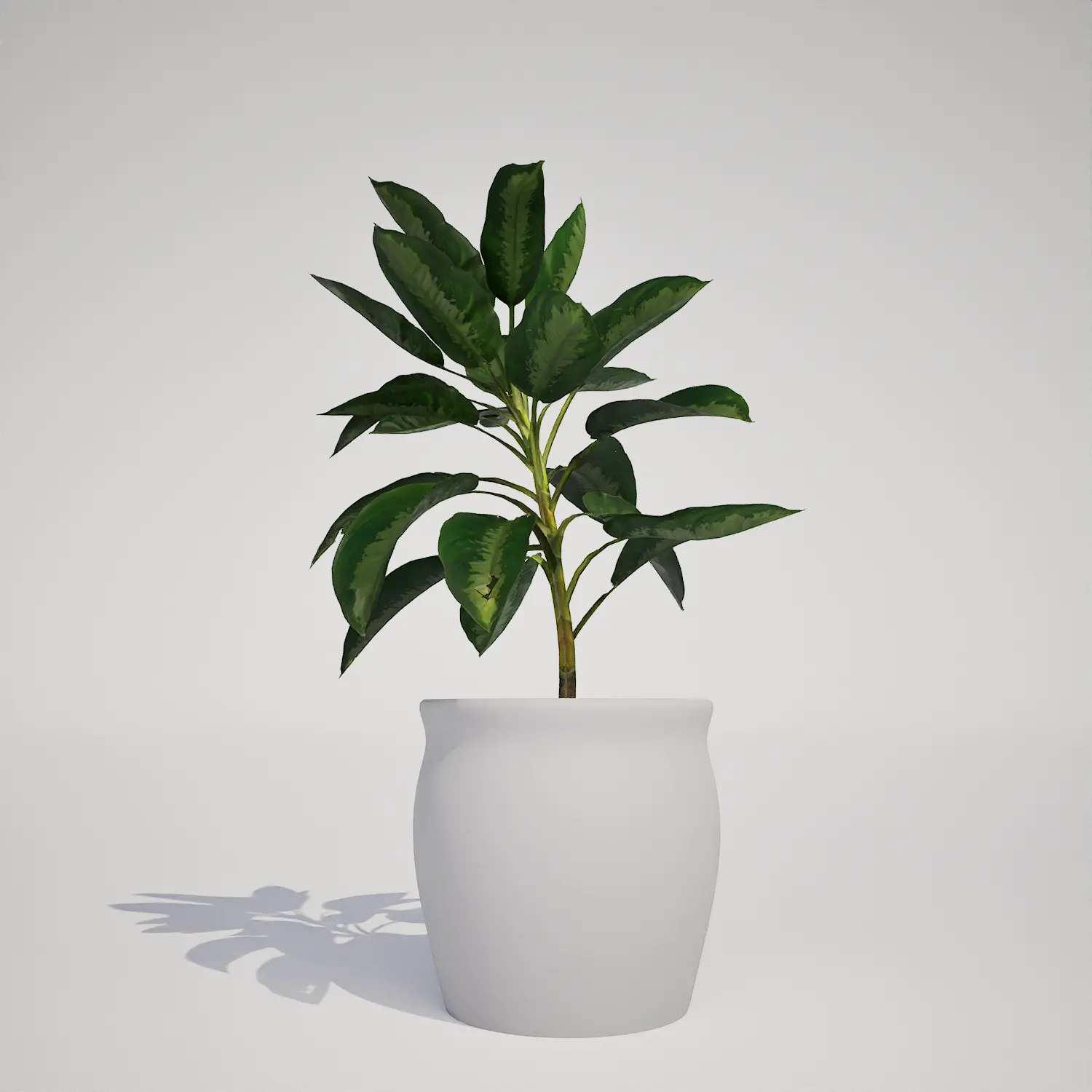
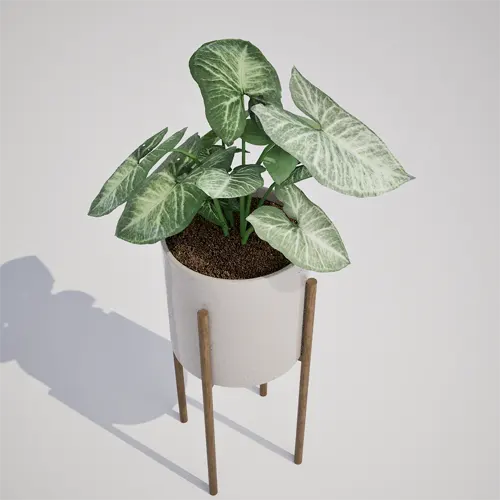
Finding the right houseplant to ground a digital interior can be challenging, but the Syngonium podophyllum (Arrowhead Plant) offers a balanced aesthetic that works in various rendering styles. This asset features characteristic arrowhead-shaped, variegated foliage with distinct petiole attachments, making it a reliable choice for close-up shots where leaf detail is expected. Its natural, clumping growth form provides a sense of authentic volume that is difficult to achieve with simple meshes alone.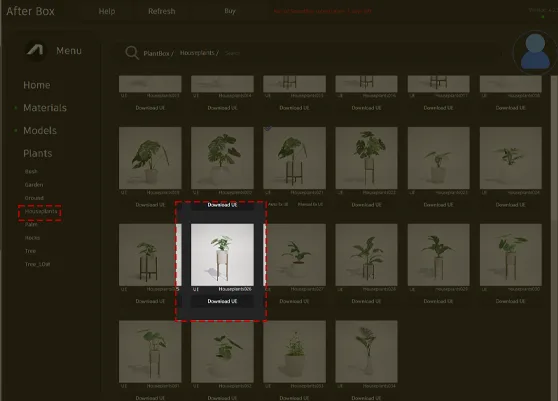
Versatile Applications for Design and Gaming
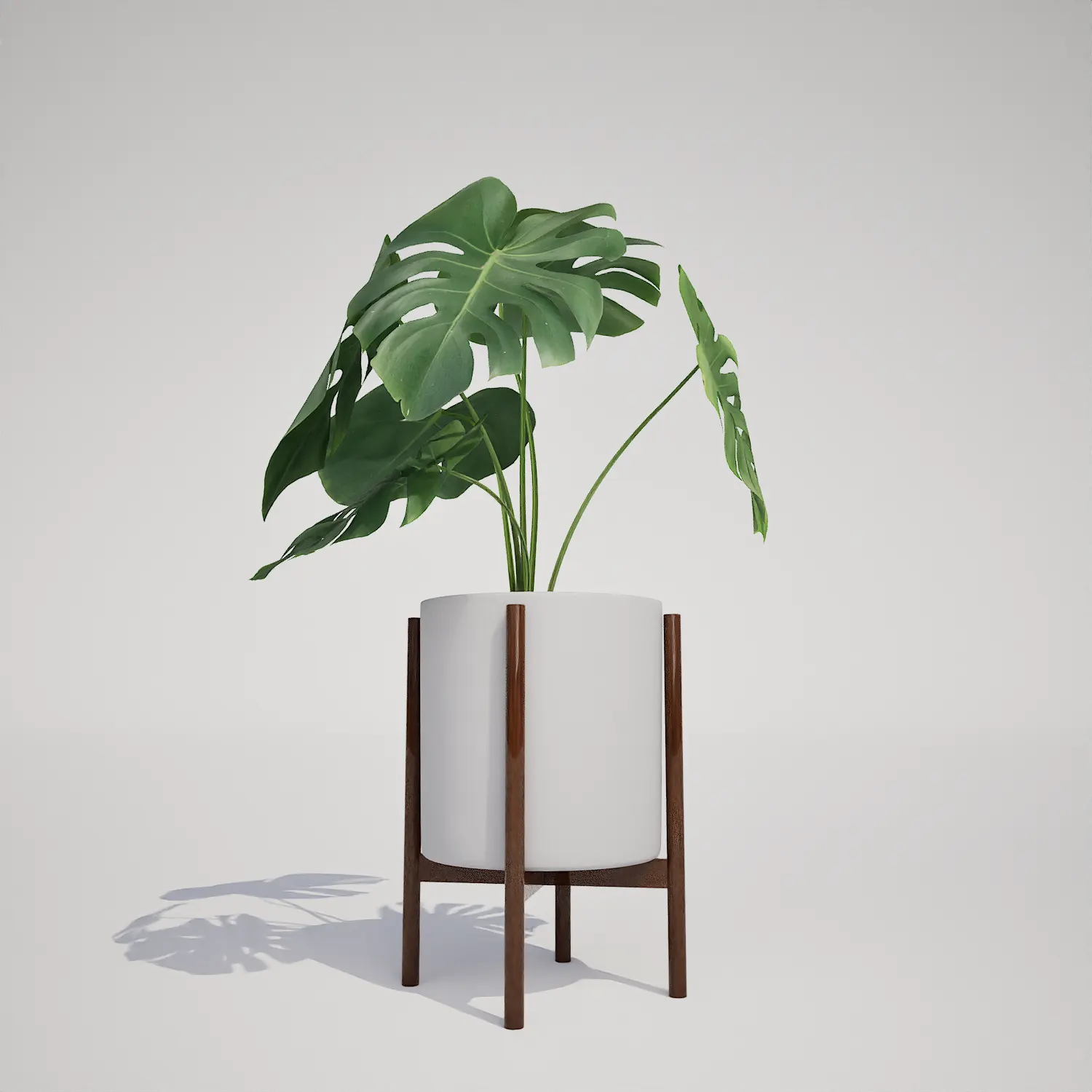
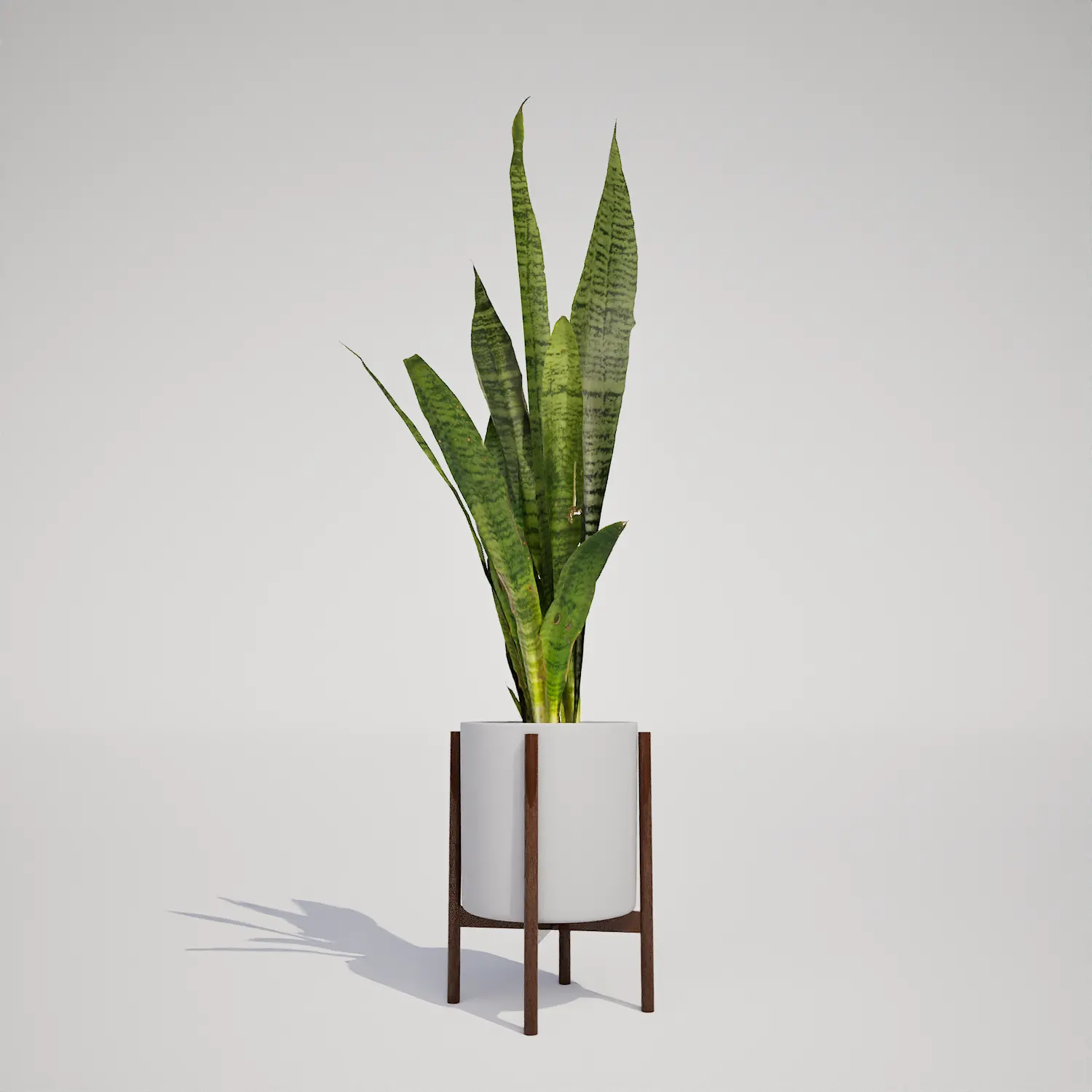
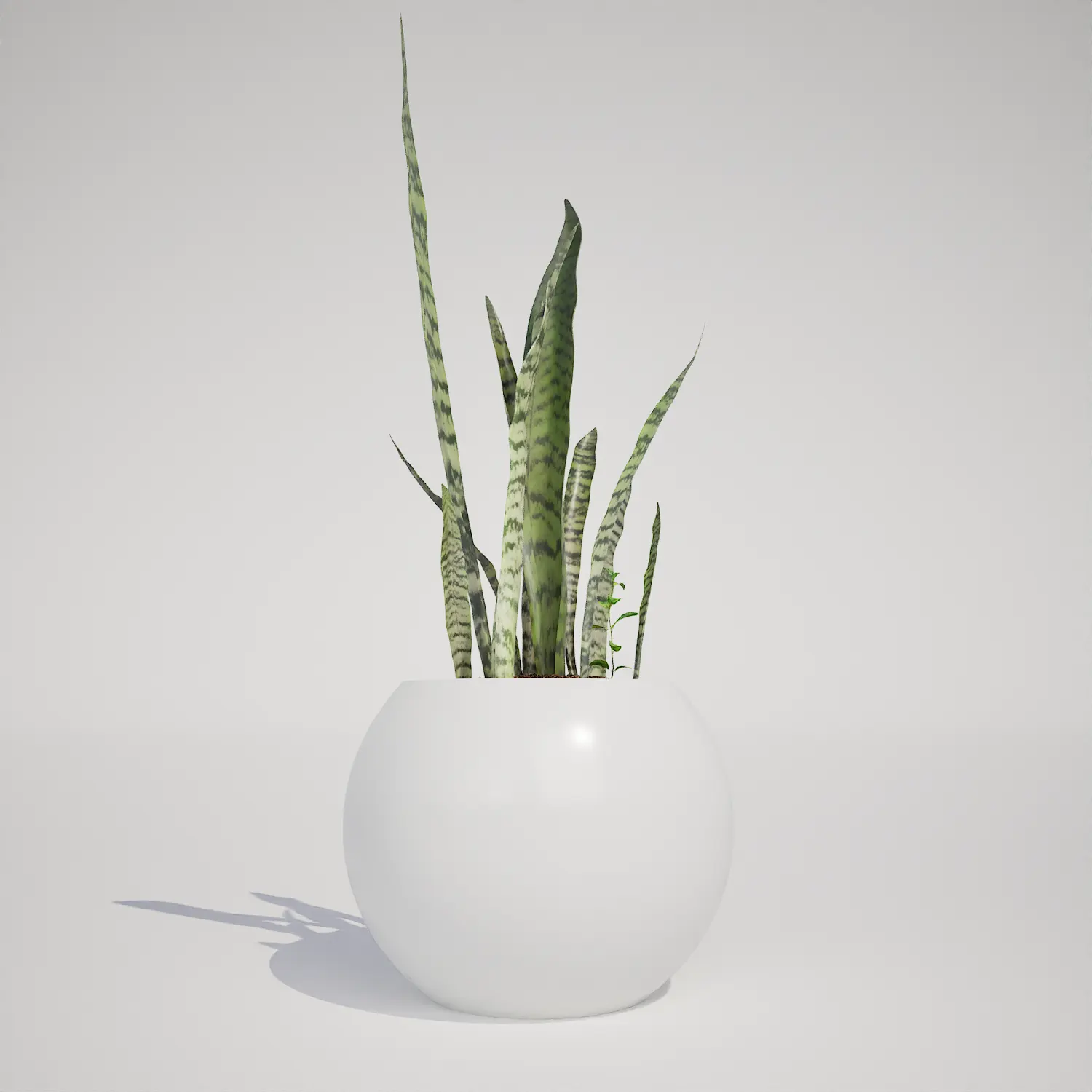
This asset is specifically designed for indoor environments. In archviz, it serves as a perfect accent piece for high-end residential visualizations, office reception desks, or boutique retail environments. Because it comes already potted in a clean, white ceramic container, it saves significant time during the scene-staging phase. For game artists, it functions as an essential “clutter” asset, helping to break up the sterile lines of an apartment or commercial lobby. You can easily pair this with other common greenery like a potted monstera deliciosa plant or a snake plant in mid-century pot to build out a rich, lived-in feel.Design Compatibility and Visual Integration
The Syngonium podophyllum thrives in tropical and subtropical interior settings. Because of its white-and-green variegated leaves, it fits exceptionally well within mid-century modern, Scandinavian, and minimalist design palettes. The white cylindrical planter on a wooden stand introduces a curated interior aesthetic that avoids the clutter of mismatched containers. It acts as a focal point for home offices or bedside tables, providing a splash of organic color without overwhelming the surrounding architecture.Technical Performance in Unreal Engine 5
Technically, this model is built for efficiency. With a triangle count of 3,054, it provides enough detail for mid-range viewing while remaining lightweight enough to populate a scene without performance bottlenecks. Since the asset is fully Nanite-compatible, the engine handles level-of-detail transitions seamlessly. You do not need to manually configure LODs or worry about popping artifacts, allowing you to focus on your lighting and post-processing setup.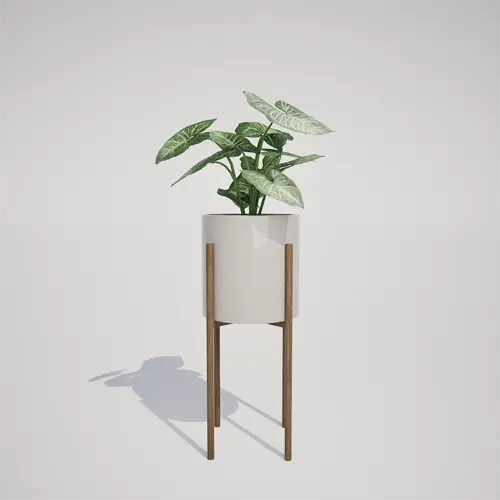
Placement and Visual Variety
While this is a single prop, you can avoid a repetitive look in larger scenes by slightly adjusting the rotation and scale of each instance. Because the plant has a natural clumping form, it looks best when placed on varying surface heights, such as bookshelves or floor stands. Even if you place multiple units in a single room, the unique leaf pattern ensures they don’t look like identical clones, keeping the overall composition feeling organic and intentional.Drag-and-Drop Efficiency
This plant asset is ready for immediate deployment in Unreal Engine 5. It integrates into your environment as a self-contained, high-quality prop. By utilizing pre-optimized foliage, you eliminate the overhead of manual polygon reduction or shader complexifying. This workflow is specifically designed to keep your production pipeline moving, allowing you to populate your interior environments with professional-grade vegetation in minutes rather than hours.Seamless Project Integration
Populating your 3D scenes is straightforward: drag the asset from your content browser directly into your level. Whether you are working on a professional archviz commission or an indie game level, having access to high-fidelity, ready-to-use props is essential for hitting deadlines. For users needing a wider variety of botanical assets to complement their projects, check out our full collection at our subscription pricing page.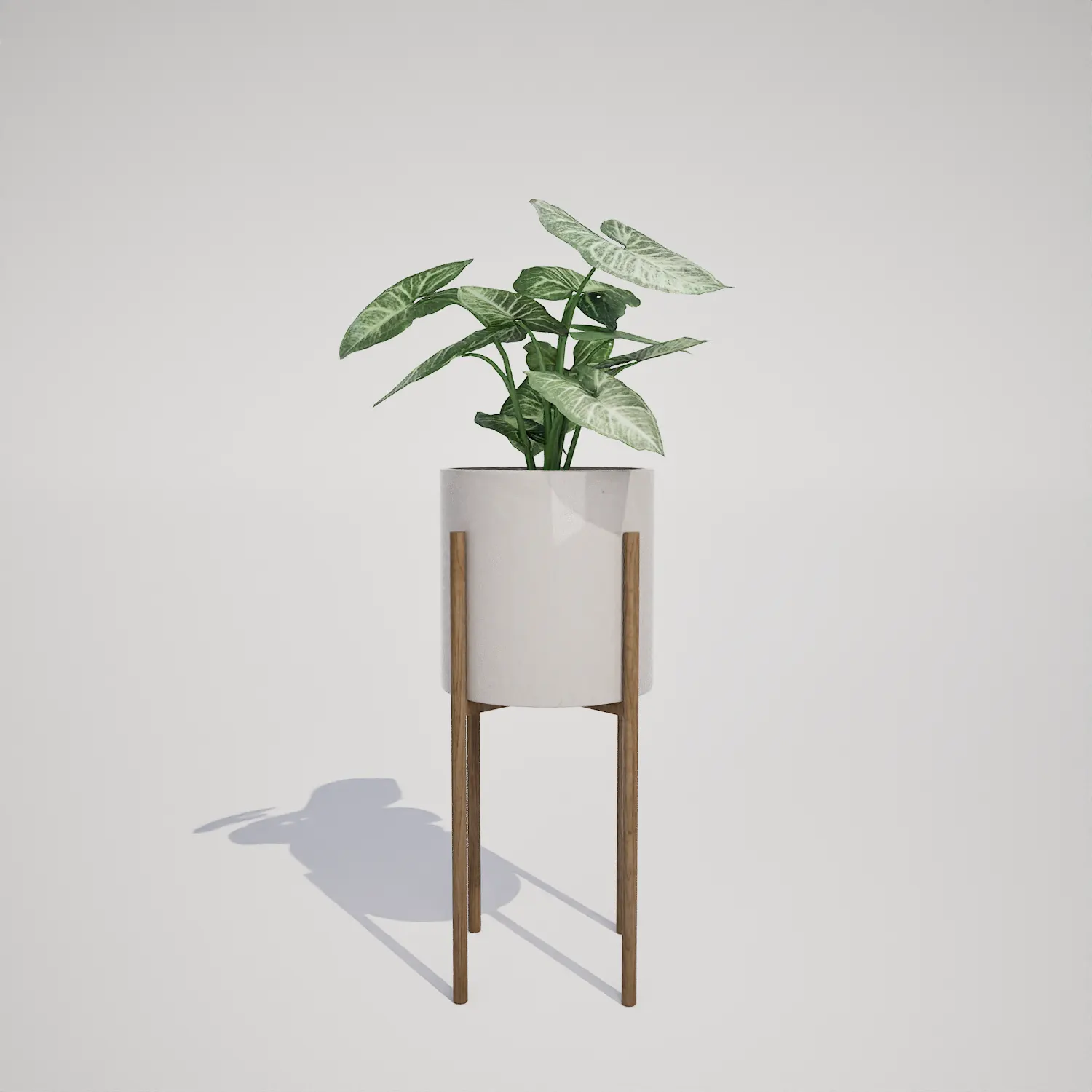

Save time importing objects
Download this object and hundreds of others from Afterbox software right now and import it into your Unreal Engine project with one click.
