
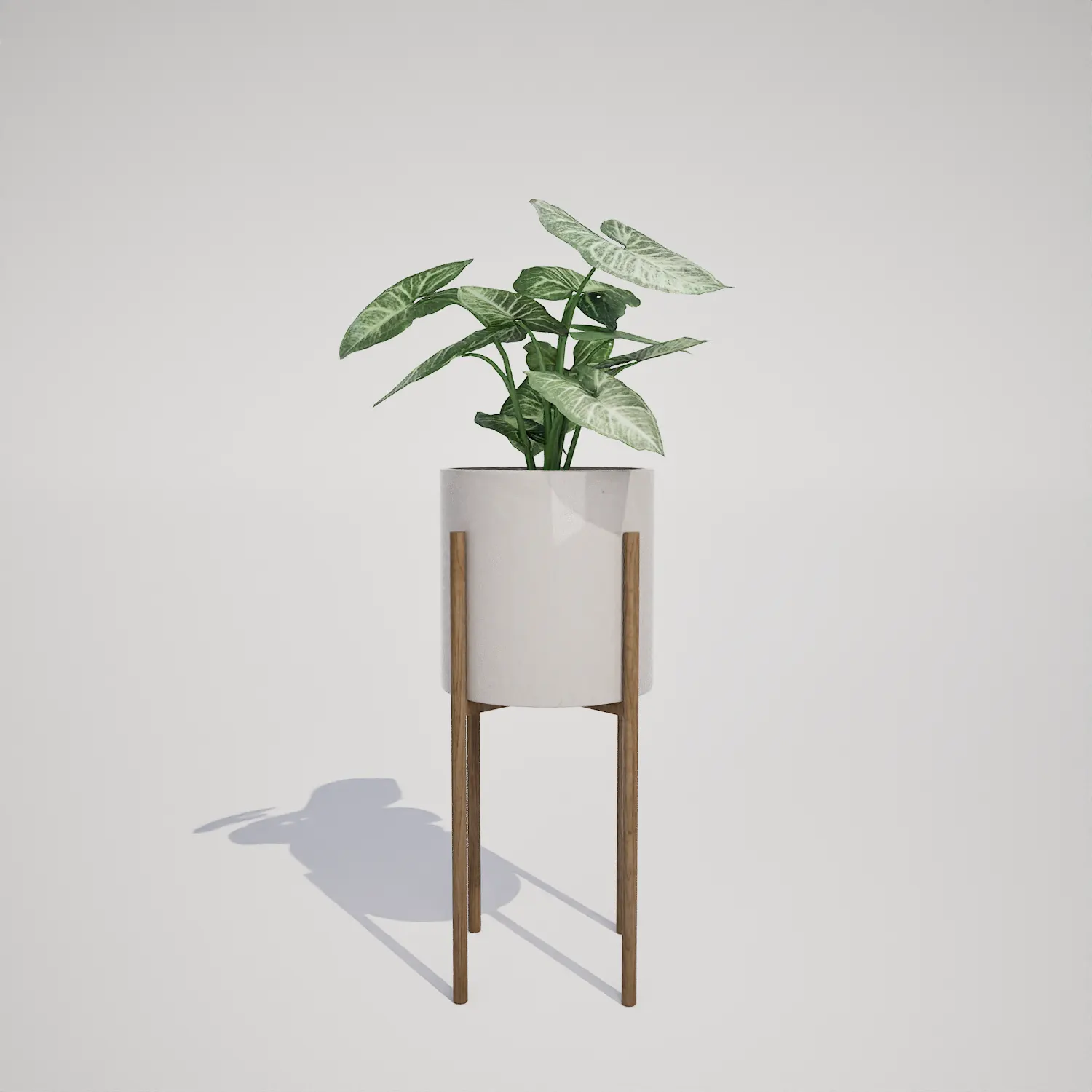




A Versatile Potted Syngonium Houseplant for Interior Scenes
Adding realistic greenery is essential for high-quality archviz, and this free Syngonium podophyllum Object (Arrowhead Plant) provides a clean, professional touch for your virtual spaces. With its distinct sagittate leaves and striking variegation, this asset brings natural texture to indoor scenes, offering an organic contrast to hard-surface architectural elements. Whether you are staging a modern apartment or building a detailed residential level for a game, this plant serves as a perfect, low-impact prop that fills negative space effectively.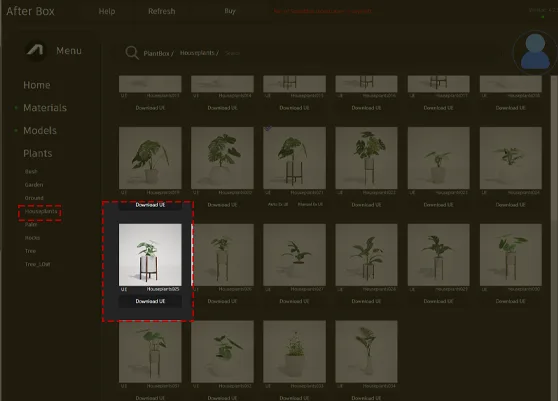
Implementation in Professional Projects
This asset excels as a secondary focal point in various environments. In residential archviz, it works perfectly on bedside tables, office desks, or open shelving units where a touch of nature is required. For commercial interior design, consider using this Syngonium in lobby lounge renderings or as part of a grouped planter display in a corporate breakroom. Its clumping, upright-spreading growth form ensures it stays compact, making it a reliable choice for small-scale scene dressing where large foliage might overwhelm the composition.Design Integration and Style Pairing
The Syngonium podophyllum (Arrowhead Plant) thrives in tropical and subtropical settings, making it an evergreen choice for year-round interior design. Its visual profile is highly versatile, fitting seamlessly into modern, minimalist, and Scandinavian-inspired rooms. The neutral white planter and warm timber stand complement light-filled spaces, raw concrete, or natural wood textures, providing a sophisticated aesthetic that feels curated rather than cluttered. It is less suitable for vast outdoor landscapes or scenes requiring heavy, weathered vegetation, as its pot and stand signify a clear indoor-domestic context.Technical Performance and Real-Time Rendering
With a budget-friendly poly count of 505 triangles, this asset is optimized for performance without sacrificing visual fidelity. As a Nanite-compatible model, it handles lighting and shadows with high precision, allowing you to bypass the need for manual LOD setup. This is particularly advantageous for archviz projects where close-up camera shots need to maintain crisp, clean geometry on the foliage. While the leaf density is well-balanced for most viewing distances, keep in mind that the current mesh features a high degree of uniformity; for ultra-macro shots, consider introducing subtle shader variations.
Strategic Asset Placement
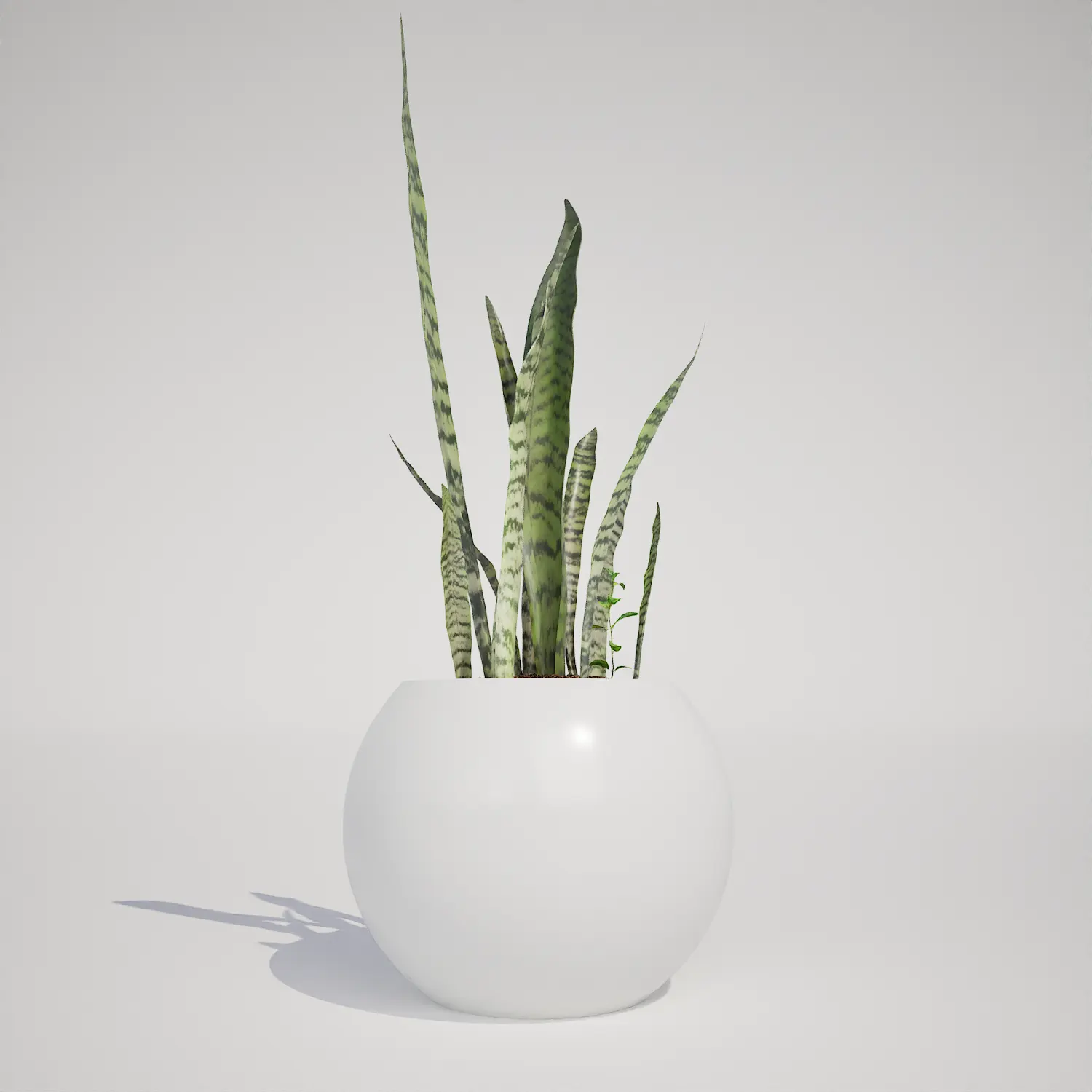
To avoid a repetitive look, use the Unreal Engine foliage tool to introduce slight scale and rotation randomization when placing the asset in large commercial settings. Even though this is a single potted model, mixing it with larger greenery like a potted monstera deliciosa or a potted snake plant can break up visual patterns. If you need a more diverse arrangement, consider placing this plant alongside a larger foliage specimen to create a layered, organic appearance that feels more lived-in and realistic.Seamless Unreal Engine Workflow
This plant asset is fully prepared for immediate integration into your Unreal Engine 5 projects. Since it is designed as a drop-in component, you can import it into your scene and begin lighting and composition work immediately. By eliminating the time-consuming process of modeling, texturing, or optimizing individual leaves, you can focus your effort on final scene dressing and atmosphere.Streamlined Project Production
You can drag and drop this Syngonium podophyllum into your level instantly. This production-ready approach ensures that your pipeline remains efficient, allowing for rapid iteration on interior staging. For teams and artists looking to expand their library of high-quality foliage props, check out the options available for scaling your asset collection at https://after-box.com/pricing/.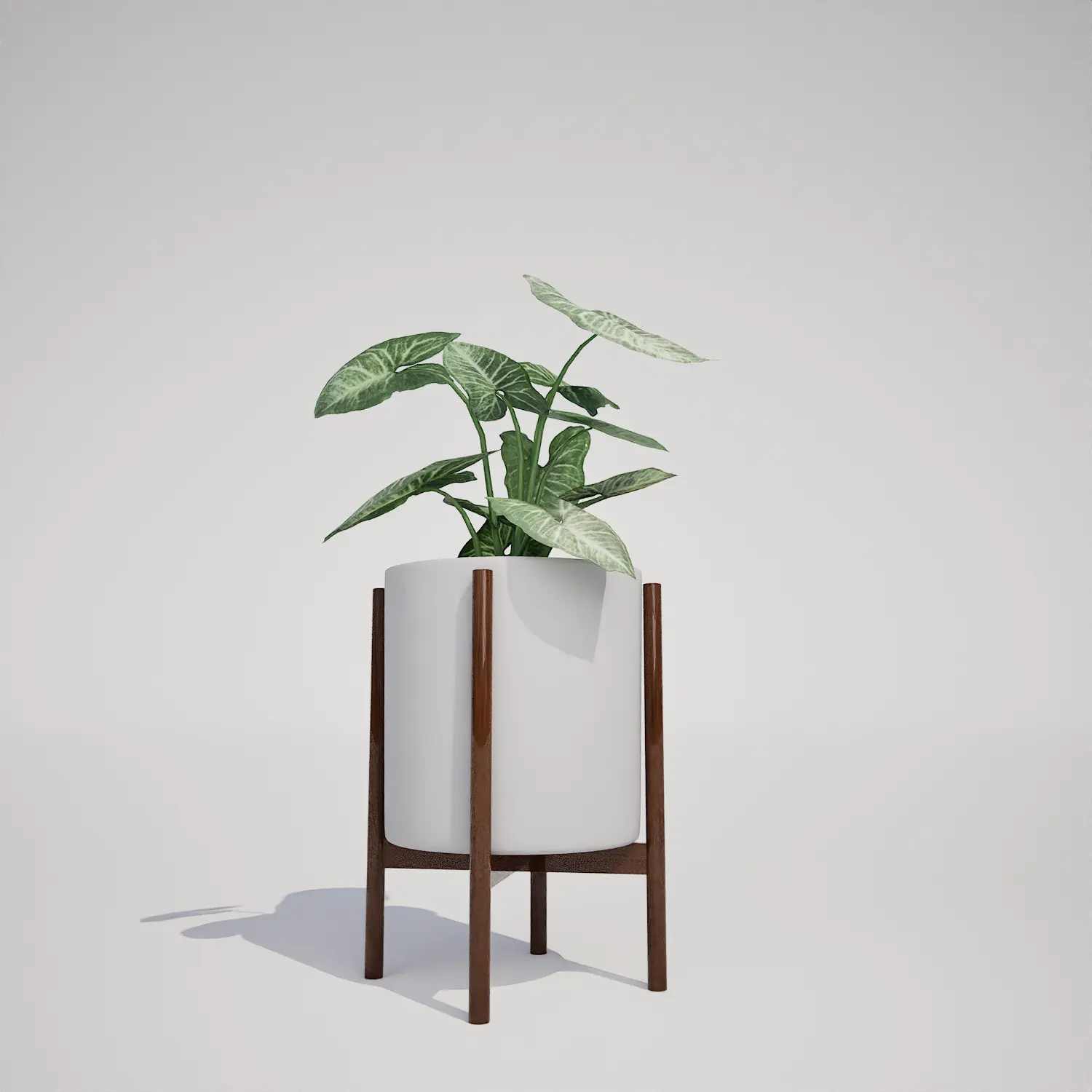

Save time importing objects
Download this object and hundreds of others from Afterbox software right now and import it into your Unreal Engine project with one click.
