



Enhancing Interiors with a Potted Houseplant Asset
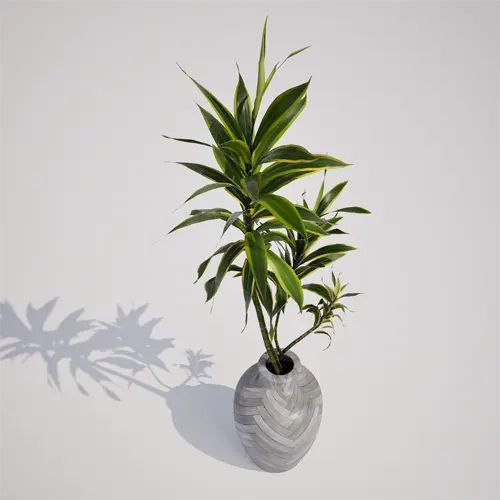
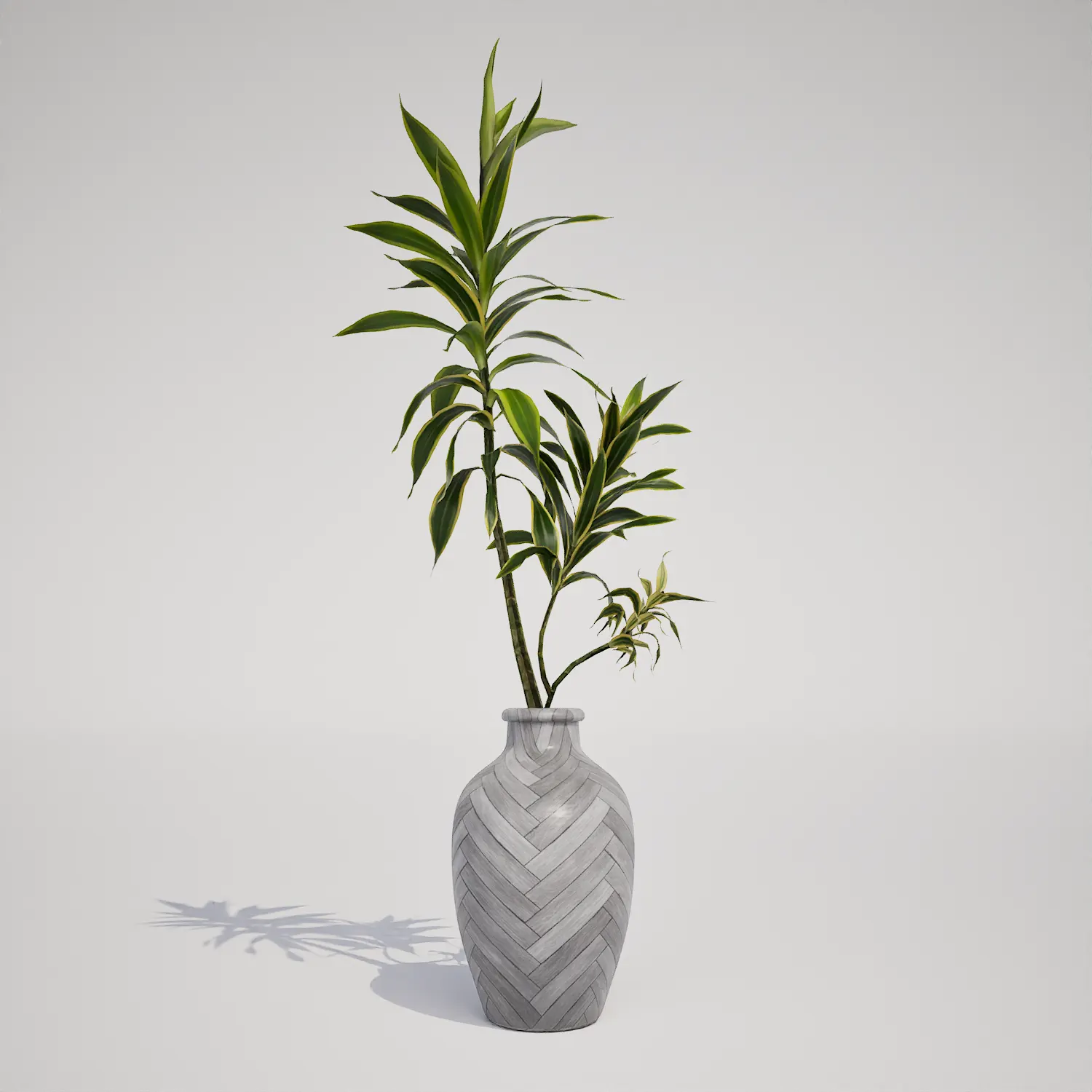
Incorporating realistic indoor greenery is essential for achieving high-end results in architectural visualization and environment design. This free potted houseplant asset features an upright, slender growth form, offering a clean, modern aesthetic perfect for minimalist scenes. The plant displays lanceolate, variegated leaves in shades of deep green and yellow-green, housed in a bespoke ceramic vase with a refined herringbone pattern. While the foliage profile shows a distinct resemblance to a Dracaena-type houseplant, its versatility makes it an excellent addition to any digital library requiring high-quality, non-invasive interior flora.
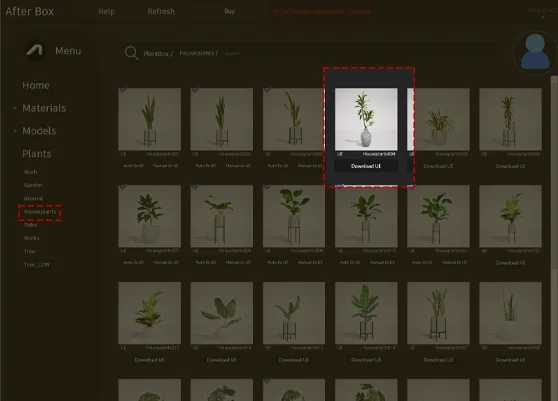
Versatile Applications for Modern Spaces
This asset is designed to function as a focal point or a subtle background element across various project types. In interior design and archviz, it works effectively on entryway consoles, office desks, or as a corner accent in a contemporary apartment render. Game environment artists will find it particularly useful for set dressing in modern office lobbies, residential lofts, or boutique retail environments where clutter-free, clean lines are preferred. Because it is a container-based model, it is strictly intended for indoor staging rather than exterior landscape application.
Design Integration and Environmental Fit
The plant is ideally suited for tropical and subtropical indoor conditions, maintaining a fresh, year-round appearance. Its sleek silhouette pairs naturally with minimalist furniture, light-colored stone surfaces, and neutral ceramic decor. It is particularly effective in spaces that emphasize “less is more” design, though it may appear lost or incongruous in heavily cluttered, bohemian, or maximalist environments. For best results, place it in well-lit areas within your scene to catch the highlights on the leaf surfaces, mirroring the way **architectural lighting** interacts with indoor foliage.
Technical Performance in Unreal Engine 5
Technical efficiency is at the core of this asset, which consists of 1,298 triangles. By utilizing Nanite technology, this model maintains high geometric fidelity without the traditional overhead of multiple LOD stages. This allows artists to place the asset in a high-density scene with minimal impact on performance. While the detail is sufficient for mid-range composition, users should note that the leaf venation is optimized for standard viewing distances; extreme macro close-ups might reveal limitations in geometry or texture resolution.
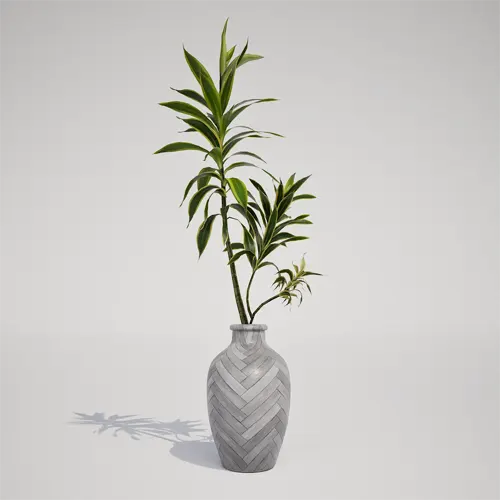
Strategic Asset Placement
To maintain visual variety when using this plant in large-scale scenes, avoid direct mirroring. Because this is a singular accent piece, it works best when curated individually rather than scattered via procedural foliage tools. If you need to populate a larger space, vary the rotation and height scales slightly between instances, or combine this model with other ornamental clumping grass to break up the lines and create more complex, layered interior arrangements.
Native Unreal Engine Integration
This plant asset is ready to use directly in Unreal Engine 5. By bypassing complex import pipelines and material setup, you can drag and drop the model into your level to instantly enhance the realism of your environment. This native integration ensures that pivots, collision, and textures are pre-configured for immediate rendering, saving hours of manual preparation in your staging workflow.
Streamlined Digital Workflow
The user can drag and drop this plant asset directly into an Unreal Engine 5 project. The ready-made asset allows you to quickly populate a scene without spending time modeling or optimizing vegetation. More information about subscription:

Save time importing objects
Download this object and hundreds of others from Afterbox software right now and import it into your Unreal Engine project with one click.
