

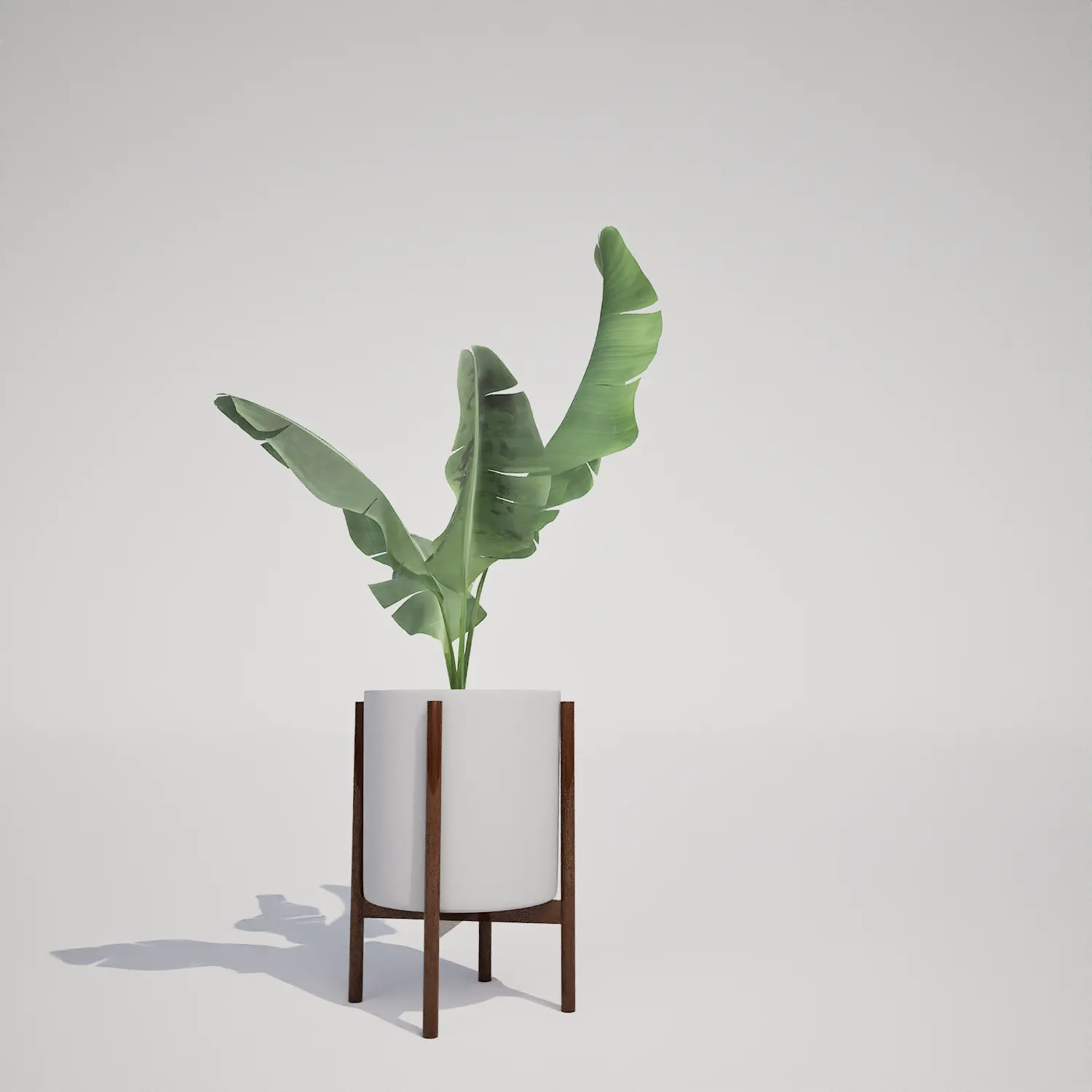
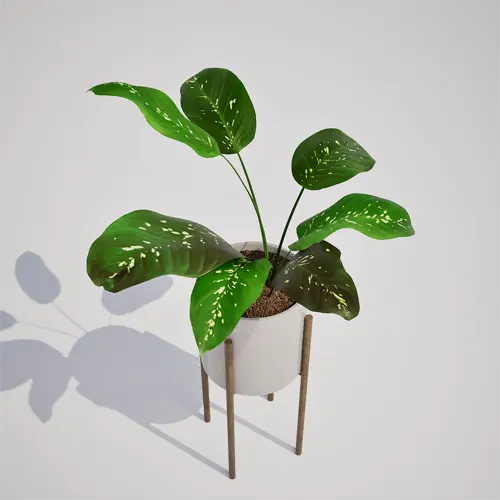
A Versatile Houseplant Asset for Modern Interiors
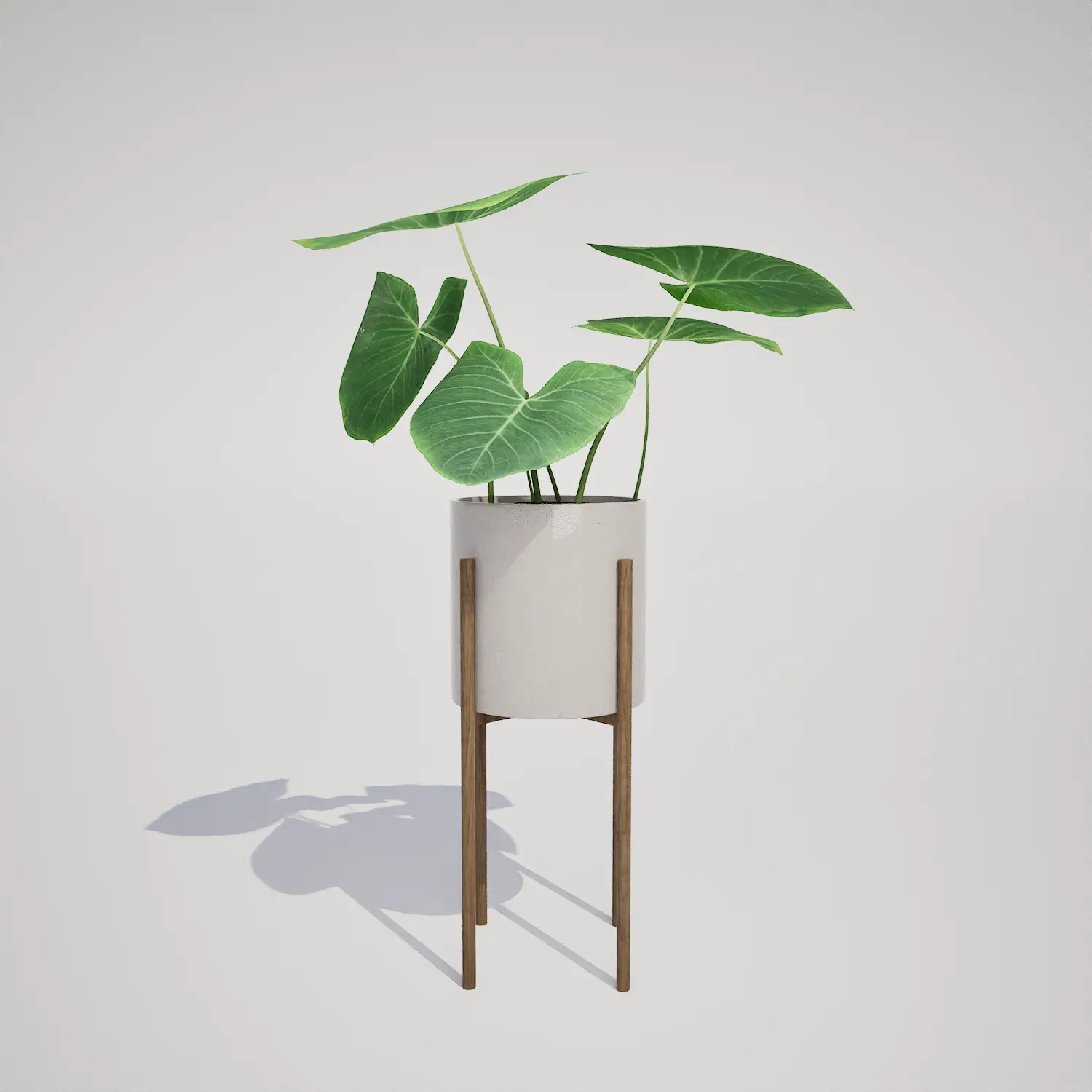
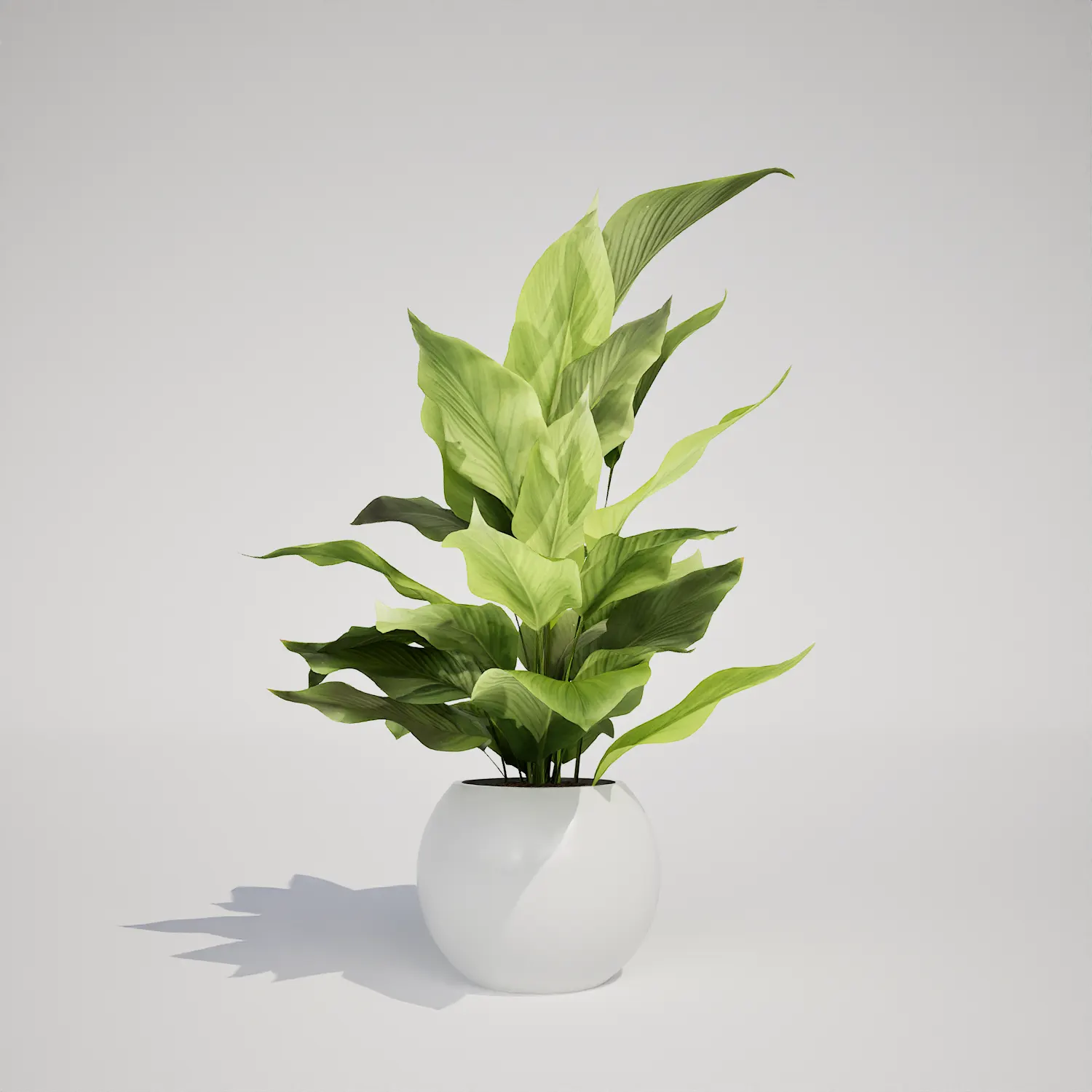
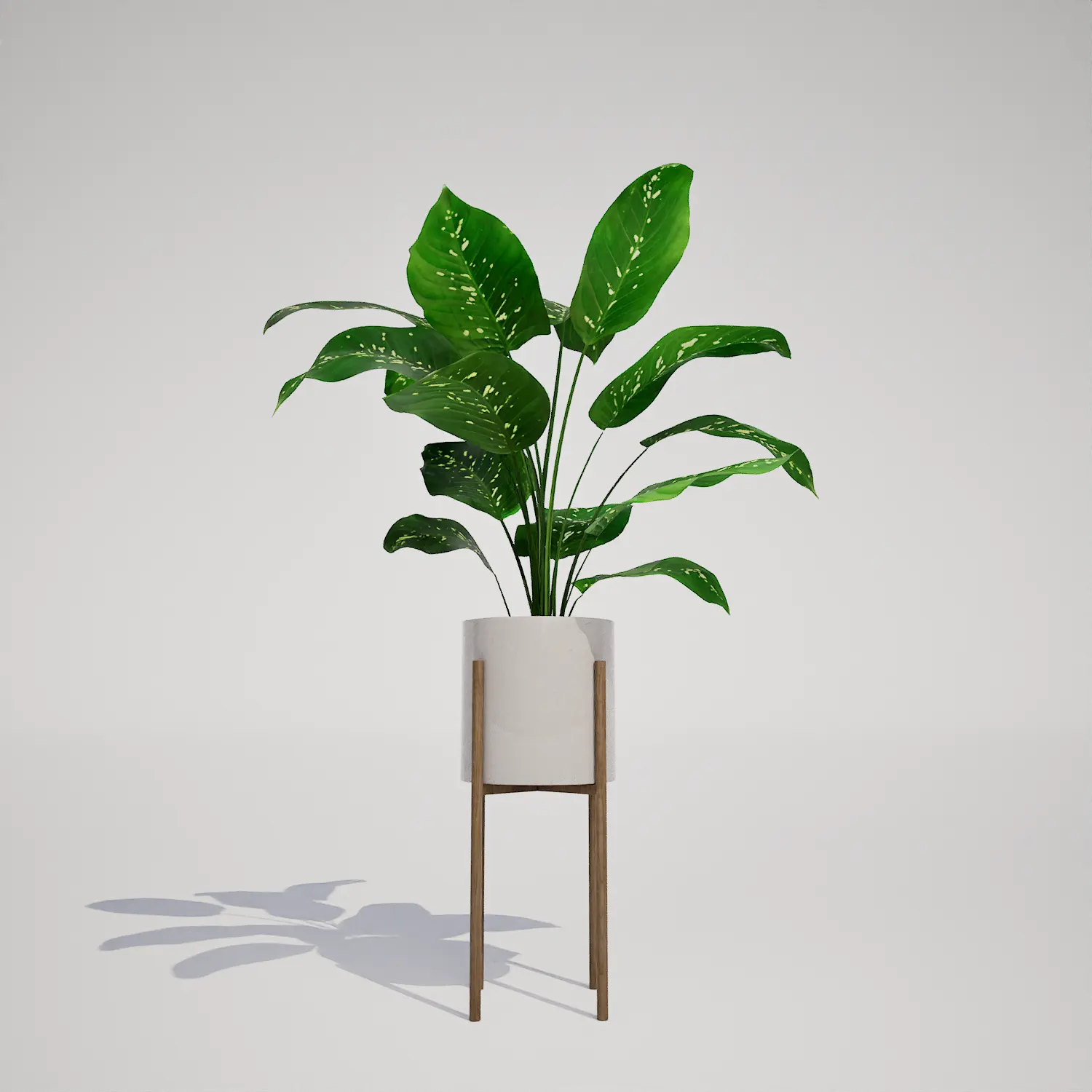
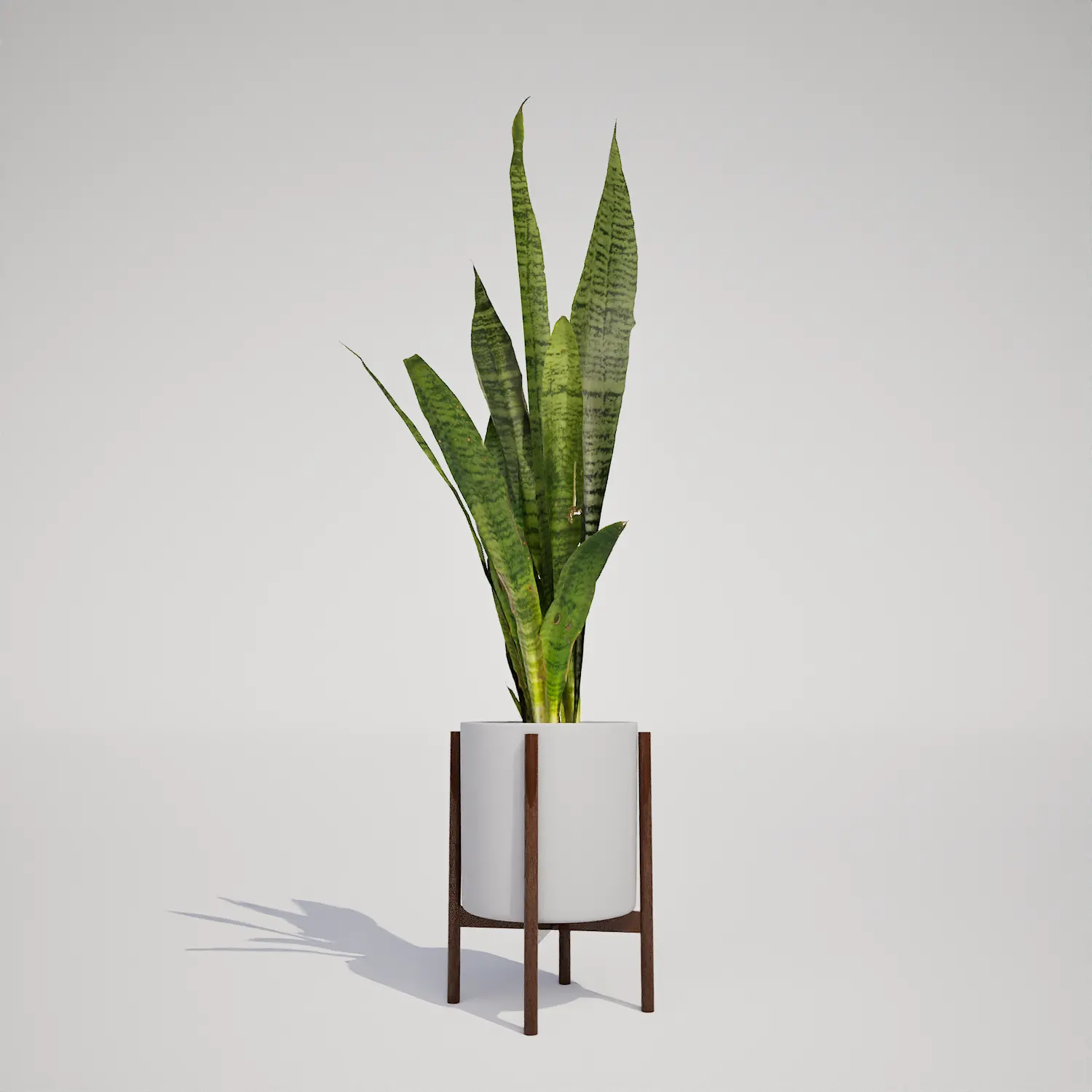
Adding high-quality greenery is essential for creating believable spaces in real-time engines. This free 3D asset features a potted houseplant with lush, variegated, lanceolate foliage that brings a sense of organic life to any interior project. The plant is presented in a clean, white ceramic container held by a minimalist wooden stand, mirroring a style frequently found in contemporary design. With its upright growth form, it serves as an excellent decorative element for indoor environments where subtle, natural textures are required. The appearance shares a distinct resemblance to a Dieffenbachia-type plant, providing a sophisticated aesthetic that blends seamlessly into high-end architectural renders or domestic game environments.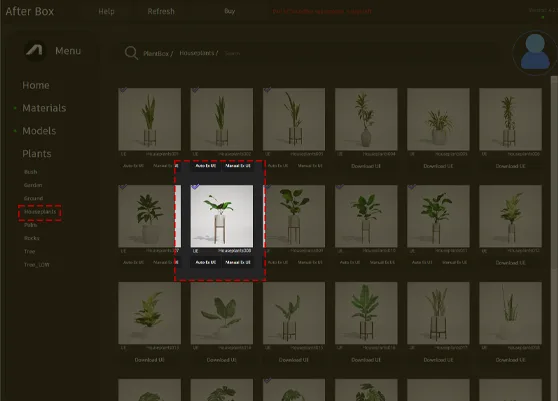
Integrating Foliage into Your Projects
This asset excels in diverse interior applications, ranging from residential home staging to large-scale commercial visualizations. For archviz professionals, it serves as a reliable focal point for living room corners, bedside tables, or office reception desks. Game environment artists will find it particularly useful for dressing apartment interiors or corporate office levels where a realistic, lived-in feel is necessary. Because of its clean design, it pairs exceptionally well with larger greenery like a potted fiddle leaf fig or even smaller, textured potted succulent decor.# Design and Seasonal Context
Designed primarily for interior environments, this asset remains evergreen and suitable for year-round rendering. Its minimalist profile fits perfectly within Scandinavian, mid-century modern, and industrial design schemes. When composing your scene, consider the ambient light settings; the variegated leaves respond beautifully to soft, diffused indoor lighting techniques that mimic natural window exposure. While the plant itself is durable, avoid placing it in scenes meant to represent harsh, direct outdoor sunlight, as its foliage texture and pot style are specifically curated for controlled interior environments.# Technical Efficiency for Unreal Engine
With a poly count of 5108 triangles, this asset is optimized for performance without sacrificing visual fidelity. As a Nanite-compatible model, it handles geometry rendering automatically, ensuring that you don’t need to worry about the overhead of creating manual LODs. This is a significant advantage for complex scenes where you are populating multiple rooms. The textures are crafted for mid-range and close-up use, providing clear detail on the variegated leaf patterns that hold up well under standard rendering conditions.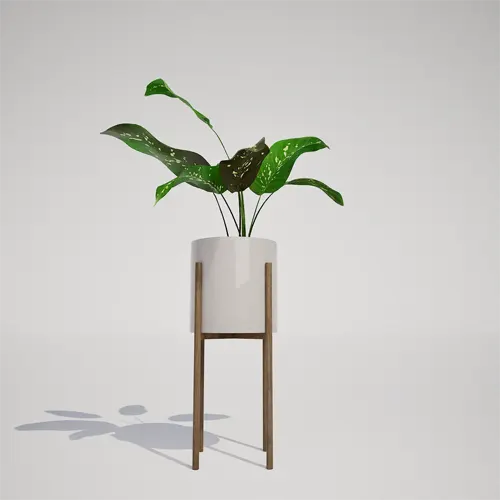
# Strategic Placement and Variety
Because this asset includes a specific planter and stand, it is best used as a featured piece rather than a background filler. Avoid scattering this model using high-density foliage tools. Instead, manually place individual instances to emphasize its role as a decorative furniture item. To prevent a repetitive look in larger corporate office environments, try rotating the asset at various angles or scaling it slightly within your archviz modern interior furniture groupings.# Streamlined Workflow for UE5
This plant asset is ready to use directly in Unreal Engine 5. By leveraging Nanite, the engine manages the mesh complexity at all distances, allowing you to drag and drop the model into your levels without additional optimization steps or custom setup requirements.# Getting Started with Your Library
The asset is available for immediate download, allowing you to quickly enhance your scenes. By simplifying the population process, you can focus more on lighting and composition. For users seeking to expand their vegetation library with professional-grade assets, explore our full catalog and subscription details at https://after-box.com/pricing/.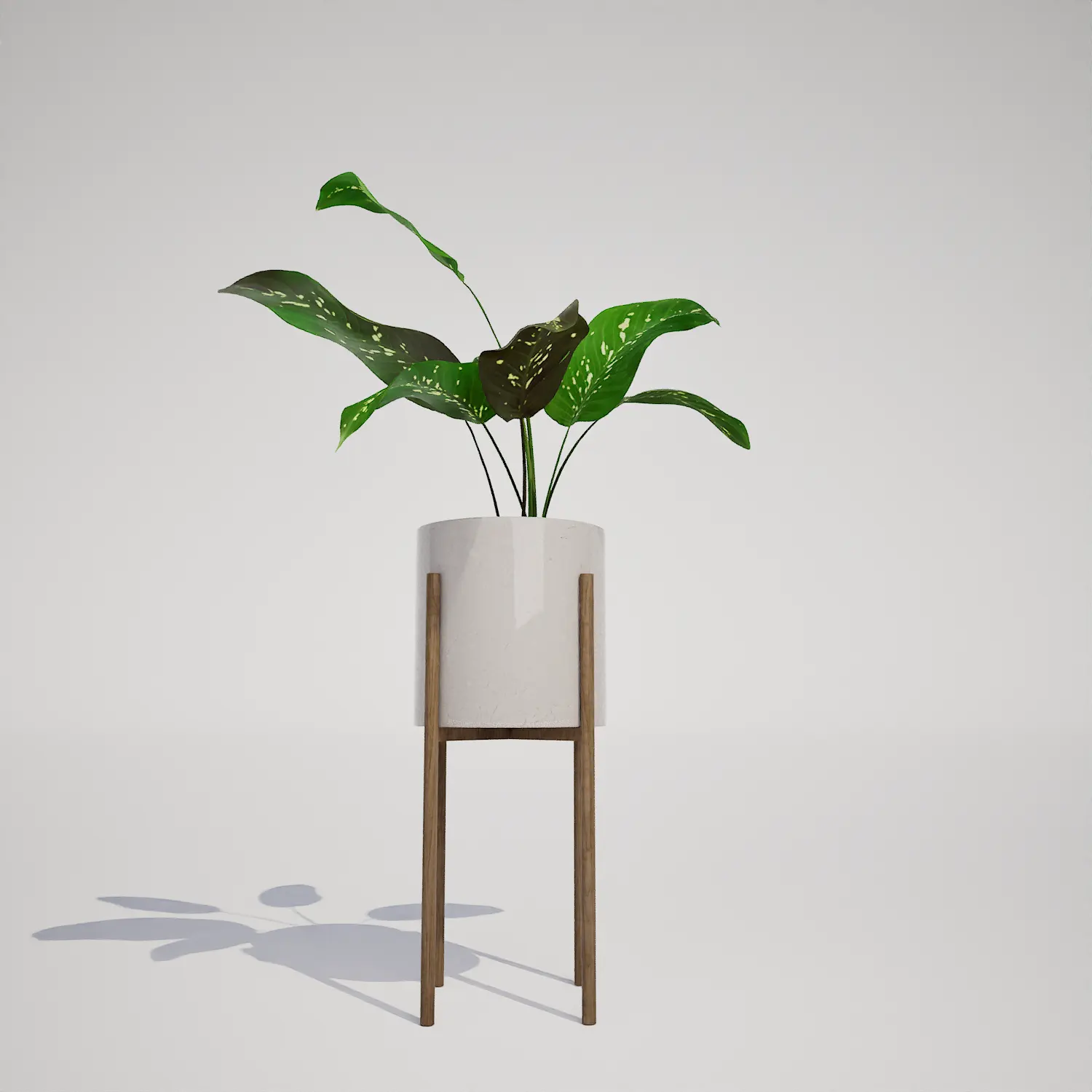

Save time importing objects
Download this object and hundreds of others from Afterbox software right now and import it into your Unreal Engine project with one click.
