


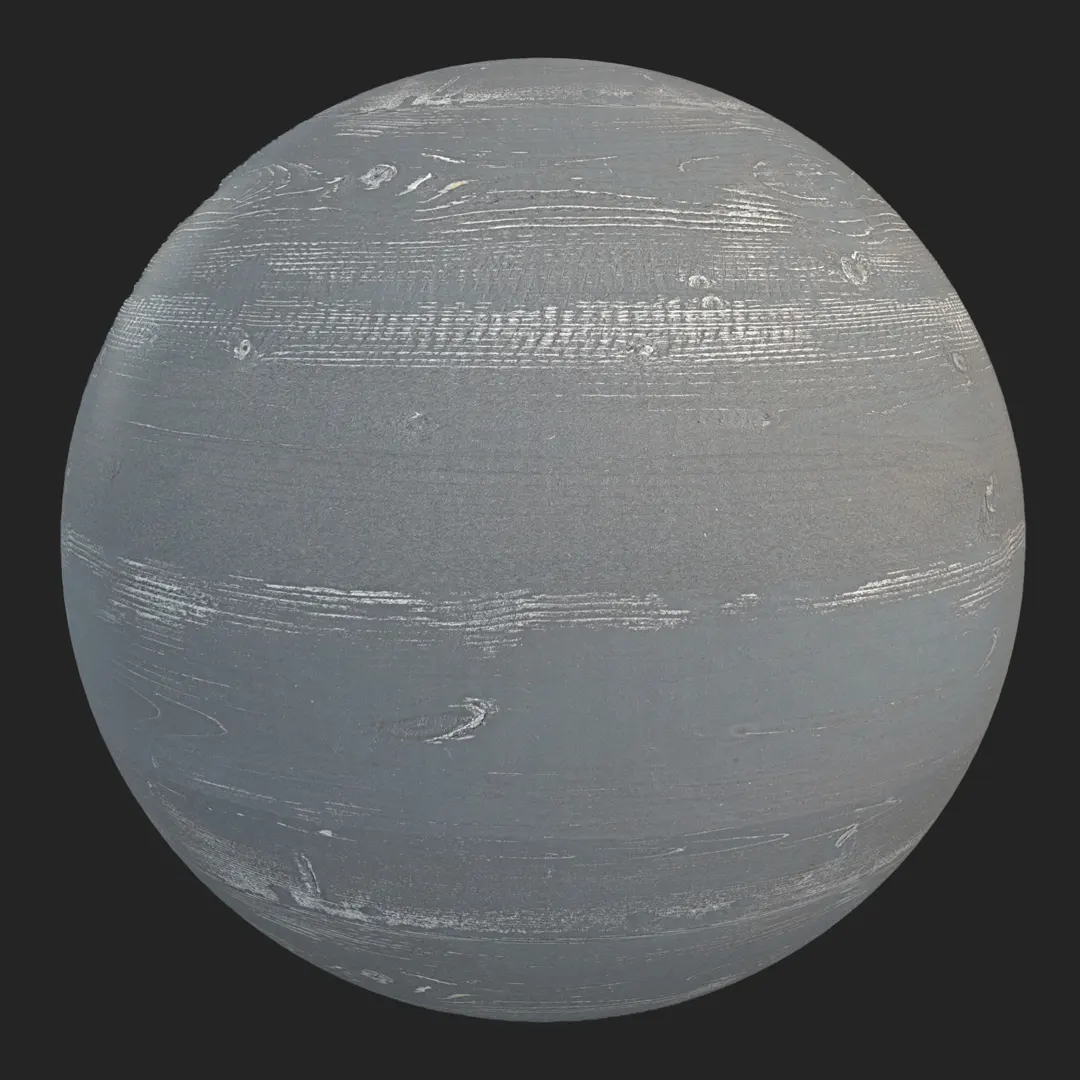


Context & Visual Identity – Light Oak Wood Texture for Modern Interiors
This light oak wood texture reflects the restrained elegance often specified in Scandinavian and contemporary European interiors.
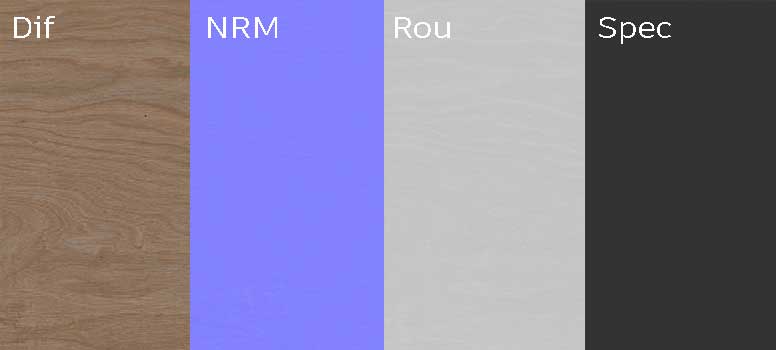
The surface is defined by a linear wood grain pattern with soft, continuous fibers and very few visible knots. As a result, the material feels calm and architecturally controlled rather than rustic.
The dominant tone sits within a warm beige-brown spectrum, close to natural light oak. It avoids excessive yellow saturation, which makes it easier to combine with neutral plaster walls, black metal frames, or soft textile palettes. In residential projects, this type of seamless wood texture is frequently used when the design intention is to create warmth without visual noise.
Because the grain flows horizontally and tiles without visible breaks, it performs well on extended surfaces such as flooring or wall panels. The overall impression is minimal, warm, and balanced—suitable for modern apartments, product visualization, and real-time interior environments.
Typical Problems This Wood Texture Solves
In architectural rendering, wood materials often fall into two extremes: either overly detailed with aggressive knots and contrast, or too flat and procedural. Both can undermine realism.
This light oak wood texture addresses that issue through controlled grain variation and subtle roughness. The surface is relatively smooth, with soft fiber lines instead of deep cracks or heavy displacement. Therefore, it reacts naturally to daylight without producing exaggerated shadow artifacts.
Another common problem is scale inconsistency. When wood grain is not calibrated properly, flooring or cabinetry can appear unrealistic. With its seamless 8K resolution (8096×4096), this wood texture allows accurate scaling for planks, panels, or furniture surfaces. As a result, designers can maintain proportional credibility across different applications.
Practical Use Cases – Seamless Oak Wood Texture in Production
This oak wood texture is particularly effective in:
Interior wooden flooring
Decorative wall cladding
Cabinetry and kitchen fronts
Tabletops and furniture visualization
Modern and Scandinavian interior renders
Real-time game environments
In residential visualization, it works well for open-plan living spaces where flooring continuity is essential. Meanwhile, in product rendering, the subtle grain supports furniture forms without distracting from geometry.
Because the pattern is linear and visually stable, it also performs efficiently in Unreal Engine real-time scenes. The seamless structure ensures that large floor areas or wall panels remain consistent under dynamic lighting.
Rendering & Realism Notes – 8K Wood PBR
From a technical perspective, this wood texture is delivered as a PBR set, ensuring predictable interaction between albedo, roughness, and normal data. The moderate roughness level prevents plastic-like reflections while still allowing soft highlight response.
Under daylight HDRI setups, the warm oak tone produces gentle light diffusion. In artificial interior lighting, especially with indirect illumination, the subtle grain becomes visible without creating harsh contrast. Consequently, the material feels natural at both close range and wide camera angles.
Because there are no deep cracks or extreme height differences, it remains efficient for both offline rendering and real-time workflows.
Render Engine Compatibility
This light oak wood texture is optimized for Unreal Engine, V-Ray, and Corona Renderer. In Unreal Engine, it integrates directly into standard PBR material inputs for real-time interior visualization. In V-Ray and Corona for 3ds Max, calibrated maps ensure stable roughness and reflection behavior on floors, walls, or furniture. Additionally, the texture maps can be used in any PBR-compatible rendering software.
Workflow Advantage with AfterBox
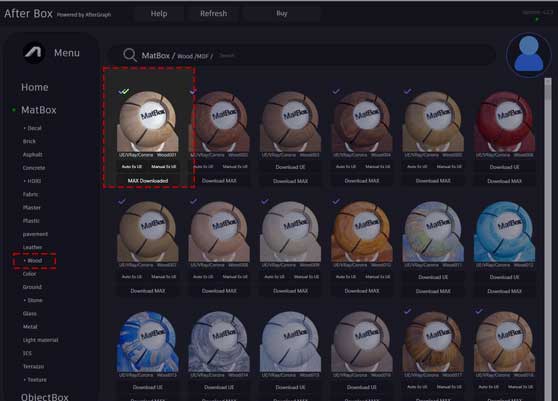
All materials are accessible through the lightweight AfterBox application (approximately 16MB). Users can drag & drop this wood texture directly into Unreal Engine or into V-Ray and Corona inside 3ds Max.
Importantly, the ready-made material version of this light oak wood texture is available for free inside AfterBox. This allows artists to test and apply the material immediately in production scenes without building complex shaders from scratch.
More details are available at:
https://after-box.com/pricing/
Advanced Controls in the Free AfterBox Wood Material
The ready-to-use material inside AfterBox includes practical controls designed for production environments:
Adjustable material scale for precise plank sizing
Built-in color correction to shift tone from light oak to warmer or cooler variations
Direct control over roughness, specular, and normal intensity
One-click addition of tiling variation or subtle dirt
Free tutorials enabling efficient use in Unreal Engine, V-Ray, and Corona without advanced shader skills
These controls make the free wood material adaptable to different lighting conditions and design concepts while keeping the workflow simple.
Access a comprehensive library of wood materials with an AfterBox subscription.


Save time on material setup
Instead of downloading this texture, use the optimized ready-made material for V-Ray, Corona Renderer (3ds Max) and Unreal Engine available in AfterBox.No manual setup


