


Achieving Authenticity with Light Blonde Birch Veneer
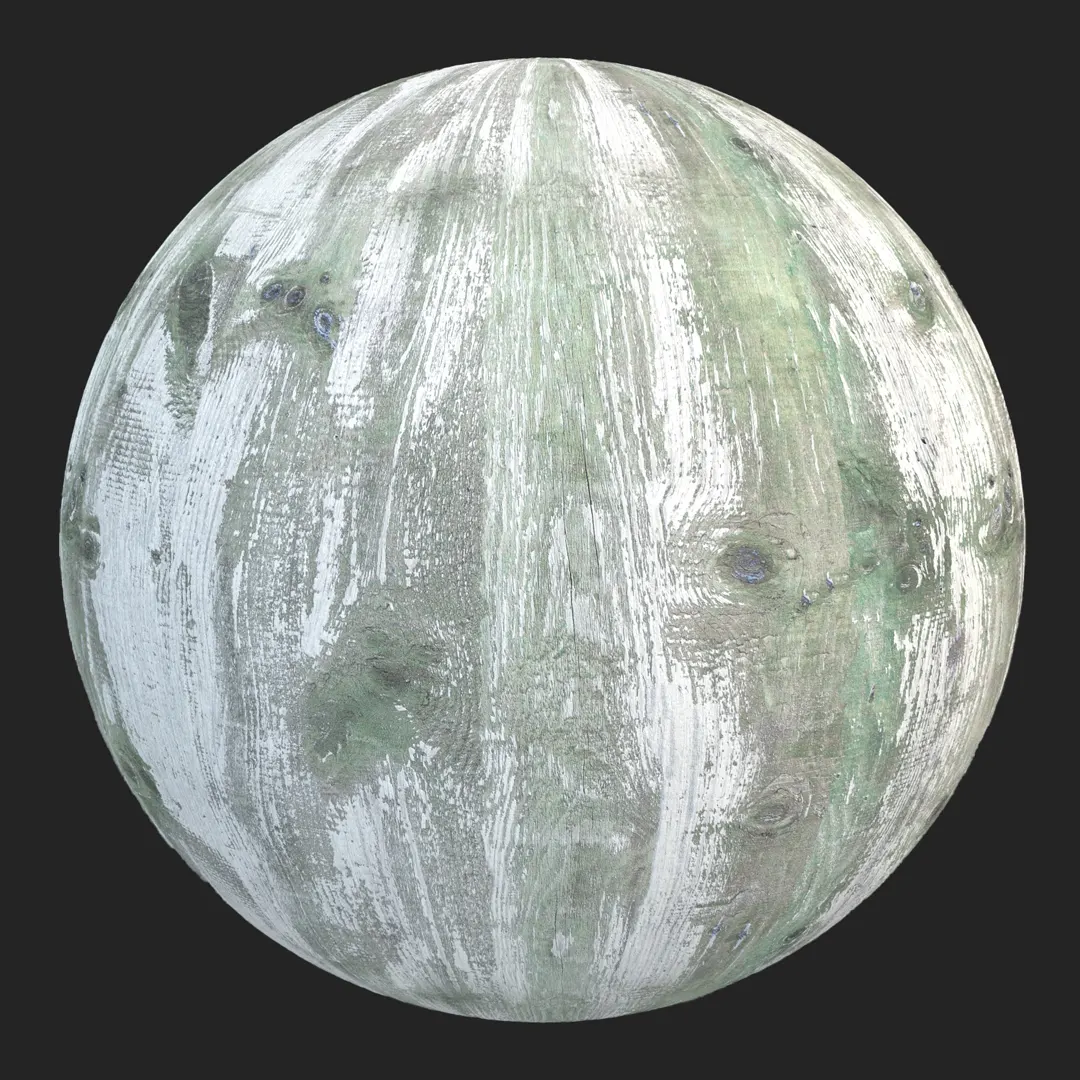
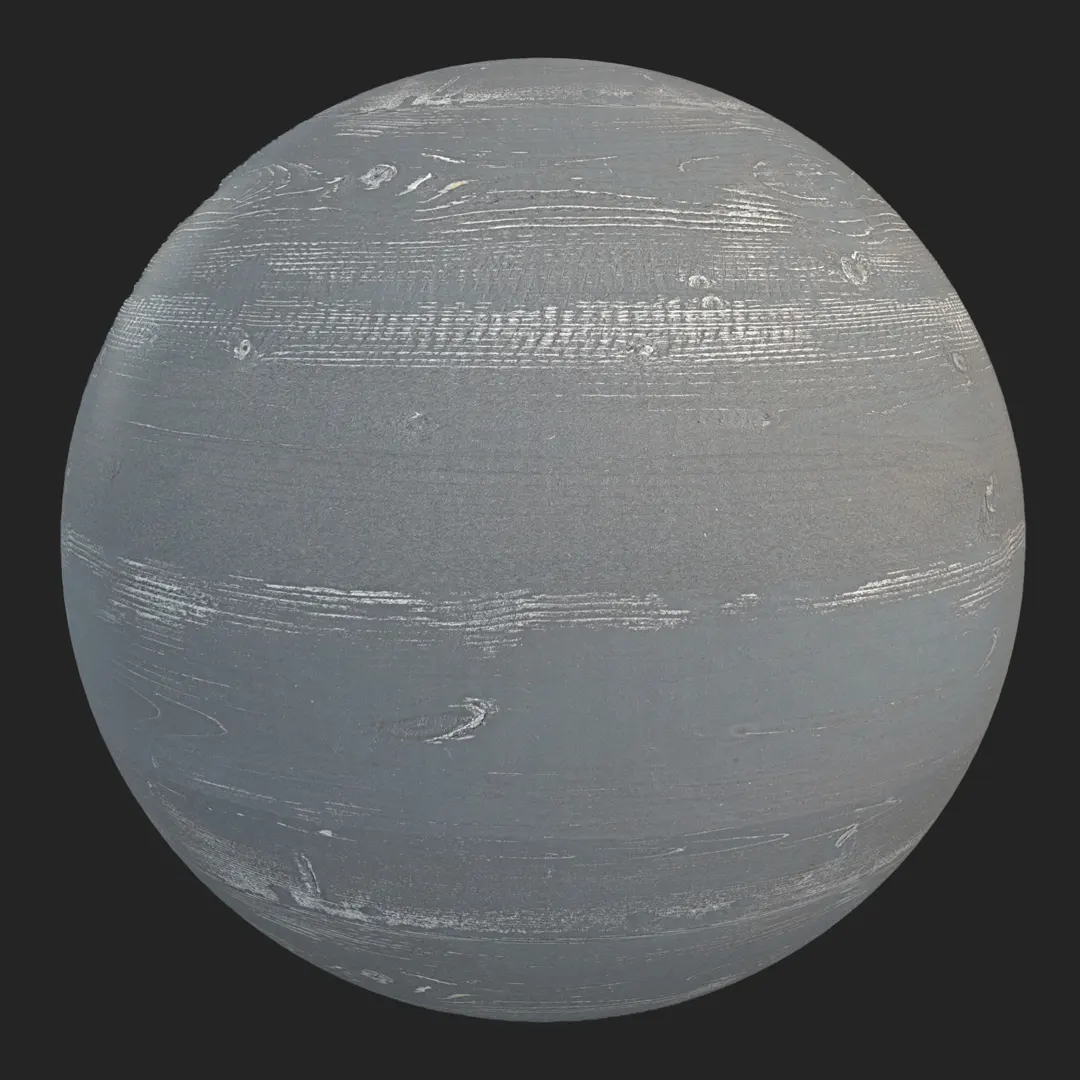
Integrating a light blonde birch veneer into your 3D scenes provides an immediate sense of clean, Scandinavian-inspired warmth. This material captures the essence of refined, pale-toned wood, featuring a tight, linear grain that avoids the visual noise found in coarser species. By utilizing this high-quality PBR asset, you can anchor your interior spaces with a sophisticated, neutral backdrop that feels both contemporary and grounded. Whether you are crafting a high-end corporate office or a minimalist residential kitchen, the balanced, soft cream tones of this veneer offer a professional foundation for your design vision.
Ideal Applications for Modern Environments
This wood material shines in projects that prioritize clean lines and consistent aesthetics. For interior designers and architects, it is a primary choice for floor-to-ceiling cabinetry, custom shelving, or acoustic wall paneling where a seamless look is desired. Its ability to act as a neutral canvas makes it equally effective in game environment design, particularly for modern apartment lobbies or office breakout zones that require a high level of polish.
Styling and Aesthetic Synergy
The subtle, organic shifts in the grain patterns pair exceptionally well with high-contrast elements. To elevate the realism of your scenes, consider pairing this light birch with matte black metal accents or deep, charcoal-toned hardware to emphasize the wood’s brightness. Soft textures, such as brushed brass or gray wool upholstery, further complement the satin finish of the veneer. Its minimalist character makes it a versatile tool for contemporary design styles, though it may feel too uniform for spaces intended to look rustic, distressed, or industrial.
Technical Precision and Rendering Behavior
Because this material features an 8K resolution, it maintains exceptional sharpness even in macro architectural shots. The workflow includes essential maps—Base Color, Normal, Roughness, and Specular—which are vital for simulating the satin surface correctly. A critical aspect of this texture is its subtle reflectivity; ensure your specular maps are properly assigned to avoid the “plastic” look common in lower-quality wood assets. While the seamless nature of the file is excellent for large areas, be mindful of the mirror-match pattern in specific light conditions, as perfectly uniform grains can occasionally highlight repetition if not scaled or rotated thoughtfully.

Save Time with AfterBox
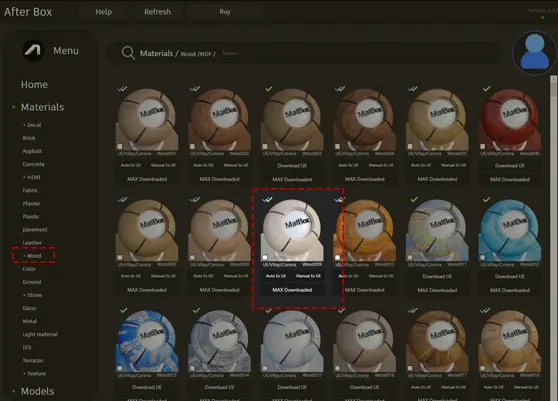
Browse, download and apply materials directly in Unreal Engine, V-Ray and Corona.
Adding Character Through Subtle Imperfections
In the real world, pristine wood is rare. Even in high-end settings, architectural wood surfaces accumulate micro-dust or slight variations in surface oil. To push your renders beyond the “digital” look, apply a light, low-opacity dust layer or faint fingerprint mask via your roughness channel. These additions, even when applied subtly, break up the perfect uniformity of the veneer, providing the subtle visual interest that defines professional-grade visualization.




Streamlining Your Pipeline with Ready Materials
This material is optimized for seamless integration across Unreal Engine, V-Ray, and Corona Renderer. By providing a ready-to-use material file, we eliminate the friction of building shaders from scratch. Each map is calibrated to respond naturally to your scene’s global illumination, allowing for realistic light diffusion and surface interaction without manual tweaking. Whether you are populating a massive architectural layout or a single hero furniture asset, these PBR-ready files ensure consistent results across your entire project library.

Maximizing Your Workflow Efficiency
Directly dragging and dropping these assets into your preferred rendering suite saves hours of testing and map alignment. By leveraging our pre-built configurations, you can dedicate more time to composition and lighting rather than troubleshooting node setups. For teams looking to standardize their material library and maintain high-speed production cycles, our premium subscription ensures constant access to these optimized assets. Explore our full range of professional-grade surfaces at https://after-box.com/pricing/.

Save time on material setup
Instead of downloading this texture, use the optimized ready-made material for VRay , Corona Renderer (3ds Max) and Unreal Engine available in AfterBox.
No manual setup


