

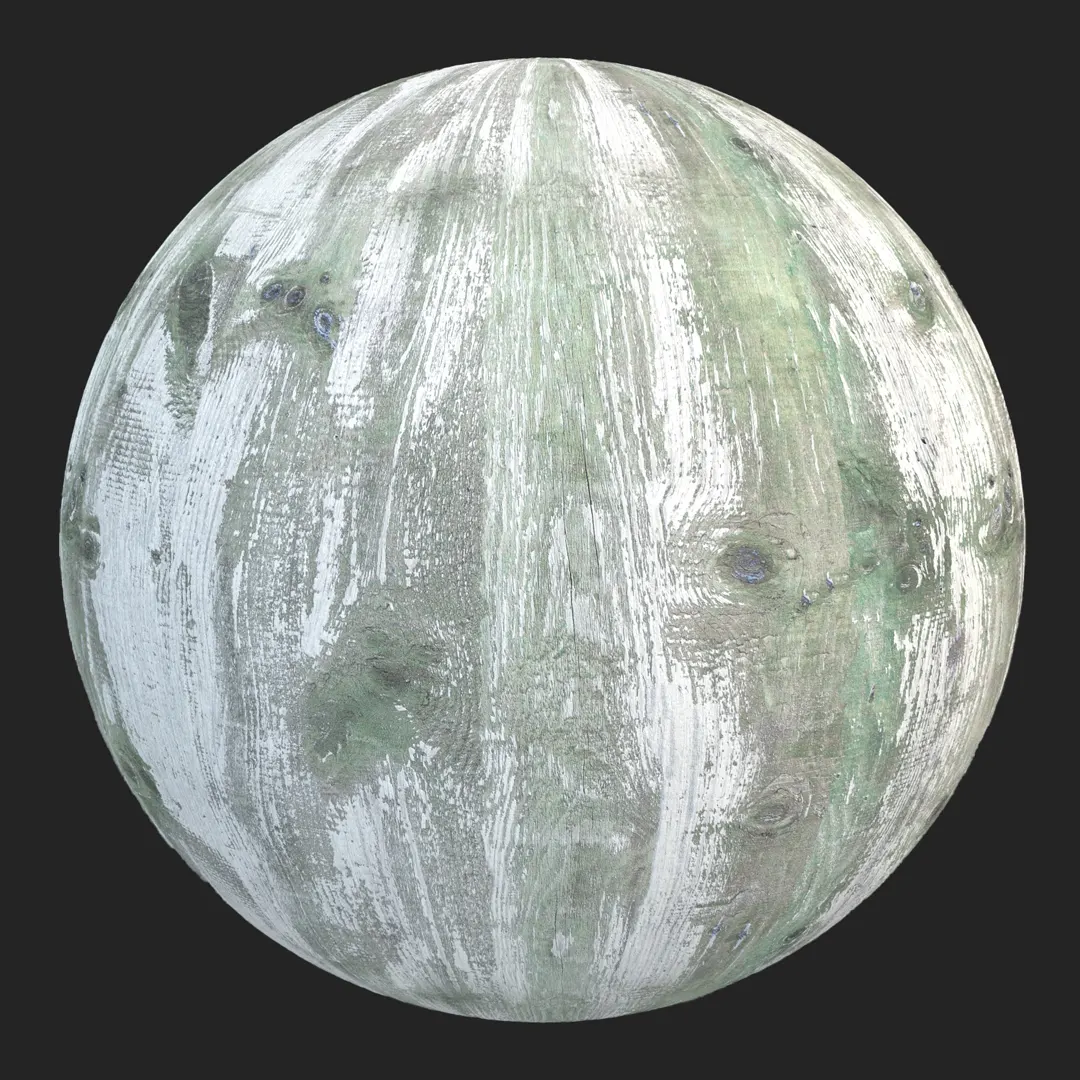


Context & Visual Identity – Soft Oak Wood Texture
This soft oak wood texture reflects the type of processed timber often specified in modern European interiors.
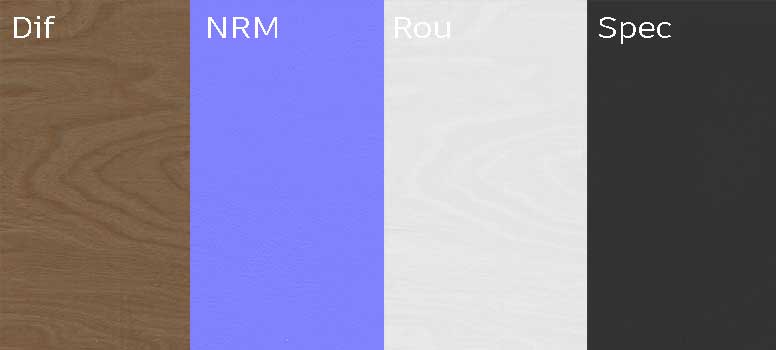
The surface is clean, controlled, and free from dominant knots or deep cracks. As a result, it supports minimalist architecture rather than competing with it.
The tone sits in a light beige-brown range. It works well in spaces that rely on natural daylight and neutral palettes. Instead of a rustic or vintage feel, this oak wood PBR surface communicates balance and restraint.
The linear grain pattern flows horizontally, which helps maintain visual continuity across larger surfaces.
In real projects, similar materials are used when the goal is warmth without visual noise. For example, Scandinavian-style apartments often combine light oak flooring with white walls and matte black accents.
In those cases, the wood must feel natural but not distracting.
Typical Problems This Oak Wood PBR Solves
Many wood shaders in visualization appear either too flat or overly rustic. Heavy knots and contrast can break the calm atmosphere of a modern interior.
This seamless wood texture avoids that issue through subtle grain detail and a smooth base surface.
Another common problem is tiling repetition on large floors. Because the pattern here is uniform yet organic, it tiles without obvious seams. Therefore, it performs reliably on extended flooring or wall cladding.
Scale inconsistency is also a frequent challenge. If grain size is not realistic, cabinetry and flooring lose credibility. With its 8K resolution (8096×4096), this wood PBR allows precise scaling for planks, panels, and furniture components.
Practical Use Cases – Seamless Wood Texture in Modern Design
This oak wood texture is suitable for:
Modern wooden flooring
Light interior wall panels
Minimal kitchen cabinetry
Contemporary furniture visualization
Scandinavian interior projects
Real-time architectural environments
In apartment visualizations, it works well in living rooms where natural light defines the space. In kitchen renders, it pairs naturally with stone countertops and soft matte finishes. Meanwhile, in real-time engines, it provides warmth without heavy shader complexity.
Because the surface is smooth and controlled, it is also effective for product renders. Tables, shelves, and storage units benefit from the clean grain structure.
Rendering & Realism Notes – 8K Wood PBR Material
This wood PBR material is delivered as a full PBR set. The albedo map preserves the soft oak tone without artificial saturation. Roughness values are balanced to avoid plastic reflections, while still allowing subtle light response.
In daylight scenes, the beige undertone reflects light gently. Under artificial lighting, the grain remains visible without harsh contrast. As a result, the material feels realistic in both close-up shots and wide interior views.
The absence of deep cracks reduces shading artifacts. Therefore, render times remain stable even in complex architectural scenes.
Render Engine Compatibility – Wood Texture for Unreal, V-Ray, Corona
This seamless wood texture is compatible with Unreal Engine, V-Ray, and Corona Renderer. In Unreal Engine, it connects directly to standard PBR inputs for real-time interior visualization. In V-Ray and Corona for 3ds Max, reflection and roughness behavior are physically accurate and production-ready. Additionally, the texture maps can be used in any PBR-based rendering workflow.
Workflow Advantage with AfterBox
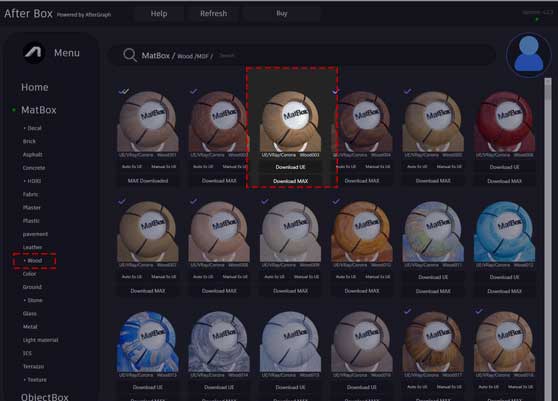
All materials are accessible through the lightweight AfterBox application (approximately 16MB). Within the interface, users can drag and drop this oak wood material directly into Unreal Engine or into V-Ray and Corona inside 3ds Max.
This approach reduces manual shader setup and keeps parameter mapping consistent across engines. Instead of rebuilding materials for each project, artists can apply and adjust them inside a structured workflow.
More information about access options is available at:
https://after-box.com/pricing/
Built-In Controls for the Soft Oak Material
Inside AfterBox, this wood PBR includes adjustable production tools:
Material scale control for accurate plank sizing
Integrated color correction to fine-tune tone
Roughness, specular, and normal intensity adjustment
One-click tiling variation and subtle dirt addition
Free tutorials for Unreal Engine, V-Ray, and Corona implementation
These controls allow adaptation to different lighting setups without rebuilding the shader network.
Access a comprehensive library of wood materials with an AfterBox subscription.

Save time on material setup
Instead of downloading this texture, use the optimized ready-made material for V-Ray, Corona Renderer (3ds Max) and Unreal Engine available in AfterBox.No manual setup


