




## Characterful surfaces with peeling paint wood texture
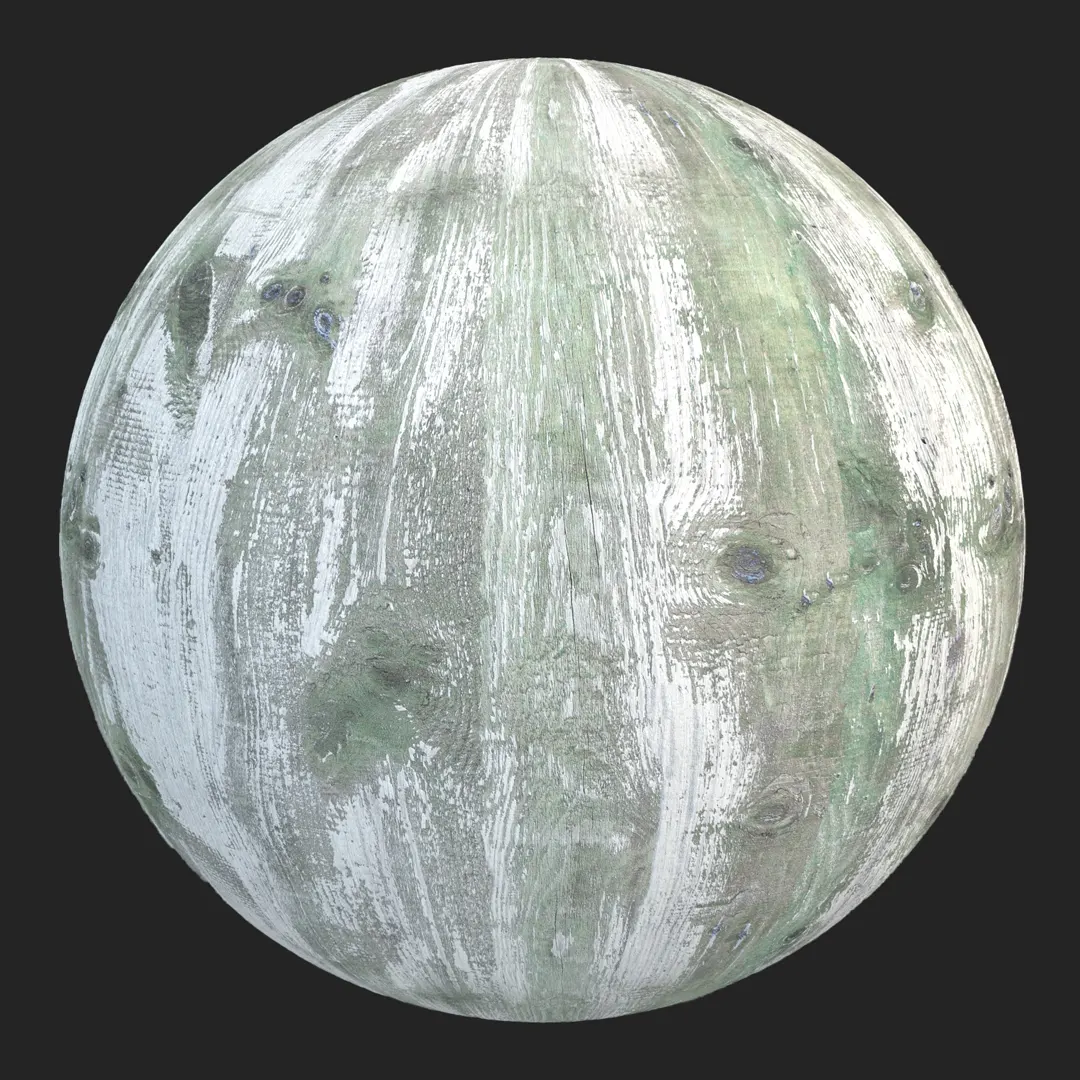
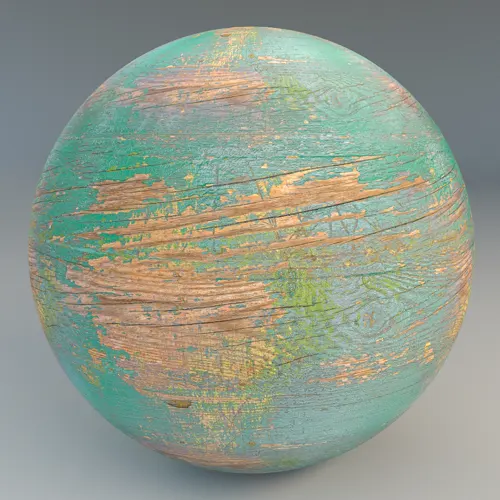
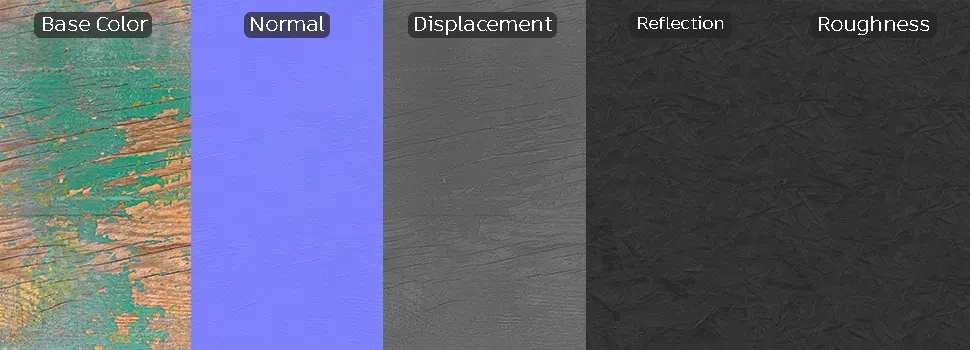
When aiming to inject history and visual grit into a 3D scene, finding a high-quality peeling paint wood texture is essential. This material features a heavily distressed mint-green finish layered over an authentic, aged timber base. The contrast between the flaking, matte paint and the rough, splintered grain underneath creates a compelling narrative of neglect or rustic charm, making it a standout choice for projects that demand high levels of surface detail.
## Optimal applications for environmental storytelling
This material excels in settings that benefit from a “lived-in” or abandoned aesthetic. For archviz projects, it works exceptionally well as a focal point in rustic design concepts, such as a reclaimed timber accent wall or a salvaged barn-door element in a farmhouse-inspired kitchen. In the gaming industry, it serves as a versatile asset for environment artists building ruined sheds, weathered props, or old-world city kits. The linear plank pattern allows for easy alignment on vertical structures, ensuring the wood grain and plank divisions look intentional rather than randomly placed.
## Rendering fidelity and technical nuances
Because this asset is provided as an 8K PBR texture set, you can achieve remarkable clarity even in close-up hero shots. The inclusion of high-quality displacement and normal maps captures the intricate relief of the flaking paint and deeper cracks within the wood, which is crucial for achieving realistic light interaction at glancing angles. While the material is highly detailed, note that because it is a distinct, distressed surface, tiling can become apparent on large, featureless surfaces. We recommend using varied UV scales or vertex painting with a secondary, simpler wood material to break up the pattern if you are covering an expansive area.
## Enhancing realism through layering
To take your scene to the next level, consider adding subtle secondary layers. Integrating procedural moss or lichen along the board edges or adding darker, saturated water stains in the deepest fissures can significantly ground the material in a specific climate. Since the base surface is already matte and porous, layering dust or grime decals atop this material in Unreal Engine or your preferred render engine will feel natural and physically plausible.
## Professional material integration
This material is designed for streamlined production, offering ready-made setups for Unreal Engine, V-Ray for 3ds Max, and Corona Renderer. By utilizing the pre-configured PBR shader network, artists can bypass the time-consuming process of manually linking maps and adjusting specular values, ensuring the material looks accurate from the first test render.
## Efficient project implementation
The ready-made version of this material allows you to drag and drop assets directly into your workspace, bypassing tedious material creation. This efficiency is critical for meeting tight deadlines in professional archviz or game development pipelines, as it allows you to focus on lighting and composition rather than shader troubleshooting. More information about subscription: https://after-box.com/pricing/
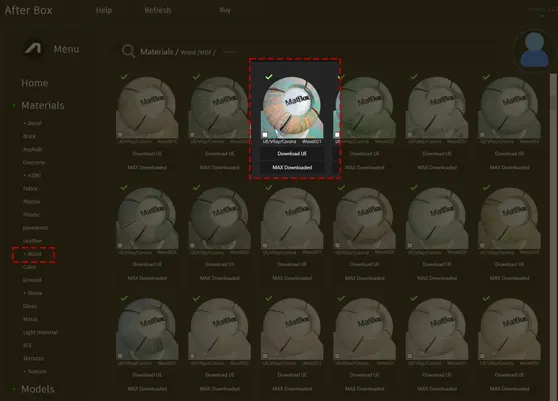
Save Time with AfterBox
Browse, download and apply materials directly in Unreal Engine, V-Ray and Corona.






Save time on material setup
Instead of downloading this texture, use the optimized ready-made material for VRay , Corona Renderer (3ds Max) and Unreal Engine available in AfterBox.
No manual setup


