
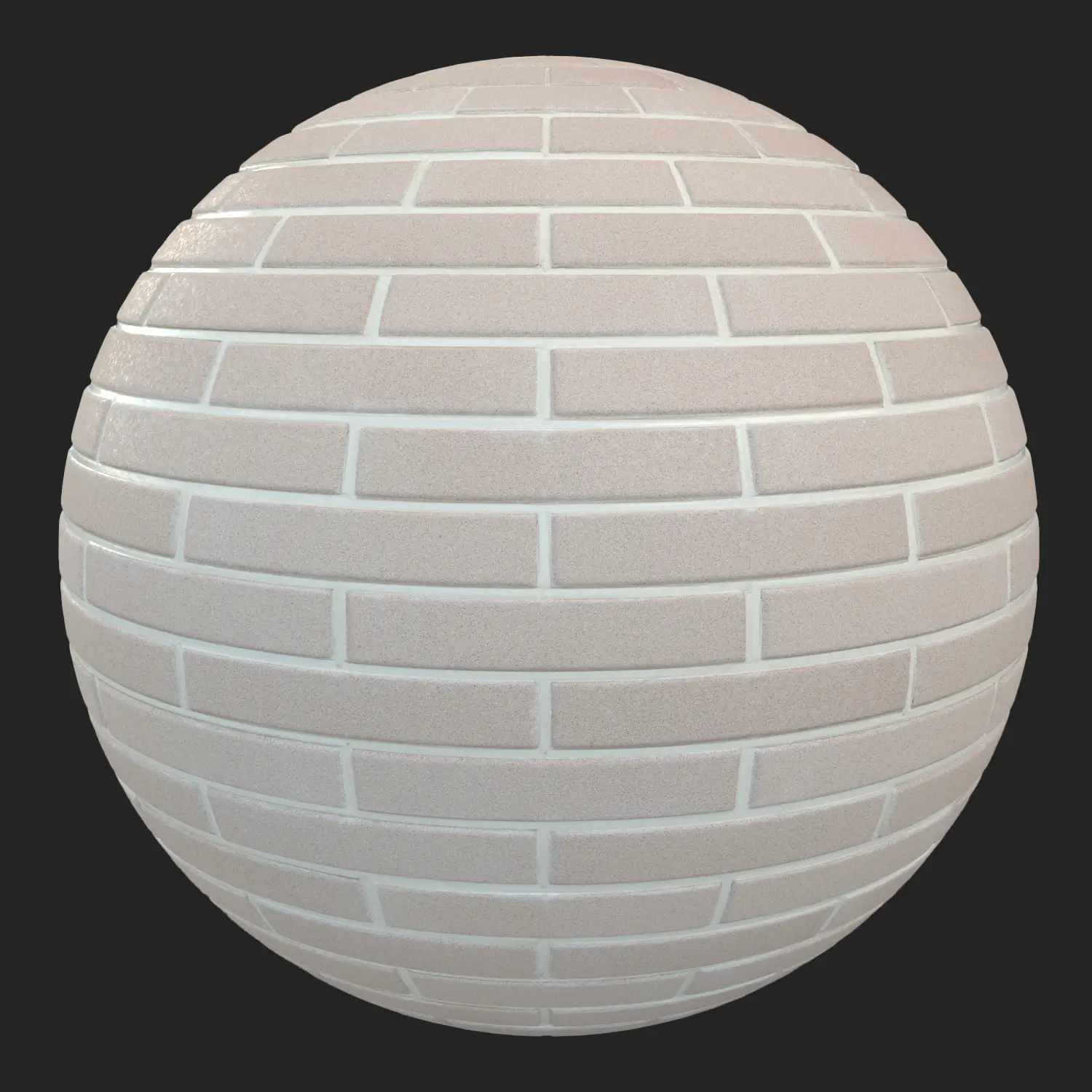


This irregular brick wall material is designed for realistic architectural visualization in V-Ray and 3ds Max. Instead of a regular brick pattern, the surface combines rough grey cement, embedded pebble stones, and scattered brick fragments to recreate the look of poorly executed, low-cost construction.
The wall feels built out of necessity rather than precision. Stones appear more frequently than brick pieces, while irregular fragments are pressed into wet mortar as if leftover materials were used to finish the structure quickly. The result is not a collapsed façade, but a wall that was imperfect from the beginning.

Realistic Irregular Masonry for Architectural Visualization
A conventional brick texture can introduce a predictable pattern that quickly becomes noticeable across large surfaces. This irregular brick wall material takes a different approach by making the irregular masonry itself the defining visual feature.
The dominant grey cement surface keeps the material visually neutral, while embedded stones and occasional brick fragments create natural variation. This makes the texture suitable for scenes where the building should look old, inexpensive, unfinished, or poorly constructed without appearing artificially damaged.
It works particularly well for:
- Rural storage buildings
- Abandoned warehouses
- Improvised agricultural structures
- Industrial backyards
- Temporary or low-cost buildings
- Secondary structures behind modern architecture
- Cinematic environments and game-ready architectural scenes
Damaged Wall Texture Without Excessive Grunge
Many damaged wall materials depend heavily on dirt, stains, and generic grunge overlays. Although these can add surface variation, they do not necessarily communicate how the wall was constructed.
This material introduces irregularity at the masonry level. Uneven stones, cement patches, and scattered brick fragments create structural variation before additional dirt or weathering is applied.
This approach helps avoid the repetitive appearance often seen when a simple brick pattern is tiled across a large 3D façade.
The controlled surface detail is also useful under strong V-Ray lighting. Instead of relying on an exaggerated bump effect, the material uses subtle surface variation to create believable depth without producing distracting shadow artifacts.
PBR Brick and Concrete Texture for V-Ray
The material is prepared as a PBR texture set for physically based rendering workflows. The cement-heavy surface provides a naturally matte appearance, while the embedded stones introduce small variations in light response.
For artists working with V-Ray for 3ds Max, the material can be used for exterior architectural renders, environmental visualization, cinematic scenes, and detailed close-up shots.
The texture can also be incorporated into broader material workflows in Autodesk 3ds Max, where large façades can be mapped and varied without relying on a perfectly uniform brick layout.
8K Seamless Wall Texture
The texture is created at 8096 × 8096 resolution, providing enough detail for large architectural surfaces and close-up visualization.
Its seamless construction makes it possible to cover larger walls while reducing obvious tiling. For hero shots, the material can also be combined with additional vertex variation, decals, or localized weathering to create even more environmental detail.
The rough surface response helps maintain a convincing appearance under HDRI environments, V-Ray Sun & Sky, and artificial lighting.
V-Ray 3ds Max Material for Realistic Wall Scenes
The material is optimized for use with V-Ray in 3ds Max and is intended to minimize the amount of manual shader setup required during production.
It can be used with different lighting conditions, including:
- V-Ray Sun & Sky
- HDRI exterior lighting
- Artificial area lights
- Strong directional lighting
- Overcast environmental lighting
The combination of rough cement, embedded stones, and irregular brick fragments works particularly well when the wall is placed next to cleaner materials such as refined concrete, painted surfaces, steel, or glass.
For artists who also move assets between visualization and real-time workflows, the material can be adapted for Unreal Engine and other PBR-based pipelines.
Practical Uses for an Irregular Brick Wall Material
This material is especially useful when the architecture needs to communicate economic constraints, neglect, improvisation, or a lack of construction precision.
Typical applications include:
Abandoned rural warehouses:
Use the wall to create believable agricultural or storage buildings with minimal architectural refinement.
Industrial environments:
The irregular masonry works well for service buildings, workshops, backyards, and secondary industrial structures.
Cinematic environments:
The muted grey palette provides environmental storytelling without competing with characters or hero objects.
Game environment previsualization:
The material can establish low-budget or improvised construction areas without requiring complicated shader layering.
Architectural visualization:
Place it next to modern concrete, glass, or steel to create visual contrast between old and new construction.
AfterBox Workflow for V-Ray Materials
The material is organized through AfterBox, a lightweight material library application designed to simplify asset management.
Instead of rebuilding the shader manually, users can browse the material library and drag and drop the ready-made V-Ray material into 3ds Max. This can reduce repetitive setup work, particularly when multiple artists are working with the same material library.
The same asset can also be prepared for workflows involving Unreal Engine or Corona Renderer, making it easier to maintain a consistent material collection across different visualization pipelines.

Get More Brick Wall Materials for V-Ray
If you are building a library of realistic architectural materials, an AfterBox subscription provides access to a broader collection of brick, concrete, damaged wall, and environmental materials.
Explore the available plans and choose the subscription that fits your workflow:

Save time on material setup
Instead of downloading this texture, use the optimized ready-made material for VRay , Corona Renderer (3ds Max) and Unreal Engine available in AfterBox.
No manual setup


