



Introduction and Material Overview
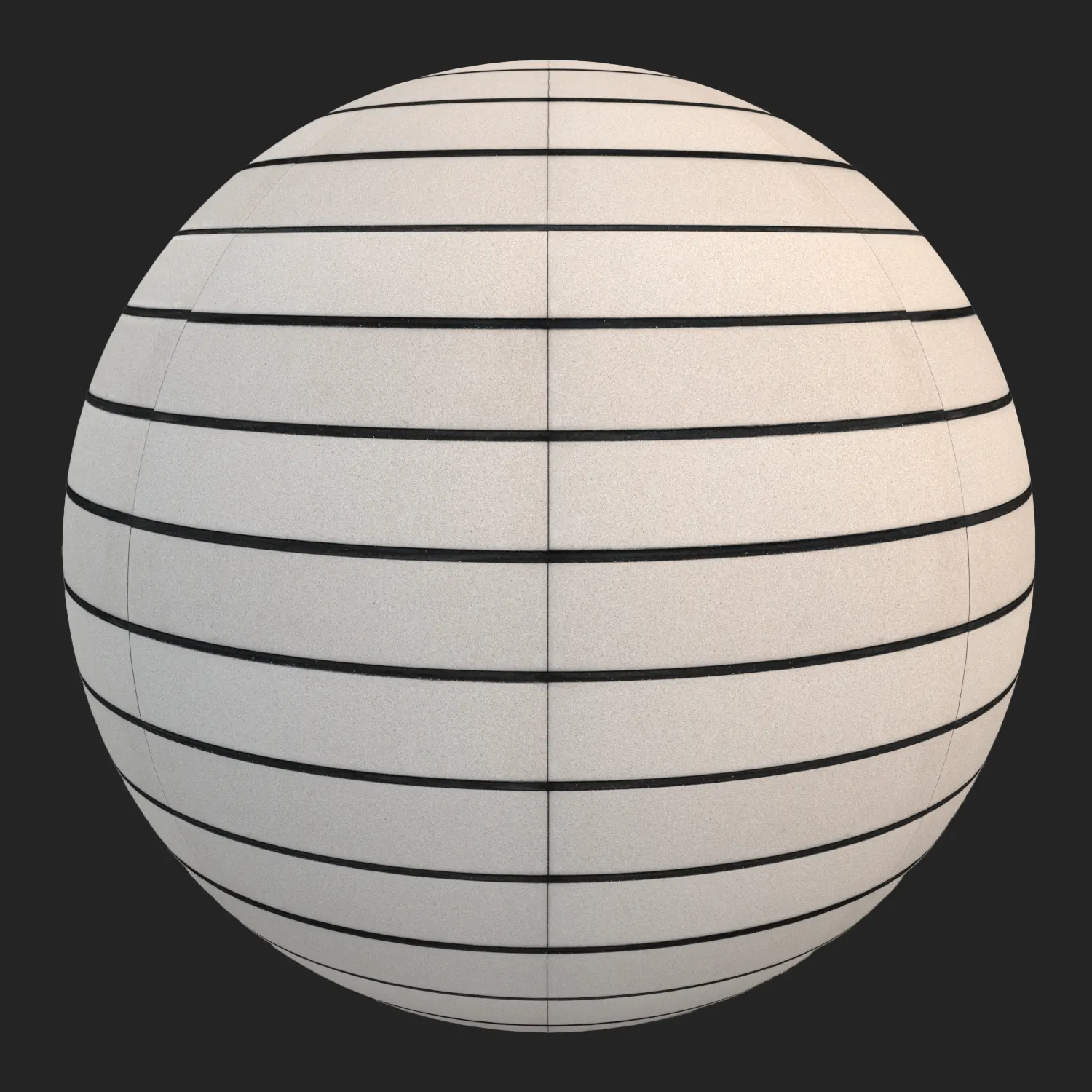
The Horizontal Linear Beige Architectural Brick is a precision-crafted surface designed for modern, high-end environments. Featuring long, thin beige tiles balanced by deep-set black mortar, this material offers a clean, minimalist aesthetic that works across various project scales. For visualizers needing a linear brick texture that maintains its integrity in both wide shots and close-ups, this PBR asset provides a refined, uniform appearance that avoids the cluttered look of traditional masonry. Its neutral tone and fine-grained matte finish make it an ideal neutral backdrop for contemporary architectural projects.

Best Uses in Real Projects
Because of its restrained, modular look, this brick is highly versatile. In interior design, it excels as a feature wall in corporate lobby spaces or as a sleek backsplash for high-end reception desks. The sharp, recessed joints provide just enough visual rhythm to break up large, flat surfaces without overwhelming the space.
For exterior applications, the material serves as an excellent choice for modern facade cladding. Its repetitive, horizontal stack pattern feels right at home on minimalist townhouses, commercial gallery entrances, or office building feature walls. Game environment artists can also utilize this as a modular wall texture for clean, dystopian, or upscale apartment interiors, as the seamless design makes it highly efficient for tiling across large architectural spans.
Design Pairing and Style Fit
This material thrives in Scandinavian, modernist, and minimalist design styles. Its beige palette is inherently soft and forgiving, making it a perfect partner for natural textures like light oak, brushed aluminum, or polished concrete. For a more aggressive, high-contrast look, pairing this brick with black metal door frames or window mullions accentuates the deep mortar lines.
While it is excellent for contemporary work, it is generally not suitable for rustic, cottage, or historical restoration projects where uneven textures and organic brick shapes are required. The hyper-uniformity of these tiles is its strength, but that same consistency makes it feel out of place in settings that demand a more weathered, artisanal feel.
Rendering and Technical Notes
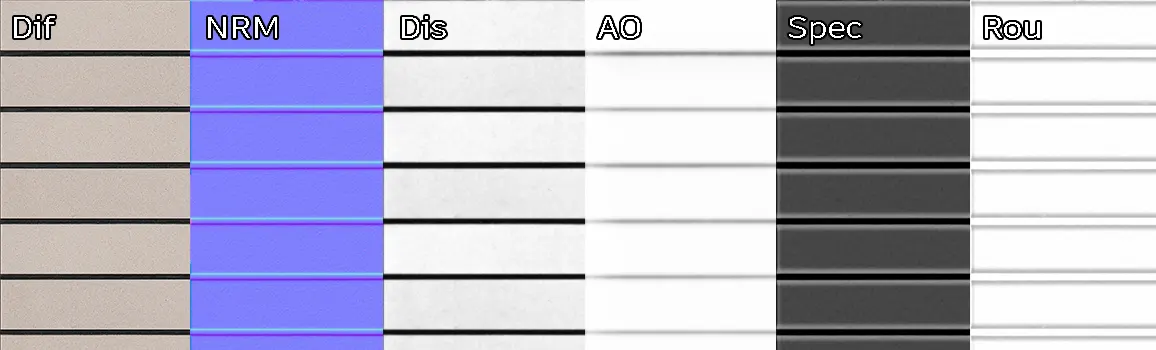
The strength of this material lies in the depth contrast between the beige face and the recessed black grout. To maximize this, ensure your displacement maps are active, as the deep horizontal grooves are crucial for avoiding the “flat sticker” look often seen in lower-quality assets.
In Unreal Engine, the matte surface is forgiving under directional sunlight, though you may want to adjust the roughness map values depending on the environment’s global illumination settings. Because the pattern is highly uniform, tiling artifacts are minimal, even on large facades. If you are rendering close-ups, the 5K resolution provides enough detail in the grain to hold up under tight camera angles without loss of clarity.
Save Time with AfterBox
Browse, download and apply materials directly in Unreal Engine, V-Ray and Corona.
Dirt, Dust, and Weathering Options
To keep this brick looking modern and pristine, we recommend keeping the diffuse maps clean. However, in real-world scenarios, a touch of realism is often needed. For exterior projects, applying a subtle noise mask to the roughness map can simulate light dust or weathering along the bottom sections of a wall.
For interior gallery spaces, you might add a very slight ambient occlusion boost in the grooves to prevent the wall from looking too perfect. If your scene requires a “lived-in” feeling, minor edge chipping or subtle grime overlays in the mortar lines will help ground the material into the environment, preventing that sterile, “computer-generated” look.




Ready Material Workflow
Setting up complex brick materials can be time-consuming, so we have provided ready-to-use materials for Unreal Engine, V-Ray for 3ds Max, and Corona Renderer. These ready materials are completely free and come pre-configured, meaning the displacement settings and map assignments are already optimized for your engine. This allows you to drag the material into your scene and focus on lighting and composition rather than tweaking standard PBR map slots.

Download and AfterBox Workflow
Managing assets in a large-scale project is simplified by using the AfterBox application. Instead of manual folder management, you can drag and drop these ready-to-render materials directly into your preferred 3D software. This workflow eliminates the repetitive setup process, allowing for faster iterations during the design phase. You can find more information about integrating our material library into your pipeline at https://after-box.com/pricing/


Save time on material setup
Instead of downloading this texture, use the optimized ready-made material for VRay , Corona Renderer (3ds Max) and Unreal Engine available in AfterBox.
No manual setup


