


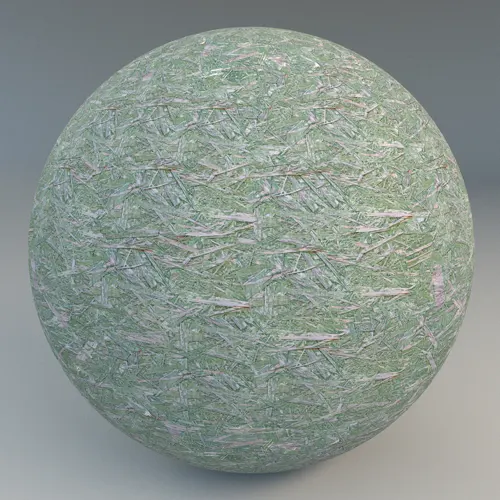
## Understanding the Green Stained Oriented Strand Board
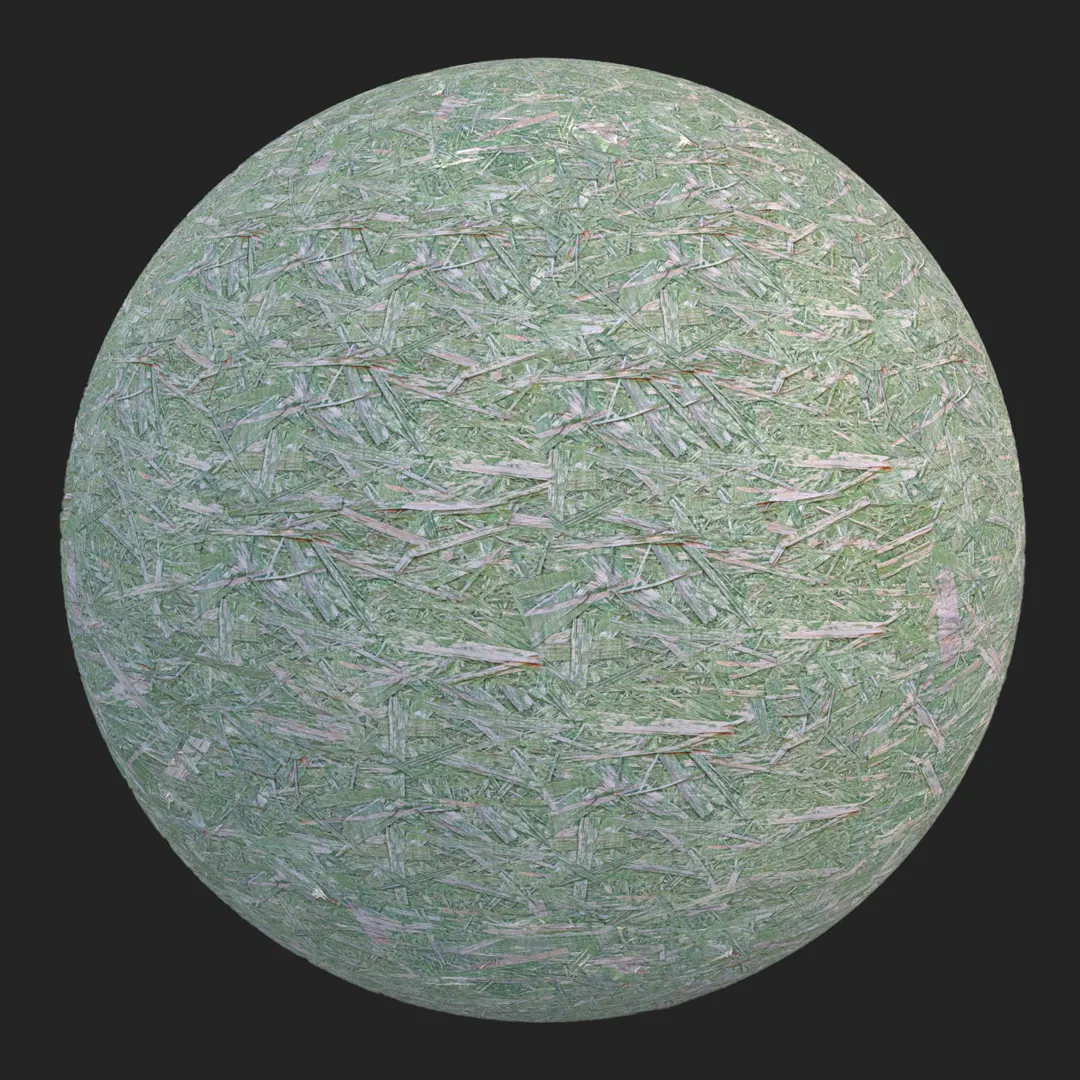
This green stained oriented strand board (OSB) material offers a distinct, rugged aesthetic for modern architectural visualization. By applying a muted sage green stain over traditional composite wood flakes, this asset balances the raw, industrial nature of OSB with a curated, color-coordinated design palette. The material captures the chaotic, fibrous structure of compressed wood shavings while maintaining a uniform, matte appearance that works exceptionally well in contemporary, eco-conscious, or brutalist-inspired environments.
## Implementation in Architectural Projects
OSB is no longer just for structural sub-flooring; it has evolved into a legitimate decorative element in modern design. This green-tinted variant is particularly effective for large-scale feature walls in creative office spaces, retail backdrops, or even as a sustainable design choice for pop-up structures. In game development, it serves as an excellent texture for construction site props, temporary shelters, or neglected industrial interiors where a “raw but designed” look is required to tell a visual story.
## Design Pairing and Material Synergy
Because of its coarse, porous surface and cool-toned finish, this material pairs best with high-contrast, minimalist elements. You can effectively balance the busy, random pattern of the wood chips by placing it next to smooth, black powder-coated steel shelving, raw board-formed concrete, or minimalist matte-black light fixtures. Avoid using this in high-end, luxury, or formal spaces, as its inherent “site-built” character is meant to celebrate function over polish.
Save Time with AfterBox
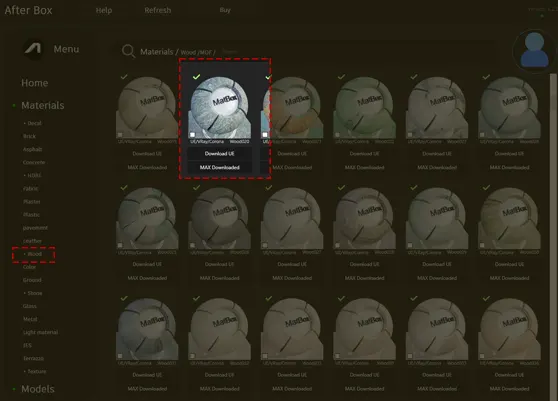
Browse, download and apply materials directly in Unreal Engine, V-Ray and Corona.
## Enhancing Realism with Surface Detail
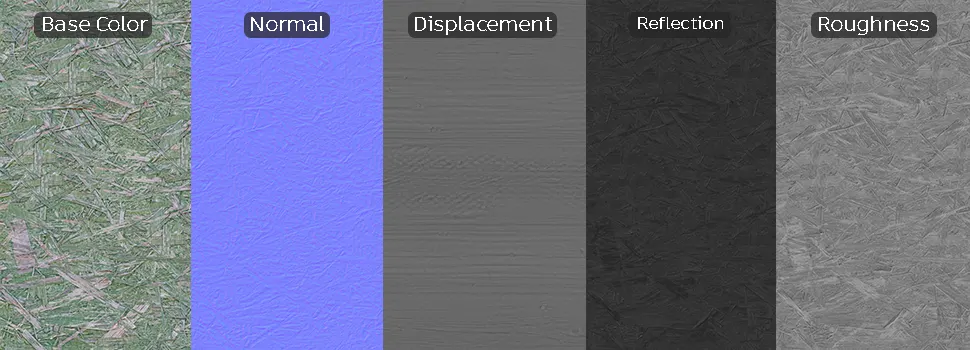
To sell the realism of this composite material in close-up renders, pay attention to the edge transitions. Using the included displacement map is critical; it allows the overlapping flakes to cast micro-shadows, which defines the material’s depth. Adding subtle surface variations like fine dust particles or slight weathering on the edges of the board can prevent the tiling from feeling overly digital. If placing this in an exterior scene, consider blending in light water staining to break up the matte finish.




## Streamlined Material Integration
Our ready-made material assets are crafted to work seamlessly across your primary rendering pipeline. Whether you are building an interior scene in 3ds Max using V-Ray or Corona, or setting up environmental assets in Unreal Engine, the setup is plug-and-play. The PBR maps are calibrated for immediate use, meaning you can drop them into your material editor and achieve accurate light interaction without manually tweaking individual channel settings or reflection values.

## Accelerating Your Rendering Pipeline
Stop spending hours creating base materials from scratch. By using our pre-built assets, you can dedicate more time to lighting and composition. Simply download the texture set and apply it directly to your scene objects. For artists looking to scale their production, our subscription options provide full access to a library of high-performance surfaces designed to handle both tight close-ups and wide architectural shots.
More information about subscription:
Save time on material setup
Instead of downloading this texture, use the optimized ready-made material for VRay , Corona Renderer (3ds Max) and Unreal Engine available in AfterBox.
No manual setup


