


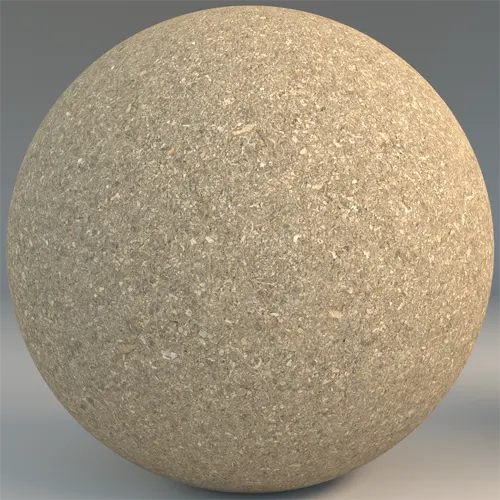
## Light Beige Aggregate Asphalt Overview
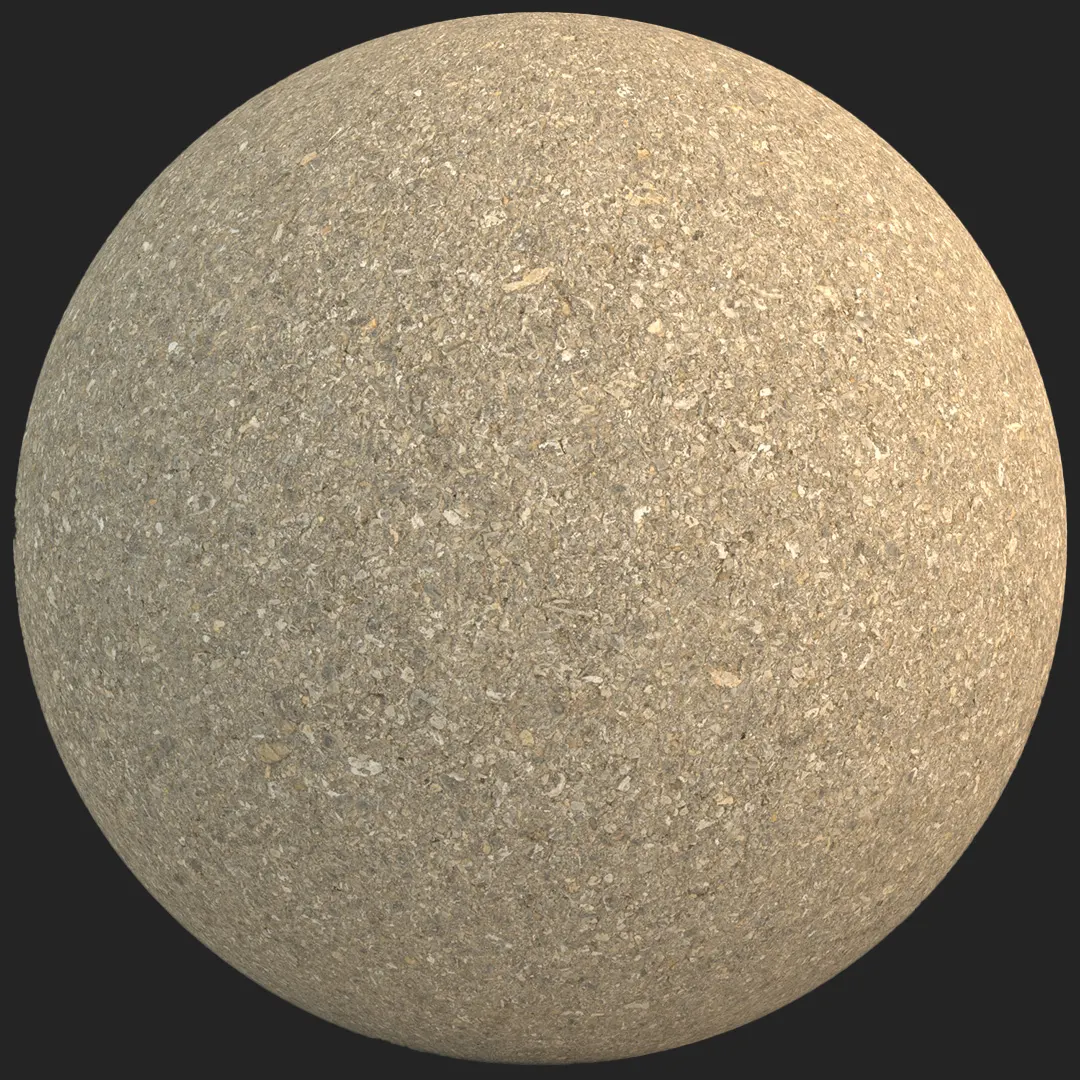
When your architectural visualization calls for a softer, more refined ground plane, this light beige aggregate asphalt offers a sophisticated alternative to standard dark bitumen surfaces. With its dense, granular composition and warm, off-white color palette, this material performs exceptionally well in modern minimalist environments where visual weight needs to be managed carefully. Unlike industrial-grade blacktop, this light-toned variant features a consistent, high-frequency stone aggregate, providing a detailed, organic surface that elevates pedestrian-focused scenes.
## Practical Applications for Modern Design
This material is a versatile asset for exterior landscaping and urban design projects. Its light color makes it perfect for pedestrian pathways, park trails, and residential garden paths where you want the ground to feel lighter and more integrated into the natural surroundings. For interior designers, this texture works surprisingly well in industrial loft concepts or minimalist retail spaces, providing a muted, tactile floor surface that grounds the space without overwhelming it.
## Style and Material Synergy
The warm, sandy undertones of this aggregate asphalt pair beautifully with high-contrast materials. Consider using it alongside raw, board-formed concrete or oxidized weathered steel to create a balanced, contemporary look. It also functions well as a neutral base for landscaping features, such as dark timber benches or limestone planters. Due to its high level of detail, it maintains its integrity in close-up camera angles, making it suitable for shots of entryways or ground-level exterior details.
## Precision in Rendering
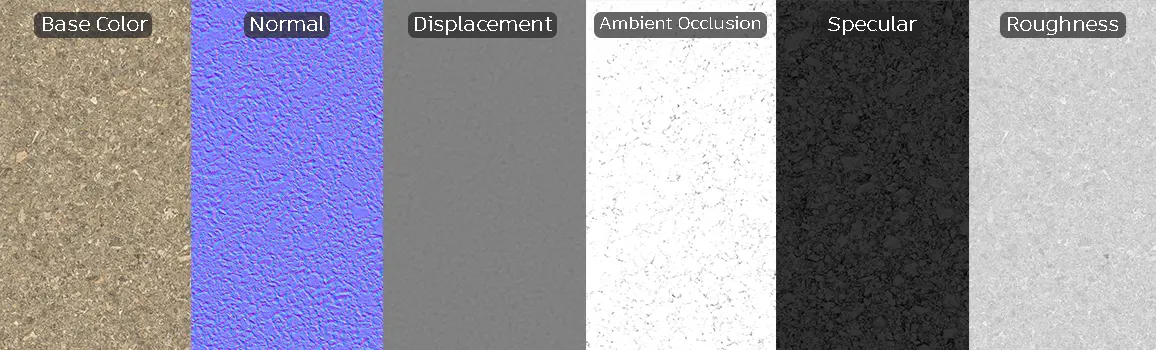
To achieve the best results, utilize the provided 8K resolution maps. The high micro-relief captured in the displacement and normal maps ensures that the fine stone particles cast realistic shadows under various lighting conditions. Because the distribution is naturally random, the tiling risk remains low, even in large landscape areas.
* Note: While this material is highly detailed, avoid using it for high-traffic heavy-duty highway scenes, as the lighter tone and fine aggregate structure are better suited for light-duty, aesthetic, or decorative applications.
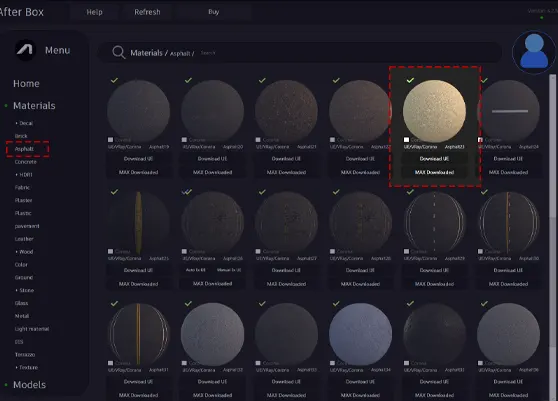
Save Time with AfterBox
Browse, download and apply materials directly in Unreal Engine, V-Ray and Corona.
## Enhancing Realism with Surface Variation
To move beyond a pristine, manufactured look, we recommend using the ambient occlusion and roughness maps to layer in subtle environmental effects. A light pass of noise in your shader can simulate localized dust buildup, while subtle color variation in the specular map can help recreate the organic look of aging asphalt. For an aged, high-end effect, consider adding a slight moss accumulation or faint, realistic oil stains in low-lying crevices to ground the surface within your scene.




## Streamlined Workflow for 3D Artists
This material is fully optimized for Unreal Engine, V-Ray, and Corona Renderer, allowing you to bypass manual shader construction. Because the textures are calibrated for PBR workflows, you can drag and drop these maps into your material editor of choice and expect predictable, realistic results immediately. This saves significant time during the look-dev phase of your visualization, ensuring that your ground materials respond correctly to global illumination, reflection probes, and sky lighting.

## Accelerating Production with AfterBox
The ready-to-use version of this asphalt material allows you to focus on lighting and composition rather than node-based material creation. By integrating these high-fidelity assets into your workflow, you maintain consistent quality across your project portfolio without the overhead of manual material calibration. For teams looking to scale their production pipeline, visit https://after-box.com/pricing/ to explore our subscription options for professional-grade architectural assets.
Save time on material setup
Instead of downloading this texture, use the optimized ready-made material for VRay , Corona Renderer (3ds Max) and Unreal Engine available in AfterBox.
No manual setup


