



## Mastering Road Infrastructure Visualization
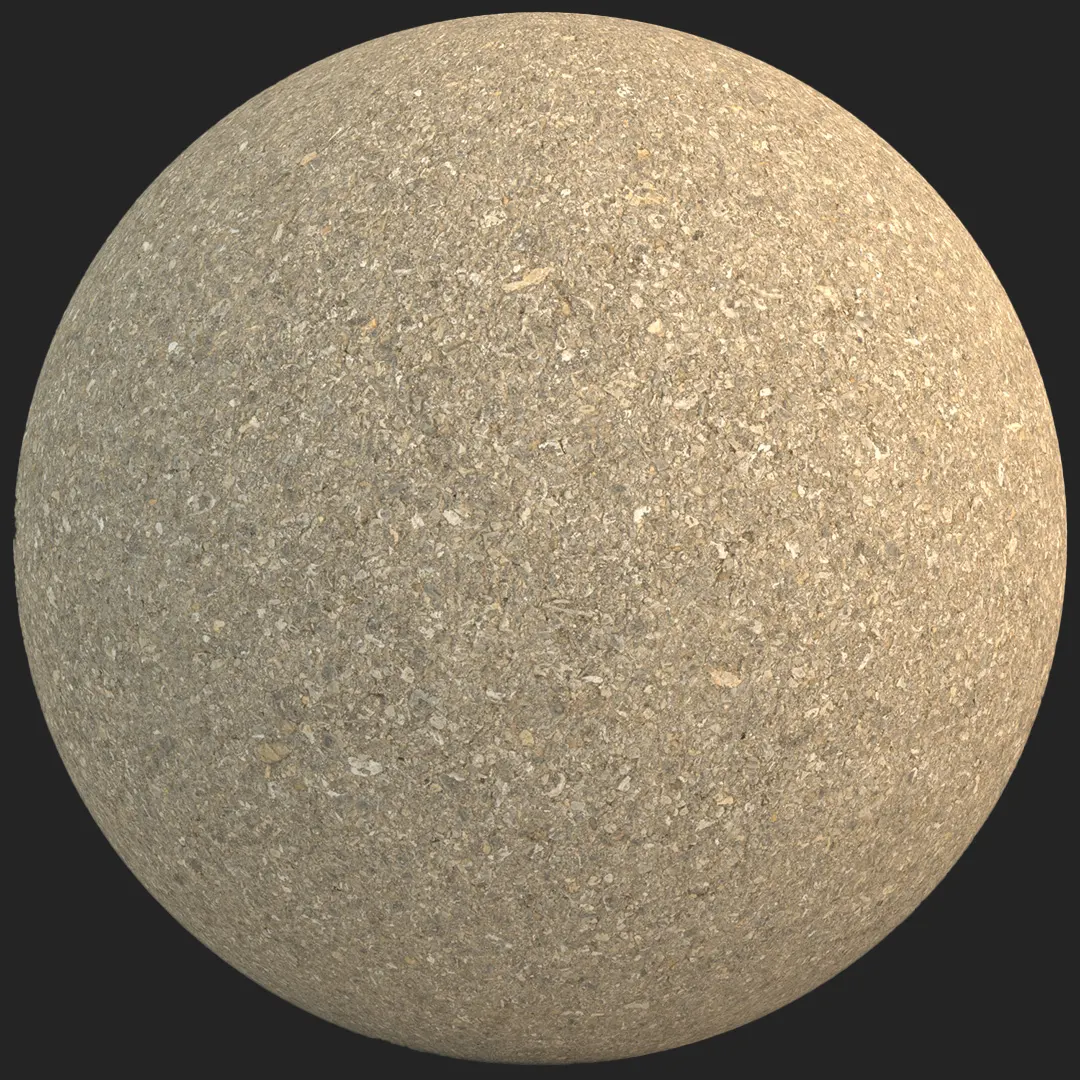
This weathered asphalt road surface with painted line offers a highly realistic solution for site plans and urban environments. Designed with a coarse, granular finish, the material captures the authentic tactile nature of charcoal-toned pavement. The standout feature is the distressed white traffic marking, which displays the natural chipping and irregular edges typical of aging infrastructure. Because the aggregate size varies naturally across the surface, you get a convincing sense of scale that remains sharp even in close-up hero shots.

## Practical Applications for Built Environments
For exterior site planning, this material excels at bridging the gap between parking lots, driveways, and municipal streetscapes. Its high-resolution detail makes it a robust choice for architectural visualizers working on large-scale urban masterplans or precise street-level cinematic captures. In game environment design, the linear pattern works effectively for modular road kits, allowing for seamless blending in racing tracks or industrial zone assets. Designers should note that due to the prominent painted stripe, careful UV mapping is required to ensure the line aligns correctly across long sections of road geometry.
## Design Aesthetic and Pairing
This asphalt works exceptionally well within industrial, brutalist, and modern minimalist design languages. Pair this material with raw poured concrete, rusted weathered steel, or powder-coated aluminum to anchor your exterior scenes. The matte surface finish ensures that light reacts physically, avoiding the plastic look often associated with low-quality textures. When used for interior applications like modern garages or high-concept retail showrooms, the charcoal tones provide a stark, grounded contrast to minimalist lighting setups and crisp, high-tech furniture.
## Technical Specifications and Rendering Behavior
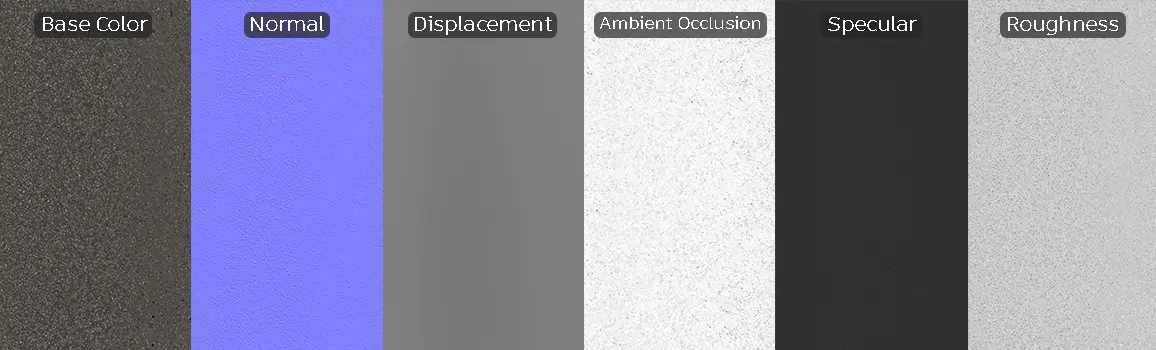
Engineered for professional production pipelines, this asset includes a complete PBR map set: Base Color, Specular, Roughness, Normal, Displacement, and Ambient Occlusion. The 8K resolution ensures that even when using parallax occlusion or heavy displacement in V-Ray or Corona, the fine porous structure remains crisp. In Unreal Engine, the textures provide an immediate, high-fidelity base that responds naturally to real-time sun and sky light, maintaining its structural integrity under varying environmental light temperatures.
Save Time with AfterBox
Browse, download and apply materials directly in Unreal Engine, V-Ray and Corona.
## Enhancing Realism Through Layering
To push the realism of this asphalt further, consider layering secondary detail maps over the primary shader. The introduction of subtle oil stains, localized tire marks, or grit patches helps break up the medium-scale tiling. Since the material is designed with a matte, porous depth, adding rain water puddles through a simple opacity or metallic mask in your engine of choice will dramatically increase the depth and believability of the pavement in wet-weather scenarios.




## Pre-Configured Ready Material Workflow
Integrating this asphalt into your scene is simplified through our ready-made material presets. For artists working in V-Ray for 3ds Max, Corona Renderer, or Unreal Engine, these materials are calibrated to work immediately upon import. By utilizing our pre-built shader graphs, you bypass the time-consuming process of manual texture slotting and PBR value adjustments. This setup ensures your focus remains on lighting and composition rather than foundational material construction, significantly accelerating your look-development phase.

## Seamless Workflow Integration
We provide the assets you need to populate professional scenes with minimal friction. Whether you are dragging and dropping into an existing Unreal project or assigning materials in a complex 3ds Max scene, the workflow is streamlined for efficiency. For those requiring ongoing access to our full library of production-ready surfaces, please explore our subscription options at https://after-box.com/pricing/.

Save time on material setup
Instead of downloading this texture, use the optimized ready-made material for VRay , Corona Renderer (3ds Max) and Unreal Engine available in AfterBox.
No manual setup


