
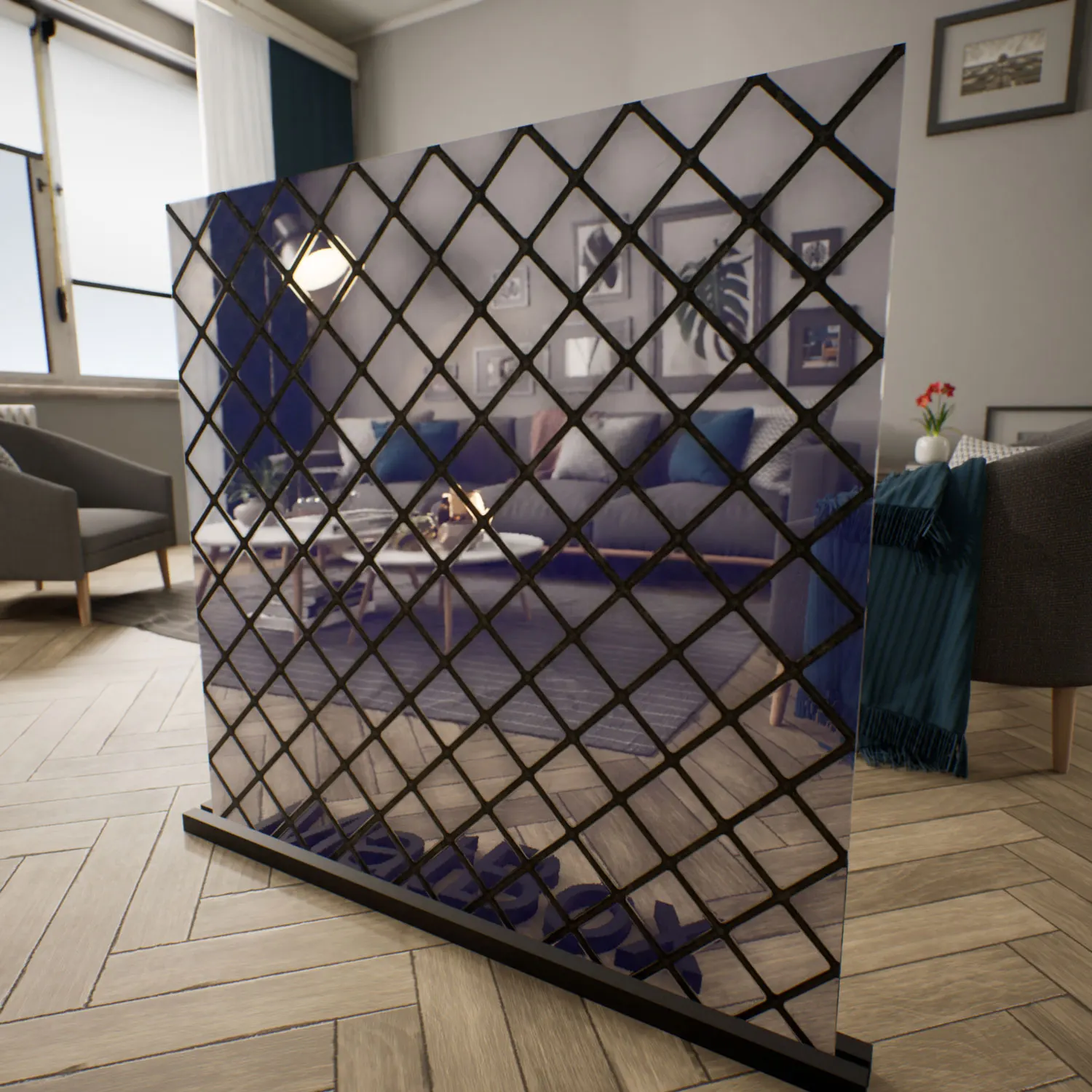


Decorative Ripple Glass for Soft Privacy Effects
This horizontal ripple glass material recreates the look of modern textured architectural glass often used in interiors where privacy and natural light need to coexist. The surface is shaped by repeating horizontal waves that subtly stretch and blur objects behind the glass, creating a soft distortion effect instead of complete visual separation. In Unreal Engine scenes, this produces a more believable and lived-in atmosphere compared to perfectly transparent glass surfaces.

The material works particularly well in minimalist interiors, luxury residential spaces, boutique hotels, wellness environments, and modern retail projects. Its layered wave structure introduces motion into reflections without becoming visually aggressive, making it suitable for calm interior compositions where softer materials dominate the scene. The cool neutral tone also allows the glass to blend naturally with light woods, brushed metals, matte stone, beige palettes, and monochrome architectural surfaces.
Because the distortion flows horizontally, the material visually widens interior spaces and creates a sense of continuity across partitions and sliding panels. This characteristic makes the ripple glass material especially useful in narrow hallways, spa-inspired interiors, and open-plan apartment visualizations.
Interior Applications and Design Use Cases
This Unreal Engine decorative glass material is commonly suited for bedroom dividers, sliding wardrobe doors, bathroom partitions, reception elements, and feature panels inside contemporary living spaces. The controlled level of visibility allows designers to hide interior details while preserving ambient light and depth within the environment.
In architectural visualization workflows, the horizontal wave pattern helps avoid flat-looking transparent surfaces during cinematic camera movement. The distortion reacts differently depending on viewing angle and lighting intensity, which gives rendered scenes more variation and realism over time. In close-up shots, the ripples catch highlights across multiple directions, producing a softer and more natural reflection response than polished flat glass.
Environment artists working on luxury apartments, hospitality scenes, or high-end commercial interiors can also use the ripple glass material to create transitions between public and private zones without introducing opaque barriers. The material maintains openness while subtly obscuring background details.
Rendering Characteristics and Material Behavior
The material is developed as a seamless PBR surface with refraction and normal map detail optimized for Unreal Engine rendering workflows. The horizontal wave deformation is controlled through a repeating normal structure that interacts with light dynamically, allowing realistic distortion and reflection behavior in both static renders and real-time scenes.
Unlike perfectly uniform procedural glass shaders, this surface includes slight wave density variations, small reflective inconsistencies, and subtle surface traces that improve realism under directional lighting. These imperfections become more visible during close-range rendering or in scenes with strong contrast lighting, helping the material avoid the artificial appearance common in overly clean digital glass.
The polished surface still preserves sharp specular highlights, while the ripple structure distributes reflections across multiple angles. This balance is particularly effective in cinematic walkthroughs and interactive Unreal Engine presentations where camera movement reveals changes in light refraction continuously.
Ready-to-Use Unreal Engine Workflow
This ripple glass texture is delivered as a ready-to-use Unreal Engine material, allowing artists and visualization studios to integrate it directly into production scenes with minimal setup time. The shader configuration already supports physically based rendering workflows, so additional balancing for roughness, transparency, or refraction is generally unnecessary.
The material is accessible through the lightweight AfterBox application, where assets can be imported directly into Unreal Engine projects using a drag-and-drop workflow. This simplifies scene assembly for large architectural environments and helps maintain visual consistency across multiple interior spaces.
For teams working under tight deadlines, using a prepared decorative glass material reduces repetitive shader setup and speeds up the look development process significantly.
More information about subscription access:
https://after-box.com/pricing/
Save time on material setup
Instead of downloading this texture, use the optimized ready-made material for V-Ray, Corona Renderer (3ds Max) and Unreal Engine available in AfterBox.No manual setup


