

A) Introduction and Material Overview
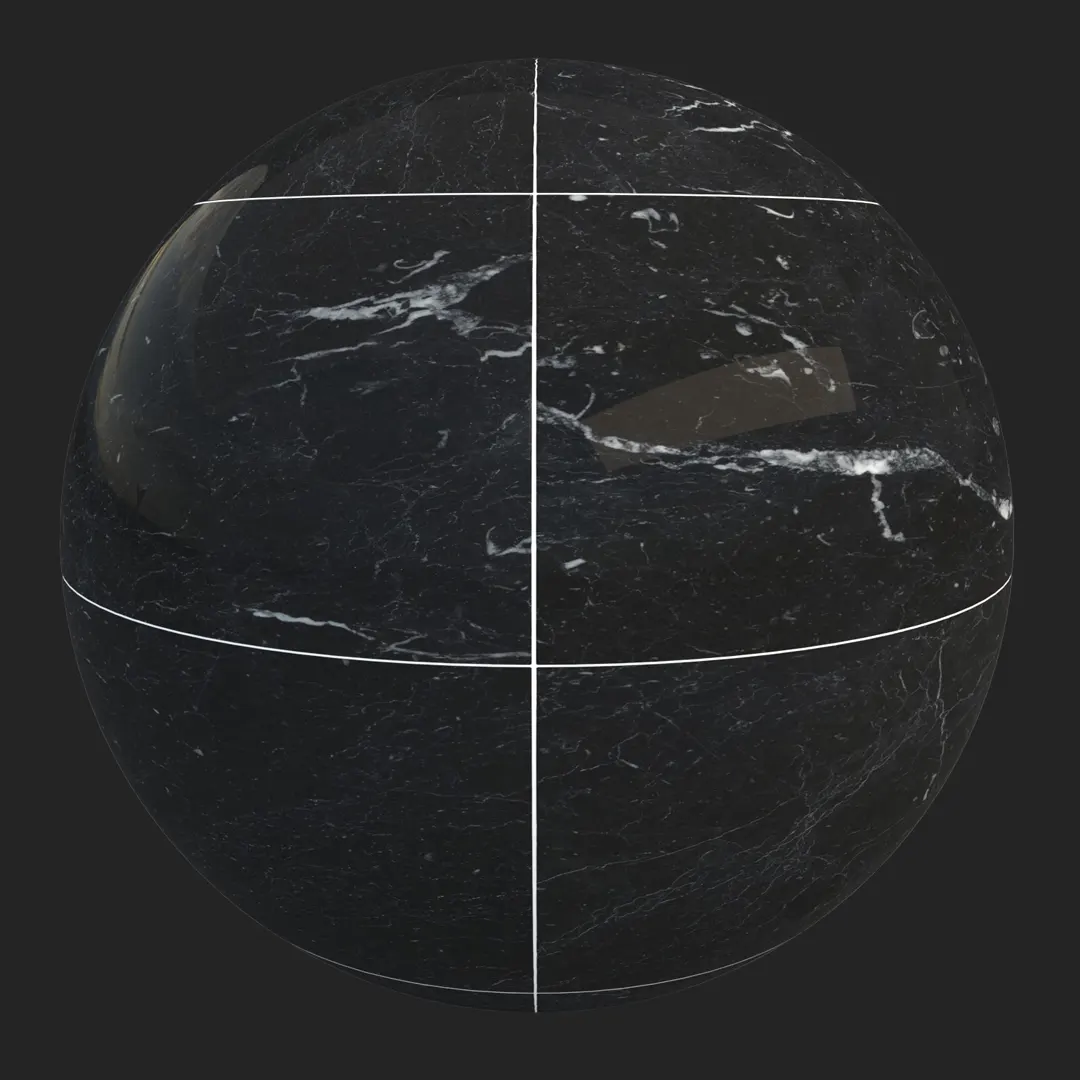
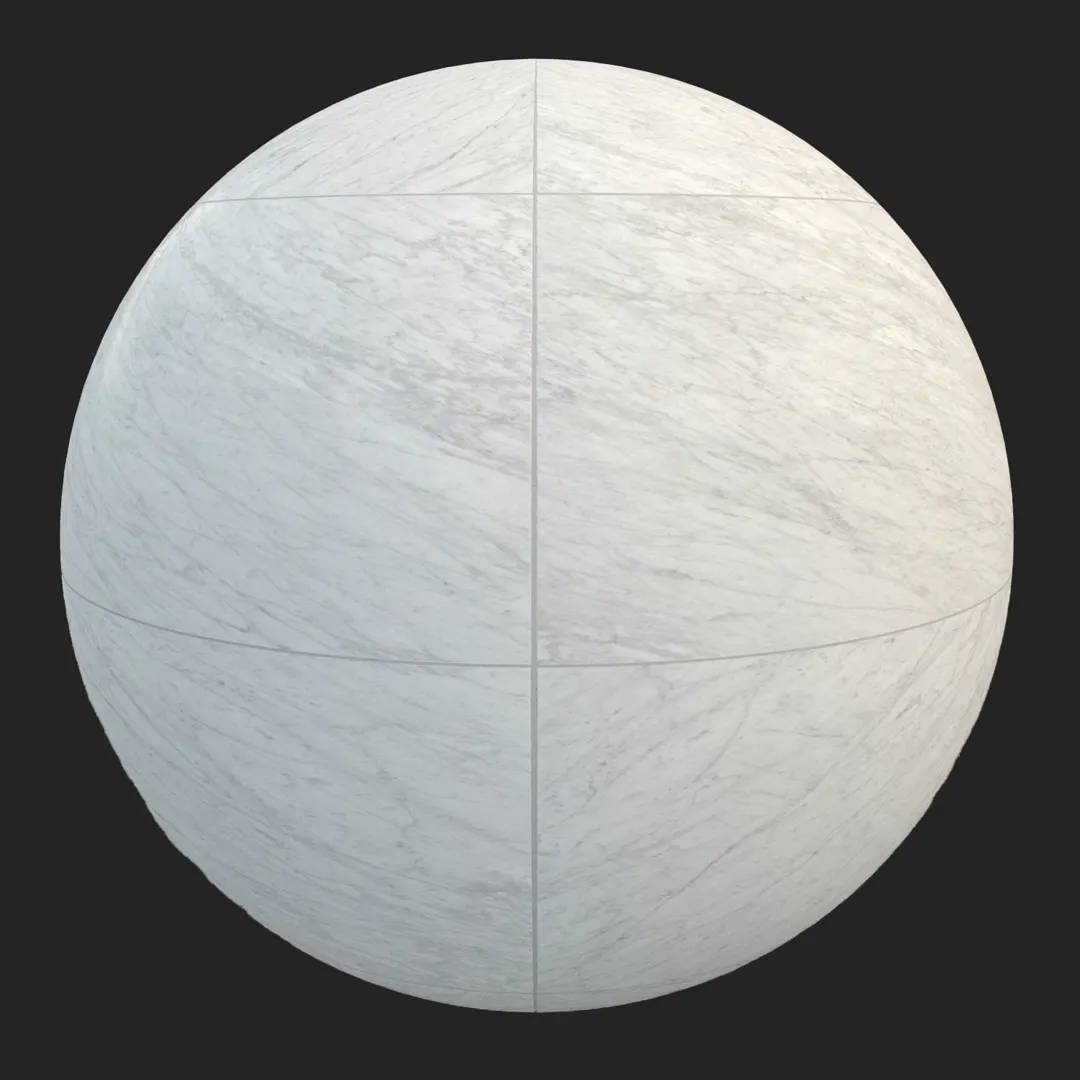
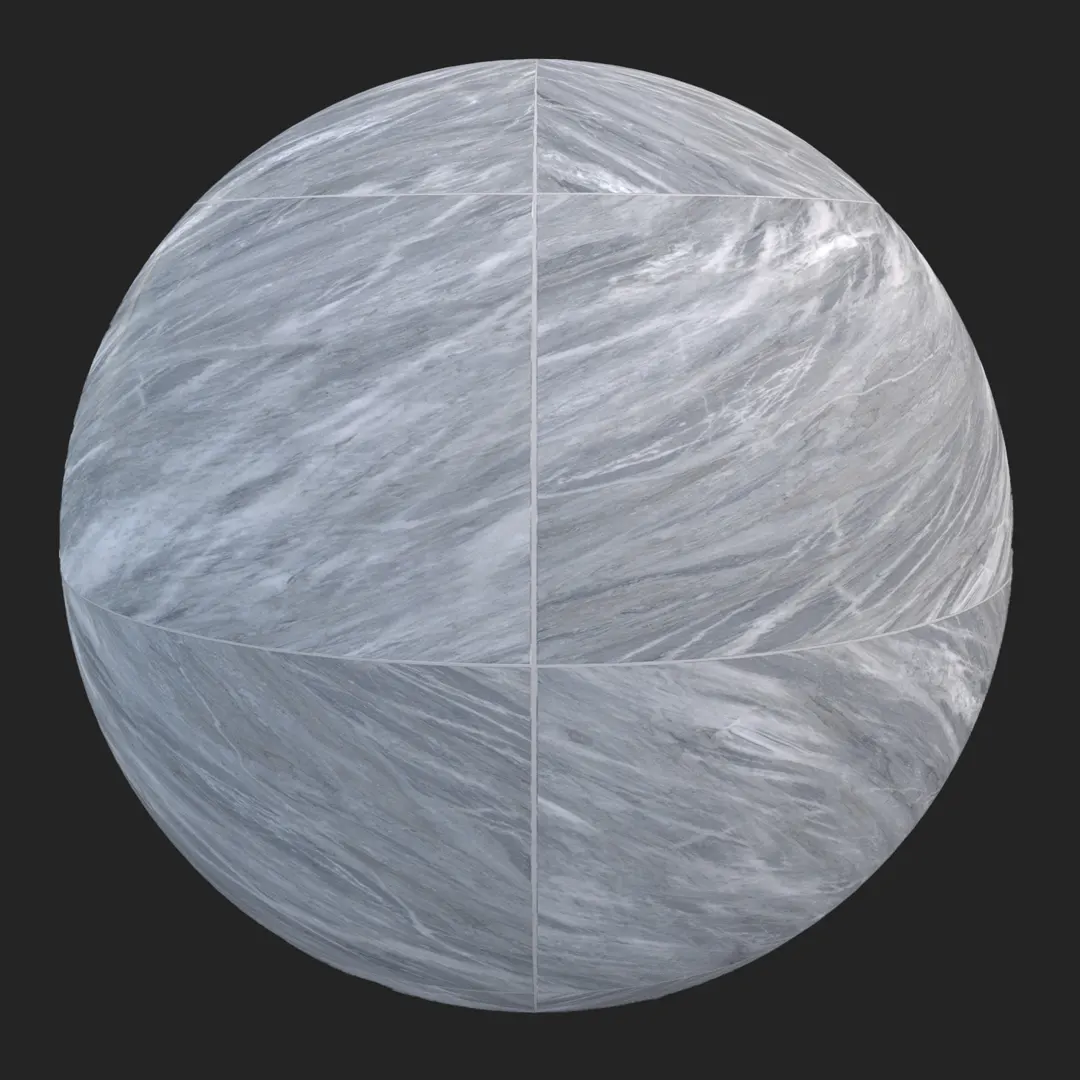
This grey marble veined tile provides a refined, cool-toned foundation for high-end interior spaces. Featuring large-format geometry with crisp, linear white veining, the surface offers a clean aesthetic that balances natural stone character with the precision of rectified edges. Whether you are developing a luxury bathroom suite or a modern lobby, this grey marble tile serves as a versatile, high-resolution asset that maintains visual fidelity across both wide-angle architectural shots and tight, detail-focused close-ups. Its honed finish minimizes harsh highlights, making it easier to integrate into complex lighting setups without distracting reflections.
B) Best Uses in Real Projects
In residential design, this material excels as kitchen flooring or in master bathrooms where a minimalist, upscale vibe is required. For commercial applications, its large-scale pattern makes it an excellent choice for hotel lobbies or expansive office receptions, where the grid layout helps ground the space. Game environment artists will find it particularly useful for high-end apartment complexes or contemporary corridors, as the PBR maps provide enough tactile detail to hold up under close inspection in real-time engines. While it performs well in covered exterior patios, it is best suited for indoor environments where the honed surface can be protected from aggressive weathering.
C) Design Pairing and Style Fit
This tile is a natural fit for contemporary, Scandinavian, and minimalist design styles. Its cool color temperature pairs beautifully with warm, natural materials to create a balanced interior palette. Consider using this marble alongside brushed brass hardware, deep-toned oak cabinetry, or matte black metal accents to ground the cool grey tones. It also complements clean white plaster walls exceptionally well. One caution: avoid using this material in rustic or traditional cottage settings, as the sharp, rectified grout lines and linear veining are distinctly modern and may clash with more organic or distressed aesthetics.
D) Rendering and Technical Notes
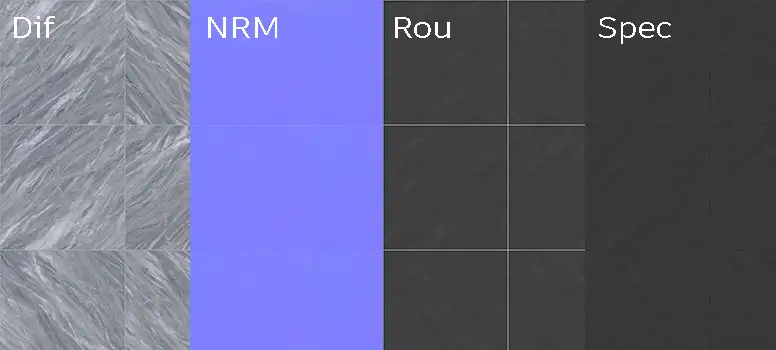
When working with this grey marble in V-Ray, Corona, or Unreal Engine, the honed surface behaves predictably under various lighting conditions. Because the finish is matte-to-satin, you will notice a soft light spread rather than intense, mirror-like reflections. To achieve the best results, ensure your UV mapping is randomized across large surfaces; since the veining is prominent and directional, repeated tiles can create obvious, undesirable patterns. Use the included normal map to accentuate the subtle mineral transitions on the surface. In Unreal Engine, utilize the roughness map to drive real-time reflections, which helps integrate the tile into the surrounding environment without needing high-poly geometry.
Save Time with AfterBox
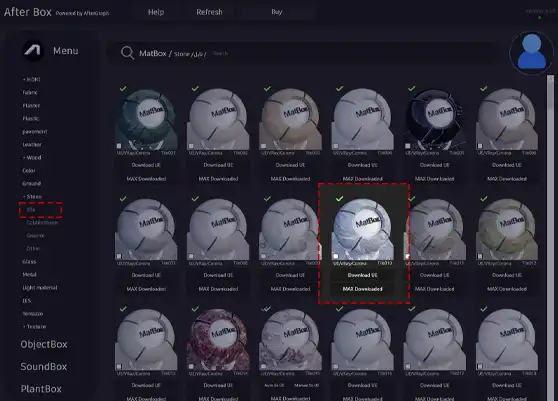
Browse, download and apply materials directly in Unreal Engine, V-Ray and Corona.
E) Dirt, Dust, and Weathering Options
To enhance realism, especially in high-traffic or semi-outdoor areas, consider adding subtle surface imperfections. A light layer of grout discoloration or minor, localized dust accumulation in the joints can break up the digital perfection of the grey marble texture. For architectural walkthroughs, adding very faint, irregular water spots or light streaks—common in bathroom settings—can ground the material in reality. Avoid heavy weathering unless the project brief specifically calls for a neglected or aged space, as this stone looks best when its clean, contemporary character is preserved.




F) Ready Material Workflow
Working with ready-made materials for V-Ray, Corona, and Unreal Engine significantly streamlines the production pipeline. By utilizing pre-configured shaders, you avoid the time-consuming process of manually plugging in base color, specular, roughness, and normal maps for every asset. These materials are optimized for immediate drag-and-drop usage, ensuring consistent results across your scenes. This efficiency allows you to spend more time on lighting and composition rather than foundational material setup.

G) Download and AfterBox Workflow
This grey marble tile is available as part of the AfterBox library, designed specifically to integrate into your professional visualization workflow. AfterBox allows for a frictionless transfer of high-quality, ready-to-use materials directly into your preferred 3D software. By bypassing manual import steps, you maintain a cleaner project structure and faster iteration times. For detailed pricing and membership information, visit https://after-box.com/pricing/ to see how our tools can support your production needs.
Save time on material setup
Instead of downloading this texture, use the optimized ready-made material for VRay , Corona Renderer (3ds Max) and Unreal Engine available in AfterBox.
No manual setup


