


A) Introduction and Material Overview
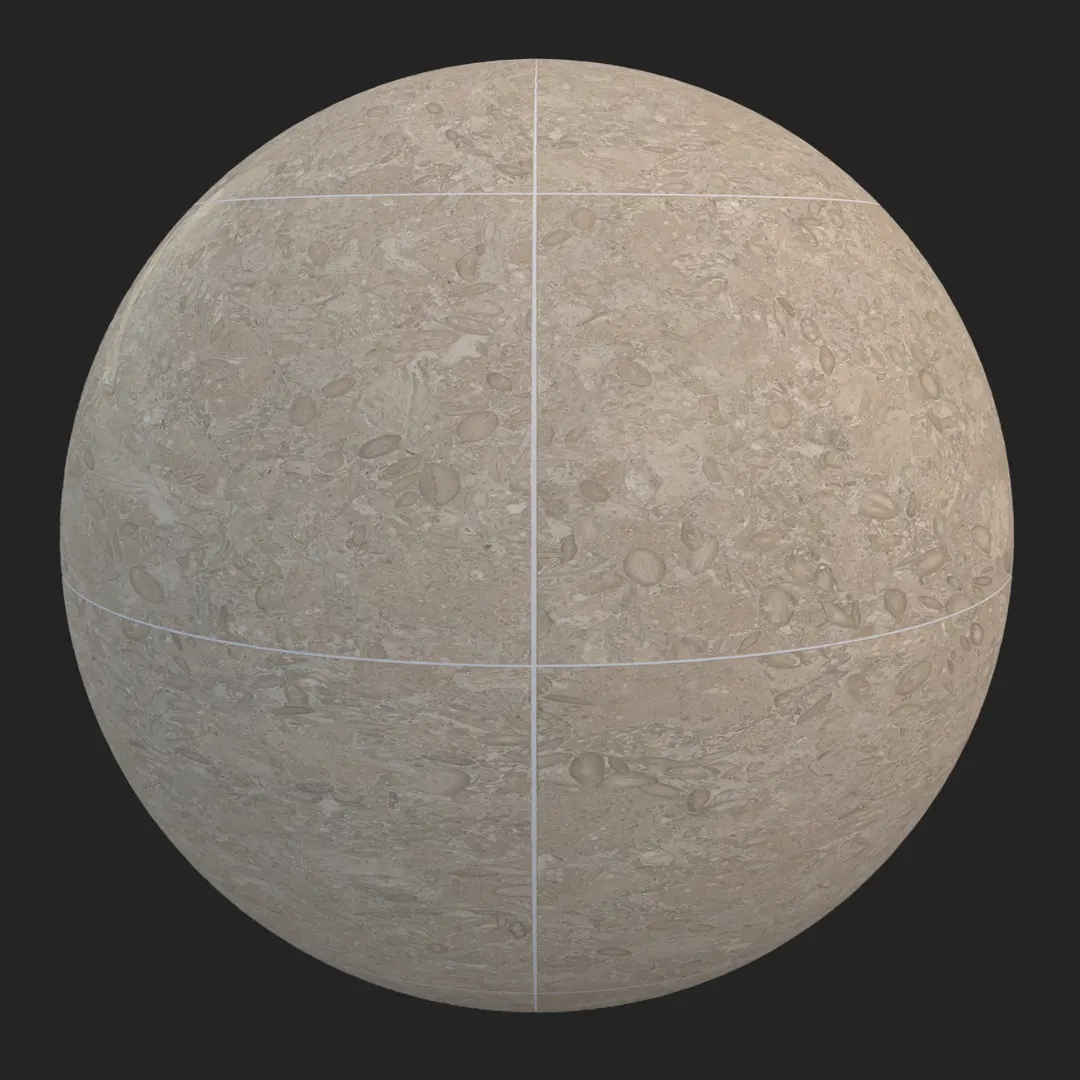
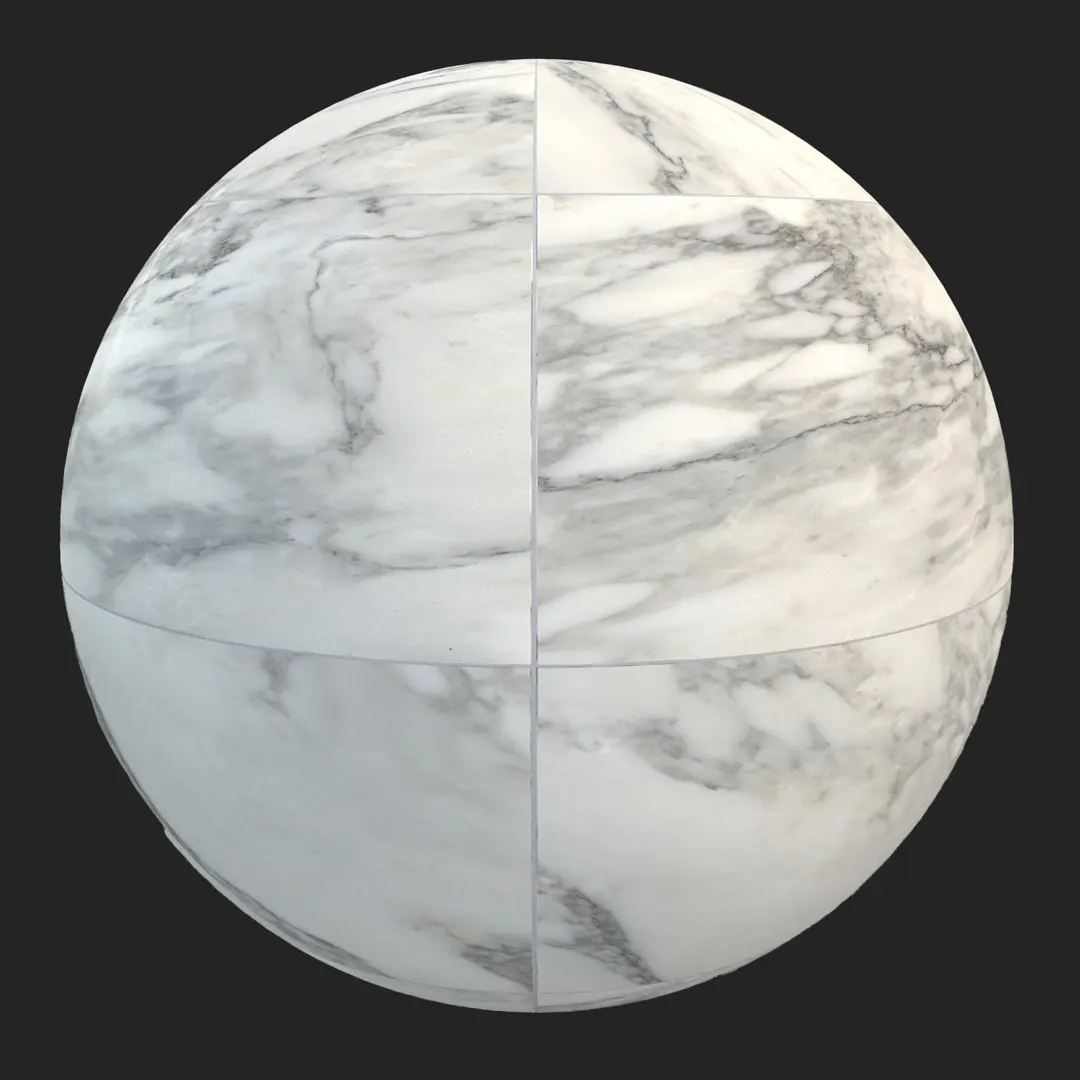
Achieving photorealistic stone surfaces requires a delicate balance of color, micro-porosity, and organic variance. This honed light beige fossiliferous limestone tile provides a sophisticated foundation for high-end architectural visualization. Featuring a neutral, cream-to-pale-gray palette, the material is defined by its fine-grained surface and sporadic, delicate shell inclusions that break up the uniformity. Unlike high-gloss marbles, this limestone offers a matte, honed finish that disperses light softly, making it an ideal choice for minimalist and contemporary design schemes. Its natural, medium-scale pattern ensures that it anchors a space without becoming visually overwhelming.
B) Best Uses in Real Projects
The versatility of this limestone lies in its understated elegance. For interior design, it serves as a premium choice for expansive floor plates in living areas or as a tactile wall cladding in luxury bathrooms and kitchen backsplashes. Commercially, it performs exceptionally well in reception areas or high-end retail environments where a clean, warm, and professional aesthetic is required.
In the realm of digital environments, this material is highly effective for historical building reconstructions or luxury apartment interiors where the goal is to communicate quality through subtle material detail. While it excels in most architectural scenarios, it is less suitable for industrial-themed projects or high-traffic exterior areas exposed to harsh chemicals, where more rugged, non-porous materials would be preferred.
C) Design Pairing and Style Fit
This material thrives in Scandinavian, Mediterranean, and modern minimalist styles. Its neutral color temperature acts as a bridge between warm and cool elements. It pairs beautifully with natural textures like rift-sawn oak, raw linen, or brushed brass fixtures. To ground the space, consider pairing it with high-contrast elements like black metal window frames or soft, matte-finished plaster walls. Avoid using it in spaces intended for heavy industrial aesthetics, as its refined, organic nature may clash with exposed steel or weathered concrete.
D) Rendering and Technical Notes
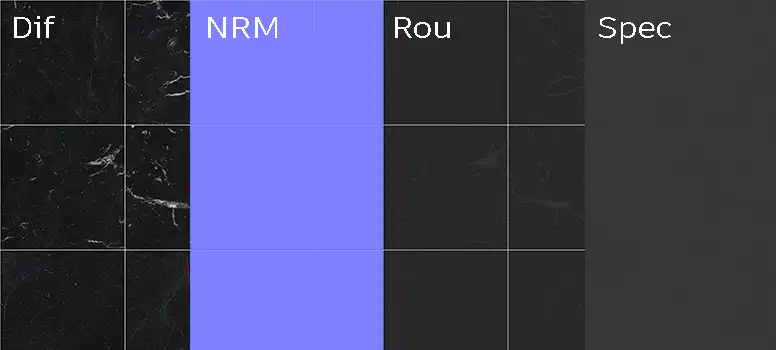
From a rendering perspective, the strength of this 8K asset is in the interaction between the diffuse light and the physical surface structure. The honed finish means the roughness map should be used to dial in subtle variations in reflectivity. Because the tile features natural porosity, applying a high-quality normal map—or a displacement map for extreme close-ups—is essential to capture the depth of the shell fragments and the microscopic surface pits. In Unreal Engine, take advantage of the material’s procedural nature to adjust the tiling scale, ensuring that the subtle tonal variations don’t create visible, repetitive “cloning” patterns across large floor areas.
Save Time with AfterBox
Browse, download and apply materials directly in Unreal Engine, V-Ray and Corona.
E) Dirt, Dust, and Weathering Options
To elevate the realism of this stone, consider layering in subtle imperfections. For interior applications, a light, sparse distribution of dust or fine debris in the corner seams and near baseboards can prevent the “perfectly clean” look that often betrays a digital render. In a semi-outdoor context, such as a covered patio, adding faint mineral salt deposits or darkening the pores with a subtle moisture map can imply aging. Avoid over-weathering; the beauty of this limestone is its clean, organic clarity.




F) Ready Material Workflow
We provide pre-configured, ready-to-use materials for Unreal Engine, V-Ray for 3ds Max, and Corona Renderer. These ready materials save hours of manual setup by pre-linking the high-resolution maps to the appropriate material shaders, ensuring correct PBR behavior out of the box. By using these presets, you can bypass the tedious process of adjusting specularity and normal intensity for every new project, allowing you to focus purely on lighting and composition.

G) Download and AfterBox Workflow
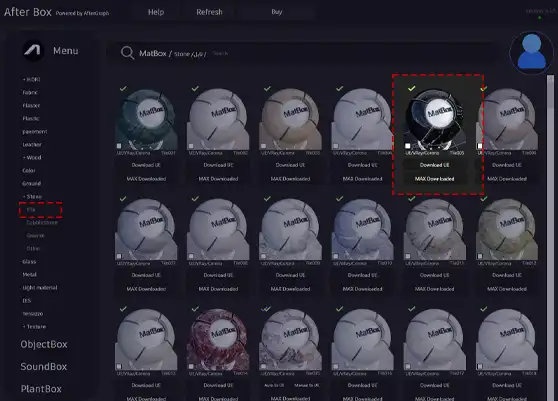
Integrating this asset into your pipeline is simplified through the AfterBox application. Our workflow allows for a seamless drag-and-drop experience, moving the texture and its pre-configured material settings directly into your scene. This eliminates the need for manual file management and shader node mapping. For information regarding full library access and project management tools, please visit https://after-box.com/pricing/ for more details.

Save time on material setup
Instead of downloading this texture, use the optimized ready-made material for VRay , Corona Renderer (3ds Max) and Unreal Engine available in AfterBox.
No manual setup


